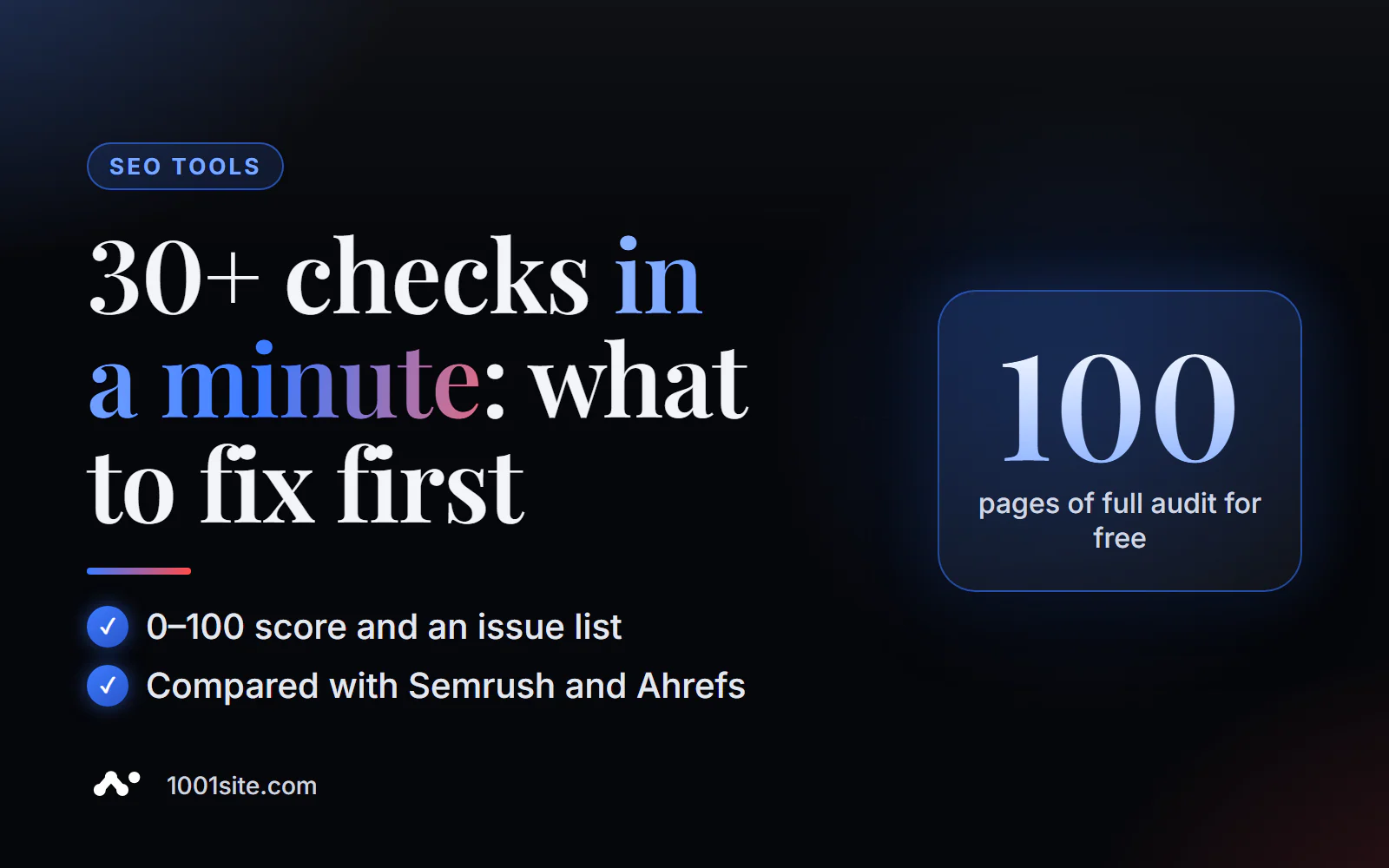
The short answer: to perform a free online SEO audit of your website, paste the page address into PromoPilot's Comprehensive SEO Audit. In 10-30 seconds, it will check it across 30+ parameters (speed, meta tags, Open Graph, security, content, links), assign a score from 0 to 100, and categorize issues into errors and warnings. No registration required. Below you'll find instructions on how to use it, how to read the report, how this tool differs from Semrush, Ahrefs, and Screaming Frog, and when a free audit isn't enough.
I've been developing websites and online stores for over 12 years, and I run this express audit before every project delivery: it catches things the eye misses in a minute—a forgotten noindex, an empty description, a 3MB image on the homepage.
What does a free SEO website audit check?
The tool opens the page as a search robot sees it and runs six groups of checks. Each check has a status: normal, warning, or error.
| Group | What is he looking at? | Why is this important for SEO? |
|---|---|---|
| Performance | TTFB (server response time), page weight, compression | A slow page ranks worse and loses mobile visitors. |
| On-Page SEO | title, description, H1, canonical, structure H1–H6 | This is what the search engine uses to understand the topic of the page and build a snippet. |
| Open Graph | og:title, og:description, og:image | What a link looks like in Telegram, WhatsApp, Facebook, and LinkedIn |
| Safety | HTTPS, security headers | Without HTTPS, the browser scares the visitor, and Google lowers trust |
| Content | text volume, structure, Schema markup | Thin pages without structure rarely make it to the top and into AI responses. |
| Links | internal and external links, alt text for images | Interlinking distributes weight between website pages |
The result is an overall score from 0 to 100. This isn't a " Google ranking," but rather an indicator of the page's technical health: 90+ means there are no basic errors, while below 70 means there are issues that need urgent fixing.
How to conduct an online SEO audit of a website?
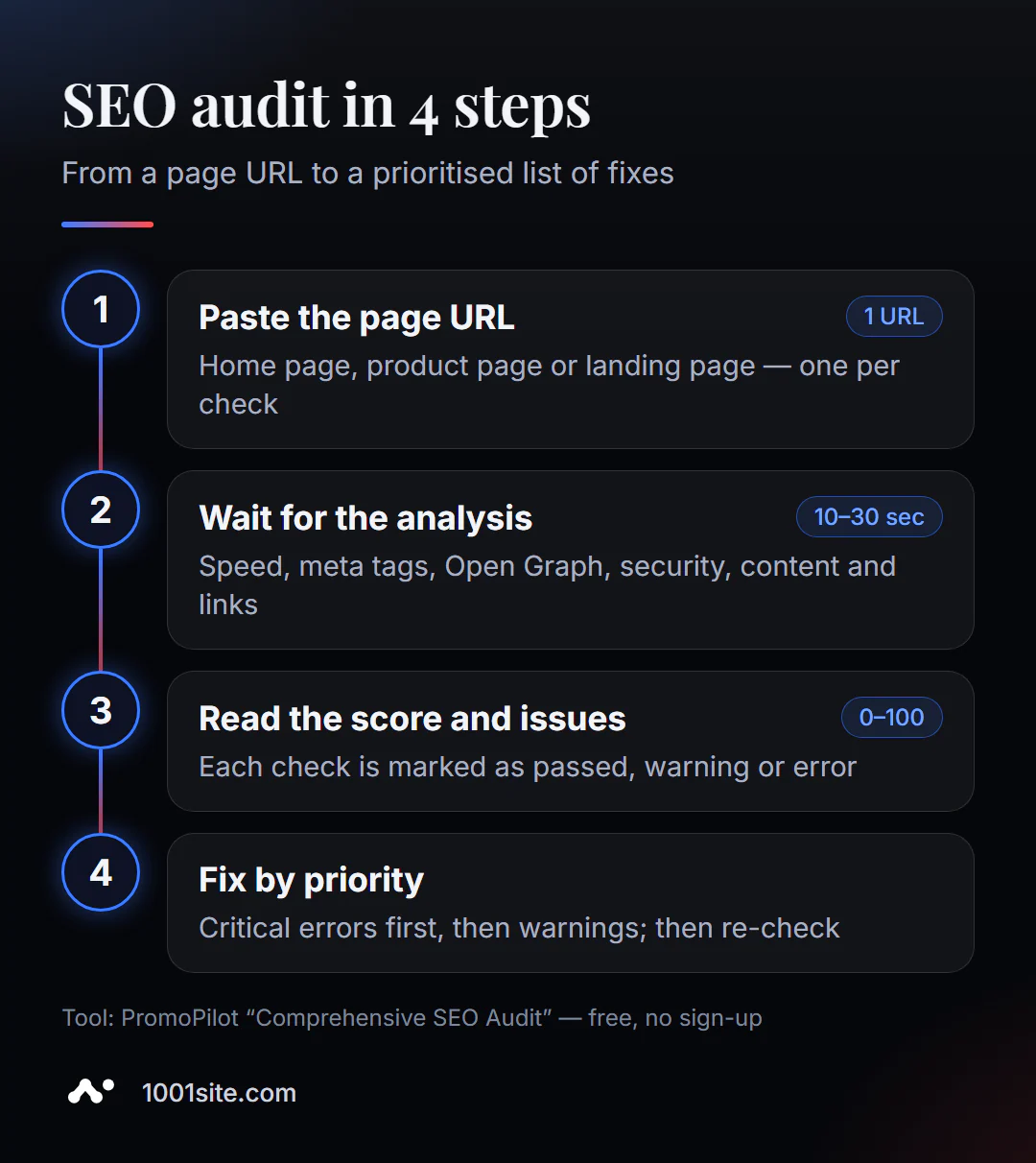
- Open the tool. The comprehensive SEO audit runs in your browser, no installation required.
- Insert the page address —the homepage, product page, or ad landing page. One check per page.
- Click "Site Audit" and wait 10-30 seconds.
- Review the report from top to bottom: errors first, then warnings.
- Correct it and check again - the rating should increase and the error should disappear from the list.
This is what the tool's page looks like: a field for the address, a counter for free checks for today, and links to more in-depth checks—On-Page SEO, speed, broken links, Open Graph, and domain trust.
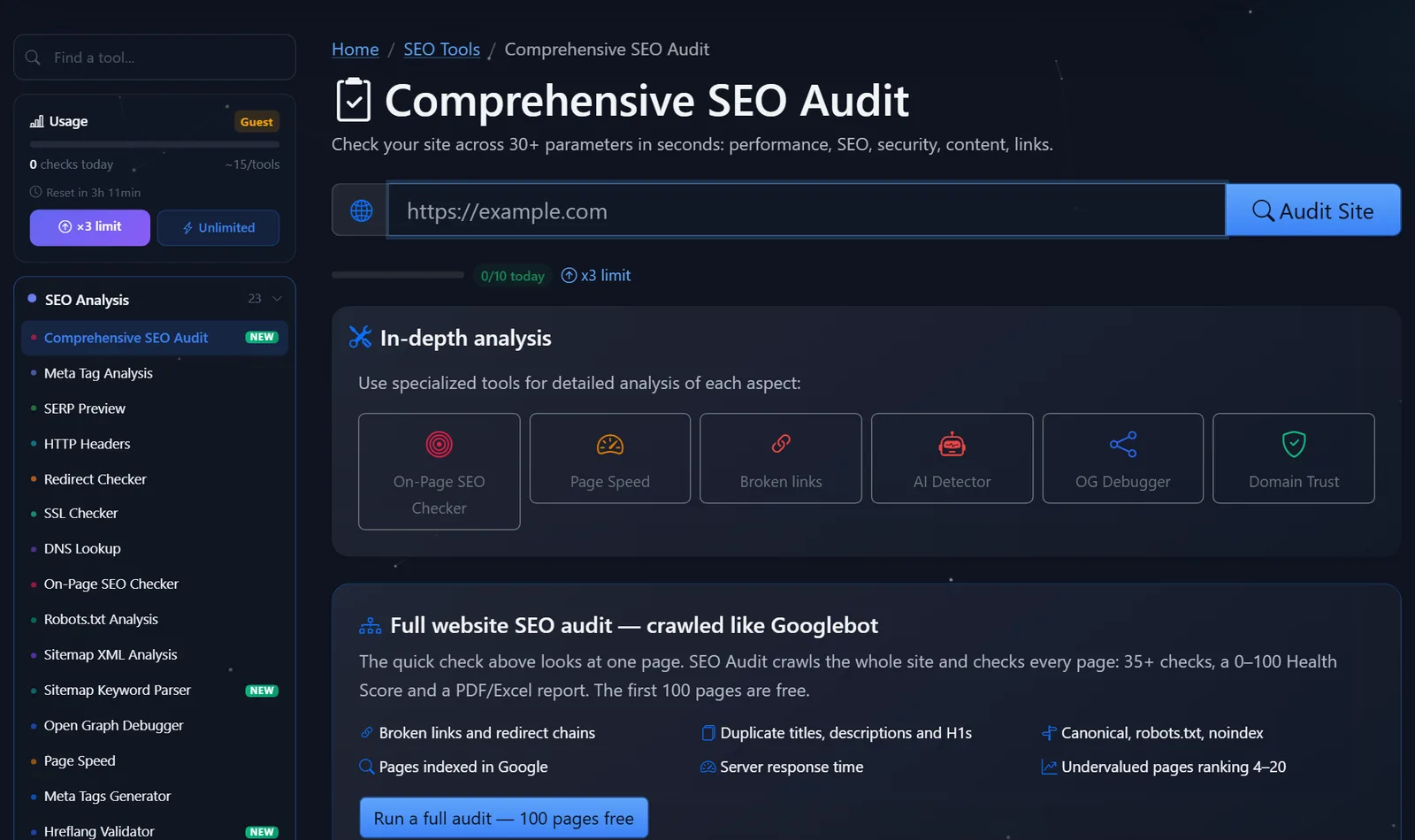
Guests are allowed several checks per day—the counter is visible directly above the form; after free registration, the limit is tripled. This is more than enough for a one-time check of your website.
What should you fix first after an SEO audit?
Beginners often rush into fixing everything and then give up after an hour. It's better to prioritize—from what's hindering indexing to what simply improves the snippet.
- Accessibility and HTTPS. If a page returns an error, goes into a redirect chain, or opens without HTTPS, that's critical; the rest comes later.
- Title, description, and H1. There's no title, or it's the same on many pages, and there's no H1 or multiple H1s—search engines don't understand what the page is about.
- Canonical and noindex. Accidentally
noindexafter development or canonicalizing to someone else's address is a common reason why a site "disappears from Google." - Speed. High TTFB can be addressed on the hosting and caching side, while a heavy page can be addressed by compressing images and removing unnecessary scripts.
- Open Graph and markup. These don't directly impact rankings, but they do increase click-through rates on social media and your chances of getting a featured snippet.
If an error is repeated on all pages (for example, a missing H1 in a product page template), it's fixed once in the template—and then it disappears across the entire site. This is the main sign that it's time to call a developer rather than edit the pages manually.
Comparison: PromoPilot, Semrush, Ahrefs, Screaming Frog and PageSpeed
There are many free ways to check a website, each with its own strengths. Here's an honest comparison of what you can get for free.
| Tool | What's free? | Restrictions | Who is it suitable for? |
|---|---|---|---|
| PromoPilot — Comprehensive SEO Audit | Express audit of any page, 30+ checks, score 0–100; full site crawl – first 100 pages | One page per check, daily limit | Quickly check your website or a competitor's website without registration |
| Semrush Site Audit | Free account audit | Up to 100 pages, registration required | For those who already work at Semrush |
| Ahrefs Webmaster Tools | Website audit, 170+ types of issues | Only for your verified sites | For website owners with domain access |
| Screaming Frog SEO Spider | Crawler on a computer | Up to 500 addresses, the program must be installed | For technical specialists |
| Google PageSpeed Insights | Speed and Core Web Vitals | Just speed, no meta tags or links. | Speed test separately |
The bottom line is simple: for a quick check of any page—including someone else's—an online audit without registration is the most convenient. Ahrefs and Search Console provide more data, but only for sites you have access to. Screaming Frog is a professional crawler, but it's overkill for a one-time check.
By the way, PromoPilot offers 87 free SEO tools in addition to auditing: meta tag analysis, redirect, robots.txt, and sitemap checking, indexing, broken links, and speed testing. This entire blog section is dedicated to them—one article per tool.
How does an express check differ from a full website audit?
An express audit looks at a single page. A full audit crawls the entire site, like Google, and finds things that aren't visible on a single page: duplicate titles and H1s between pages, broken links and redirect chains, pages not indexed, and "undervalued" pages in the 4th to 20th positions. PromoPilot's full audit includes 35+ checks, a Health Score from 0 to 100, and a PDF or Excel report; the first 100 pages are free.
When is a free tool not enough?
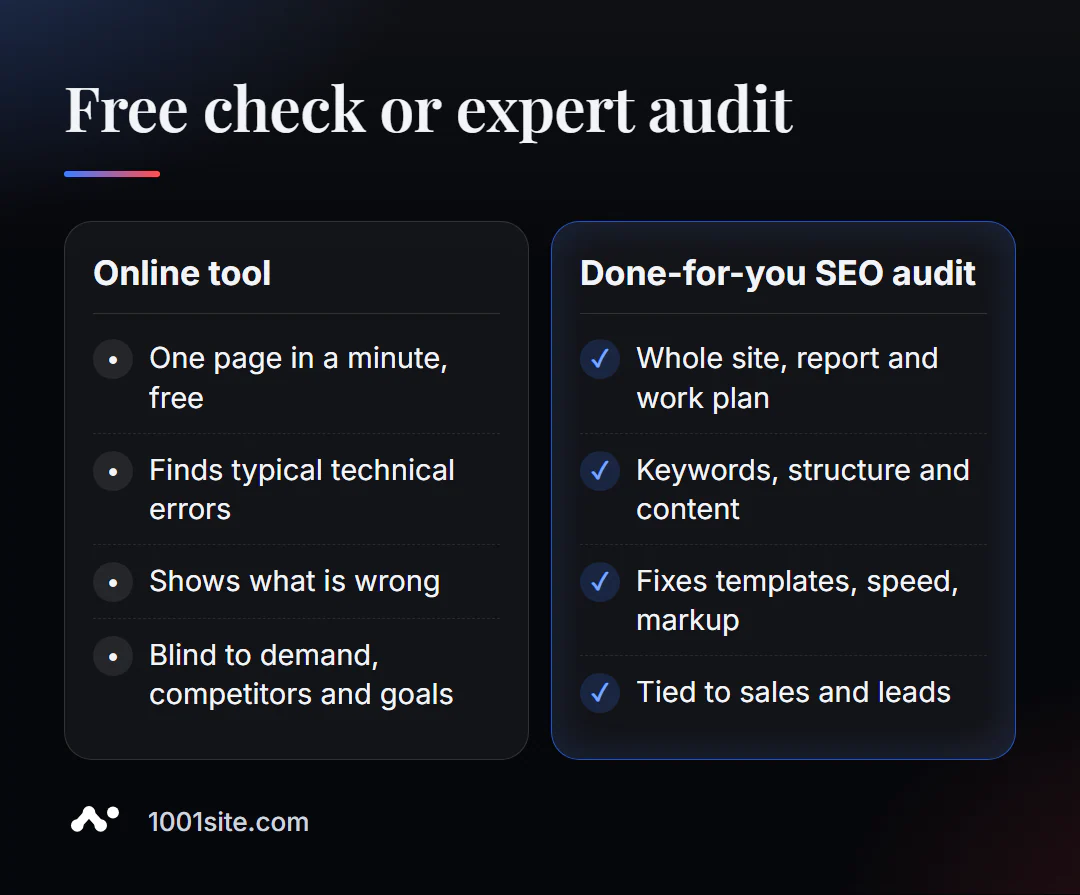
An online tool honestly reveals what's wrong. But it doesn't know which queries are bringing you clients, how your competitors' websites are structured, or which pages need to be merged or rebuilt. You need a specialist if:
- the rating is low, and the errors are in the template or website engine;
- You are moving to a new website or domain and are afraid of losing your position;
- traffic has dropped, but there are no obvious errors in the report;
- What is needed is not verification, but growth: structure for queries, content, interlinking.
What can I do for your website?
My name is Valeriy Danyuk, I'm a developer and SEO specialist: over 12 years, I've built websites and systems for over 200 clients. Free tools like this are a good starting point, and then I step in where hands-on work and brainpower are needed.
SEO and promotion
- Turnkey website SEO audit: I analyze reports, identify the root cause of problems, and fix them in the template and code, not on individual pages.
- An SEO blog that brings in clients from search engines: articles are written, illustrated, and published by AI using my methodology— a case study of an AI-powered SEO blog. And how such a human-less editorial team works is discussed in an analysis of an autoblog with AI agents.
- GEO — promotion in AI assistant responses: how a hotel got recommended by ChatGPT, Gemini, and Perplexity in 5 weeks.
Websites and online stores
- A WordPress website with an AI assistant for €299 and 3 days —a storefront, landing page, or online store on WooCommerce with proper SEO from day one.
- A website on 1001site is in the style of the world's best websites: sitemap, structured data, social media previews, and server-side rendering are all automatically configured. Example: a plastic surgery clinic website powered by AI.
CRM, accounting and automation
- CRM with a built-in customer database and decision maker for a swimming pool chemicals manufacturer (Slovakia).
- ERP + website + AI-powered Telegram bot for auto dismantling in 6 days.
- A monthly accounting system with an online store and an accounting system with a store for 30,000 products are two projects for companies from the Czech Republic.
All projects with details are in the portfolio. Send me a link to your website on Telegram – I'll review the report and tell you what will produce the fastest results.
Result
- A free online SEO audit is the fastest way to find technical errors on your page: it takes just a minute, no registration required.
- Fix in order of priority: accessibility and HTTPS → title, description, H1 → canonical and noindex → speed → Open Graph.
- For your site, supplement the check with Google Search Console and Ahrefs Webmaster Tools; for a full crawl, use a crawler.
- Template errors, a move, or a drop in traffic are all reasons to commission a specialist audit, and sometimes it's easier to rebuild an old site on 1001site than to fix it.
Get started right now: check your homepage for free, and if the report reveals more than you're willing to fix yourself, message me on Telegram, and I'll go over it with you.
Sources
- PromoPilot's Comprehensive SEO Audit tool page describes the checks and full audit.
- Screaming Frog — official pricing page (free version limit is 500 URLs).
- Semrush Knowledge Base - Site Audit limits on the free plan.
- Ahrefs Webmaster Tools – a description of a free website audit.