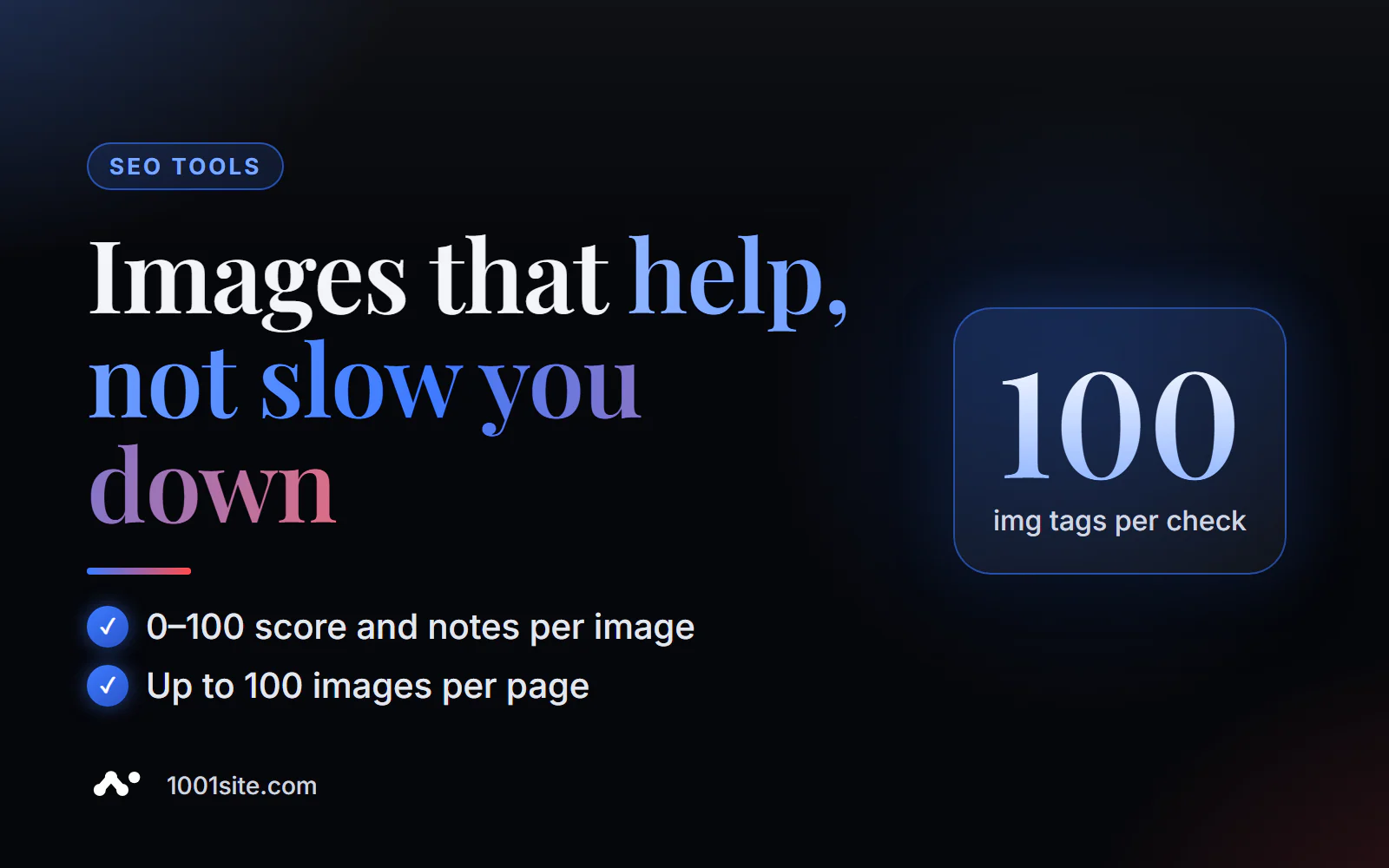
The short answer: to check images on a page for SEO, paste its URL into PromoPilot's free SEO Image Checker. The tool will analyze up to 100 <img> tags: whether there's an alt tag, whether loading="lazy" is set, whether the width and height are set, whether WebP, AVIF, or SVG are used, and whether there's a srcset. The result is a score from 0 to 100 and comments on each image. Below you'll find how the score is calculated, what to fix first, and what the tool doesn't see.
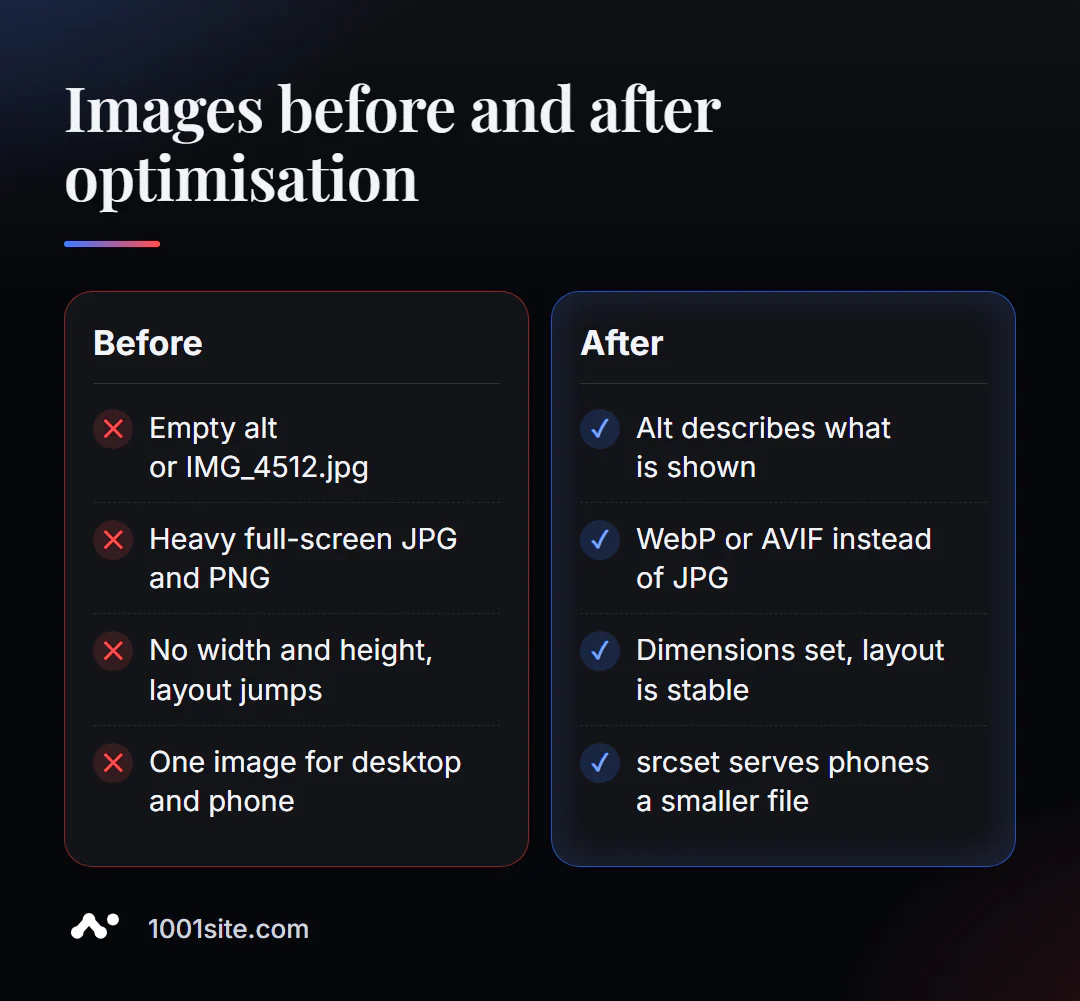
I've been building websites and stores for 12 years, and images are the main bottleneck in almost every one of them. A typical product card: five 3MB photos straight from the camera, a blank alt text, and the file name is IMG_4512.jpg.
What does the Image SEO Check check?
The tool looks at each image on the page based on five criteria and adds them together to form an overall score.
| What does it check? | What is he looking at? | Why is this important for SEO and business? |
|---|---|---|
| Alt | Is there a text description for each <img> | Google Images rank by alt; accessibility for the blind |
| Lazy loading | The loading="lazy" attribute is applied to images below the first screen. | The page doesn't load anything the visitor hasn't scrolled to yet. |
| Width and height | Are the dimensions specified in the tag attributes? | Blocks don't "jump" when loading - this is a CLS metric |
| Format | WebP, AVIF, or SVG by file extension | Modern formats are noticeably smaller than JPG and PNG. |
| Srcset | Are there image options for different screens? | The phone receives the small file, not the monitor version. |
Each image receives a list of comments, and the page receives a final score. This is convenient: you can see not only what's wrong, but also which image is at fault.
How to check images on a website online?
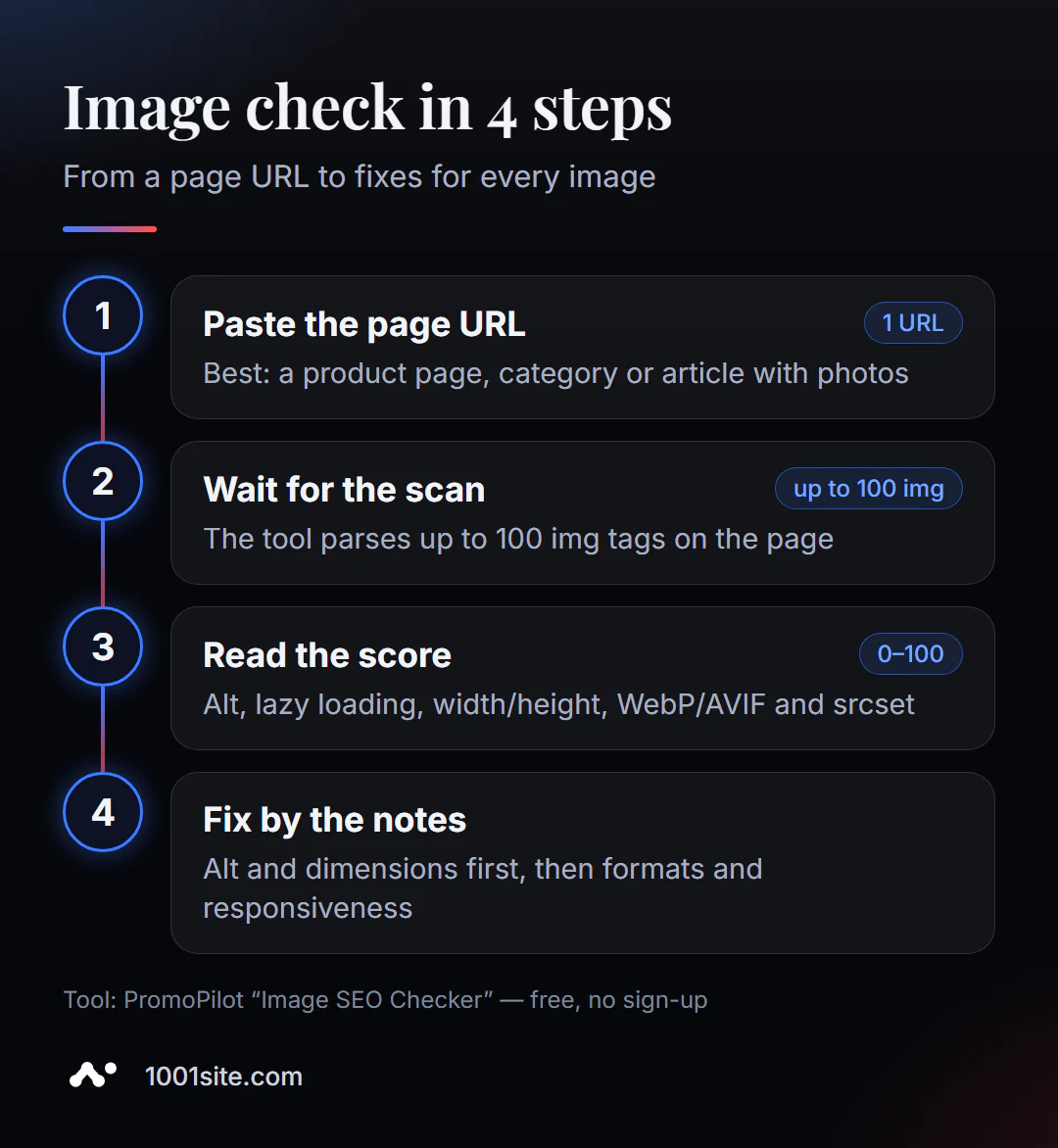
- Open Image SEO Checker.
- Insert the page address, preferably one with a lot of photos: product card, category, blog article, portfolio.
- Click "Check" and wait for all images to be scanned.
- View the rating and list of comments for each image.
- Please fix the problems and check the page again.
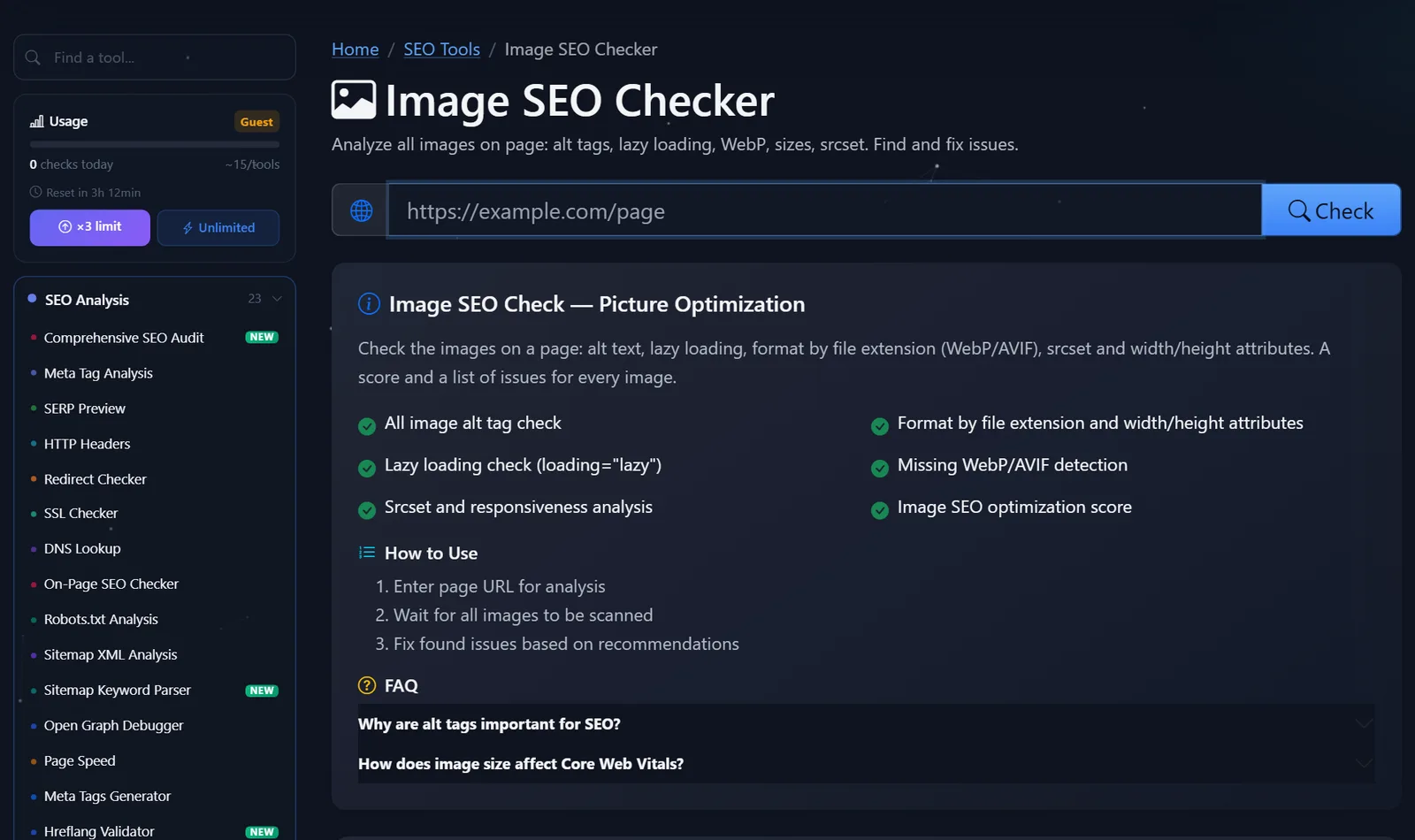
This is what the tool page looks like: address field, list of checks and FAQ.
How is the rating calculated and what should be corrected first?
The rating starts at 100 points, and penalties are deducted for each issue, depending on the percentage of images on the page that fail it. Knowing the rules, it's easy to figure out what will yield the biggest boost.
| Examination | Fine | Comment |
|---|---|---|
| Alt | Less than 50% of images with alt — -30; less than 80% — -15; less than 100% — -5 | The most significant point |
| Lazy loading | less than 50% - −15; less than 80% - −8 | The first three pictures are not taken into account |
| Width and height | less than 50% - −15; less than 80% - −8 | CSS-only dimensions are not taken into account. |
| WebP, AVIF, or SVG | less than 30% - 10 | The format is determined by the extension |
| Srcset for raster images | less than 30% - 10 | SVG doesn't need srcset |
Here is my work order:
- Alt. The most expensive item and the easiest to fix. Write what's shown:
alt="Кожаный рюкзак Nord 20 л, коричневый, вид сбоку", notalt="рюкзак купить дёшево рюкзак". For decorative elements, use an emptyalt="". - Width and height. Specify the actual dimensions in the attributes, and add
img { max-width: 100%; height: auto; }to the CSS—the image will remain responsive, and the layout will stop jumping. - Lazy loading applies to everything below the fold. However, it's detrimental to the hero image: it needs to be loaded immediately and with priority.
- WebP or AVIF. WordPress has supported WebP uploads since version 5.8, and AVIF since version 6.5.
- Srcset for large photos so that the phone doesn't download the monitor version.
An example of a proper main image and adaptive photo in the text:
<img src="/img/hero.webp" alt="Мастерская кожаных изделий Nord" width="1200" height="600" fetchpriority="high"> <img src="/img/bag-700.webp" srcset="/img/bag-700.webp 700w, /img/bag-1400.webp 1400w" sizes="(max-width: 700px) 100vw, 700px" alt="Рюкзак Nord 20 л, вид сбоку" width="700" height="700" loading="lazy">How to write a good alt tag for an image?
The alt tag is the most important element of evaluation, and it's where mistakes are most often made: either leaving it blank or stuffing it with keywords. A simple rule: describe the image to someone who can't see it in one sentence.
| Picture | Bad alt | Good alt |
|---|---|---|
| Product photo | рюкзак купить рюкзак недорого | Кожаный рюкзак Nord 20 л, коричневый, вид спереди |
| Team photo | photo1 | Мастера мастерской Nord за работой над сумкой |
| Diagram or chart | график | Рост заказов с сайта по месяцам: с 40 до 120 в месяц |
| Decoration icon | иконка | empty alt="" — there's no need to read it |
For a catalog, it's convenient to create alt tags using a template: product name + color or variant + angle. This way, five photos on a single card will have five different, useful descriptions, rather than five identical ones.
The file name also matters: kozhanyj-ryukzak-nord-korichnevyj.webp is better than IMG_4512.jpg. There's no point in renaming old files just for this, but upload new ones with descriptive names.
Comparison: Image SEO Checker and Alternatives
| Tool | What's free? | Restrictions | Who is it suitable for? |
|---|---|---|---|
| PromoPilot — Image SEO Checker | Alt, lazy loading, width/height, formats, srcset; rating 0–100 and comments for each image | Up to 100 img, file size is not estimated | Quickly parse images from any page |
| Google PageSpeed Insights | Image audits as part of the speed test: format, size, lazy loading | Mixed with dozens of other checks, alt barely understands | Assessing the impact of images on speed |
| Squoosh | Compress and convert a single image in a browser | Doesn't check the page, works with files | Preparing individual images |
| Screaming Frog SEO Spider | List of images without alt text throughout the site | Installation is required, the free version has a limit on addresses | Alt audit on hundreds of pages |
Conclusion: An online checker shows what's wrong with the images on a specific page, PageSpeed shows how much it costs in speed, and Squoosh or a converter helps fix the files themselves.
PromoPilot has 87 free SEO tools, including an image compression tool and a WebP converter that work directly in the browser, without uploading files to the server. To understand the overall page size, check out our article in our page speed analysis series.
What doesn't image verification see?
Let's be honest about the tool's limits—it's important to know them to accurately interpret the rating:
- File size is not taken into account —images are not downloaded; the format is determined by the extension.
-
<picture>tag is not parsed: JPG in<img>will be tagged even if there is AVIF or WebP in<source>next to it. - Background images from CSS and images added by JavaScript are not included in the report.
- Dimensions specified only in CSS are not taken into account.
- A page without a single
<img>gets 50 points - this is not "half the mistakes", but "nothing to rate".
When is a free tool not enough?
Correcting the alt text on a single page takes ten minutes. But if the store has five thousand products, it's impossible to do it manually. You need a specialist if:
- alt should be generated automatically from the name, color and angle for the entire catalog;
- images are loaded from the camera without compression, and an automatic pipeline is needed: compression, WebP, multiple sizes;
- The website theme displays photos without width, height, and srcset, and the template needs to be fixed;
- Want to get traffic from Google Images for product queries?
What can I do for your website?
I'm Valeriy Danyuk, a developer and SEO specialist with 12 years of experience and over 200 clients, including numerous online stores with thousands of photos.
SEO and audit
- Turnkey website SEO audit: I check images across the entire site, set up automatic conversion and alt text in templates.
- An AI-powered SEO blog that brings in organic clients —automatically displays alt and WebP images for each article.
Stores and catalogs
- A 300-item catalog in just a few minutes via MCP and Claude —with descriptions and photos for each item.
- An online store on WooCommerce with proper image processing.
- Moving a store from Instagram to the website —product photos and descriptions are moving along.
- Products, photos, and text can be transferred to 1001site via a link from your old website or social media.
Accounting and automation
- Accounting + bookkeeping + store for 30,000 products.
- Telegram bot with AI for an online sauce store.
Send me a link to the product card in Telegram - I'll tell you how much you can win based on the pictures.
Result
- The online SEO image checker analyzes up to 100 images on a page and assigns a score from 0 to 100, along with comments for each.
- The most points are given to alt and width/height dimensions, followed by lazy loading, WebP/AVIF and srcset.
- The main image doesn't need lazy loading - it needs
fetchpriority="high". - For large catalogs, photo processing is automated—or a platform is chosen where this is already done, for example, 1001site.
Check your site's heaviest page with the free Image SEO Checker —start with the alt.
Sources
- PromoPilot's Image SEO Checker page - checks, evaluation rules, limitations, and FAQ.
- Google Search Central - Image recommendations for search.
- Google PageSpeed Insights and Squoosh - Feature Descriptions.