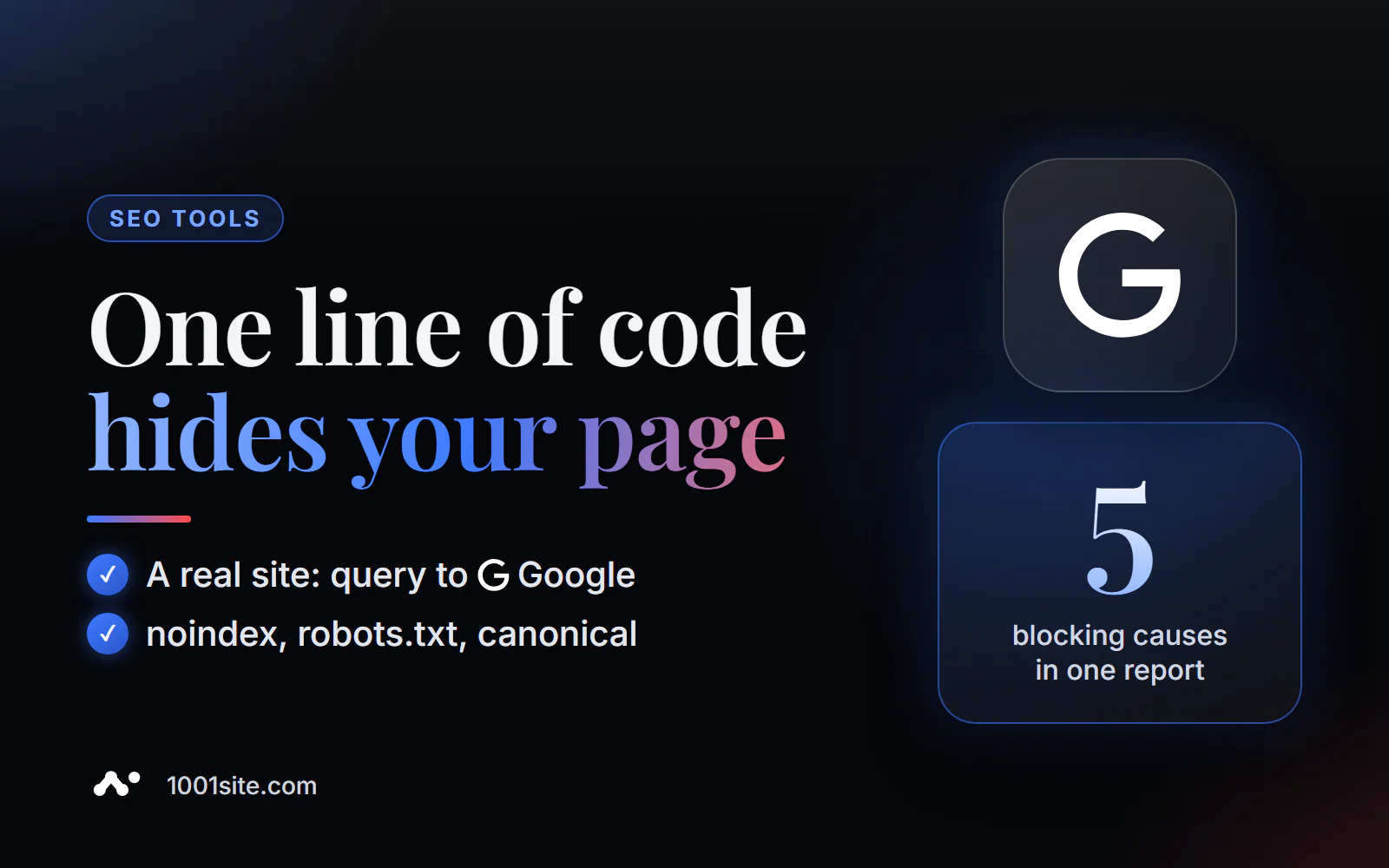
The short answer: to check a page's indexing in Google, paste its address into PromoPilot's Page Indexing Checker. The tool will perform a real site: request to Google and tell you if the URL is indexed. If not, it will check for any issues, including meta robots and X-Robots tags, disallowed robots.txt, canonicalization to another URL, or missing sitemap.xml. It will then return a verdict with the causes and possible fixes. It's free and requires no registration. Below is how to read the verdict and what to do about each issue.
"The page was published a month ago, but it's not in Google " is the most common question I get. Half the time, the culprit is a forgotten noindex, left over from development.
What does page indexing check?
The tool combines two things: a fact (whether the page is currently in Google) and a diagnosis (whether it can get there in principle).
| Examination | What is he looking at? | Why is this necessary? |
|---|---|---|
| Availability in the index | A real site: query in Google for this URL | The answer to the main question: does Google see the page? |
| meta robots | The <meta name="robots" content="noindex"> tag in the code | A direct ban on indexing is the most common reason |
| X-Robots-Tag | The same prohibition, but in the HTTP response header | It's not visible in the page code and can be easily missed. |
| robots.txt | Is the address blocked by a Disallow rule? | A robot cannot crawl a page and read it. |
| canonical | What address does the canonical link point to? | Canonical to another URL - Request to index a different page |
| sitemap.xml | Is the address on the sitemap? | Without a sitemap and links, Google may not know about the page for a long time. |
| Verdict | Summary with reasons and solutions | What exactly needs to be repaired? |
How to check if a page is indexed in Google?
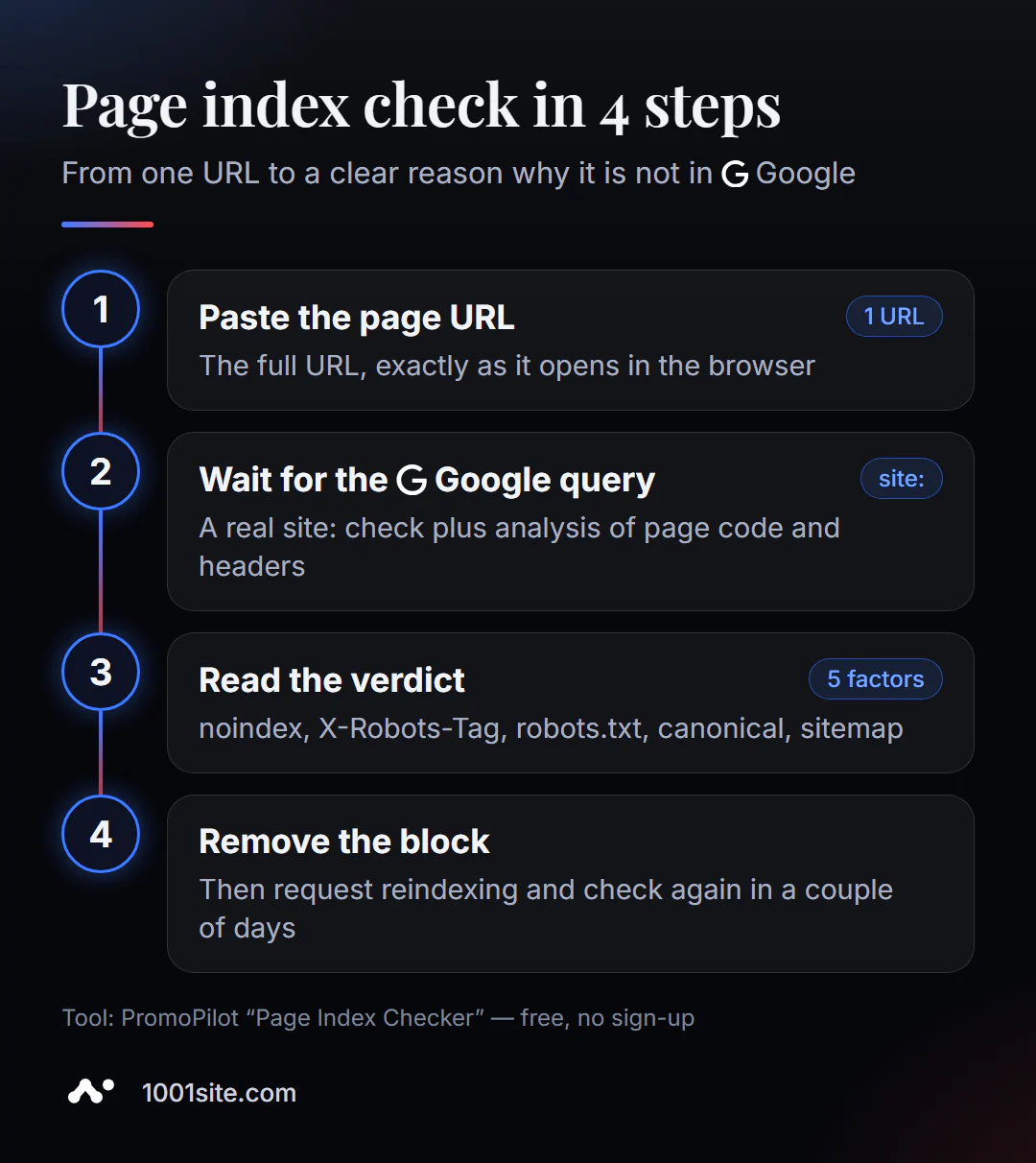
- Open Page Indexing Checker.
- Paste the full page address, including the protocol and exactly as it appears in the browser:
https://example.com/new-page. - Click "Check indexing" and wait for Google to query and analyze the factors.
- Read the verdict: "in index" or "not in index" and the list of found blocks.
- Eliminate the cause and check again after a few days.
This is what the tool page looks like: an address field, a counter of free checks for today, and a list of what is being analyzed.
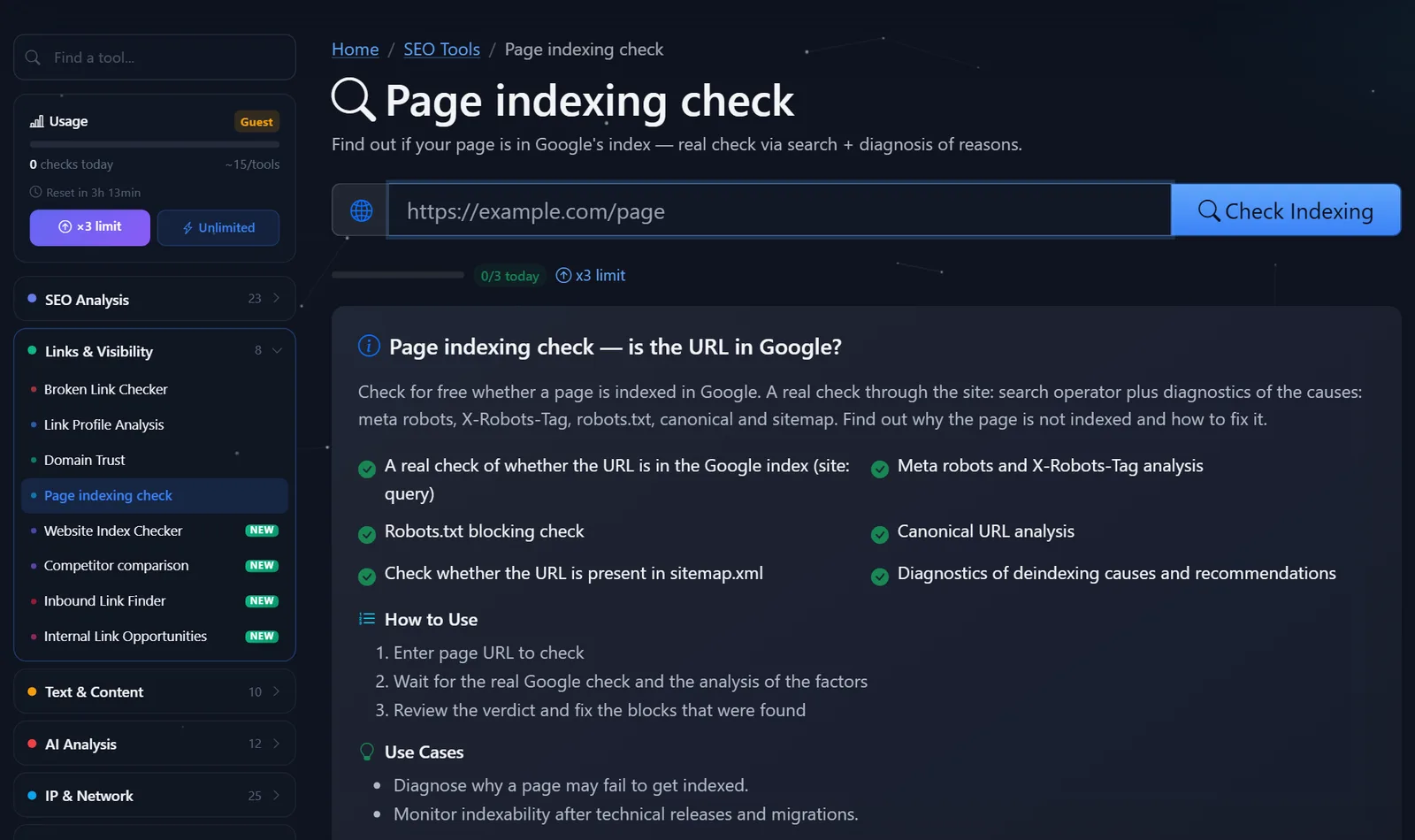
Example verdict: The page https://example.com/new-page is blocked from indexing because the code contains a meta noindex, and the canonical URL points to a different URL. Two reasons at once, and both are in the template.
Why is the page not indexed and what should I fix first?
Consider the reasons in this order - from direct prohibitions to “soft” ones.
- Noindex in meta robots or X-Robots-Tag. Remove it. A common situation: during development, the "hide site from search engines" option was enabled in the CMS and then forgotten to be disabled. For the X-Robots-Tag, check your server settings, CDN, or SEO plugin.
- Disallow in robots.txt. A rule like
Disallow: /blog/closes the entire section. A subtlety: if a page is closed in robots.txt, Google can't read "noindex" on it. Therefore, to remove it from the index, you need an open robots.txt and "noindex," and to index it, simply remove the "Disallow" tag. - Canonical to a different address. If the page is unique, the canonical should point to the page itself. The error often resides in the template: all products with a canonical to the category, all articles to the blog's homepage.
- It's not in the sitemap and has no links. It's an orphan page that Google doesn't know about. Add it to your sitemap.xml and add links from already indexed pages—from the menu, categories, and related articles.
- Everything is open, but the page isn't there. This means Google saw it and decided not to include it—usually due to thin or duplicate content. Only improving the page itself can help.
How to quickly find a block yourself. Open the page, press Ctrl+U, and look for noindex and canonical in the code. The X-Robots-Tag header is visible in the browser's developer tools (Network tab → Document response → Headers). Open robots.txt at ваш-домен/robots.txt —find the Disallow rules that match the beginning of the page's address. The tool does all this for you, but knowing where to look is helpful: it makes it easier to verify that the edit was actually applied.
A special case are pages with parameters and filters: ?sort=price, ?color=red, UTM tags. These usually don't need to be indexed; it's best when the canonical links to the main version. If you check such a URL and see "not indexed" with the canonical linking to the category, everything is working as intended.
Once the technical issues are resolved, you can speed up the process: submit your verified site's URL for reindexing using the URL inspection tool in Search Console. However, this is a request, not a guarantee: new pages can take several days to several weeks to be indexed.
Comparison: PromoPilot Page Indexing Check and Alternatives
| Tool | What's free? | Restrictions | Who is it suitable for? |
|---|---|---|---|
| PromoPilot — Page Indexing Checker | Indexing Fact + Diagnostics: noindex, X-Robots-Tag, robots.txt, canonical, sitemap | Public signals, daily check limit | Any page, including someone else's, without access to Search Console |
| Search Console - URL Checker | Exact indexing status, reindexing request | Only for your verified site | For website owners - the main source of truth |
| Manual site: query in Google | A quick look at the results | Without diagnosing the causes, the result may be inaccurate | The very first estimate |
| Screaming Frog SEO Spider | Page indexability during crawling | Shows bans but not Google presence; installation required | Mass site blocking check |
Conclusion: Search Console is the benchmark for your website, but you need access to it. Online checking is convenient when access is unavailable (for example, on a client's site, an old project, or a competitor's page) or when you need to quickly determine if there's a technical block.
PromoPilot has 87 more free SEO tools. If you're asking about your entire website, not just a single page—how many pages the domain ranks in Google and what percentage of the sitemap it ranks in—there's a separate site indexation check for that, which is covered in the next article in this section. The robots.txt analyzer helps you understand robots.txt rules.
Limitations of page indexing check?
The tool uses public signals and does not replace the data from the URL inspection tool in Search Console: only the site owner can see the exact status and reasons for Google exclusion.
Temporary bot blocks—DDoS protection, CAPTCHA, and rate limiting—can affect accuracy: if the tool fails to open a page, the meta robots and canonical results will be incomplete. Also, a recent page may already be indexed, but a site: query doesn't immediately show it. If the verdict is "not indexed" and there are no blocks, check again in a couple of days.
Finally, the tool checks the page from the outside and doesn't know how Google has assessed its quality. The "Crawled, but not yet indexed" status is only visible in Search Console—and it's addressed not by the code, but by the page's content.
When is a free tool not enough?
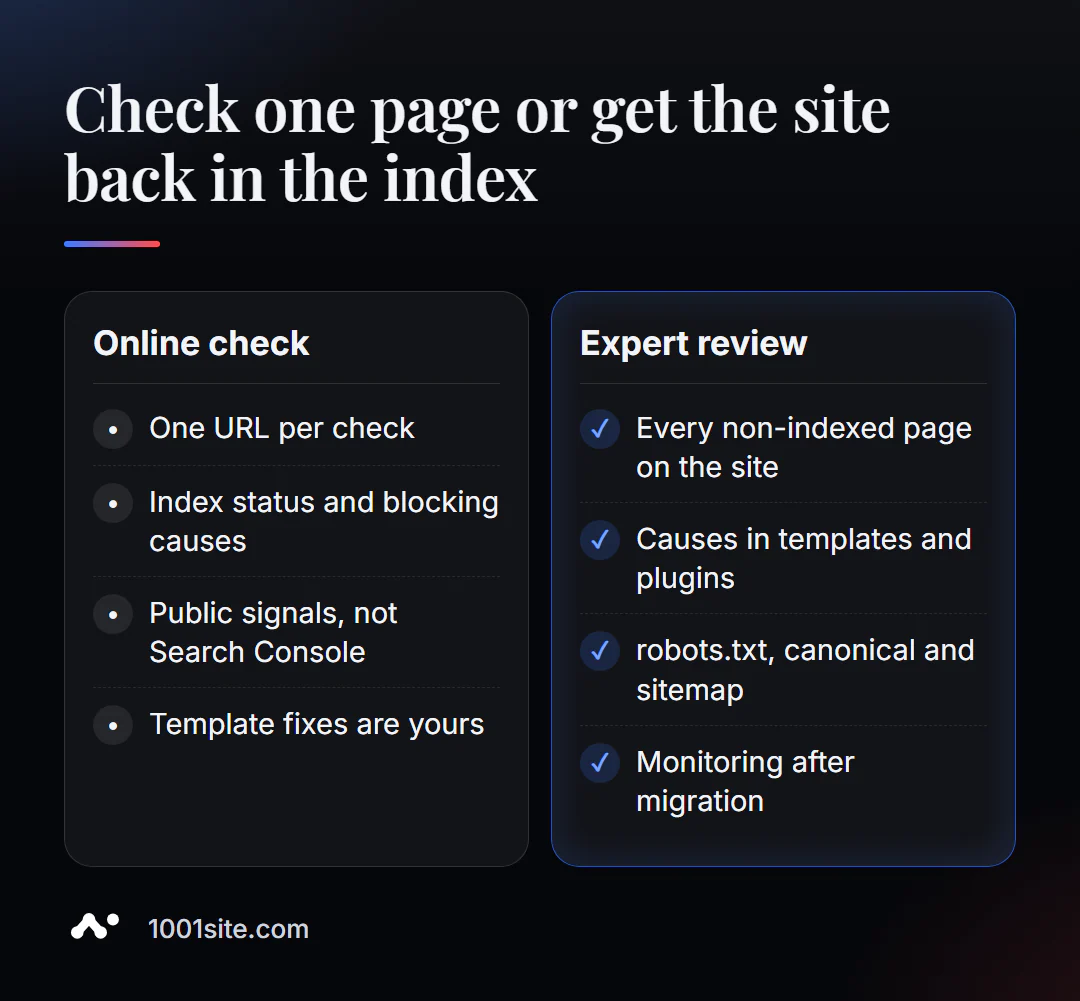
One page with a forgotten noindex takes five minutes of work. But things can be more complicated. You need a specialist if:
- Dozens of pages are not indexed, and there are no obvious prohibitions;
- canonical, noindex or robots.txt are generated by a plugin or template and are “returned” after editing;
- After moving, the pages were removed from the index and new ones do not appear;
- pages in the index, but Google chooses a different address as the canonical one.
What can I do for your website?
My name is Valeriy Danyuk, and I'm a developer and SEO specialist with 12 years and over 200 clients. Indexing issues are one of the most common reasons people come to me.
SEO and promotion
- Turnkey SEO audit: I find out why pages aren't indexed and fix templates, robots.txt, canonical, and sitemap.
- Content that's immediately indexed: an autoblog powered by AI agents publishes articles with correct markup and sitemaps.
- Indexing language versions - in an analysis of how to create a multilingual site without a translator.
Websites and online stores
- A landing page for a new product launched overnight —open for indexing from the first minute.
- Get a website in the style of your favorite website in minutes at 1001site: server rendering, sitemap, and markup are configured automatically.
- Transferring a store from Instagram to a website – with cards found by Google.
CRM, accounting and automation
Send me the address of a page that isn't listed in Google in Telegram - I'll tell you where to look for the cause.
Result
- Checking a page's indexation answers two questions: whether the URL is in Google and what's preventing it from getting there.
- Reasons by frequency: noindex (in code or header), robots.txt, canonical to someone else's address, orphan page without sitemap and links.
- After fixing it, submit the URL for reindexing in Search Console and check again in a few days.
- If dozens of pages aren't indexed, an audit is needed, and an old site with complicated templates is sometimes easier to rebuild on 1001site.
Check the page that "disappeared" from search results —a verdict with the reason will appear in less than a minute.
Sources
- PromoPilot's "Page Indexing Check" tool page — list of checks, example, and limitations.
- Google Search Console Help - URL Inspection Tool.
- Google Search Central - Block indexing with noindex.
- Google Search Central - Canonical URLs and Duplicate Pages.