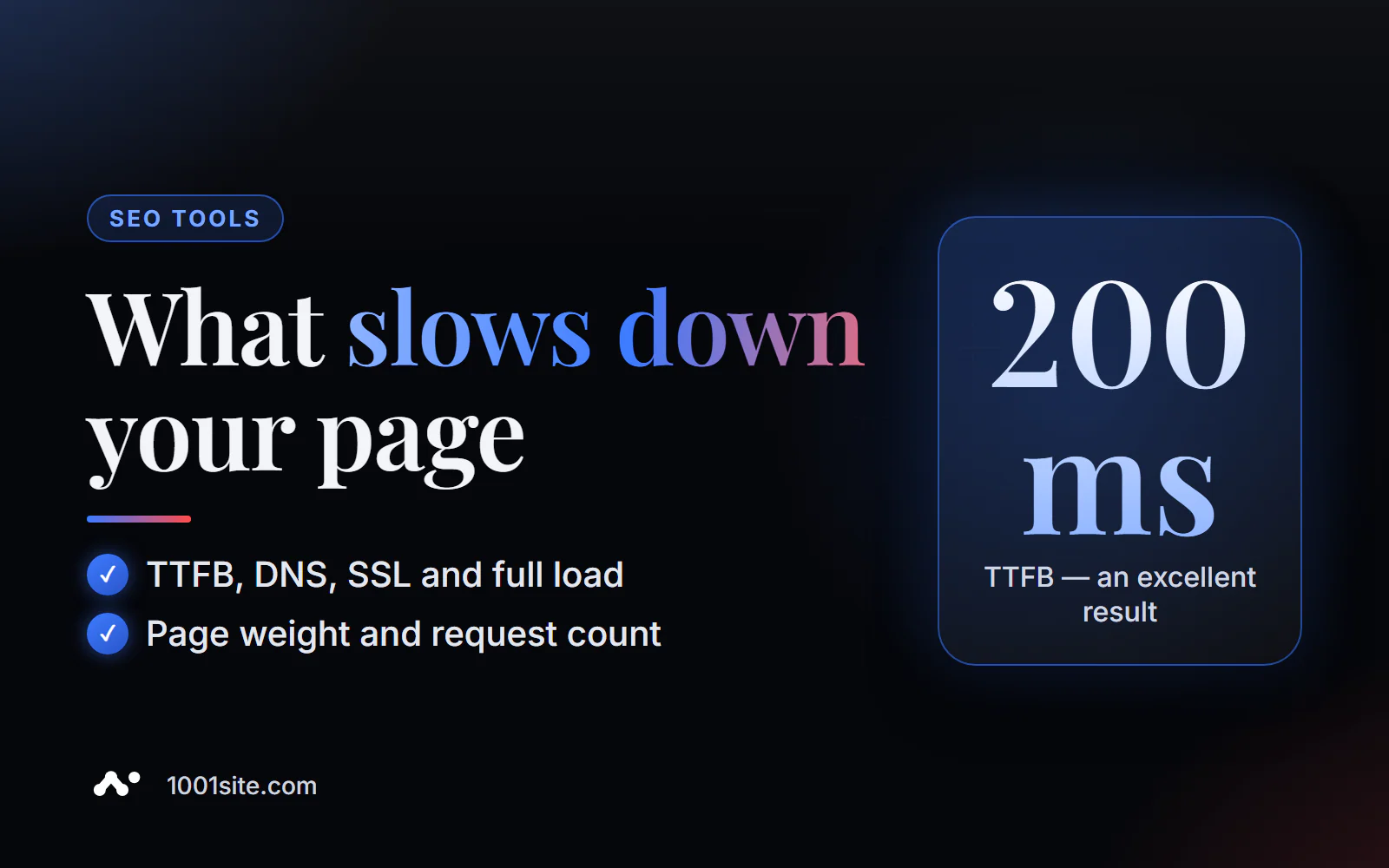
The short answer: to check your page's load speed online, paste its address into PromoPilot's free Page Speed Analyzer and click "Analyze." The tool will load the page and show you the time to first byte (TTFB), DNS resolution and SSL connection time, full page load time, total page size, and the number of requests to JavaScript, CSS, and images—plus speed recommendations. A good guideline: a TTFB of up to 200 ms is excellent, a full load time of up to 3 seconds is normal, and anything longer than 5 seconds is critical. Below, you'll find how to identify the bottleneck and where to start speeding it up.
I've been building websites and online stores for 12 years, and slow loading is the main complaint from owners who come back for "improvements." Half the time, it's not the design that's at fault, but rather hosting without caching or fifteen plugins, each running its own script.
What does page speed analysis measure?
Loading a page is a series of steps: finding the server, establishing a secure connection, receiving a response, and downloading all resources. The tool tracks each step, so you can see exactly where time is wasted.
| Metrics | What does it measure? | Where to look for the cause if you feel bad |
|---|---|---|
| DNS resolution | How long did it take to find the website's IP address? | DNS provider, too complex chain of records |
| SSL connection | Time to establish a secure HTTPS connection | Server settings, server away from visitors |
| TTFB | Time to first byte of response | Hosting, cache, database, heavy plugins |
| Full download time | How long does it take for the entire page to load? | Page weight and number of queries |
| Total page size | How many megabytes does the browser download? | Uncompressed images, videos, fonts, libraries |
| Number of requests | How many JS, CSS, and image files are loaded? | Extra plugins, widgets, counters, fonts |
Speed is both a ranking factor and a usability metric: a slow page loses mobile visitors before they've even seen the offer.
How to check page loading speed online?
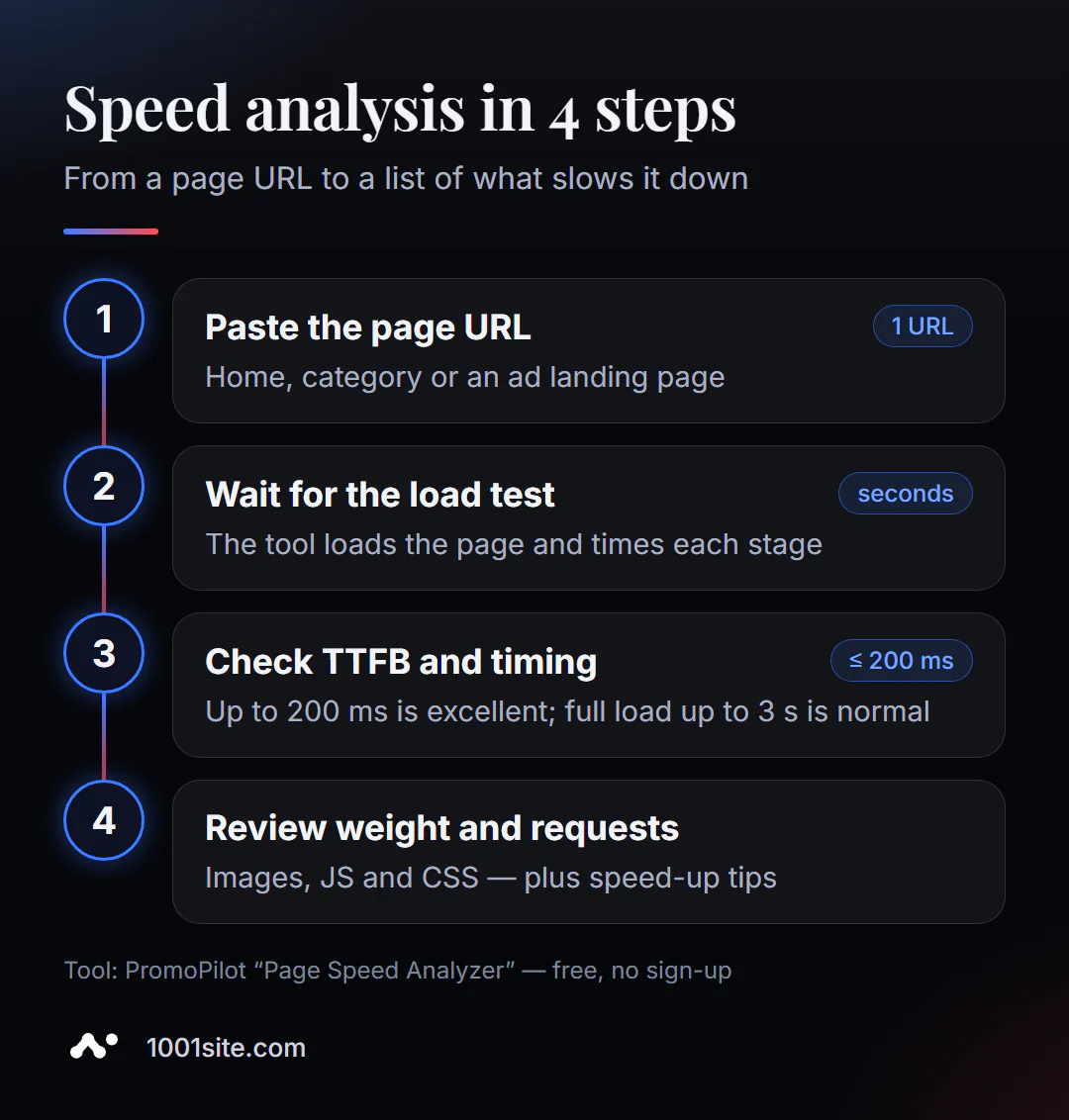
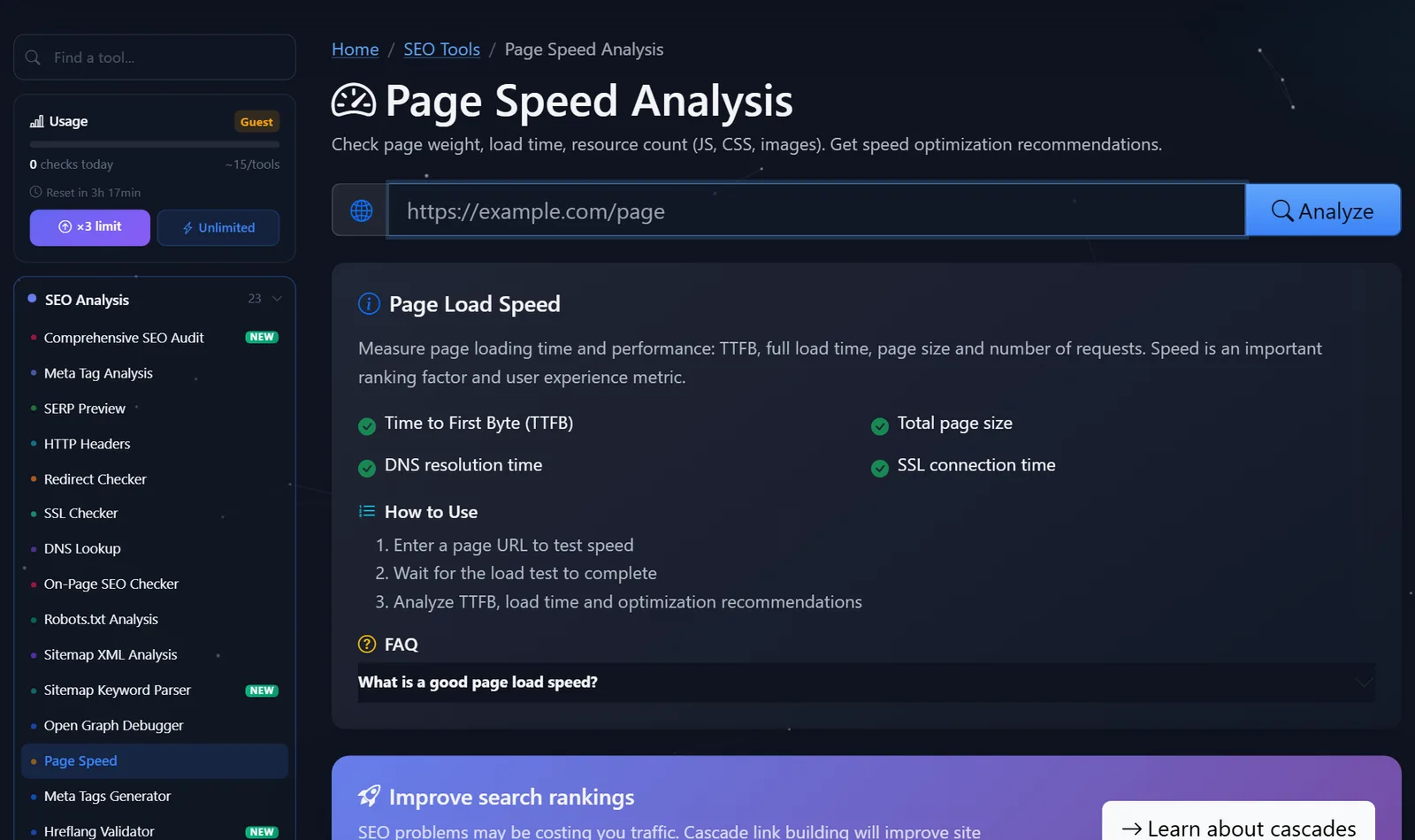
- Open Page Speed Analysis.
- Paste the page address. Check not only the homepage: product pages and landing pages for advertising are often more complex.
- Click "Analyze" and wait for the download test to complete.
- Look at TTFB and total time - those are the two main numbers.
- Analyze your page weight and search queries, then read the optimization recommendations.
This is what the tool page looks like: the address field, the "Analyze" button, and the list of measured metrics.
Tip: Test the same page two or three times in a row. The first test may be slower if the server cache has cooled down; if it's slow every time, the problem is persistent.
And immediately check a couple of your competitors' pages. Absolute numbers mean little to a business owner, but a comparison of "we have 6 seconds, our three main competitors have 2 each" convinces you to allocate budget for speedup better than any chart.
How to read the result and what to speed up first?
The main rule is to find the bottleneck first, then fix it. Compressing images is pointless if the server takes a second and a half to respond.
- If TTFB is greater than 600–800 ms, start with the server. Enable page caching (in WordPress, use a cache plugin or hosting-level cache), check your hosting plan, and disable plugins that make heavy database queries. Aim for 200 ms or less.
- If your page weighs several megabytes, focus on your images. Uncompressed photos almost always account for the lion's share of the size. Convert them to WebP or AVIF, resize them to the actual display size, and enable lazy loading for everything below the fold.
- There are over a hundred requests—clean up your scripts. Chats, maps, pixels, sliders, three fonts in five styles—each one adds requests. Remove what doesn't generate revenue, and load the rest later.
- DNS or SSL are noticeably slow —a rare occurrence, usually resolved by switching to a better DNS provider or CDN.
- A full load time of more than 5 seconds is already critical: visitors leave the mobile internet, and advertising wastes budget on those who don't wait for the page.
A typical example from practice: a landing page weighs 9 MB, 7 MB of which are three background photos taken directly from a camera. Converting to WebP and scaling to fit the screen width reduces the size significantly—without a single design change.
What are Core Web Vitals and how do they relate to this analysis?
Core Web Vitals are three metrics Google uses to evaluate a page's usability: LCP (how quickly the main element of the first screen appears; good is up to 2.5 seconds), INP (how quickly the page responds to actions; good is up to 200 ms), and CLS (how quickly the layout "jumps"; good is up to 0.1).
PromoPilot's speed analysis doesn't directly calculate these metrics—it shows what factors contribute to the load time. But the correlation is direct: a high TTFB and heavy images almost certainly degrade the LCP, while dozens of scripts degrade the INP. Therefore, the working approach is as follows: we identify the bottleneck here, and in PageSpeed Insights, we look at the Core Web Vitals before and after fixing it.
Comparison: Speed and Alternative Analysis
| Tool | What's free? | Restrictions | Who is it suitable for? |
|---|---|---|---|
| PromoPilot — Page Speed Analysis | TTFB, DNS, SSL, total time, weight, number of requests, recommendations | Doesn't count Core Web Vitals, one page per check | Quickly find the bottleneck: server, weight, or scripts |
| Google PageSpeed Insights | Core Web Vitals, Lighthouse Lab Test, and real visitor data when available | There are a lot of technical terms, and not all sites have visitor data. | Rate the page as Google sees it |
| GTmetrix | Detailed load report and query waterfall | Some features require registration. | A deep dive into the boot order |
| Chrome DevTools | Network tab: each request, size and time | You need to be able to read the waterfall, the result depends on your internet | For developers |
Conclusion: for a quick look at "why it's slowing down," a simple analysis with clear numbers is more convenient. For the Core Web Vitals report, use PageSpeed Insights, and for analyzing each request, use GTmetrix or DevTools.
PromoPilot has 87 more free SEO tools. If images are the main issue, our series includes an article on image SEO checking: it will show you which photos lack WebP, dimensions, and lazy loading.
What are the limitations of speed analysis?
The measurement is taken from the tool's server, not from your customer's phone: the page will load more slowly on a mobile device. The results depend on the time of day—hosting load varies during the day and at night, so compare measurements taken at similar times. The tool checks one page at a time and doesn't measure Core Web Vitals or real visitor data—PageSpeed Insights and Search Console are available for that.
When is a free tool not enough?
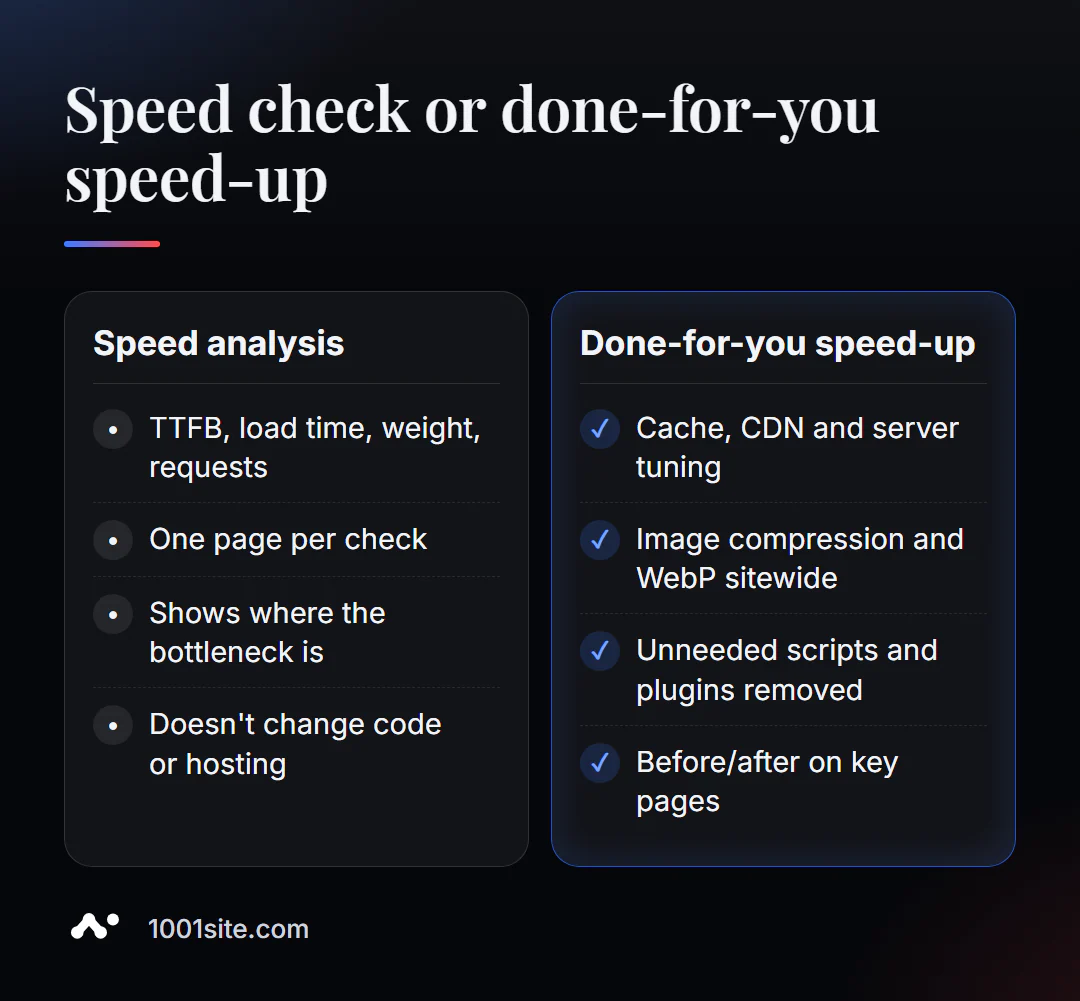
An analysis will reveal where the bottleneck is. But server caching, lazy script loading, and the image processing pipeline won't be fixed by itself. A specialist is needed if:
- TTFB is high, and it is unclear whether the hosting, database, or a specific plugin is to blame;
- a WordPress site with dozens of plugins, and any shutdown breaks something;
- Core Web Vitals in Search Console are "red" on hundreds of pages;
- It's easier to rebuild an old website on a modern platform than to speed it up piece by piece.
What can I do for your website?
I'm Valeriy Danyuk, a developer and SEO specialist with 12 years of experience and over 200 clients. Website speedup is one of those tasks where you can see results in numbers the very next day.
SEO and audit
- Turnkey website SEO audit: I identify the cause of slow loading, adjust the cache, images, and scripts, and measure the results before and after.
Websites and online stores
- A WordPress website with an AI assistant for €299 and 3 days —no extra plugins from day one.
- Tilda with a subscription fee or a website with AI – a comparison of platforms, including speed and flexibility.
- A plastic surgery clinic website with AI and applications via Telegram.
- At 1001site the website runs on server-side rendering on servers in the EU, and SEO settings are enabled automatically.
Accounting, ERP and automation
- ERP + website + AI-powered Telegram bot for auto dismantling in 6 days.
- A monthly accounting system for an online store for a company from the Czech Republic.
- E-commerce agents instead of chatbots.
Send me the address of the slow page in Telegram - I'll tell you what's slowing it down the most and how much you can win.
Result
- Online page load speed analysis shows TTFB, DNS, SSL, total time, weight and number of requests – and where the bottleneck is.
- Benchmarks: TTFB up to 200 ms, full load up to 3 seconds; more than 5 seconds is critical.
- The order of acceleration is: server and cache → images → unnecessary scripts; check the results in PageSpeed Insights using Core Web Vitals.
- If an old site can't be sped up without pain, it's easier to rebuild it—for example, on 1001site.
Check your most important page with a free speed test right now—and write down the numbers so you can compare them after you speed up.
Sources
- PromoPilot's Page Speed Analysis tool page – metrics, benchmarks, and FAQ.
- web.dev — Description of Core Web Vitals and thresholds.
- Google PageSpeed Insights and GTmetrix - feature descriptions.