Short answer: to count words online, paste your text into the PromoPilot Word Counter and click "Count." The tool will instantly display the number of words, characters, sentences, and paragraphs, estimate reading time, and estimate readability. Cyrillic and UTF-8 are supported, and no registration is required. Below, you'll find information on how to use these numbers when preparing your article, title, and description, and the counter's accuracy limits.
I use the counter every day: when accepting articles from authors and AI, when writing meta tags and posts. The most common situation is a brief for 1,500 words, and the submitted text is only 900, and this is obvious in a second, even before proofreading.
What does the word counter count?
The tool provides basic text statistics—what you need to check the length and structure before publishing.
| Indicator | What does it count? | Why is this important for SEO and text processing? |
|---|---|---|
| Words | Number of words in the text | Check the volume against the brief and against competitors in the search results |
| Symbols | Number of characters | Stick to the limits of title, description, ads, and posts |
| Offers | Number of proposals | Shows the average phrase length along with words |
| Paragraphs | Number of paragraphs | Check if the article has turned into a complete "sheet" |
| Reading time | How many minutes will it take to read? | Sign the article "5-minute read" and evaluate whether the text is too cluttered. |
| Readability | Approximate difficulty level | A signal that the text should be simplified for a wider audience |
Example from the tool description: for an SEO paragraph, the result is 138 words, 910 characters, reading time 1 minute 6 seconds.
How to count words in a text online?
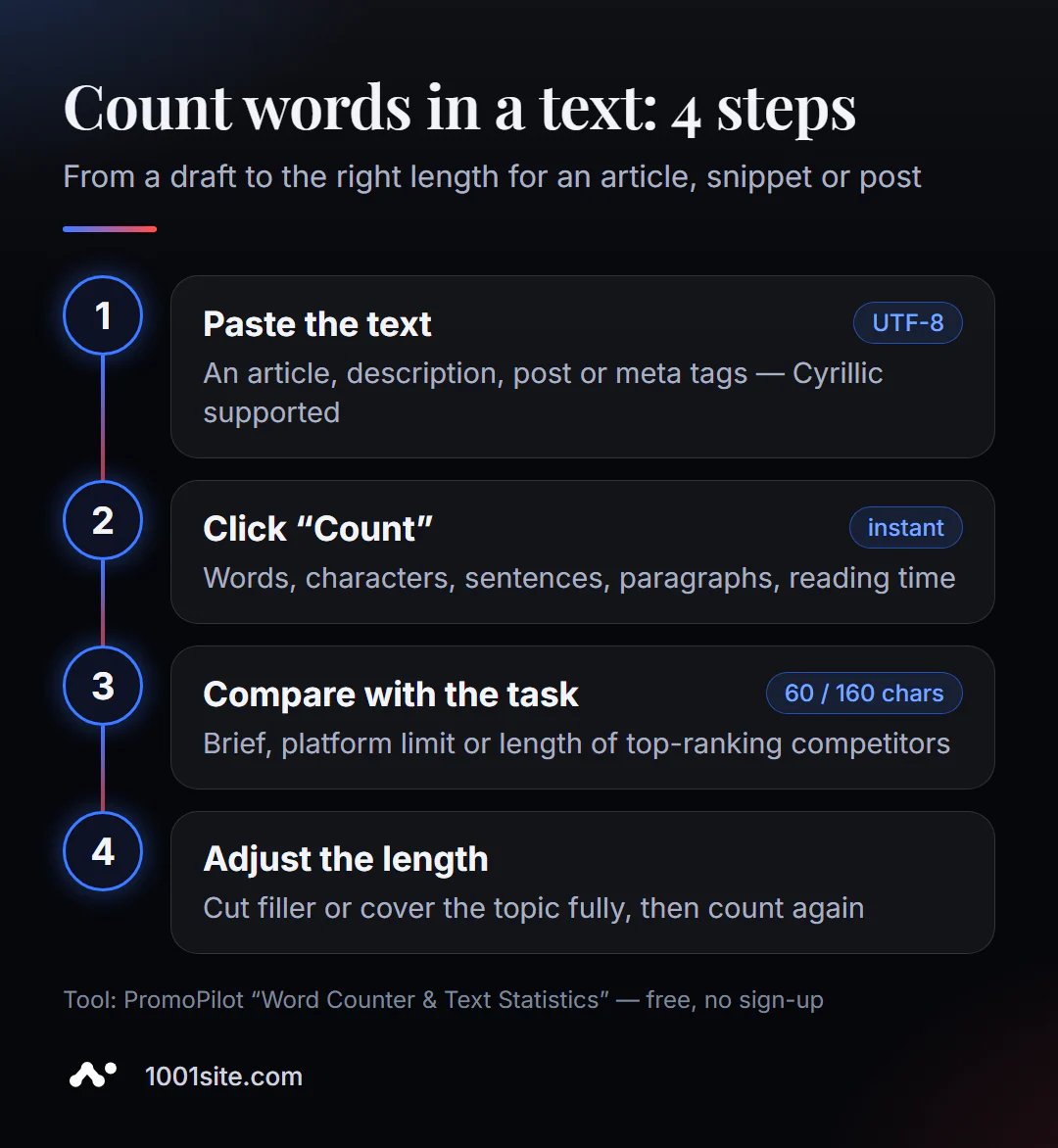
- Open the word counter - it works in your browser.
- Paste or type text into the "Paste text to analyze" field.
- Click "Calculate" and the result will appear immediately.
- Check the figures against the task: brief, site limit, or the volume of competitors' articles.
- Shorten or add to the text and count again.
This is what the tool page looks like: a text field, a "Calculate" button, and below that a description of the indicators and instructions.
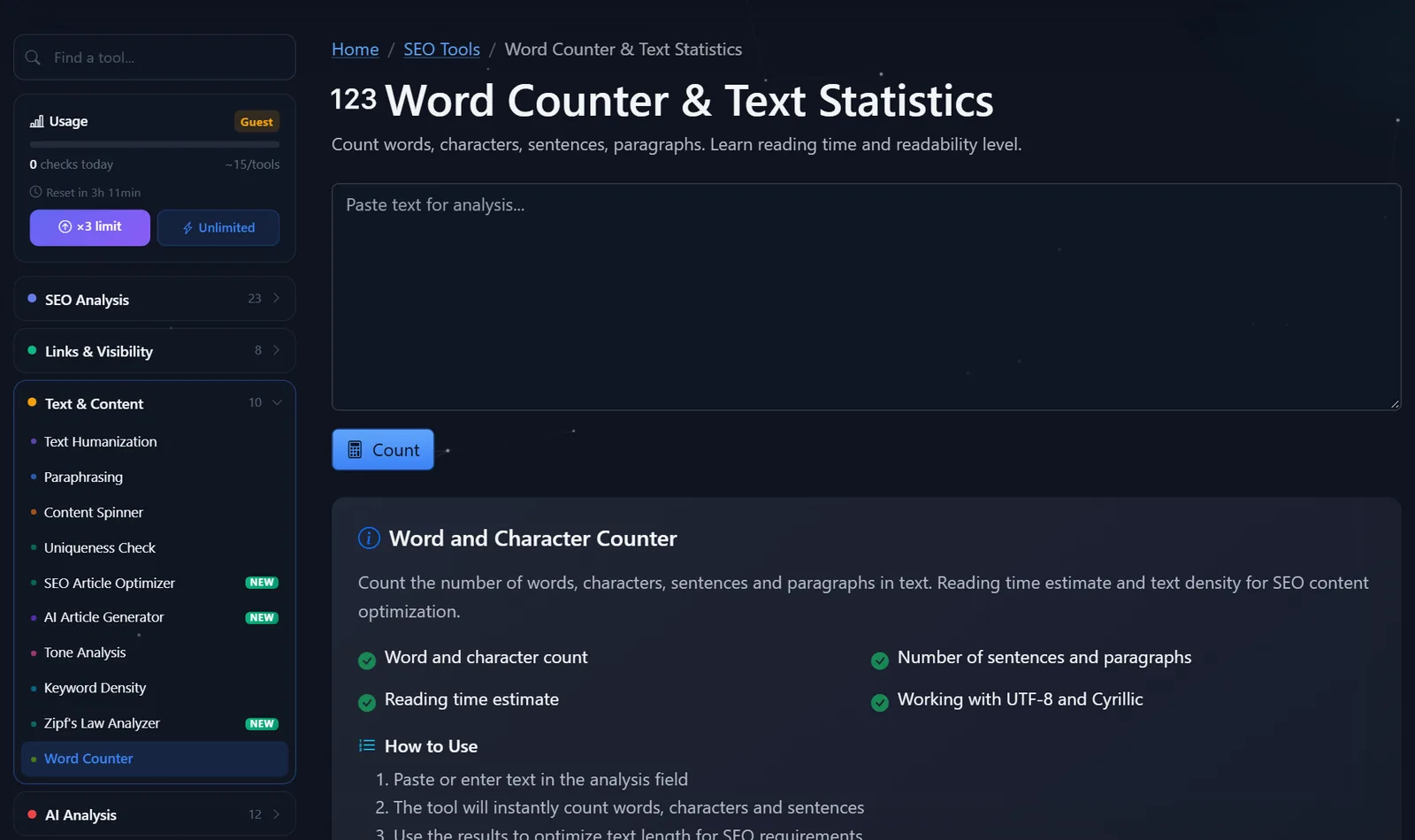
Today's free launches are visible in the "Usage" section on the left; after free registration, the limit is tripled—enough for daily text editing.
How to use the result when preparing SEO text?
Meter numbers are only useful when you know what to compare them to. Here are the benchmarks I use:
- Title — up to 60 characters. Any longer, and Google will truncate the title in search results with ellipses. Place the keyword at the beginning to ensure it's visible.
- Meta description – about 150–160 characters. Shorter than that makes the snippet look empty; longer than that makes it truncated.
- The article length is based on your competitors'. Paste the text of two or three top-ranking pages for your query into the counter. If they have 1,500 words and you have 400, the topic isn't fully covered. If they have 800 and you have 4,000, it's most likely just fluff.
- Average sentence length. Divide the number of words by the number of sentences. More than 20–25 words on average means the text is difficult to read on a phone; break up long sentences.
- Paragraphs. If there are 3-4 paragraphs per 1,000 words, the text looks like a wall. The benchmark is a paragraph of 2-4 sentences.
- Reading time. For a blog post, it's helpful to include this at the beginning: readers are more likely to start reading when they know how long it will take.
A common mistake is chasing length for the sake of length. Length is not a ranking factor in itself: a longer article wins only if it's more useful.
What length should different texts on a website be?
There's no single standard, but each page type has a reasonable range. Here are some guidelines from my experience—check them with a counter and then compare them with competitors for a specific query:
- The main page is 300–800 words. Its purpose is to explain what you do and who you serve, and to direct visitors to your services. A long page on the main page usually goes unread.
- Service page — 500–1200 words. What's included, cost, deadlines, stages, work examples, and frequently asked questions.
- A product card is a 100-300 word description plus specifications. Accuracy and photos are more important than length.
- An article answering a specific question —600–1000 words. The answer should be in the first paragraph, followed by details and examples.
- A guide or review — 1,500–2,500 words. Includes steps, screenshots, tables, and error analysis.
- A post on Telegram or social media —50–200 words. One thought and one call to action.
How I use these guidelines in practice. I receive a 2,500-word service page, which almost certainly contains repetition, company history, and general statements about quality. I cut it down to 1,000 words and check it with a counter and keyword density. I receive a 500-word instructional article, which means the steps are described superficially, so I add examples and common mistakes.
Another useful technique is to count sections rather than the entire article. If the introduction takes up 300 words out of 1,200, the reader is waiting too long for a response. Shorten the introduction to 60–90 words and move the main point up.
Comparison: PromoPilot Word Counter and Alternatives
You can count words using an online service, a text editor, or directly in the CMS.
| Tool | What's free? | Restrictions | Who is it suitable for? |
|---|---|---|---|
| PromoPilot — Word Counter | Words, characters, sentences, paragraphs, reading time, readability | Daily limit | Quickly check any text alongside other SEO tools |
| WordCounter.net | Counting words and characters while typing | English language oriented | For English-language authors |
| Google Docs | Text statistics in the Tools menu | Need to open document, no readability rating | For those who write in Google Docs |
| Counter in CMS | Word count in the post editor | Depends on the engine, usually just words | Calculation directly upon publication |
Conclusion: if the text is already in the editor, it's easier to check the statistics there. An online counter is convenient when you need to quickly check someone else's text, an AI draft, or a fragment—and immediately move on to the next step: keyword density or readability.
The counter is one of PromoPilot's 87 free SEO tools. The next step after calculating the volume is to check the keyword frequency using the density analyzer, which is covered in the next article in the series. For a more in-depth assessment of text complexity, there's a separate readability analyzer.
What are the word counter limits?
First, readability is approximate. Readability formulas were originally developed for English, and for Russian and other languages, the rating serves as a guideline, not a precise measure. For serious editing, use a separate readability analyzer.
Second, complex characters. Emoji, compound characters, and special symbols may be treated differently than you expect. If a post with emoji hits a platform's hard limit, check it directly in the post form.
Third, the counter doesn't measure quality. 1,500 words can be a useful instruction manual or a retelling of a single idea fifteen different ways. Length is a necessary condition, but not a sufficient one.
When is a free tool not enough?
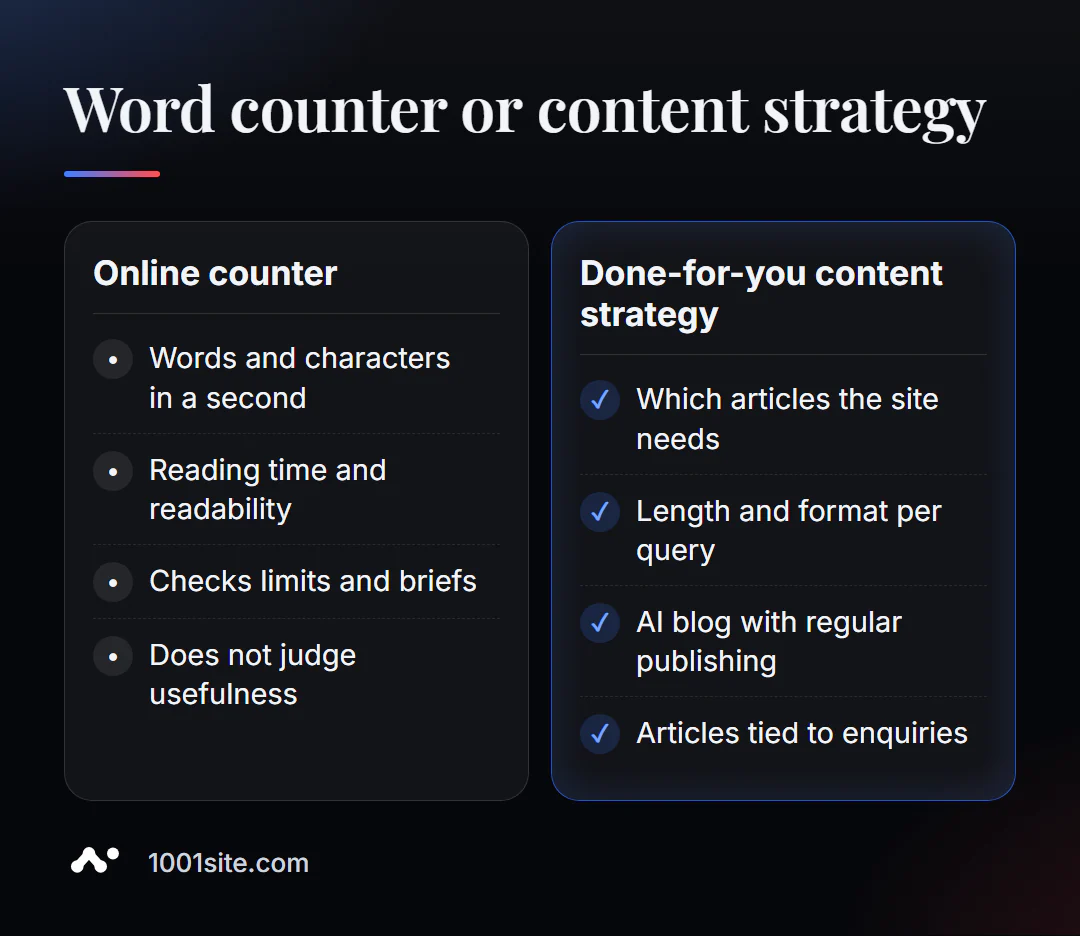
A counter answers the question "how much." But how many articles a site needs, what they're about, and how to link them to sales are all matters of strategy. A specialist is needed if:
- You write long articles, but they don’t generate traffic;
- It is unclear what volume and format is needed to meet your requirements;
- You need to publish articles regularly and not check each one manually;
- The blog exists, but it doesn't generate any requests.
What can I do for your website?
My name is Valeriy Danyuk, I'm a developer and SEO specialist with 12 years of experience and over 200 clients. I create websites and content systems that automatically manage the length, structure, and quality of articles.
SEO, content and promotion
- An AI-powered SEO blog that brings in organic clients: AI writes, illustrates, and publishes articles using my methodology.
- Autoblog with AI agents – an editorial team without humans.
- Turnkey SEO audit: I analyze which pages the site is missing and which articles should be expanded or combined.
Websites and online stores
- How much does a turnkey website cost in 2026? What are the factors that determine the price?
- A WordPress website with an AI assistant for €299 and 3 days, or a 1001site website in the style of the world's best websites—with a blog and SEO settings from day one.
CRM, accounting and automation
- The CRM automatically calculates prices and prints invoices —automating routine tasks for auto dismantlers.
- Telegram bot with AI for an online sauce store.
All projects are in my portfolio. Send me a link to your blog on Telegram, and I'll let you know what articles it needs.
Result
- The counter instantly shows words, characters, sentences, paragraphs, reading time and estimated readability.
- Compare the figures with the task: title up to 60 characters, description around 150–160, article length – according to competitors at the top.
- Keep an eye on your average sentence and paragraph length—it's a quick way to make your writing more readable.
- Volume doesn't replace usefulness; a blog where articles generate leads is conveniently maintained on a website built on 1001site.
Post your latest article and get a free word count. If you need a blog that grows without your input, message me on Telegram.
Sources
- PromoPilot's Word Counter and Text Statistics tool page – metrics and sample results.
- PromoPilot SEO Tools Wiki - Character Count and Readability Limits.
- WordCounter.net and Google Docs are the official pages of the services.