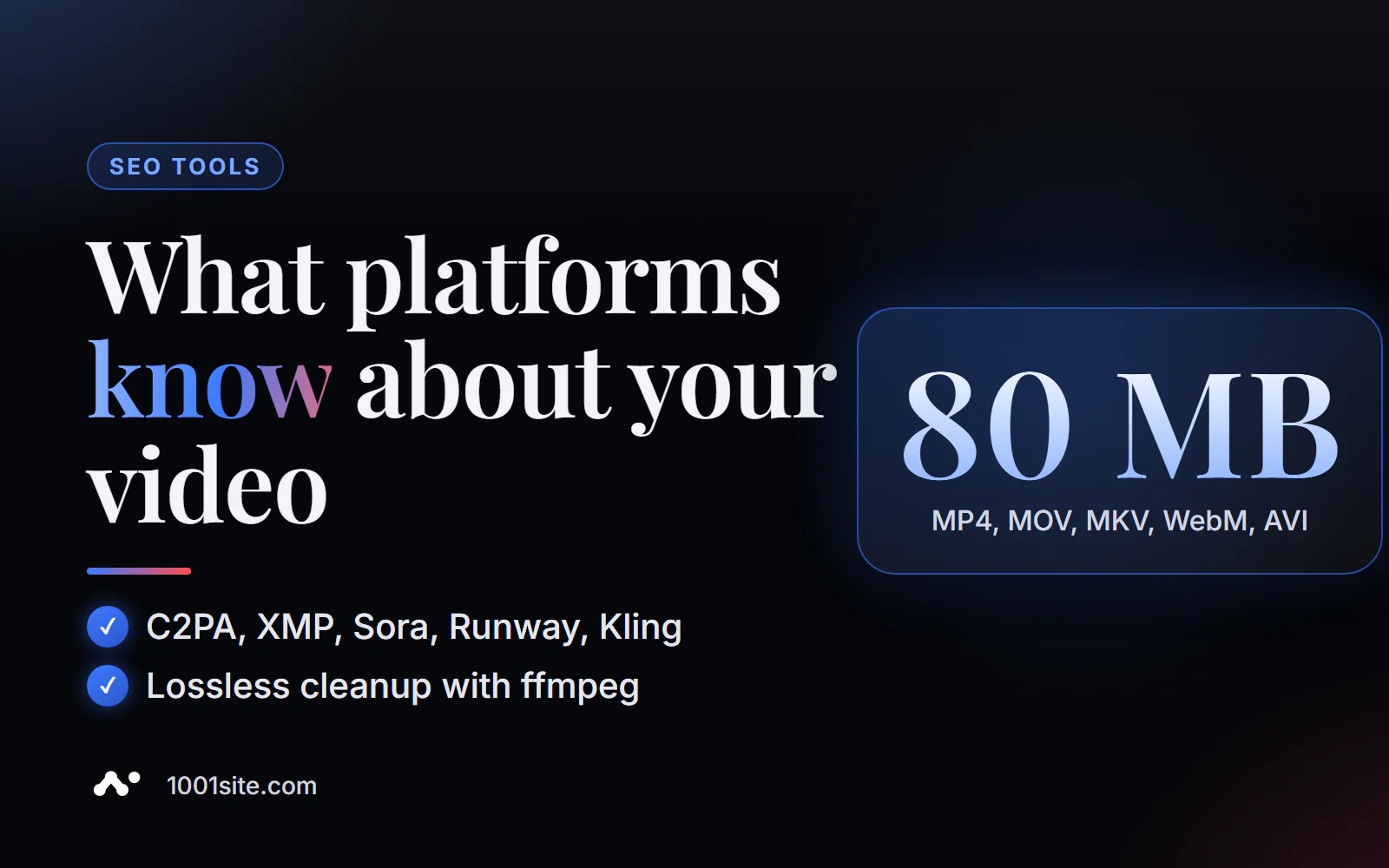
Short answer: To check a video for watermarks and AI traces, upload a video (MP4, MOV, M4V, MKV, WebM, or AVI up to 80 MB) to PromoPilot's video watermark detector and click "Check Video." The tool will find Content Credentials (C2PA/JUMBF), XMP origin data, and signatures of Sora, Runway, Pika, Kling, and other generators if they are recorded in the metadata, and assign a risk rating. For cleaning, it will display a predefined command: ffmpeg -i in.mp4 -map_metadata -1 -c copy out.mp4.
I create landing pages and product promos, where AI-powered videos are increasingly being used. Checking the container before uploading it to your ad account or website takes just a minute—and immediately shows that platforms are aware of the video.
What does a video watermark detector check?
A video file is a container: it contains video and audio tracks and service data about the file. The detector reads the service data.
| What does it check? | What is this | Why is this important? |
|---|---|---|
| C2PA/JUMBF Content Credentials | Signed data on origin: who created the video and how | Platforms read them and can automatically mark videos as AI. |
| XMP origin data | Program and content source fields | Show generation or editing software |
| AI Generator Signatures | Sora, Runway, Pika, Kling and others - if recorded in the metadata | The source of the video is directly named |
| Container metadata | Tags, encoding program, service fields | May contain unnecessary information: project names, file paths |
| Result | Risk assessment, findings, ffmpeg command | Decision: Publish as is, flag, or clear |
Example from the tool description: promo-video.mp4 with XMP and Sora metadata – 100% risk, C2PA/JUMBF and OpenAI Sora signature found, cleaning command suggested.
This detector is specifically for video files: there are separate articles in the series for images, audio, and text—each format has its own labels and limitations.
How to check a video for watermarks online?
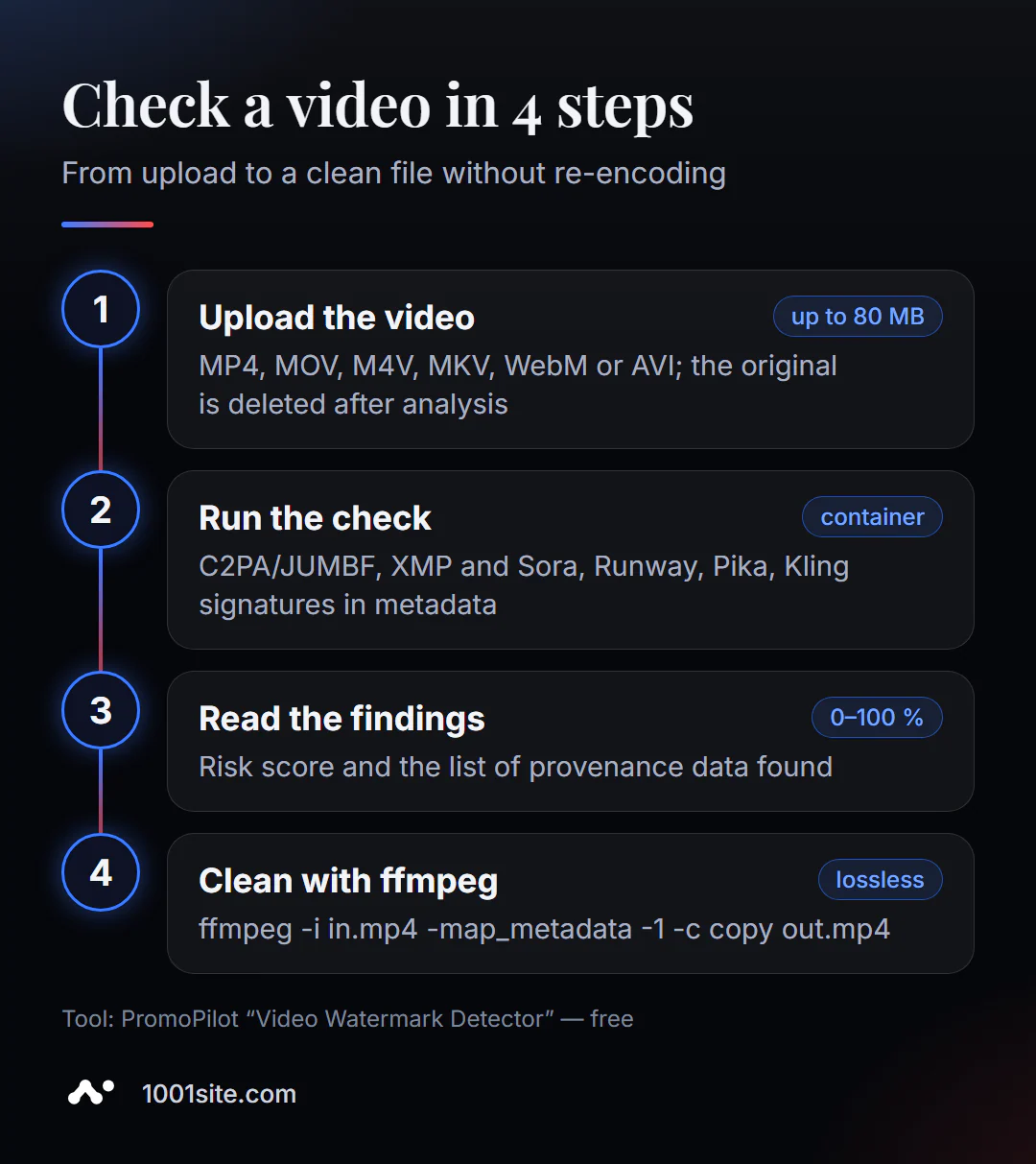
- Open the video watermark detector.
- Upload a video within the limit - up to 80 MB, formats MP4, MOV, M4V, MKV, WebM, AVI.
- Click "Check Video" and wait for the report.
- Explore findings: C2PA, XMP, generator signatures and risk assessment.
- If you need to clear the metadata, run the ffmpeg command shown on your computer with the source file.
This is what the page looks like: download area, size limit, a note about deleting the original file after analysis, and blocks for C2PA/JUMBF, AI signatures, and ffmpeg.
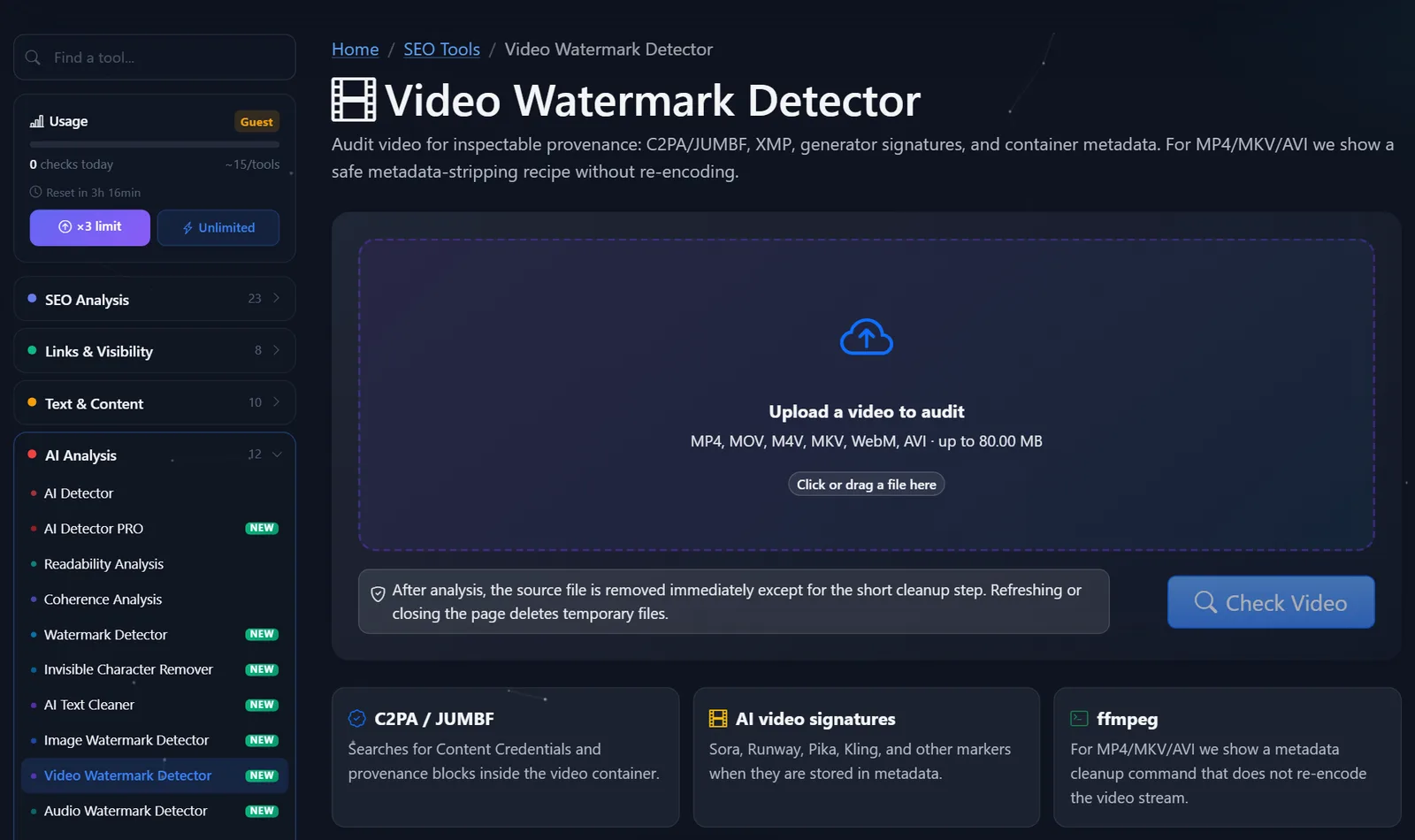
Guests are limited to approximately 15 checks per instrument per day; after free registration, the limit triples.
How to read the output and use the ffmpeg command?
The risk assessment shows how clearly a file itself declares its AI origin:
- C2PA and the generator's signature were found —the video is "signed." Many platforms read such signatures, and YouTube and TikTok ask creators to label realistic AI content. Honest labeling is often more reasonable than sanitization.
- Only encoder service tags were found —a common occurrence for editing software, the risk is low.
- Metadata includes project names, file paths, and customer data —a reason to clean it up, even if the video was filmed with a camera.
- Nothing found —the file doesn't provide any information about itself. This isn't proof the video was filmed by a human: the metadata could have been removed when it was re-saved.
How the cleanup command works:
ffmpeg -i in.mp4 -map_metadata -1 -c copy out.mp4
-i in.mp4— source file;-
-map_metadata -1— do not transfer global metadata to the new file; -
-c copy— copy video and audio without re-encoding: same quality, job takes seconds; -
out.mp4is the new file. The original is not affected—compare both files again in the detector.
For MKV and AVI, only the extension changes. If the generator logo is visible in the video frame, this command won't remove it: metadata and images are different things.
When to review a video before publishing?
The check takes a minute, so I build it into each of these scripts:
- Before uploading to your ad account. Creative created in the generator may carry C2PA and the service's signature. It's better to know this in advance and decide whether it needs to be flagged than to be rejected after the campaign launch.
- Before publishing on social media, platforms check Content Credentials and can flag AI. If a video is edited from real footage and a single generated background, the verification will reveal what exactly was "exposed."
- When accepting a contractor's work. Inventorying the AI origins of creatives from a studio or freelancer: what was filmed and what was generated. This is a question not only of fairness but also of usage rights.
- User-generated content. If customers upload videos to the site (reviews, product reviews), verification helps determine which reviews are genuine and which are generated videos.
For mass scanning on your computer, ffprobe from the same ffmpeg package is also useful: the command ffprobe -hide_banner in.mp4 displays container tags. However, manually parsing the output for each file is time-consuming—the online detector immediately highlights the source and calculates a risk score.
Comparison: PromoPilot detector and alternatives
| Tool | What's free? | Restrictions | Who is it suitable for? |
|---|---|---|---|
| PromoPilot — a video watermark detector | C2PA/JUMBF, XMP, generator signatures, risk assessment, ffmpeg command | Up to 80 MB; does not analyze frames; cleaning is local | For marketers and website owners before publishing |
| Content Credentials Verify | View C2PA file history, including videos | Without Content Credentials, there is nothing to show in the file. | Verification of authenticity and origin |
| MediaInfo | Detailed information about the container, tracks, and tags | The program is for installation; it does not highlight AI signatures. | For editors and technical specialists |
| Google SynthID Detector | Search for SynthID watermarks, including in videos | Google AI content only; access limited | For journalists and researchers |
Conclusion: MediaInfo provides a more detailed technical overview, Verify provides a signed history, and SynthID Detector provides a Google Pixel mark. The PromoPilot online detector gathers the most relevant information for publication in a single check and immediately provides a cleaning solution.
All PromoPilot checks are in the catalog of 87 free SEO tools.
What doesn't the detector find in the video?
- Visible logos, subtitles, and watermarks in the frame are not removed or analyzed.
- Invisible neural network signs inside frames - their detection is not declared.
- Videos larger than 80 MB - for them, use local cleaning with the same ffmpeg command.
- WebM, MOV and M4V are checked, and the finished cleaning command is shown for MP4, MKV and AVI.
- Transcoded copies often lose metadata. A video downloaded from a messenger or social network may be silent, even though the original was signed with C2PA. If possible, check the original file from the generator or editor.
Therefore, the result “nothing found” should be read as “the file doesn’t say anything about itself,” and not as “the video was definitely filmed on camera.”
When is a free tool not enough?
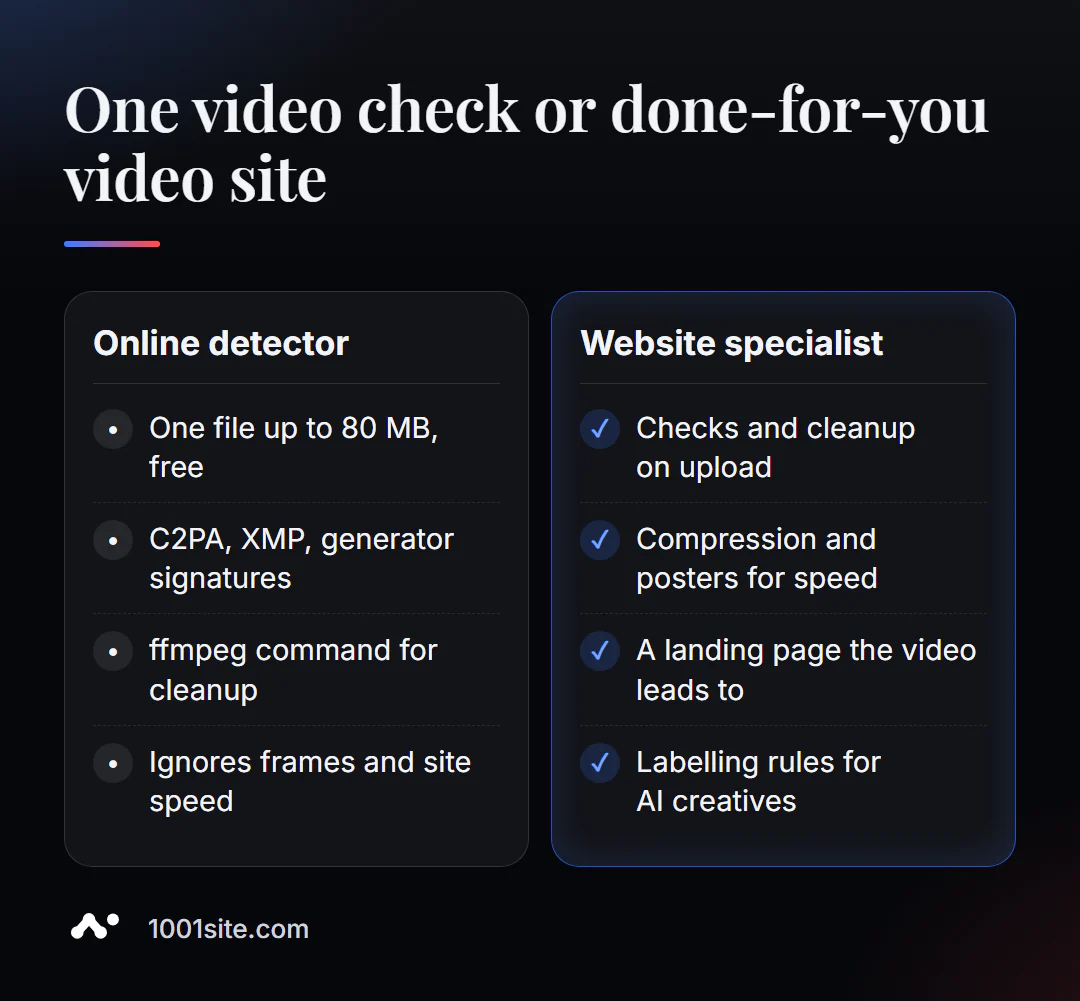
The detector answers the question "what's in the file." A specialist is needed if:
- There are a lot of videos, and the cleaning test needs to be integrated into the upload to the website;
- The ad network is rejecting creatives and it's unclear whether the metadata is the issue;
- The video is slowing down the page - it needs compression, a preview, and proper embedding;
- I need a landing page for the video, not just a file.
What can I do for your website?
I'm Valeriy Danyuk, a developer and SEO specialist with 12 years of experience and over 200 clients. I create websites and landing pages where videos and creatives drive leads.
SEO and site verification
- Turnkey website SEO audit: page speed with videos, markup, indexing, template errors.
- GEO: How the hotel got recommended by ChatGPT, Gemini and Perplexity.
Websites and landing pages
- A landing page for a new product launched in the evening is where your video leads.
- A website in the style of someone else's website you like in minutes at 1001site.
Bots and automation
- Telegram bot with AI for an online sauce store.
- E-commerce agents instead of chatbots.
- CRM with a built-in customer database and decision makers.
If your creative is rejected or your video is slowing down your landing page, message me on Telegram and we'll look into it.
Result
- Video watermark detector reads C2PA/JUMBF, XMP, and containerized generator signatures—free, up to 80 MB.
- To clear metadata, use
ffmpeg -i in.mp4 -map_metadata -1 -c copy out.mp4: no re-encoding or quality loss. - The tool doesn't touch any visible or neural network-generated marks in the frame; honest AI tagging of a video is often better than cleaning it up.
- If video is part of your sales, you need a landing page and a fast website: create one at 1001site or order an audit.
Before uploading a video to an ad or website , check it with a video detector —it's a minute that will save you from surprises.
Sources
- PromoPilot's Video Watermark Detector page — checks, formats, ffmpeg command, example.
- Content Authenticity Initiative - Verify tool and supported formats.
- MediaArea — description of MediaInfo.
- Google - announcement of the SynthID Detector portal.