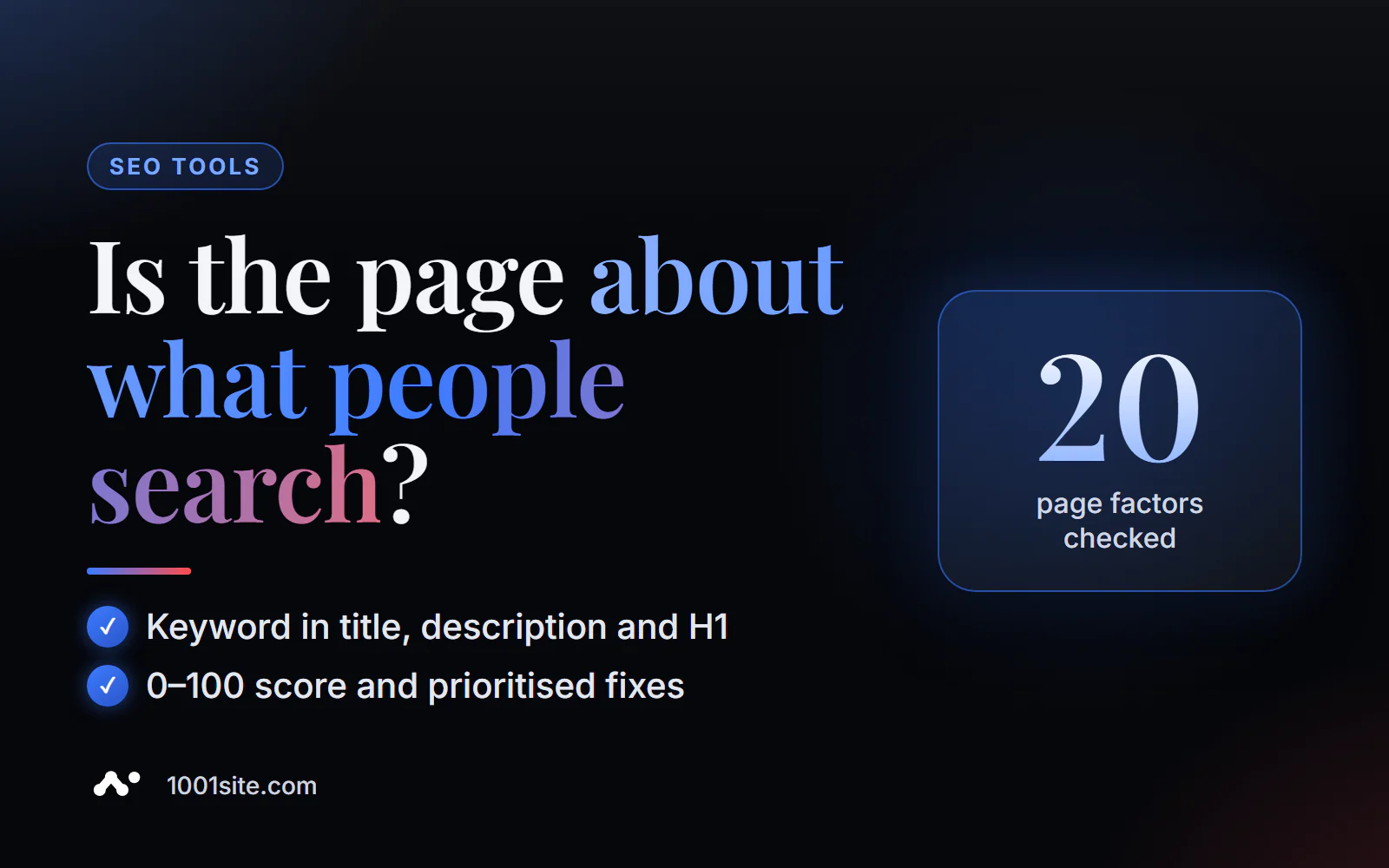
The short answer: to check a page's SEO optimization online, paste its URL and target keyword into PromoPilot's On-Page SEO Checker and click "Check." The tool will evaluate the page based on 20 parameters—title keyword, meta description, and H1 keyword, heading structure, keyword density, image alt text, links, Schema.org markup, and responsiveness—and assign a relevance score from 0 to 100, with corrections prioritized. It's free and requires no registration.
People often ask me, "Why isn't my page ranking for a search query even if there are no errors on the site?" Technically, the site may be perfect, but the page simply isn't what people are looking for. On-Page Checking answers precisely this question.
What does the On-Page SEO check check?
The main difference from a standard audit is the second field. You specify not only the URL but also the query for which the page should rank. Each audit answers the question, "Does this element help the page for this query?"
| Parameter | What does the tool look at? | Why is this for SEO? |
|---|---|---|
| Title | Is there a key and where is it? | Main page topic signal and snippet title |
| Meta description | Is there a key in the description? | The match is highlighted in the search results and increases click-through rate. |
| H1 | Is there a key in the main title? | Confirms the topic for the search engine and for the person |
| Structure of H1–H6 | Is there only one H1, is the hierarchy logical? | Search engines and AI understand the structure of the answer using subheadings. |
| Key density | How often does the key appear in the text? | Too rarely - the topic is vague, too often - spam |
| Images and alt | How many pictures without descriptions? | Alt helps with image searching and accessibility |
| Internal and external links | Quantity and availability | Interlinking transfers weight and helps the robot |
| Schema.org and mobile version | Is there markup, is the page adapted? | Rich snippets and mobile convenience |
The result is a relevance score from 0 to 100. An example from the tool description: "Relevance 68/100; keyword missing in H1, 6 images missing alt text." This is typical: the page is almost ready, but two or three missing elements are dragging it down.
How to check a page's SEO optimization online?
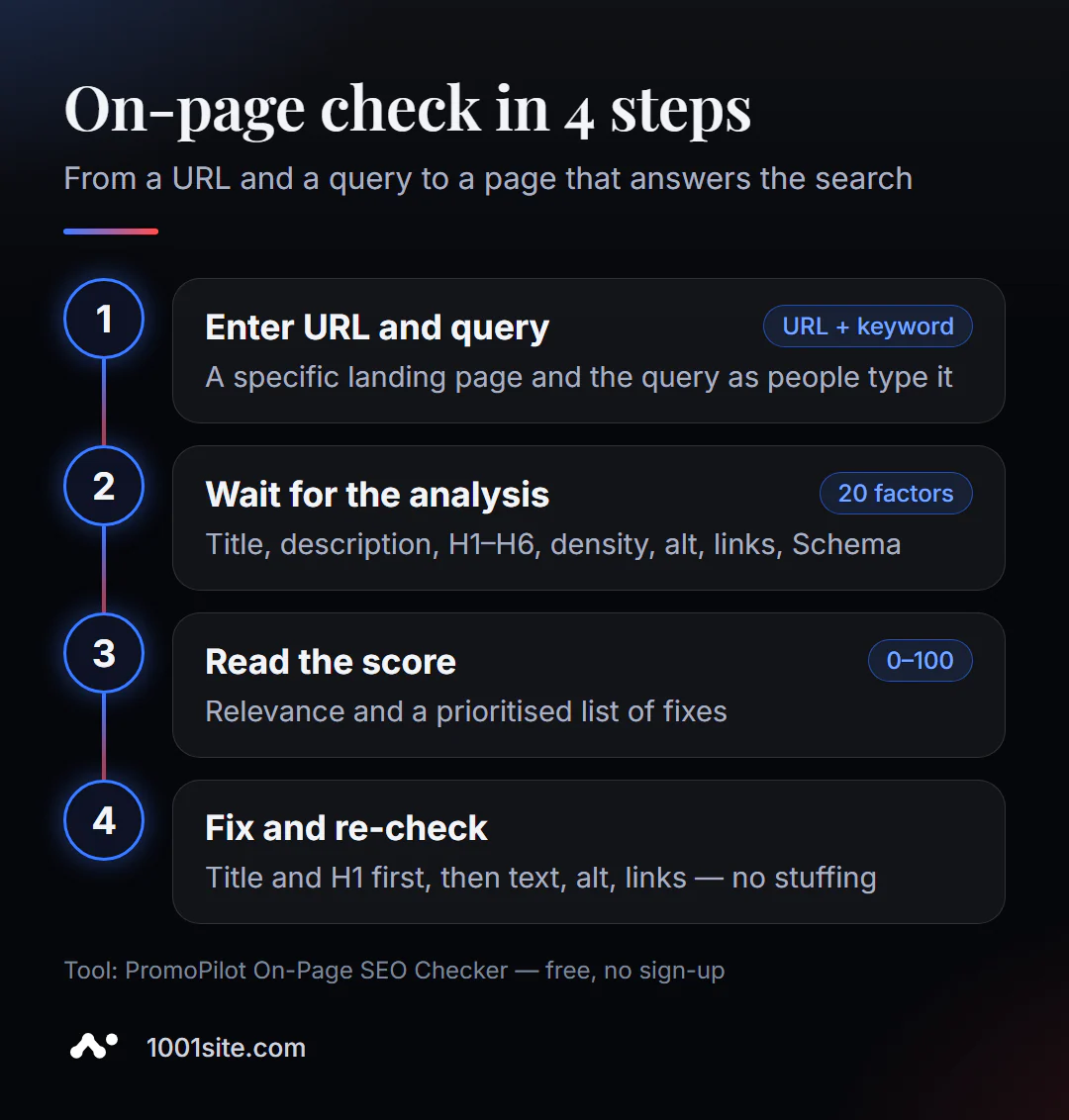
- Open On-Page SEO Checker.
- Insert the address of the page - a specific landing page, article, or product card, and not the main one in general.
- Enter your target query the way people search for it: “buy running shoes,” not “sneakers.”
- Click "Check" and wait for all factors to be analyzed.
- View the rating and list of fixes - they are already sorted by priority.
- Make the edits and check again: the rating should increase.
The tool's page contains two fields (address and keyword), a "Check" button, and a description: what is checked, how to use it, and scenarios.
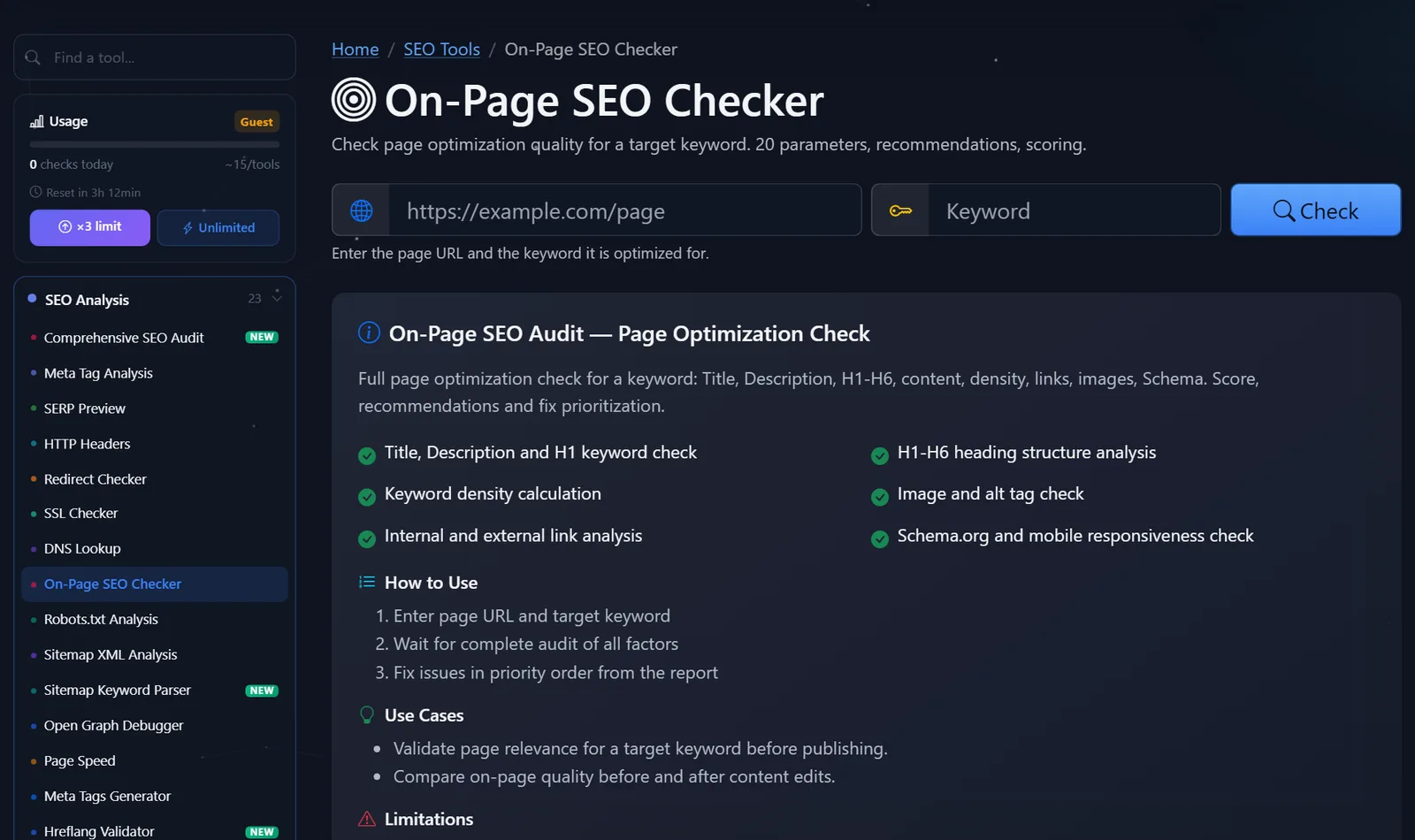
The keyword selection rule is: one page per primary keyword. If you want a page to rank for five different topics, test it for each one—and you'll likely find that some of them require their own page.
How to read the rating and what to correct first?
Move from the strongest signals to the supporting ones.
- The key is in the title. If not, fix it first. Put the search query closer to the top: "Running shoes - buy with delivery | Store," not "Store | Catalog | Shoes | Running shoes."
- The keyword in the H1. The H1 is what people see first. It doesn't have to repeat the title verbatim, but it should contain the essence of the search query.
- One H1 and logical subheadings. Two H1 or H3 immediately after the H1 is a sign that the headings are placed for the sake of font beauty, not for the purpose of meaning.
- Meta description. Keyword plus benefit and call to action: what a person will get if they click.
- Text and density. The key is in the first paragraph and one or two subheadings; then come synonyms and related words. If the tool shows high density, reduce repetition.
- Alt key for images. Describe the image: "blue running shoes, side view." The keyword is only where it's natural.
- Links. Add 2-3 internal links to related pages and, if appropriate, a link to an authoritative source.
- Schema.org and mobile version. Product, Article, or FAQ markup, depending on the page type.
The mistake I see most often is chasing a score of 100 through over-the-top content. A keyword embedded in every paragraph and every alt tag can boost the score, but it makes the text unnatural. The goal is the page that best answers the query, not the maximum score.
For comparison, here's how the page changes after the edits. Before: title "Home - Store," H1 "Welcome," none of them contain the keyword, six images without alt text. After: title and H1 with the search query, description with a benefit, alt text for all photos, three links to related categories. The page itself remains largely unchanged—the signals that help search engines understand its topic have changed.
Comparison: On-Page Checker PromoPilot and Alternatives
| Tool | What's free? | Restrictions | Who is it suitable for? |
|---|---|---|---|
| PromoPilot — On-Page SEO Checker | 20 parameters per request, rating 0–100, corrections by priority | Does not take into account the intent of the search and behavioral signals | Check any page, including a competitor's |
| Yoast SEO | Focus key analysis directly in the editor | WordPress only, works within the admin panel | For WordPress authors |
| Rank Math | Key analysis and hints in the editor | WordPress only, plugin installation required | For WordPress website owners |
| Google Search Console | Actual queries for which the page is shown | Only their verified website, does not provide recommendations | Choose which query to optimize for |
Conclusion: plugins are convenient as long as you're writing in WordPress, and online verification works with any page on any engine—even someone else's, which is useful for comparing with search engine leaders. Search Console will tell you which queries are already getting impressions for your page, so these are the ones you should check first.
On-Page Checker is one of PromoPilot's 87 free SEO tools. For a technical check of the same page—speed, HTTPS, meta tags not tied to a specific query—a comprehensive SEO audit is suitable; there's a separate article about it in this section.
Limitations: What does On-Page Check not take into account?
The tool doesn't model the full search intent or external behavioral signals. It doesn't know that the top results for the search query "running shoes" are currently collections, not product cards, and it doesn't see how long people stay on the page.
The quality of the rating depends on the entered query. A query that's too broad ("shoes") will yield vague results, while one that's too specific will result in an inflated rating. Check using the actual search query for which the page was created.
And it doesn't take into account external links to the page or domain authority—and with equal optimization, it's often these that decide who ranks higher.
When is a free tool not enough?
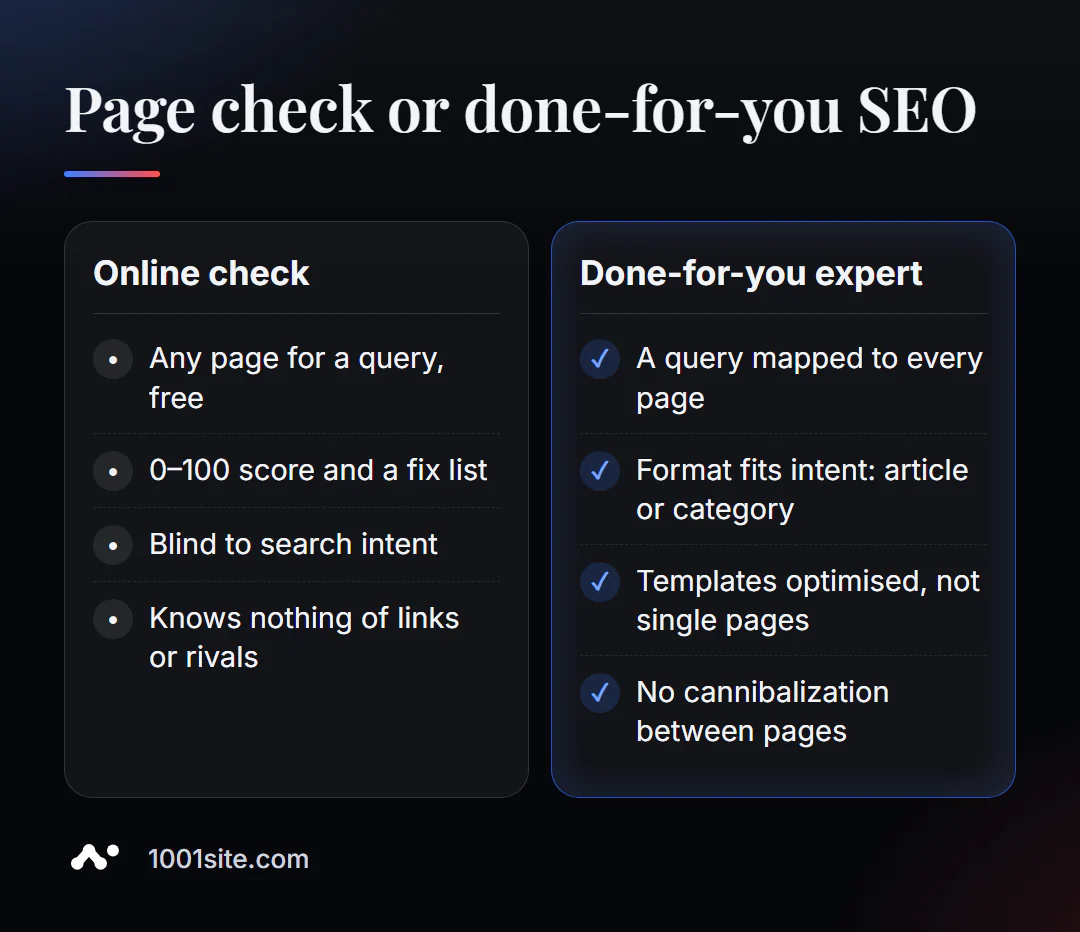
The tool will show you what needs to be fixed on the page. It won't tell you if it's the right page or the right query. You need a specialist if:
- the rating is high, but the positions are not growing;
- several pages of the site claim the same request and interfere with each other;
- Hundreds of product cards need to be optimized using a template, not manually;
- It's unclear what format is needed for the request: an article, a category, or a landing page.
What can I do for your website?
My name is Valeriy Danyuk, I'm a developer and SEO specialist with 12 years of experience and over 200 clients. I optimize pages at the template level—so editing one page improves the entire catalog.
SEO and promotion
- Turnkey SEO audit: selecting keywords for pages, editing titles, H1s, texts, and templates, eliminating cannibalization.
- An AI-powered SEO blog that brings in clients – articles optimized for keywords from the first draft.
- GEO: Hotel recommendations from ChatGPT, Gemini, and Perplexity —optimized not only for search but also for AI assistants.
Websites and online stores
- A plastic surgery clinic website powered by AI —a site where every page convinces visitors, and applications are sent to Telegram.
- A website on 1001site: structured data, previews, and server-side rendering—all at once; all you have to do is write the text for your queries. Find out how much a turnkey website costs in our 2026 website pricing breakdown.
CRM, accounting and automation
- ERP, website, and AI-powered Telegram bot for auto dismantling in 6 days —the website, accounting, and bot all work together as a single system.
All projects are in the portfolio. Send me the page and a request via Telegram —I'll tell you what's holding it back.
Result
- An online SEO checker shows how well a page matches a specific query, with a score of 0–100 and corrections prioritized.
- Do it in order: title → H1 → heading structure → description → text → alt → links → markup.
- One page - one main query; spamming for the sake of 100 points is harmful.
- If optimization is limited by a template or engine, it's easier to entrust it to a specialist or build a website on 1001site, where the technical base is already configured.
Check your main landing page right now with the free On-Page SEO Checker. If your score is high but you're still not ranking, message me on Telegram.
Sources
- PromoPilot On-Page SEO Checker tool page - check parameters, sample results, and page questions.
- Google Search Central - SEO Guide for Beginners: Titles, Headings, Alt.
- Yoast SEO and Rank Math official websites - description of keyword analysis.