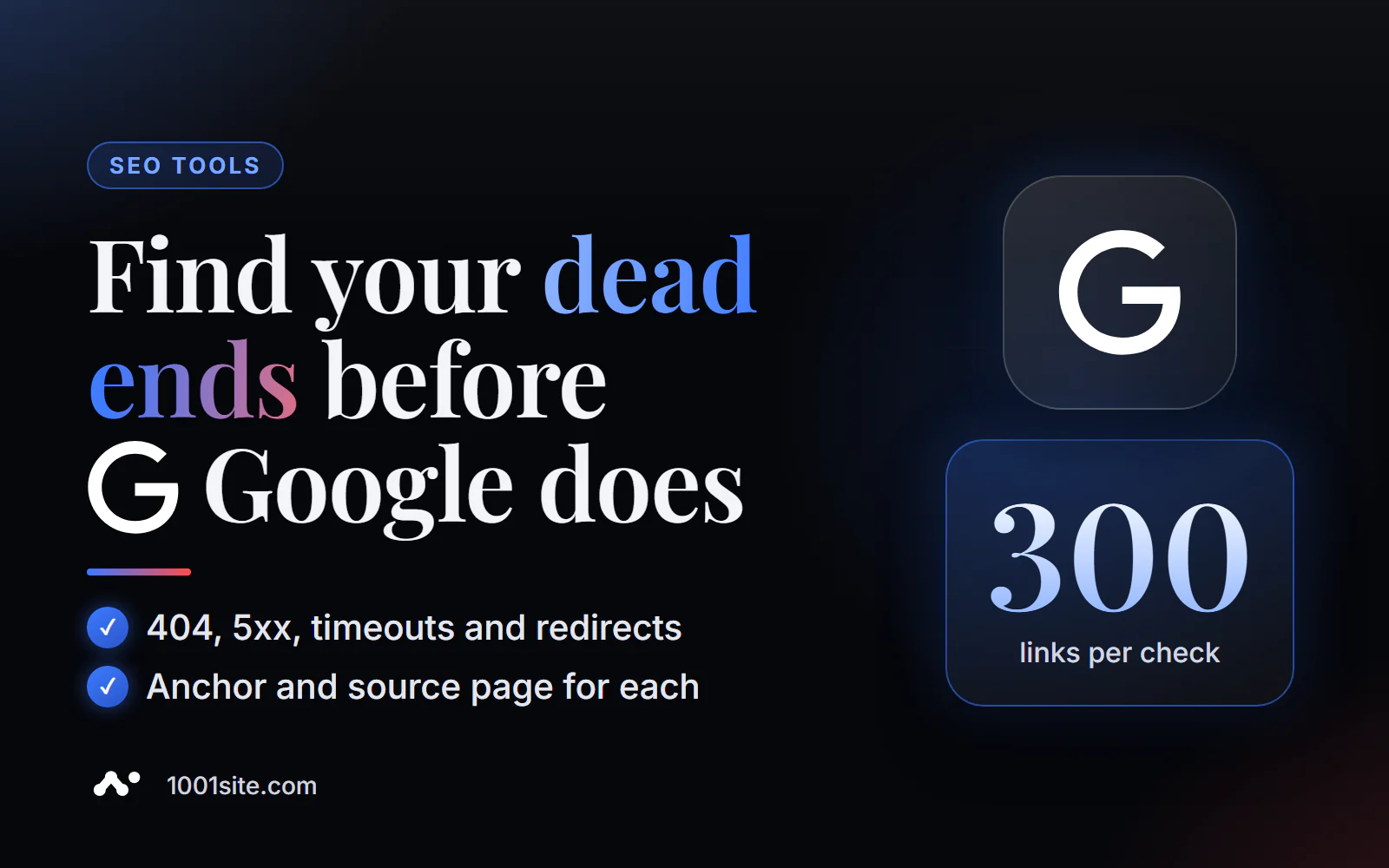
The short answer: to check broken links on a website online, paste the page address into PromoPilot's Broken Link Checker and select "This Page Only" or "Entire Site" (up to 10 pages and 300 links per run). The tool will find links with 404, 410, 5xx errors, and timeouts, as well as links through redirects, and for each, it will show the anchor text, nofollow flag, and the page where it resides. It's free and requires no registration. Below is how to read the report and what to do with each error type.
After every client moves to a new website, the first thing I do is run this check: even with a careful transfer, there are 5-20 links that lead nowhere.
What does the broken link search check?
The tool collects all links from a page (or from several pages of a site), requests each one and records the server's response.
| What does it find? | What exactly is he looking at? | Why is this important? |
|---|---|---|
| Errors 404 and 410 | Page not found or permanently deleted | The visitor hits a dead end, and the link's value is lost. |
| 5xx errors | The server responded with an error (500, 502, 503) | The link leads to a broken or overloaded site. |
| Timeouts | The server did not respond in time. | Slow or dead resources irritate users |
| Redirects | The link goes through 301/302 | Extra transitions, candidates for replacement with a direct address |
| Anchor and nofollow | Link text and its attribute | Quickly find a link in the text and understand its role |
| Source page | Where exactly is the link? | No need to search manually throughout the entire site |
| Internal and external | Links to your site and others | Fix your own immediately, replace or remove other people's |
How to check broken links on a website online?
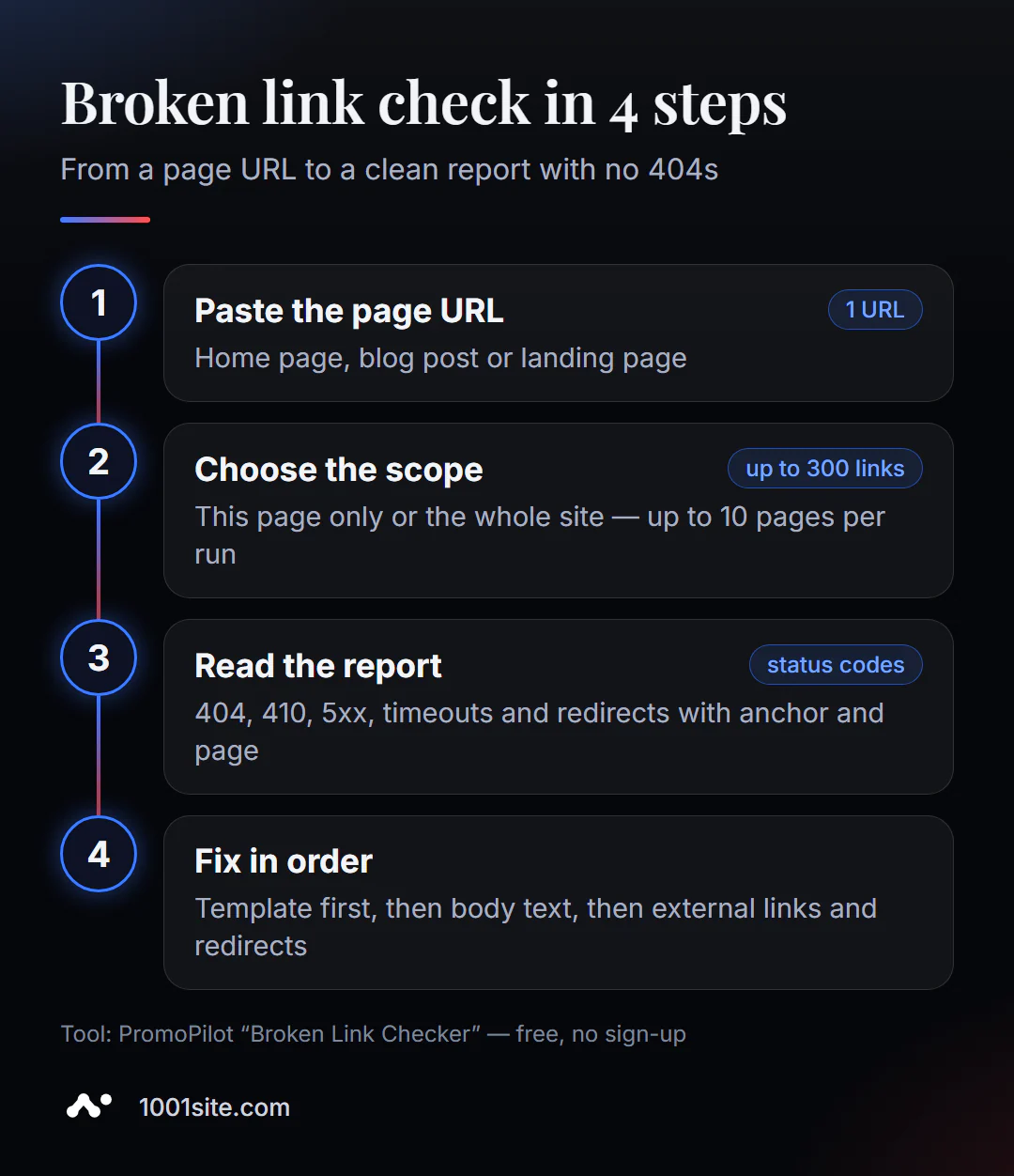
- Open Broken Link Checker. No need to install anything.
- Insert the address - home page, blog article or landing page.
- Select a mode. "Only this page" is for checking a single article before publishing. "Entire site" is for crawling up to 10 pages, starting with the specified one.
- Click "Check Links" and wait for the report.
- Fix from top to bottom: first the broken ones, then the redirects. After making the edits, run the scan again.
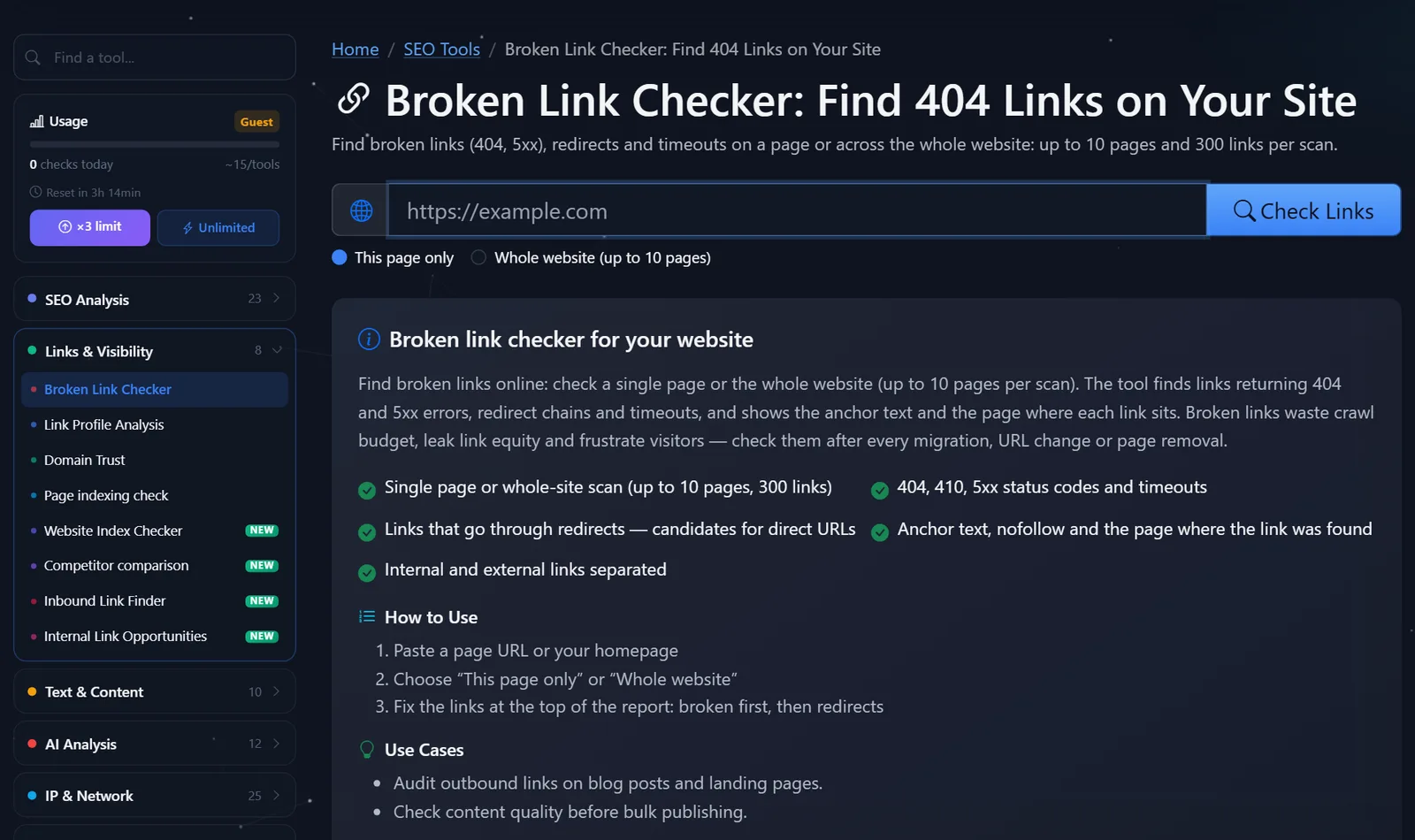
This is what the tool page looks like: the address field, the “Only this page / Entire site (up to 10 pages)” switch, and a description of what is being checked.
Example results: 4 broken links were found on the page https://example.com/blog/seo-checklist – three returned 404, one returned 500, and the anchor and URL are visible for each. Fixing them takes five minutes.
How to read the report and what to fix first?
Not all errors are equally urgent. I'm reviewing the report in this order.
- Internal 404s in the menu, header, and footer. They're repeated on every page, so one such link can lead to hundreds of broken links across the site. Fix them in the template.
- Internal 404s in the text. These are usually old URLs after a structure change. Replace them with a new URL or set up a 301 redirect from the old address.
- External 404 and 410. The site you linked to has deleted the page. Find a replacement or remove the link.
- 5xx errors and timeouts. Check again in a day: if the error persists, the resource is likely dead.
- Redirects. Replace internal links with the final URL via 301; external links, if possible, too.
What do the codes mean: 404 — page doesn't exist; 410 — permanently deleted (this is a deliberate signal from the owner); 500/502/503 — server-side problem; 301 — permanent relocation; 302 — temporary. If the report shows 403 or 429, it's not necessarily a broken link: some sites simply don't respond to bots. Open the link in a browser and check it manually.
Where broken links are most often hidden, in my experience:
- Old blog articles - links to sources, services, and documentation that have moved or closed in the last couple of years;
- menu and footer after changing the structure: the section was renamed, but the menu item remained;
- cards of products discontinued from sale: the page was removed, but links from collections and articles remained;
- links with typos - extra slash,
httpinstead ofhttps, Cyrillic in the address without encoding; - Files: PDF price lists, presentations, and images that were removed from the hosting during the cleanup.
A good habit is to check every new article before publishing in "This Page Only" mode, and once a month, run the main and most-visited sections in "Whole Site" mode. It only takes ten minutes, and errors don't have time to accumulate.
A common mistake is to redirect all 404s to the homepage. Google considers such redirects "soft 404s," and the user doesn't understand where they've landed. Redirect to the closest relevant page.
Comparison: PromoPilot Broken Link Checker and Alternatives
| Tool | What's free? | Restrictions | Who is it suitable for? |
|---|---|---|---|
| PromoPilot — Broken Link Checker | Page or up to 10 website pages, 300 links, anchors, redirects | Not for complete crawling of large sites | Quickly check an article, landing page, or small website |
| Screaming Frog SEO Spider | Crawler on your computer, full report on links | Up to 500 addresses, installation required | Technical audit of the entire website |
| W3C Link Checker | Checking page links, can be done recursively | Slow, techie interface | For developers, layout validation |
| Ahrefs Webmaster Tools | Audit of a website with broken links | Only for your verified sites | For owners who regularly monitor the site |
Conclusion: for checking a single article or a small website, an online tool is the fastest—you just paste the address and get a list with anchors. For a site with hundreds of pages, you need a crawler, and for ongoing site monitoring, use Ahrefs Webmaster Tools or a full audit.
Broken link checking is just one of PromoPilot's 87 free SEO tools. If a report contains a lot of redirects, it's convenient to analyze their chains with a separate redirect check, and all outgoing links on a page can be analyzed using a link profile analysis, which is covered in a separate article in this section.
What are the limitations of online broken link checker?
No more than 10 pages and 300 links are checked per run. For a blog with 500 articles, this means checking sections or the most visited pages, and the entire site using a crawler or a full audit.
The second limitation is that some sites restrict requests from bots and respond with 429 or 403, even though they open fine in the browser. Double-check such links manually. And third, links loaded by scripts after the page loads may not be included in the report.
Finally, the tool checks the links on your page, not the links from other sites to you. If another site links to your remote address, this error will be shown in the Search Console page indexing report (the "Not Found (404)" section), and a backlink search will help you find the incoming links themselves.
When is a free tool not enough?
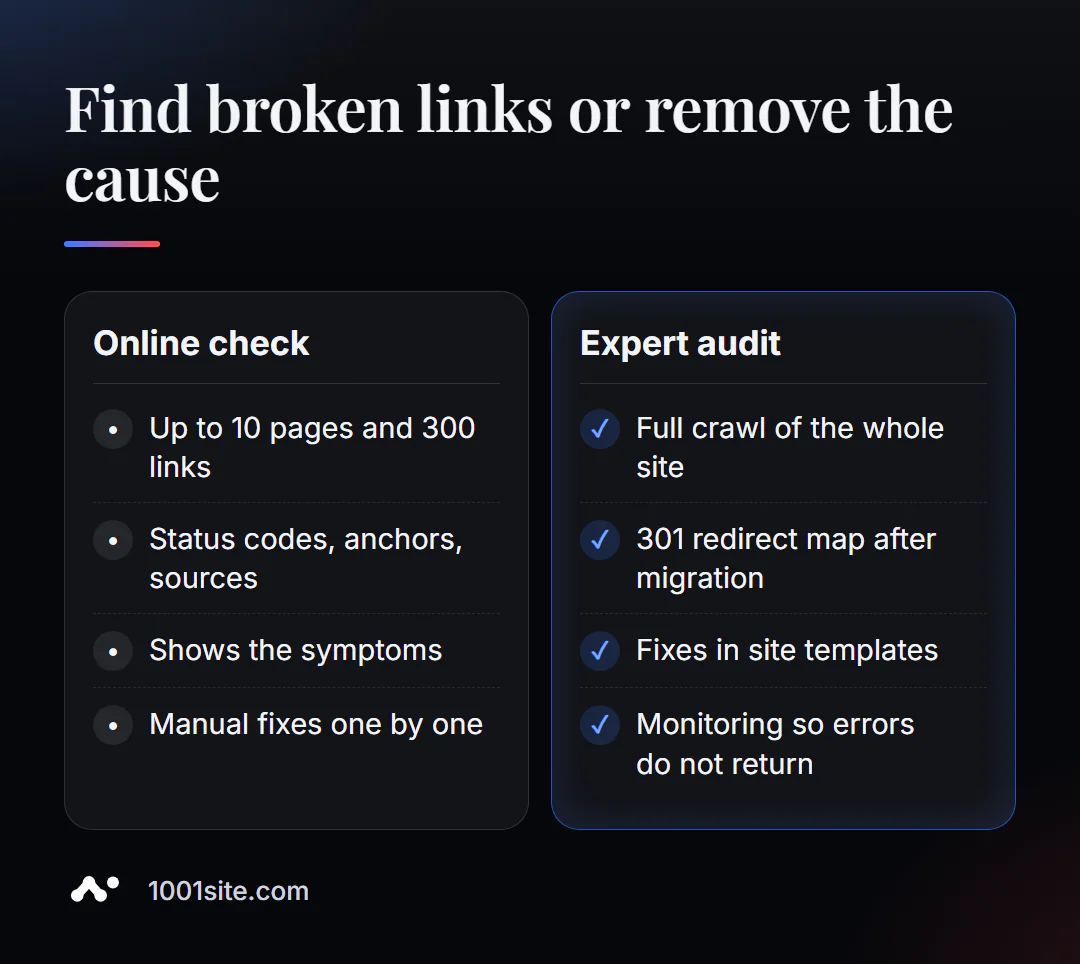
The tool finds the problem, but not always its cause. You need a specialist if:
- After moving or changing the engine, there are hundreds of broken links and they are in the templates;
- We need a map of redirects from old addresses to new ones to avoid losing positions;
- broken links appear again and again, which means that the site itself generates them;
- The site is large and requires a full crawl with a report and a plan for corrections.
What can I do for your website?
My name is Valeriy Danyuk, I'm a developer and SEO specialist with 12 years and over 200 clients. Broken links most often appear during relocations—and relocations are precisely what I do most often.
SEO and promotion
- Turnkey SEO audit: full site crawl, redirect map, link corrections in templates, not just one by one.
- Moving without losses: How I'm migrating my store from Instagram to a website and why it's sometimes more profitable to switch from Tilda to an AI-powered website.
Websites and online stores
- A WordPress website with an AI assistant for €299 and 3 days —with correct page addresses from day one.
- A new website on 1001site in the style of your favorite website in minutes: pages, sitemap, and markup are created automatically.
CRM, accounting and automation
- A CRM that automatically calculates prices and prints invoices for auto dismantlers.
- The AI-powered equipment repair guide is a knowledge base with hundreds of internal links automatically maintained.
Send me the website address in Telegram - I'll look at the report and tell you what's the problem and where it's just a typo.
Result
- Broken links waste crawl budget, lose weight, and irritate visitors—check them after each move.
- The online check finds 404, 410, 5xx, timeouts, and redirects with anchor and source page.
- Fix it in this order: template → text → external links → redirects; double-check 403 and 429 manually.
- Hundreds of broken links after a move are a reason for an audit, and sometimes even a new website: one can be built on 1001site with a clean URL structure.
Check your top and most visited article right now —it'll take less than a minute.
Sources
- PromoPilot's Broken Link Checker tool page — modes, limits, and report content.
- Screaming Frog — official pricing page (free version limit is 500 URLs).
- W3C Link Checker is a link checking service from the W3C consortium.
- Ahrefs Webmaster Tools – a description of a free website audit.