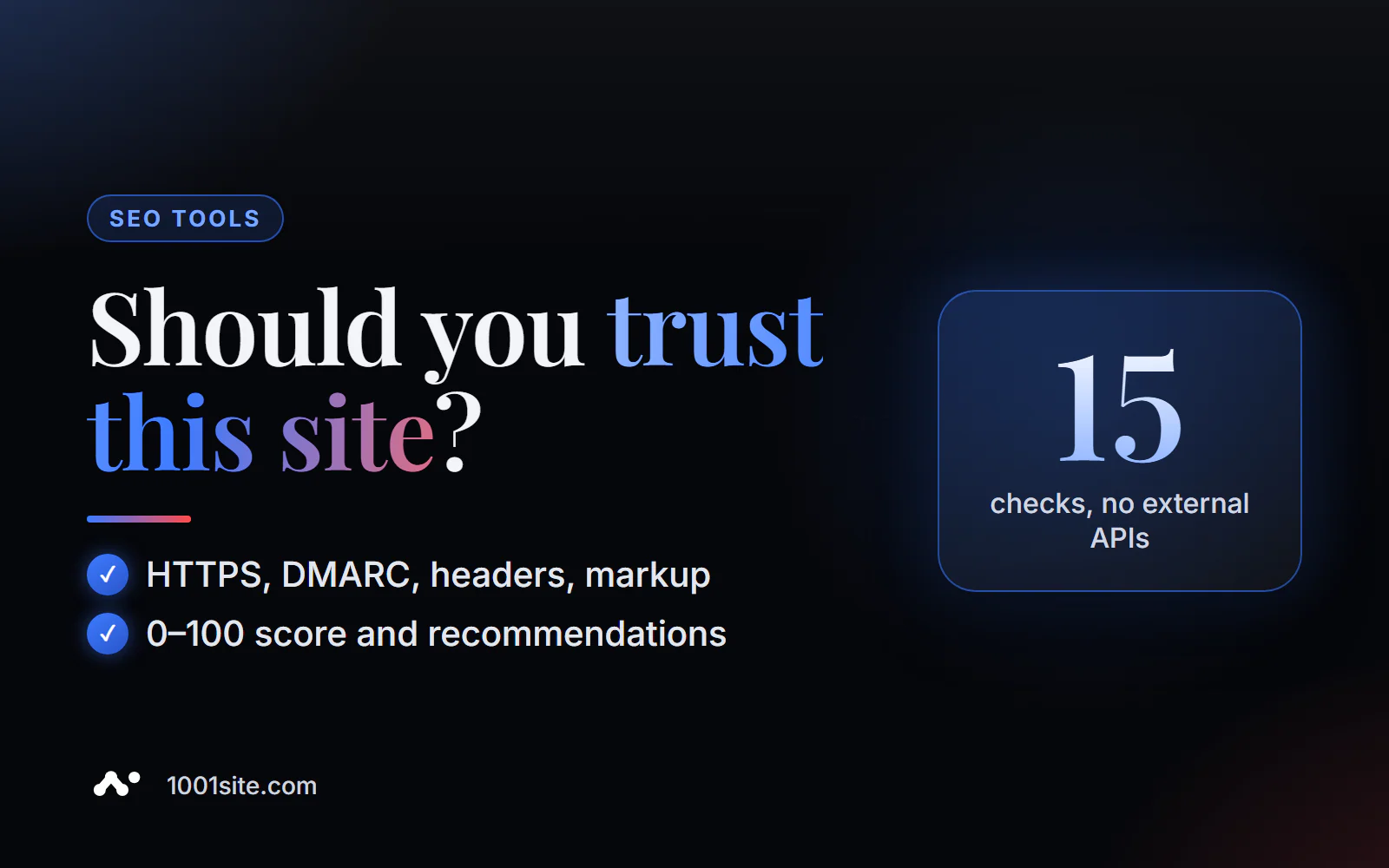
The short answer: to check a website's trustworthiness online, enter the domain in PromoPilot's Domain Trust Checker. In about 10 seconds, the tool will check 15 technical signals—HTTPS and SSL certificates, security headers, DNS and mail protection (DMARC), robots.txt and sitemap, Open Graph and Schema.org, and domain age—and provide a score from 0 to 100 with recommendations. No external databases are used, and no registration is required. Below, you'll find information on how to read the score, what to fix, and how to check other websites before making a deal.
When a client asks whether it's worth buying a link on a website, I start with this check: in ten seconds, I can see whether it's a live project or a showcase for selling links.
What does the website trust score check?
The tool looks at what's visible externally to any robot or browser. Each signal is small, but together they provide a good indication of whether the owner is monitoring the website.
| Signal | What is he looking at? | Why is this important? |
|---|---|---|
| HTTPS and SSL | Secure connection and valid certificate | Without HTTPS, the browser warns the visitor, and trust drops immediately. |
| Security Headers | HSTS, protection against type and frame spoofing, etc. | They show that the site is carefully configured, and not just a stray piece of work. |
| DNS and mail | Domain records, including DMARC | Without DMARC, emails from a domain are easier to forge and are more likely to be blocked by filters. |
| robots.txt and sitemap | Are there files for search robots? | A sign that the site is being managed with search engine optimization in mind |
| Open Graph and Schema.org | Markup for social networks and search engines | The site is ready for beautiful previews and rich snippets. |
| Domain age | How old is the domain? | A new domain isn't bad, but it's a risk factor for a partnership. |
| Summary and recommendations | Rating 0-100 and list of improvements | What can I fix to improve my score? |
How to check a website's trustworthiness online?
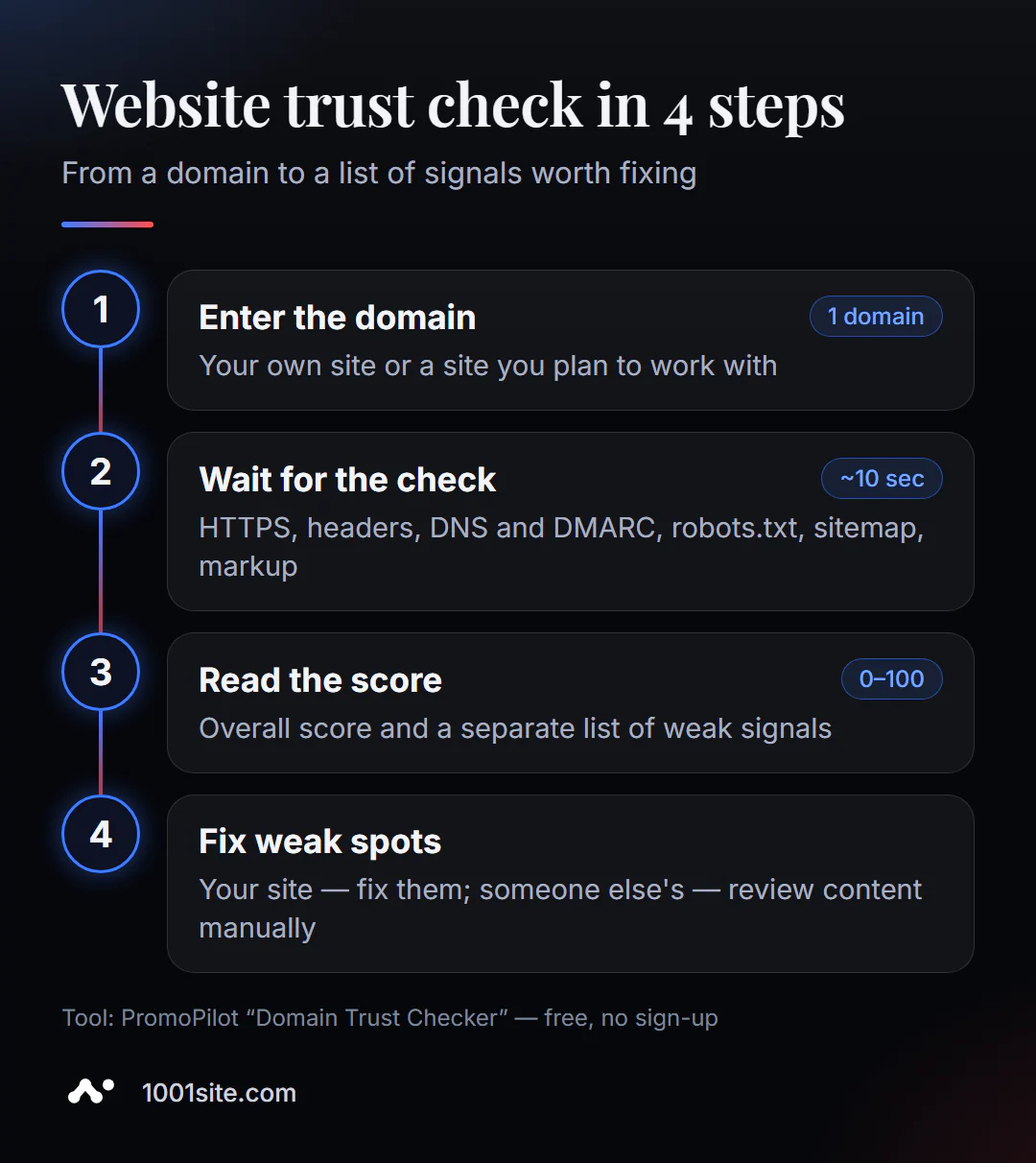
- Open Domain Trust Checker in your browser.
- Enter a domain or website address - yours or the one you want to evaluate.
- Click "Check Trust" and wait about 10 seconds.
- Check the rating and weak signals - they are marked separately.
- Apply the recommendations to your site or make a decision based on someone else's.
This is what the tool page looks like: a field for the domain, a "Check Trust" button, a description of the checks, usage scenarios, and an example of the result.
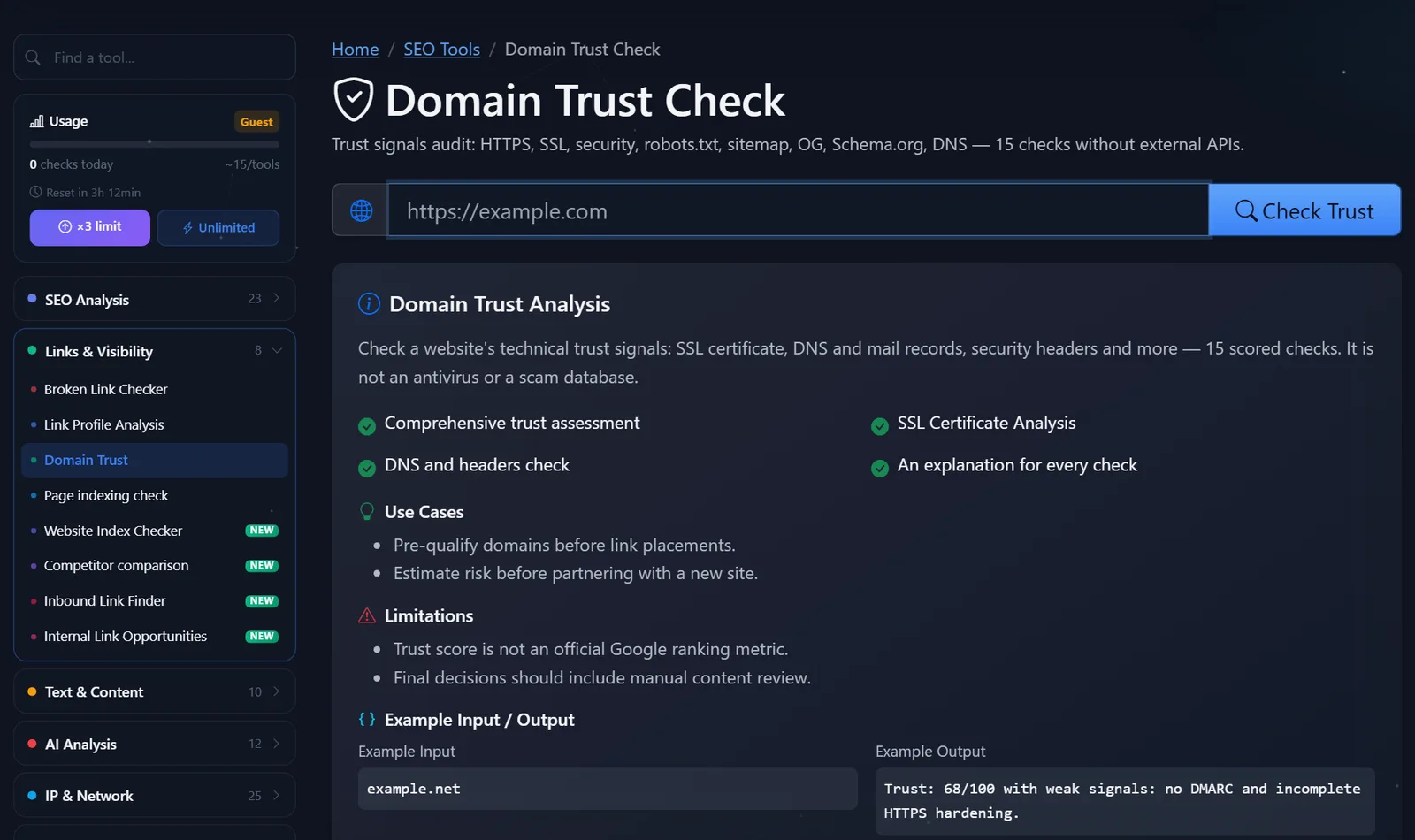
Example from the tool description: for the domain example.net, the score is 68 out of 100. Weak signals include no DMARC and incomplete HTTPS protection. Both issues are resolved within an hour.
It's worth repeating the check not only when launching a website. A certificate may not be renewed, headers may disappear after changing hosting, and DMARC and SPF records may disappear when migrating email. I recommend running a check on your domain once a month and after any server or DNS maintenance.
How to read the trust rating and what to fix first?
I use the following benchmarks: 80+ – the site is technically sound; 60–79 – there are some gaps, but they can be fixed; below 60 – the site is either abandoned or not being properly maintained. This is my practical guideline, not an official scale.
What to fix on your website first:
- HTTPS. The certificate is valid, the http version redirects to https with a single 301 redirect, and there is no mixed content.
- DMARC and SPF. A DMARC record of the form
v=DMARC1; p=none; rua=mailto:dmarc@ваш-доменcan be added to the DNS in five minutes; then, after monitoring, tighten the policy toquarantineorreject. - Security headers:
Strict-Transport-Security,X-Content-Type-Options: nosniff,X-Frame-Optionsorframe-ancestorsin CSP,Referrer-Policy. Added in server or CDN settings. - robots.txt and sitemap. Both files must exist and not contradict each other: the sitemap must not contain URLs blocked by robots.txt.
- Open Graph and Schema.org. Organization, breadcrumb, product, or article markup for snippets and previews.
How to check someone else's website before buying a link or partnering with them: a low rating is a sign to take a closer look, not a death sentence. Open the website, browse its latest publications, and check for contacts and real people. If the signals are weak and the content looks like a bunch of "everything with links" articles, pass.
My short checklist for the platform before buying a link or guest article:
- a trust score of at least 60 and no critical failures such as an expired certificate;
- the topic is close to yours: a link from a website about equipment repair to an online clothing store will be of little use;
- live content: publications are published regularly, articles have an author, not just an “editor”;
- Links in articles are not sold in packs - one material does not contain dozens of external links to different stores;
- site in the index: pages are found in Google by the site:domain query, and have not dropped out of the search.
If at least two of these points aren't met, it's better to spend the money on content for your own website. One useful article on your own site often brings in more than five links from dubious sites.
Comparison: PromoPilot Trust Check and Alternatives
| Tool | What's free? | Restrictions | Who is it suitable for? |
|---|---|---|---|
| PromoPilot — Domain Trust Checker | 15 technical signals, rating 0-100, recommendations | Does not take into account external links and content quality | Quick assessment of your own or someone else's website |
| Moz Link Explorer (Domain Authority) | Domain Authority by Links | Free - limited number of requests, account required | Evaluate the site's link weight |
| Qualys SSL Labs | Deep SSL/TLS Inspection | Certificate and encryption only | Setting up HTTPS on the server |
| securityheaders.com | Evaluation of security headers | Headlines only | Fine-grained security customization |
Conclusion: DA and DR answer the question of "how many links are there to a site," SSL Labs and securityheaders.com address specific technical questions, and the trust check aggregates basic signals into a single assessment. When deciding on a link or partnership, it's useful to look at both the technical assessment and the link assessment.
PromoPilot offers 87 free SEO tools, including separate checks for SSL, security headers, DMARC, and domain age—handy if you need to dig deeper into a single signal.
Limitations on domain trust valuation?
Important: Trust Score is not an official Google ranking metric. A high score won't automatically improve a site's rankings, and a low score won't result in penalties. It's an indicator of technical accuracy.
Second, the tool doesn't read the website's content. The final decision on a partnership or link should involve a manual review: what the website is about, who maintains it, and whether it contains spam. Third, the check doesn't use external link databases, so backlink authority should be assessed separately.
Keep in mind that some signals depend on the CDN and hosting: security headers are sometimes added by the proxy, not the site itself, and the results may differ upon re-checking. If the score fluctuates significantly, recheck in a few minutes and look at individual signals, not just the overall score.
When is a free tool not enough?
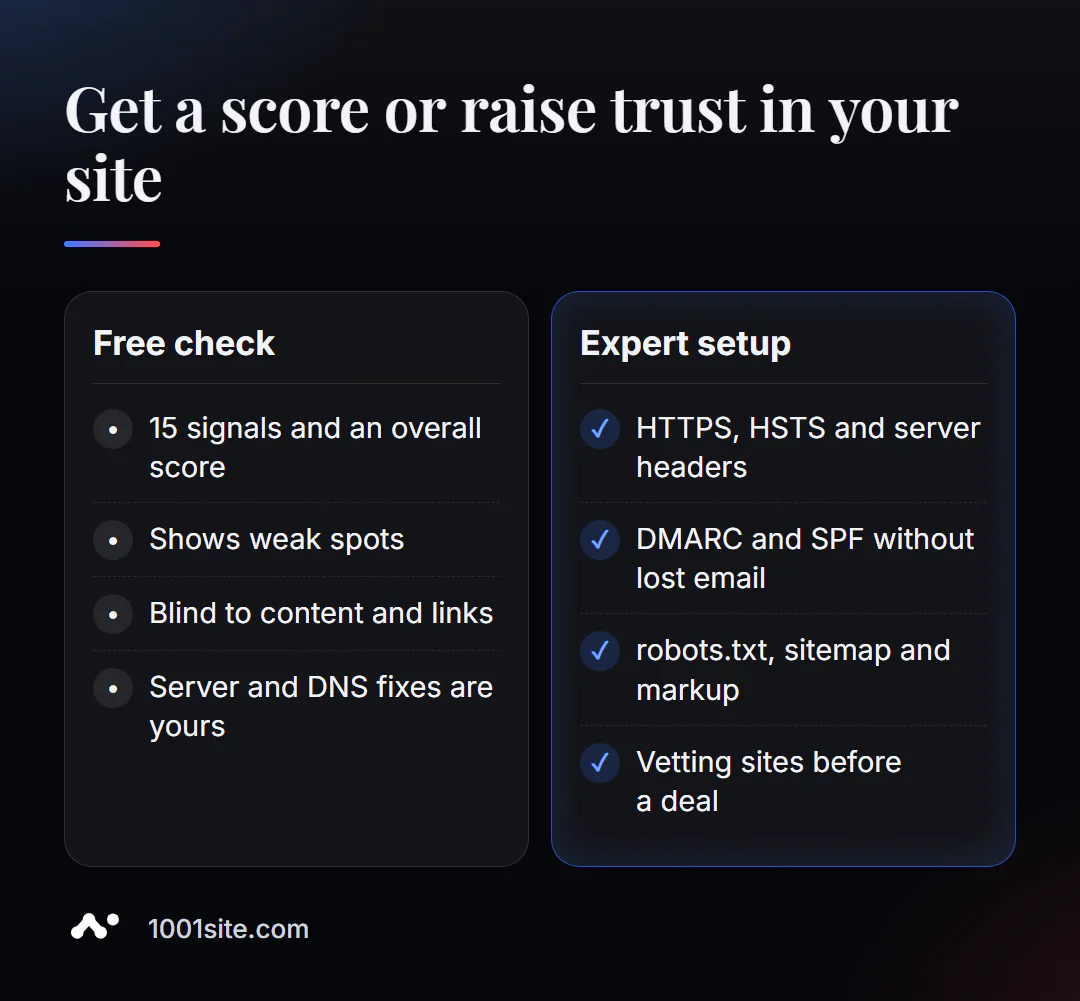
The report clearly shows which signals are missing. However, the adjustments affect the server, DNS, and website template. A specialist is needed if:
- no access or experience to edit DNS, server headers and CDN;
- emails from the domain are sent to spam, and DMARC and SPF are configured incorrectly;
- you need to evaluate dozens of sites for purchasing links, not just one;
- It's easier to rebuild an old website on a modern platform than to patch it.
What can I do for your website?
My name is Valeriy Danyuk, I'm a developer and SEO specialist with 12 years and over 200 clients. I build technical trust signals into every website from day one.
SEO and promotion
- Turnkey SEO audit: I check HTTPS, headers, DNS and mail, robots.txt, sitemap and markup – and fix them myself.
- Trust not only in Google, but also in AI assistants: how a hotel got recommended by ChatGPT, Gemini, and Perplexity in 5 weeks.
Websites and online stores
- A plastic surgery clinic website powered by AI is a topic where visitor trust is everything.
- A WordPress website with an AI assistant for €299 with HTTPS and basic security out of the box.
- A website on 1001site: SSL on your domain is issued and renewed automatically, data is on servers in the EU, sitemap and markup are automatic.
CRM, accounting and automation
- A dropshipping platform with partner stores —where partner reliability checks are built into the process.
- A monthly accounting system for an online store for a company from the Czech Republic.
- E-commerce agents instead of chatbots.
Send me your domain in Telegram and I'll tell you which trust signals can be closed in one day.
Result
- The 10-second trust check shows 15 technical signals and a score of 0–100.
- On your website, first close HTTPS, DMARC and SPF, security headers, robots.txt and sitemap.
- For other sites, the rating is a filter before manual verification, not a final verdict.
- If the edits are limited by the server and DNS, delegate them to a specialist or switch to a platform where this is pre-configured, such as 1001site.
Check your domain right now and see what trust signals your site is currently lacking.
Sources
- PromoPilot's Domain Trust Check tool page - list of signals, example, and limitations.
- Moz Link Explorer - Domain Authority metric description.
- Qualys SSL Labs - SSL/TLS configuration checker.
- securityheaders.com — check security headers.