The short answer: to find incoming links to a website online, enter the domain in PromoPilot's Incoming Link Finder. The tool will find mentions of the domain in search engines, open each candidate page, and check whether there's a genuine link to you. For verified links, it will show the anchor text, whether it's dofollow or nofollow, and statistics for the referring domains. It also provides quick links to Google, Brave, Ahrefs, and Moz for manual verification. It's free and requires no registration. Below, you'll find how to read the results and why you'll see fewer links than in paid databases.
I launch this search when a client says, "Nobody links to us," or, conversely, "We once bought links, but we don't know where." Both of these situations quickly become clear.
What does the inbound link search show?
The key difference from many free services is the verification. The tool doesn't just show "where the domain is mentioned"; it actually goes to the page and searches for the link itself.
| What does it show? | How it was received | Why is this for SEO? |
|---|---|---|
| Domain mentions | Search in search engines | List of pages where you may have been featured |
| Verified links | Checking the real link on each page | Filters out unlinked mentions and deleted links |
| Anchors | The text of each found link | You can see what they call you: brand, address, keyword |
| dofollow / nofollow | The rel attribute of a link | Which links pass weight and which don't? |
| Referring domains | Donor site statistics | Ten links from one site weigh less than ten sites |
| Quick links | Transitions to Google, Brave, Ahrefs, Moz | Supplement the list manually from other sources |
How to find incoming links to a website online?
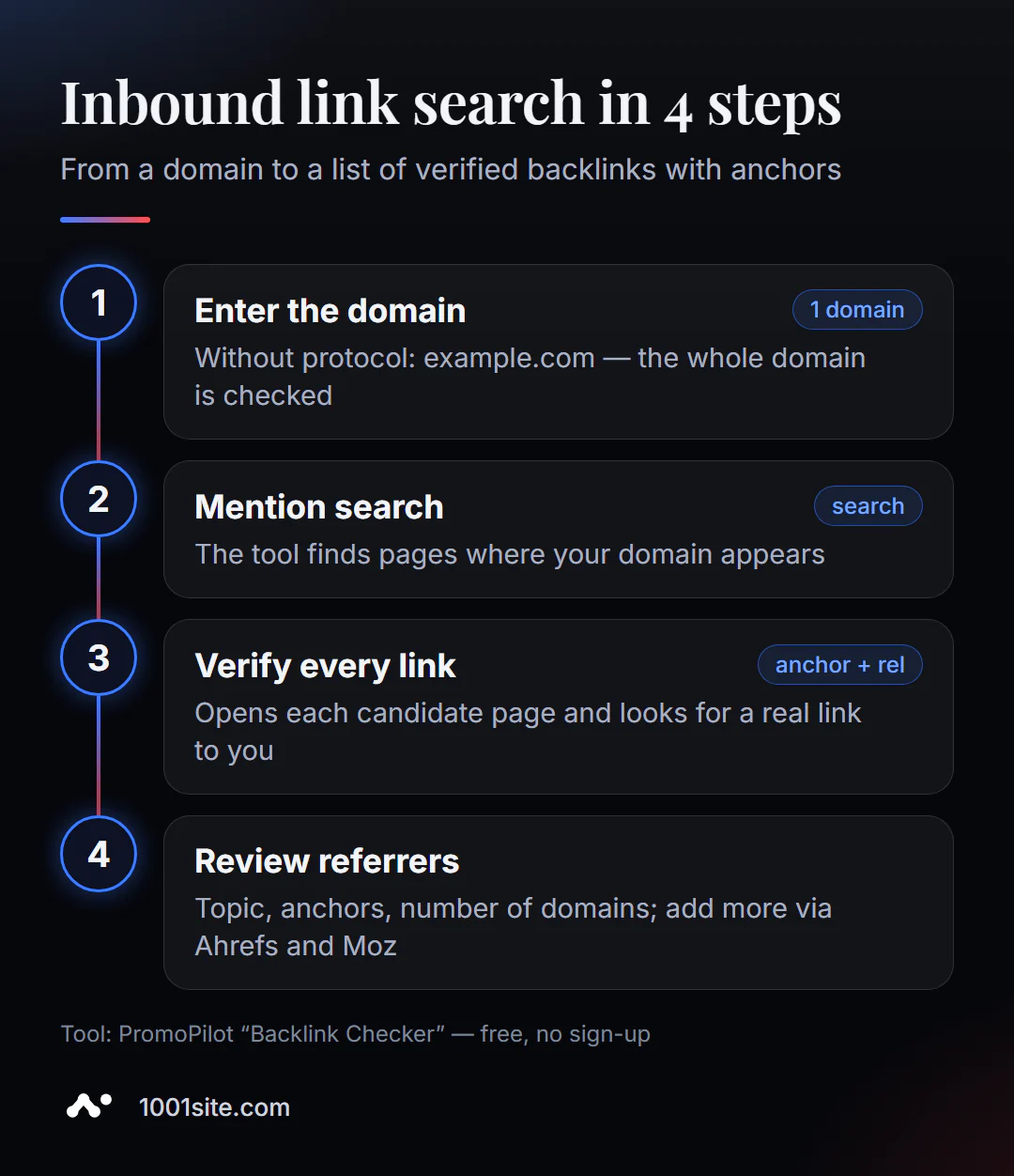
- Open Inbound Link Search.
- Enter the domain without the protocol:
example.com. The entire domain is checked, not a single page. - Click "Find backlinks" and wait for the search for mentions and verification of each page to finish.
- Study the verified links: which sites, what anchors, how much dofollow.
- Supplement the list with quick links to Google, Brave, Ahrefs, and Moz if you want the full picture.
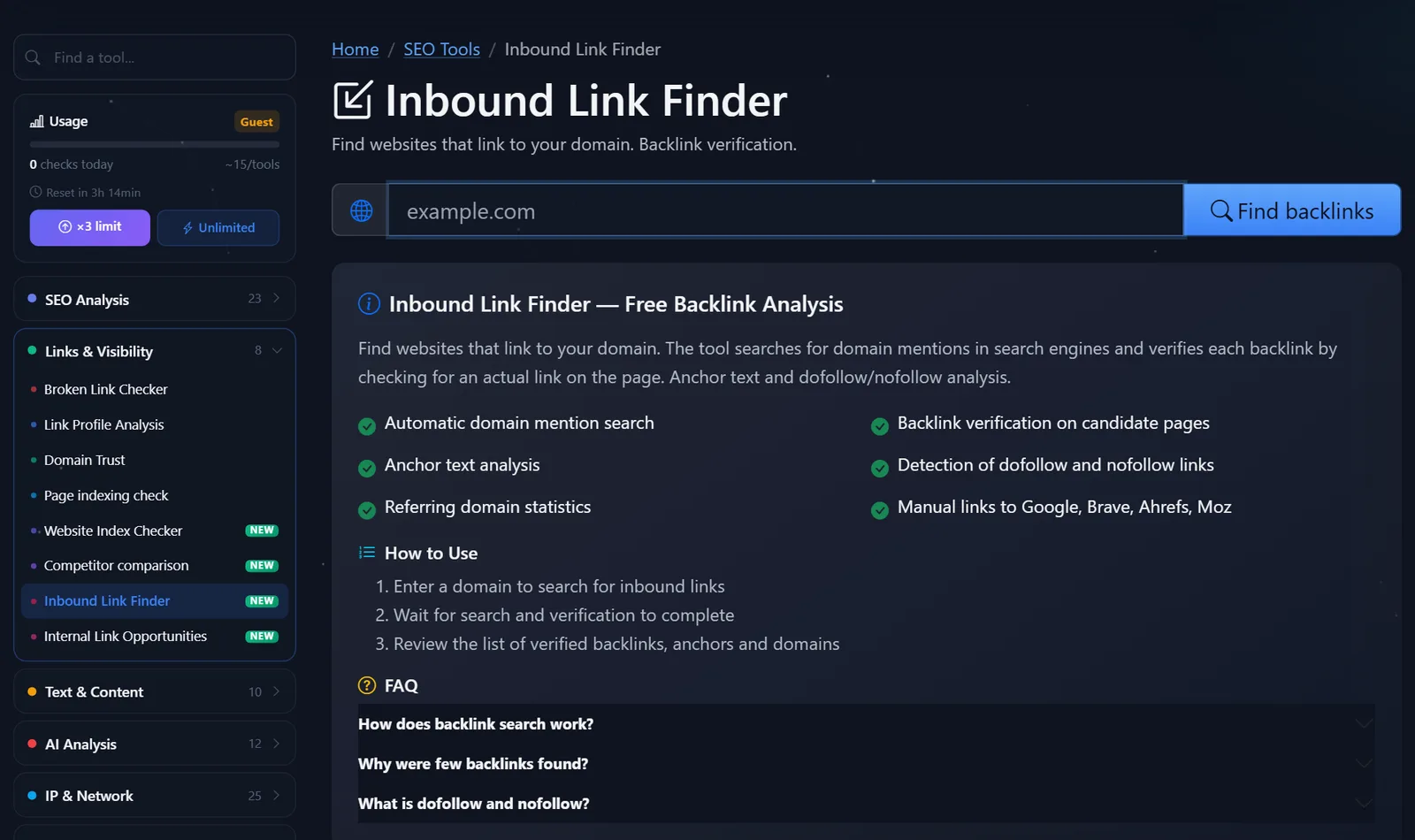
This is what the tool page looks like: a field for the domain, a "Find backlinks" button, and a description of the steps—searching for mentions, checking, and analyzing anchors.
How long does it take: The search and verification process takes longer than simple online checks because the tool opens every page it finds. Don't close the tab until the results appear. The more mentions a domain has, the longer the verification process takes—this is normal.
How often should you check? For a new site, check quarterly to see if new mentions appear after publications and PR. For a site that's actively working on link building, check monthly: this way, you'll notice both new links and lost ones while you can still negotiate with the site owner.
Tip: Check your competitor's domain while you're at it. Sites that link to them but not to you are a ready-made list of sites for partnerships, guest articles, and mentions.
How to read found links and what to do with them?
Links aren't a matter of "the more, the better." I break the list down into four categories.
- Who's linking? Thematic sites, media outlets, industry directories, and partners are good. Random, generic sites, foreign-language sites unrelated to your business, and link dumps with hundreds of links are suspicious.
- What anchors? A healthy profile is primarily made up of the brand, website address, and general phrases ("company website," "here"). If almost all anchors are a precise commercial search query like "buy a cheap sofa," this indicates purchased links, and that's a risk.
- Dofollow or nofollow? It's fine to have both. Links from social media, forums, and comments are almost always nofollow—no problem.
- How many domains? Focus on the number of different sites, not links. A single link in the footer of one site generates hundreds of links, but that's only one donor.
What to do with the result:
- Good links - maintain relationships with these sites: updated data, new materials, joint projects.
- Links to deleted pages - if a donor links to your old address, set up a 301 redirect from it to the current page to avoid losing link value.
- Mentions without a link: Contact the author and politely ask for a link. This is one of the easiest ways to get a good backlink.
- Nofollow links on important sites – if an industry directory or partner sets nofollow, this is normal and not a cause for complaint; the value of such links is in visitors, not in their weight.
- Clearly spam links: Google typically simply ignores such links. Disavowing them should only be done in the case of manual penalties or obvious past link purchases.
Comparison: PromoPilot Inbound Link Search and Alternatives
| Tool | What's free? | Restrictions | Who is it suitable for? |
|---|---|---|---|
| PromoPilot — Inbound Link Search | Search for mentions, check each link, anchors, nofollow, domains | Based on public search results - fewer links than in commercial databases | Quickly check any domain, yours or a competitor's, without registration |
| Google Search Console, Links report | External links known to Google, top donors and anchors | Only your verified website | For owners - the most complete free list for your website |
| Ahrefs Backlink Checker | Backlinks of any domain from the Ahrefs database | Free - only the top part of the list | Estimate the competitor's strongest links |
| Moz Link Explorer | Links and Domain Authority | Free - limited number of requests, account required | Evaluate domain authority and top links |
Conclusion: For your website, start with Search Console—it's free and the most comprehensive. Online search is useful when you don't have access to Search Console, when you want to check your competitors, or when you want to verify that specific links are live and not just stored in a database. Paid databases are useful when link management becomes a regular part of your workflow.
Backlink search is one of PromoPilot's 87 free SEO tools. Before agreeing to a link from a site you've found, evaluate it by running a domain trust check—there's a separate article on this topic. And if you need to analyze the links on your own page, that's the task of analyzing the page's link profile, also covered in a separate article.
Why does this tool find fewer links than paid services?
Commercial services have been crawling the internet for years, storing billions of links in their own databases. This tool works differently: it searches for domain mentions in public search results and verifies the pages found. Therefore, links that search engines don't show for queries containing your domain won't be included in the report.
The advantage of this approach is that every link is verified immediately, without outdated entries. The disadvantage is its incompleteness. For sites with a few dozen donors, the results are usually indicative; for larger sites with thousands of links, this is a sample, not a complete profile.
When is a free tool not enough?
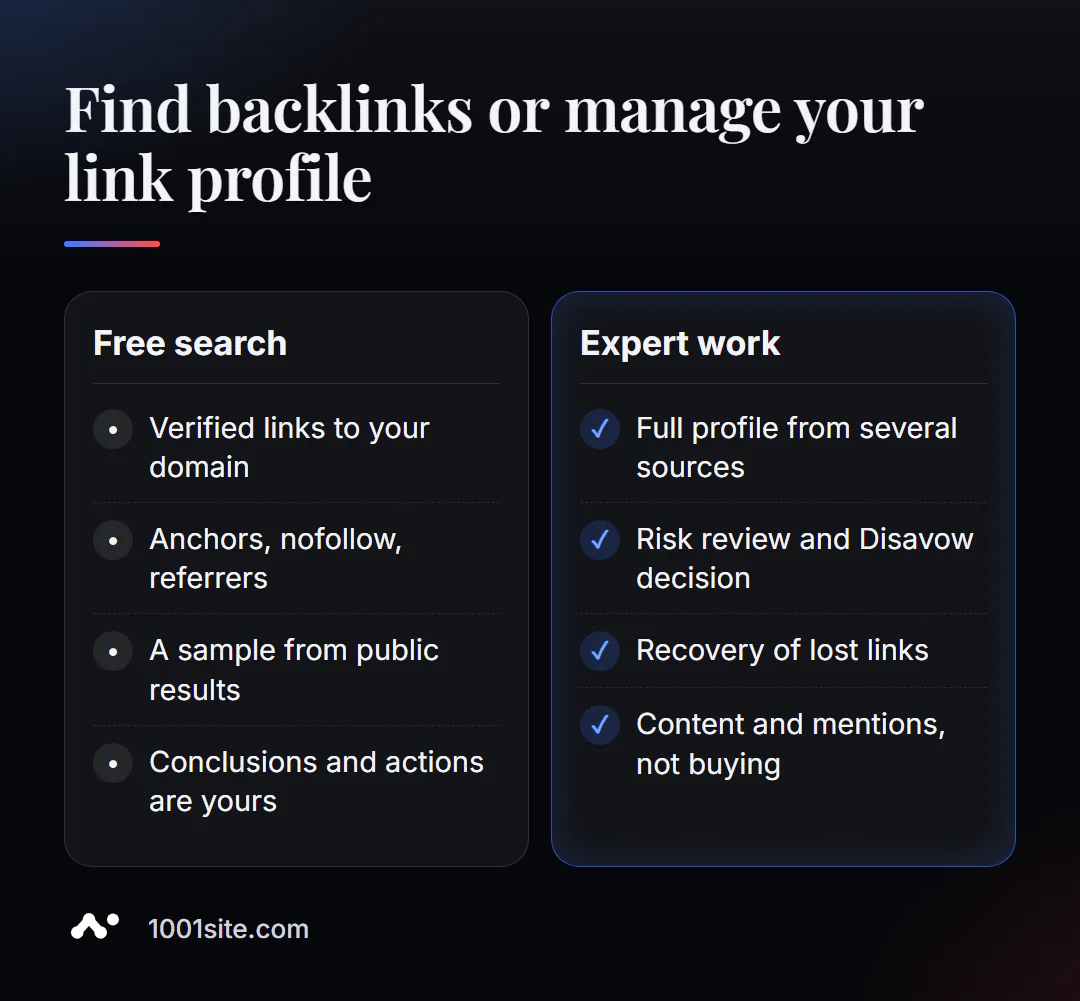
Finding links is half the battle. You need a specialist if:
- There are a lot of suspicious links in your profile and you are not sure whether Disavow is necessary;
- the site received manual sanctions for links;
- We need new links and mentions, not just taking into account the old ones;
- After the move, links lead to non-existent addresses, and a redirect map is needed.
What can I do for your website?
My name is Valeriy Danyuk, and I'm a developer and SEO specialist with 12 years and over 200 clients. I don't sell "link packages"—I create websites and content that get linked to.
SEO and promotion
- Turnkey SEO audit: I analyze the link profile, find lost links to old addresses, and restore their value through redirects.
- Linked Content: AI-powered SEO blog that drives organic leads.
- Mentions in AI assistants' responses are a new kind of "link": how a hotel got featured in ChatGPT, Gemini, and Perplexity.
Websites and online stores
- An online store powered by WooCommerce with clear URLs that won't break during updates.
- A website on 1001site with its own domain and SSL: links to your domain will work for years.
CRM, accounting and automation
- A dropshipping platform with partner stores is a network of websites that link to each other for business purposes.
- QuestFlow is a SaaS builder Telegram bots with AI.
- ERP + website + AI-powered Telegram bot for auto dismantling in 6 days.
Send me your domain in Telegram - I'll look at the links and tell you if there's any risk or lost weight.
Result
- Inbound Link Finder shows you which sites link to your domain and checks every link on the page.
- Look at the number of domains, donor topics, and anchors, not the total number of links.
- For your site, supplement the results with the "Links" report in Search Console; for your competitor, add quick links to Ahrefs and Moz.
- Restore lost links with 301 redirects, and unlinked mentions with a request to the author; and the site you want to link to can be compiled on 1001site.
Check who is linking to your domain - and to your main competitor's domain at the same time.
Sources
- PromoPilot's Inbound Link Search tool page - search principle, link checking, and limitations.
- Google Search Console Help - Links Report.
- Ahrefs Backlink Checker is a free backlink checker.
- Moz Link Explorer - Link Analysis and Domain Authority.