The short answer: to find a website's IP address, enter the domain into PromoPilot's "Site IP Address" tool and click search. It will read the DNS A record and display the server's IPv4, the country where it's located, and hosting information. No registration or command line required. The main practical benefit is checking for a relocation: if a domain still points to the old IP after changing hosting, some visitors and requests are lost. Below is how to check this and how to read the results.
Over the past 12 years, I've migrated dozens of websites between hosting providers and engines. The most common panic attack from clients on migration day is "the old website opens." The first thing I do is check the domain's IP address: nine times out of ten, the answer is right there on the screen.
What does the Website IP Address tool show?
The tool converts the domain name into a server address, just like the browser does every time you open a website.
| Parameter | What is he looking at? | Why does a website owner need it? |
|---|---|---|
| IPv4 address | DNS domain A record | Does it match the IP of the new server after the move? |
| Server geolocation | Country and city of the data center | A server in the EU is closer to the European audience, meaning lower latency and easier data storage. |
| Hosting information | The provider and network to which the IP belongs | You can see what hosting the site is on, or that it is behind a CDN |
If the response includes a CDN address (e.g., Cloudflare), it means the real server is hidden behind a proxy. This is normal and even useful for security, but in this case, you should check the relocation in the CDN panel, not by domain IP.
How to find out a website's IP address online?
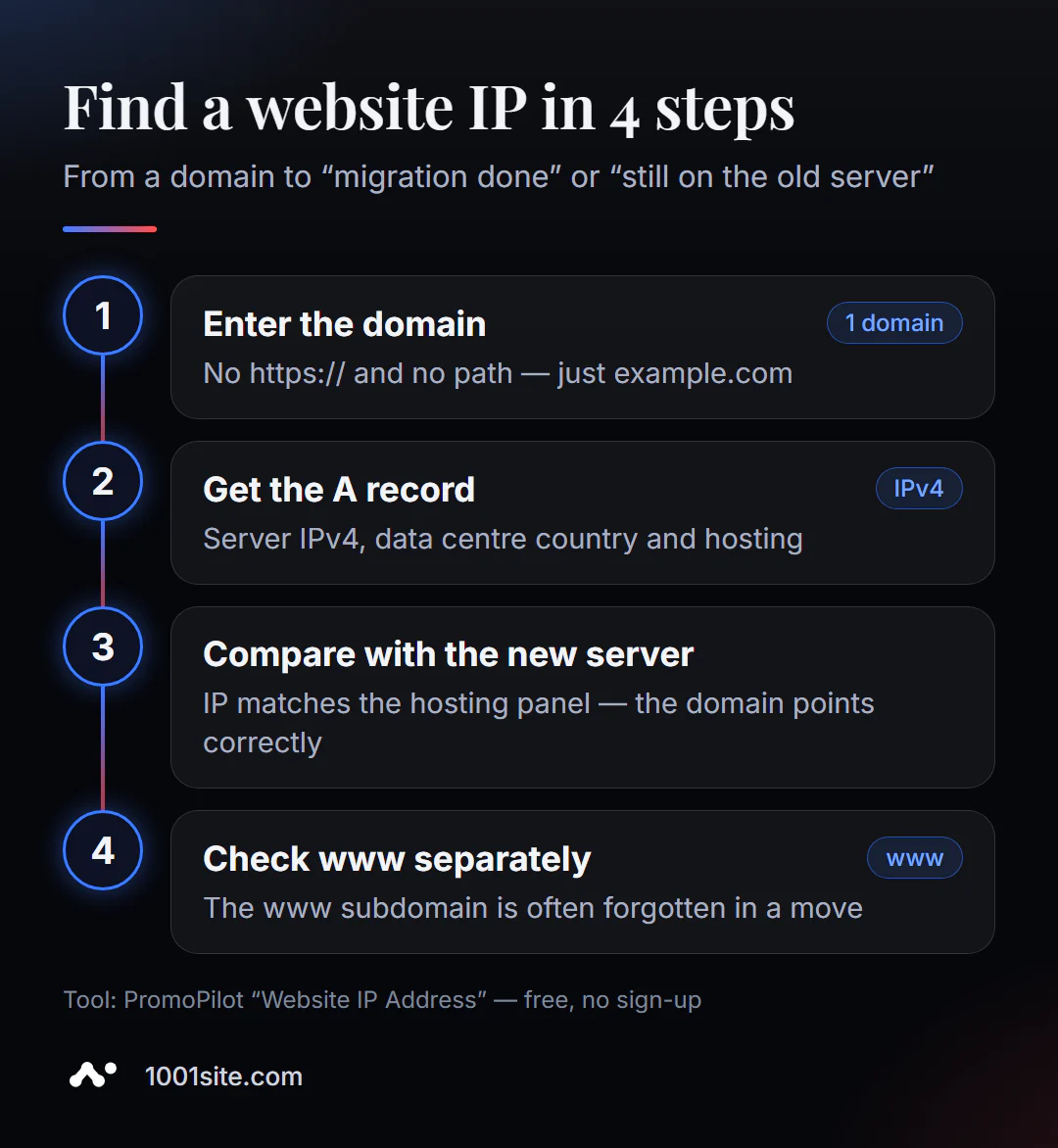
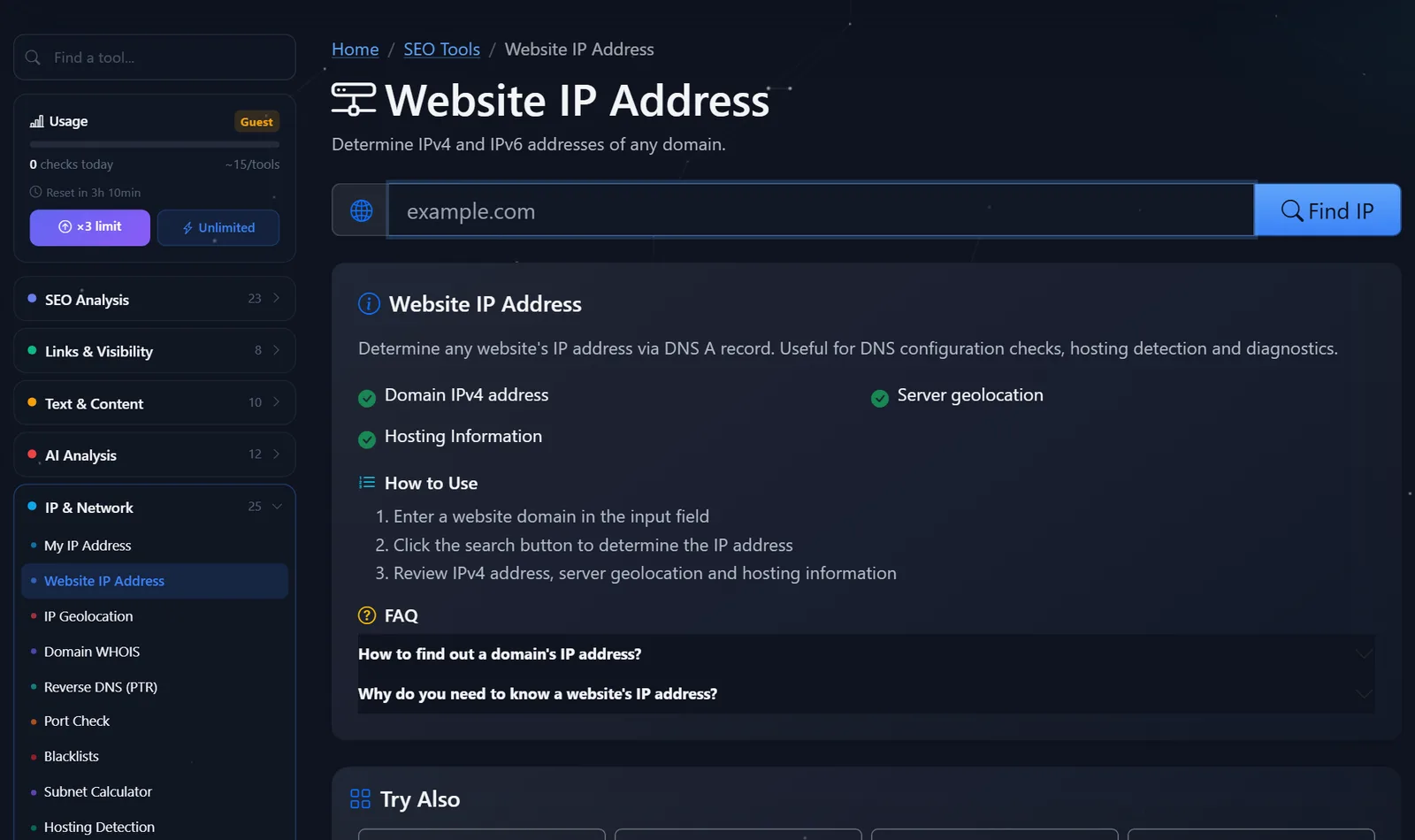
- Open "Website IP Address" - it works in the browser.
- Enter the domain without
https://and the path:example.com, nothttps://example.com/catalog/. - Click the search button and wait for a response - usually seconds.
- Check the IPv4 against the server address in your hosting panel. If it matches, the domain points to the correct location.
- Check
wwwversion separately:www.example.comis often set up as a separate entry and is "forgotten" when moving.
This is what the tool page looks like: a field for the domain, a search button, and a description of what is returned in the response.
A practical tip: save the IP addresses of the old and new servers in a note before you start the migration. This way, checking takes just a second—you'll immediately see which of the two addresses has returned.
How can I check if a website has moved by IP address, and what should I do if the address is old?
The migration scenario is almost always the same: change the DNS A record to the new server's IP and wait for the change to propagate throughout the network. What could go wrong?
- The old IP address is in the response after 24 hours. This means the record was changed in the wrong place: often, DNS isn't handled by the registrar, but by the old hosting service or Cloudflare. Check the domain's nameservers in WHOIS and change the record with the person actually responsible for the zone.
- You have a new IP address, and the client has an old one. This is due to the DNS cache: the client's ISP remembers the old response until the TTL expires. Clear your cache (
ipconfig /flushdnsin Windows) and wait. - The root has moved, but
wwwhasn't. Visitors towwwlinks are redirected to the old server. Check both versions. - Multiple A-records. The new and old IP addresses are listed simultaneously—half of the visitors are seeing the old site. Delete the extra record.
For SEO, it's important that the old server doesn't serve an outdated copy of the site during the transition period: search engines may index old prices and text. While the DNS resolves, keep either a current copy or a redirect on the old hosting.
Why else would a website owner need to know the IP address of his server?
Relocation is the most common, but not the only, reason. The server's IP address appears in settings that are only remembered after a breakdown.
- Whitelist in your CRM, payment gateway, or supplier API. Many services only accept requests from known addresses. If your website has moved, requests from the new IP address are rejected, and orders are no longer counted. You should whitelist the new address in advance.
- SPF record for website email. If emails from the application form are sent directly from the server, its IP address must be specified in the SPF using the
ip4:mechanism. If you change the server but forget about the SPF, your emails will end up in spam in Gmail and Outlook. - Address reputation check. On cheap shared hosting, hundreds of websites share a single IP address. If a neighbor sends spam, the address gets blacklisted, and your email suffers. The server's IP address is the first thing checked by DNSBL.
- Analyzing "website not loading" complaints: A client reports that the site is unavailable, but yours is working. Ask them to run an IP check: if the address is different, it could be due to an outdated DNS cache or a blocking issue with their ISP, not a website issue.
A practical example: after a store relocated, requests from the form stopped coming into the CRM. The website worked, emails were sent, but the CRM silently rejected webhooks—the old IP was whitelisted, but the new one wasn't. Five minutes of address verification would have saved two days of lost orders.
Comparison: PromoPilot's "Site IP Address" and Alternatives
| Tool | What's free? | Restrictions | Who is it suitable for? |
|---|---|---|---|
| PromoPilot - website IP address | IPv4 by A-record, server country, hosting | One domain per check, daily limit | For the site owner: quickly check the move without a terminal |
| Google Admin Toolbox Dig | Any DNS records from Google | Without country and hosting, you need to understand the types of records | For those who check DNS like adults |
| DNSChecker | DNS server responses from different countries | There's a lot of data, it's easy to get confused. | Checking out how the move is spreading around the world |
nslookup / dig commands | Full DNS response | Need a terminal? | For developers and administrators |
Conclusion: one line in the PromoPilot tool is enough to answer the question "Where is my domain currently pointing and whose server is it?" If the migration is taking a long time and different users are seeing different versions of the site, add DNSChecker to see the picture by country.
This is one of PromoPilot's 87 free SEO tools. To find out which provider your server is rented from, a dedicated hosting detection tool is more convenient—there's a separate article about it in this series. And the "My IP Address" tool displays your own IP address.
What are the limitations of domain IP verification?
- The tool displays IPv4 from an A record. If the site only operates on IPv6 (AAAA record), checking the DNS records will give a complete picture.
- Behind the CDN, you'll see the proxy address, not the actual server. In this case, you can't find the actual IP via DNS—that's by design.
- The server's geolocation is taken from IP databases and may point to the provider's office, not the data center.
- The result reflects the DNS at the time of the check: immediately after changing the record, different checks may return different addresses.
When is a free tool not enough?
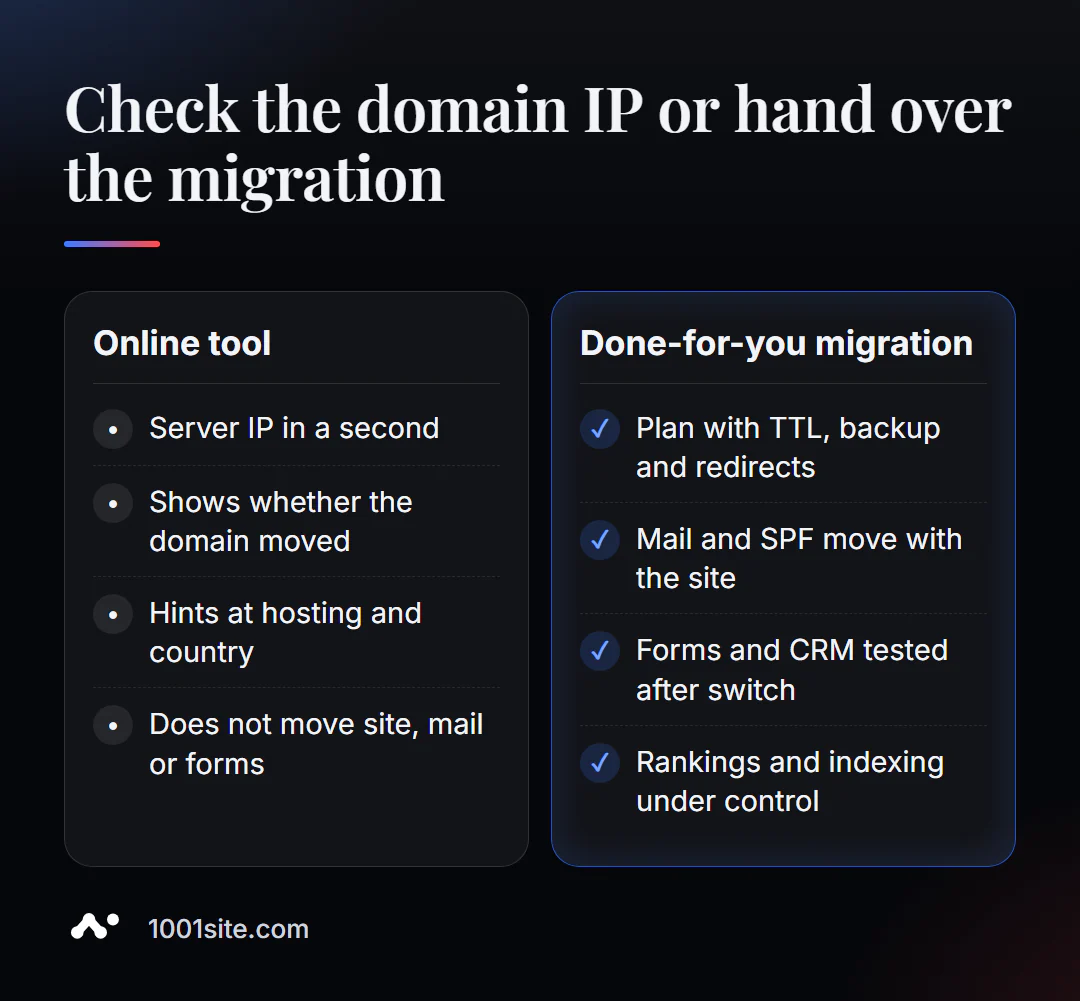
The tool shows where the domain is pointing. It won't transfer the site, database, email, or applications to a new server. You'll need a specialist if:
- You're changing hosting and are afraid of losing rankings and leads: you need a plan with TTL, copy, redirects, and form verification;
- The email is moving along with the site, but no one touched the MX and SPF - after the move, emails from the form stop arriving;
- The site opens differently for everyone, and the DNS is configured in three places at once;
- The old developer has disappeared, there is no access, and it is unclear where the site is located.
What can I do for your website?
My name is Valeriy Danyuk, I'm a developer and SEO specialist: over 12 years, I've worked with over 200 clients, websites, stores, and accounting systems. I manage site relocations so that visitors and search engines don't notice them.
SEO and promotion
- Turnkey website SEO audit before and after the move: indexing, redirects, new server speed, template errors.
Websites and online stores
- A WordPress website with an AI assistant for €299 and 3 days —including a rebuild of the outdated site and content transfer.
- A website based on a 1,450 style reference: a new design in minutes instead of a lengthy migration of an old theme.
- A 1001site website doesn't require its own server: hosting is provided in the EU and your own domain with SSL. The cost of different options is discussed in the "How much does a turnkey website cost" section.
CRM, accounting and automation
- Accounting, bookkeeping, and a store with 30,000 products —moving a large catalog without data loss.
- A CRM that automatically calculates prices and prints invoices —orders from the website are immediately recorded.
All projects are in the portfolio. Planning to move? Send me your domain via Telegram – I'll check the DNS and tell you where the pitfalls are.
Result
- A website's IP address is a domain's A-record; it indicates which server the website currently resides on.
- After moving, check the root and
www, remove unnecessary A-records and edit DNS where it is actually served. - Using a CDN address instead of a server is normal; the move is then checked in the CDN panel.
- It's best to move your email, CRM, and forms according to a plan, while a simple website without a server can be built on 1001site.
Check your domain right now: find out your website's IP address for free. If the answer surprises you, write to me on Telegram.
Sources
- PromoPilot's "Site IP Address" tool page - data composition.
- Google Admin Toolbox - Dig tool description.
- DNSChecker - checks DNS record propagation.