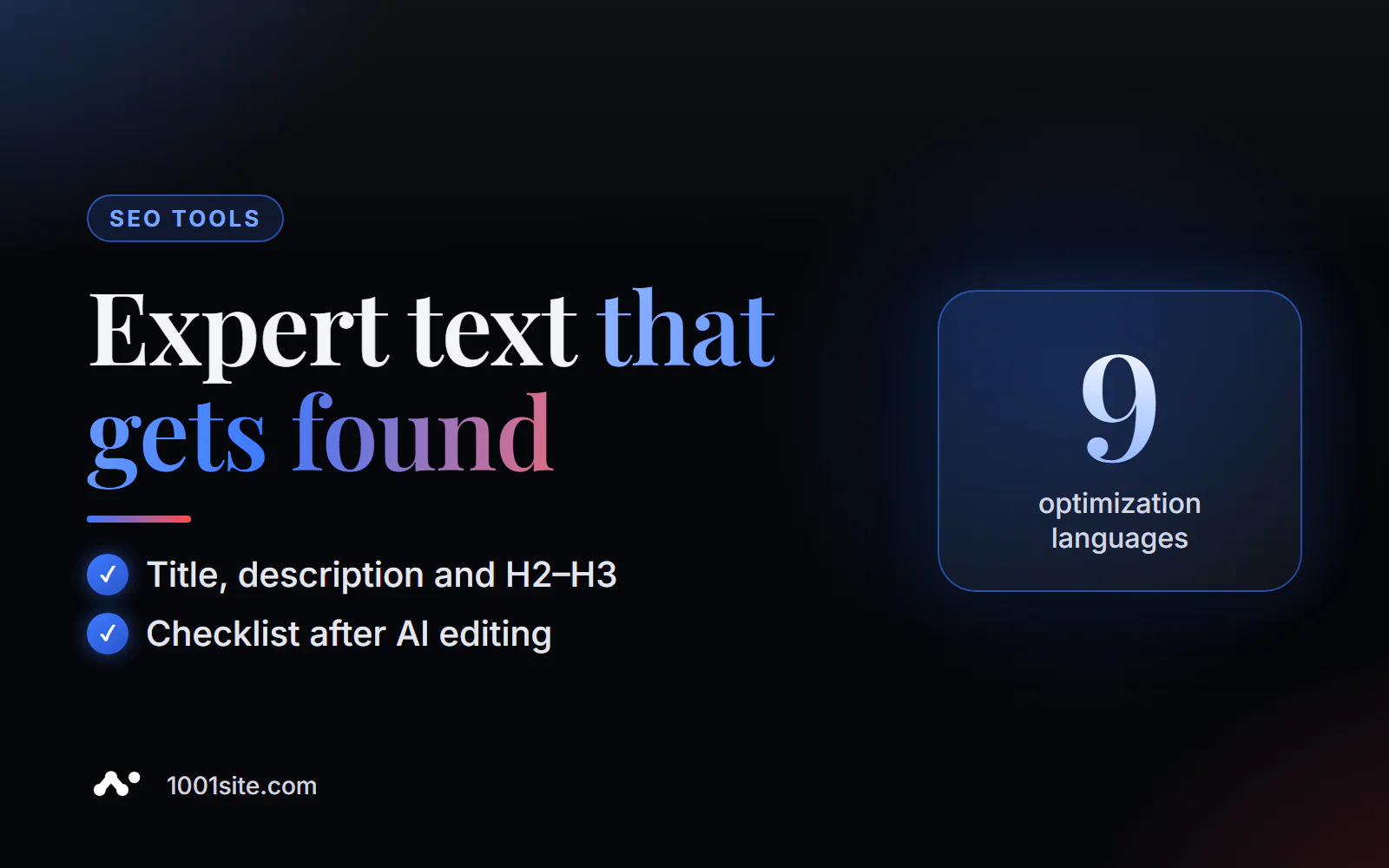
The short answer: to optimize an article online, paste your finished text (at least 50 characters) or a page link into PromoPilot's article SEO optimization tool, specify your target keyword (optional) and language—nine languages are available. Click "Optimize": the AI will return the reworked text with an H2-H3 structure and related keywords, a 50-60 character SEO title, a 150-160 character meta description, and a snippet preview. No registration required.
I've been writing and optimizing articles for clients' websites for over 12 years, and the most common situation is a well-written, expertly written piece that doesn't rank in search results. The author knows the topic, but hasn't thought about the keyword, headings, or snippet. An optimizer fills this gap.
What does an article SEO optimizer do?
The tool doesn't write an article from scratch—it takes your draft and tailors it to the request. The expertise and facts remain yours, but the presentation changes.
| Result | What do you get? | Why is it important for SEO and business? |
|---|---|---|
| Optimized text | Article rewritten for the keyword | The search engine understands which query to show the page for |
| SEO title | The title for the search results should be 50–60 characters long. | It is not cut off by Google and contains the keyword at the beginning. |
| Meta description | Description of 150–160 characters | Affects the clickability of a snippet |
| H2–H3 structure and lists | Logical subheadings and lists instead of continuous text | The text is easier to read, and the page has a better chance of getting a featured snippet. |
| LSI and related words | Words that usually accompany the topic | The topic is revealed more fully, without repeating one key |
| Snippet preview | How the page will look in search results | You can see right away whether the title is catchy or not. |
Russian, Ukrainian, English, German, Polish, French, Spanish, Portuguese and Italian are supported.
How to SEO-optimize an article online?
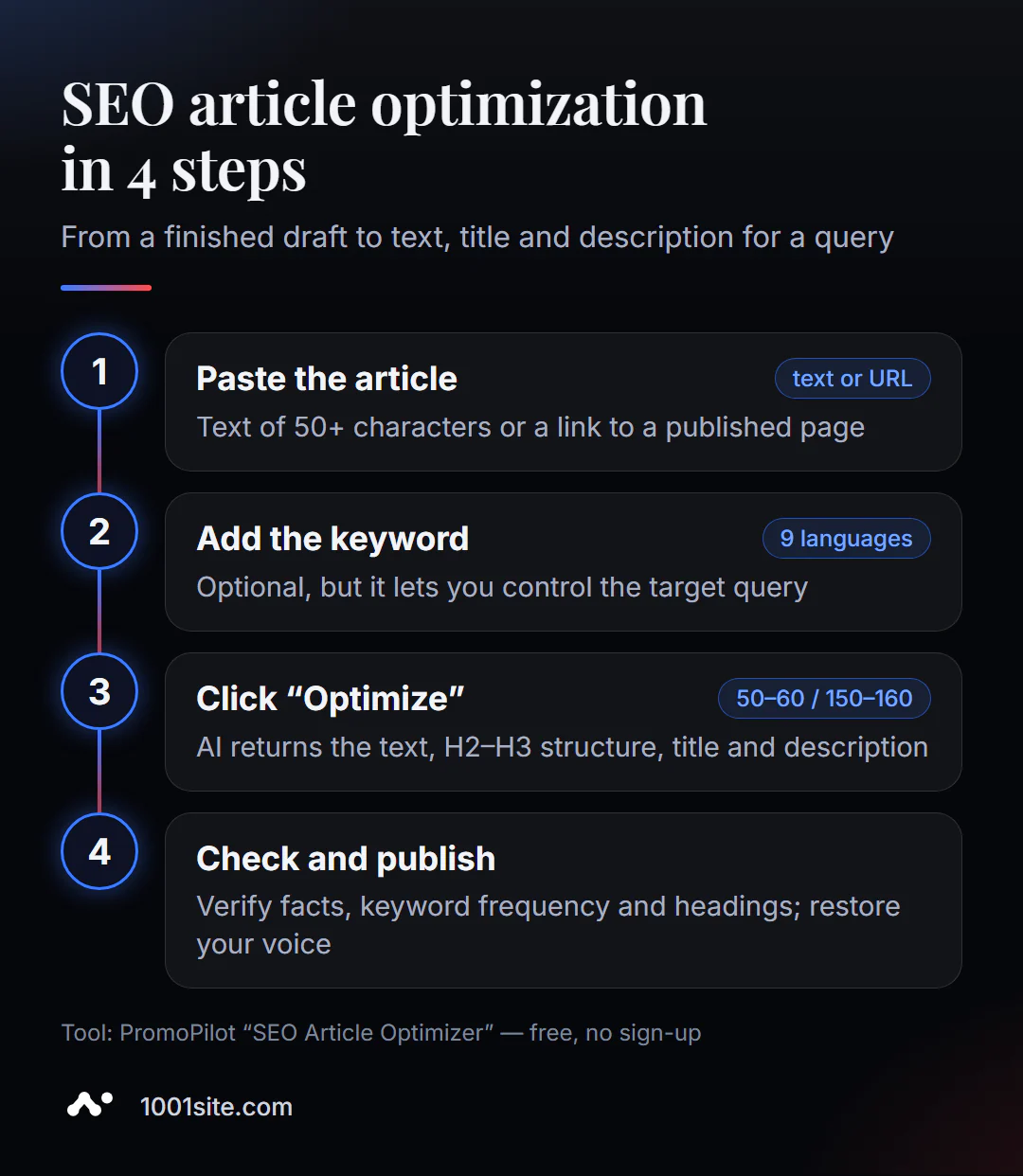
- Open the SEO optimizer - it works in the browser.
- Paste the article text or load the published page in the "Load by URL" tab.
- Enter your target keyword in the "Target keyword" field - for example, "flower delivery Prague".
- Select a language and click Optimize.
- Compare the result with the original: what has been added, what has been removed, where subheadings have changed.
- Transfer the text, title, and description to the website after checking the facts.
This is what the tool page looks like: a field for an article, a tab for uploading a link, a field for a keyword, a language selector, and an “Optimize” button.
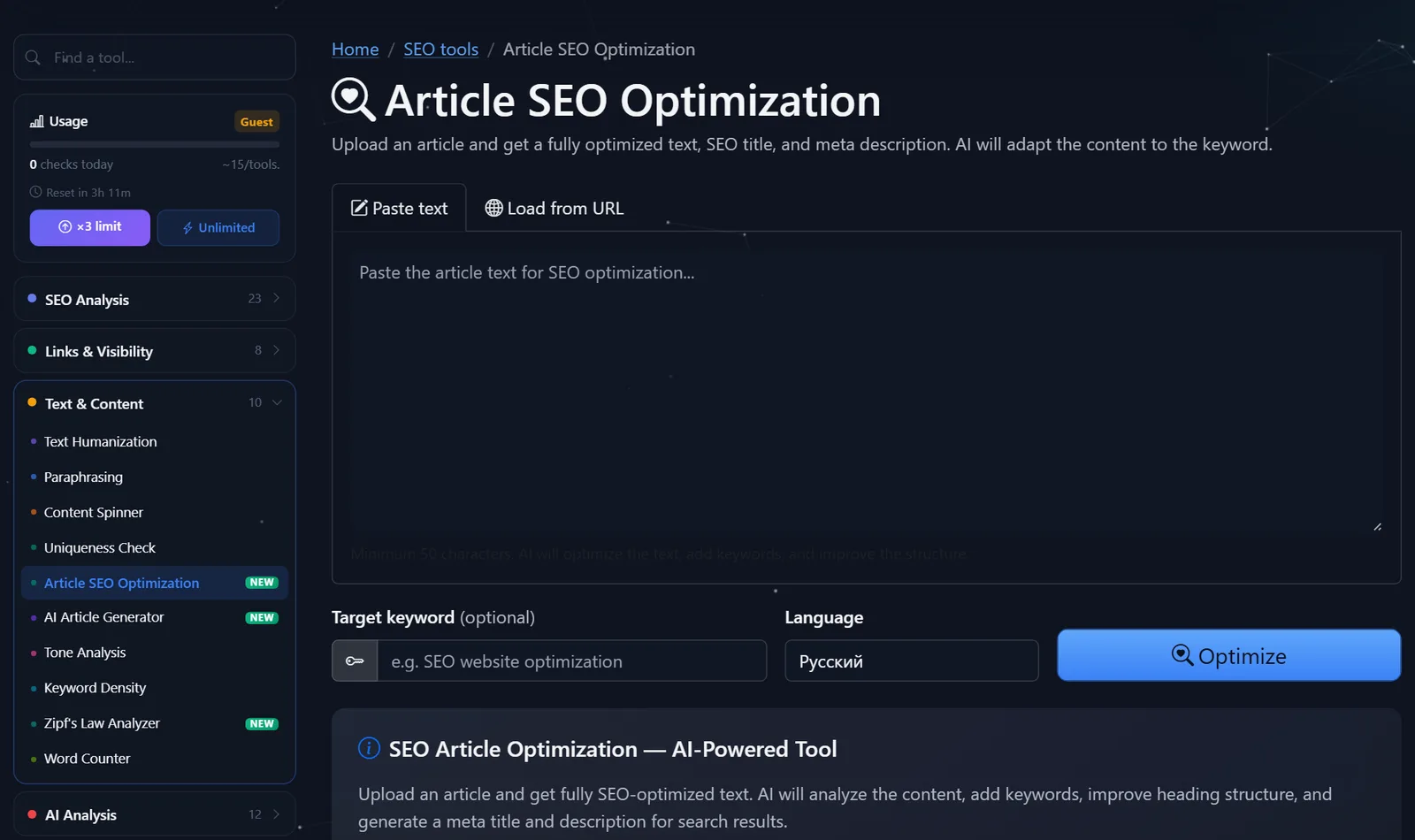
Today's launches are counted in the "Usage" section of the sidebar; after free registration, the daily limit is tripled.
How does an article change before and after optimization?
Let's take a typical example: a flower shop's article "How We Assemble Bouquets." The text is lively and expert: it covers suppliers, seasonal flowers, and packaging. But it doesn't include a single keyword that people use to search for the shop, and there are no subheadings at all.
With the keyword "flower delivery Prague," the optimizer usually does the following:
- The title is transformed from “How we assemble bouquets” into a formulation with a request at the beginning and a benefit at the end – within 50–60 characters.
- The first paragraph begins to answer the question immediately: where, how quickly, and how to order delivery, and the story about suppliers goes further down.
- The continuous text is divided into subheadings H2–H3: “How to order”, “Delivery times”, “What flowers are in season”, “How to care for a bouquet”.
- Lists appear where there were comma-separated lists - they are more convenient to read on a phone.
- A description of 150–160 characters promises specific things: delivery, a photo of the bouquet, online payment.
Your expertise remains in the text—the order, presentation, and wording change. That's why it's important to start with a good source: an optimizer enhances the content, but doesn't create it.
What to check after AI optimization?
AI works well with structure and wording, but responsibility for the text remains yours. Here's my pre-publication checklist:
- Facts and figures. Check prices, terms, names, and specifications against the original—AI can round off or generalize.
- Title. The keyword is closer to the beginning, offering a benefit or distinction: "Flower delivery in Prague in 2 hours – take a photo of the bouquet before sending" is stronger than "Flower delivery Prague."
- Description. This is the promise in the search results: what a person will get by clicking the link. No comma-separated keywords.
- Keyword frequency. If a keyword appears in every paragraph, it's over-wording. Check the keyword density—there's a separate keyword density analyzer for that, which is covered in the next article in this series.
- Subheadings. Each H2 should answer its own reader question, not repeat the keyword in different cases.
- Your voice. If your text sounds bland after optimization, bring back personal examples and wording—that's what distinguishes an expert article.
A common mistake is to optimize an article for a query for which it will never be useful. If a person searches for "repair prices," and the article is about the company's history, no amount of optimization will help: a different page is needed.
Comparison: PromoPilot SEO Optimizer and Alternatives
You can edit your article to suit your request using an online tool, a CMS plugin, or a professional editor. Here's how they differ.
| Tool | What's free? | Restrictions | Who is it suitable for? |
|---|---|---|---|
| PromoPilot — SEO optimization of articles | Rewritten text, title, description, snippet preview, 9 languages | Daily limit, the result must be subtracted | Quickly bring any article to a request, regardless of the CMS |
| Yoast SEO | Keyword and Readability Analysis in the Editor | WordPress only; prompts but doesn't rewrite | For WordPress website owners |
| Rank Math | SEO analysis of post and snippet settings | WordPress only, plugin installation required | For those who want SEO settings directly in the admin panel |
| Surfer | — | Paid service | For agencies and teams with a flow of articles |
Conclusion: plugins like Yoast and Rank Math are good at suggesting what needs to be improved, but you'll have to rewrite the text yourself. An online SEO tool does the grunt work for you and isn't dependent on the website's engine. For a stream of dozens of articles per month, you need a system.
The SEO Optimizer is one of PromoPilot's 87 free SEO tools. Don't confuse it with the article generator: the generator writes an article from scratch based on a keyword, while the SEO Optimizer refines the existing text. The next article in this series is dedicated to the SEO Optimizer.
What are the limitations of AI article optimization?
First, AI doesn't know your business. It won't add real case studies, prices, or reviews, and if you try to force it to "invent" them, you'll end up with fiction. Expert content must be in the source code.
Second, the optimizer only sees the text, not the search results. It doesn't know which pages are currently ranking for your query, or what their length and format are. Therefore, the decision whether to choose an article or a service page, or 1,000 or 3,000 words, is up to you.
Third, optimization is no substitute for technical SEO. Perfect text on a page with noindex, slow loading, or duplicate titles will not rank. Before optimizing content, it's helpful to ensure the technical aspects are sound.
When is a free tool not enough?
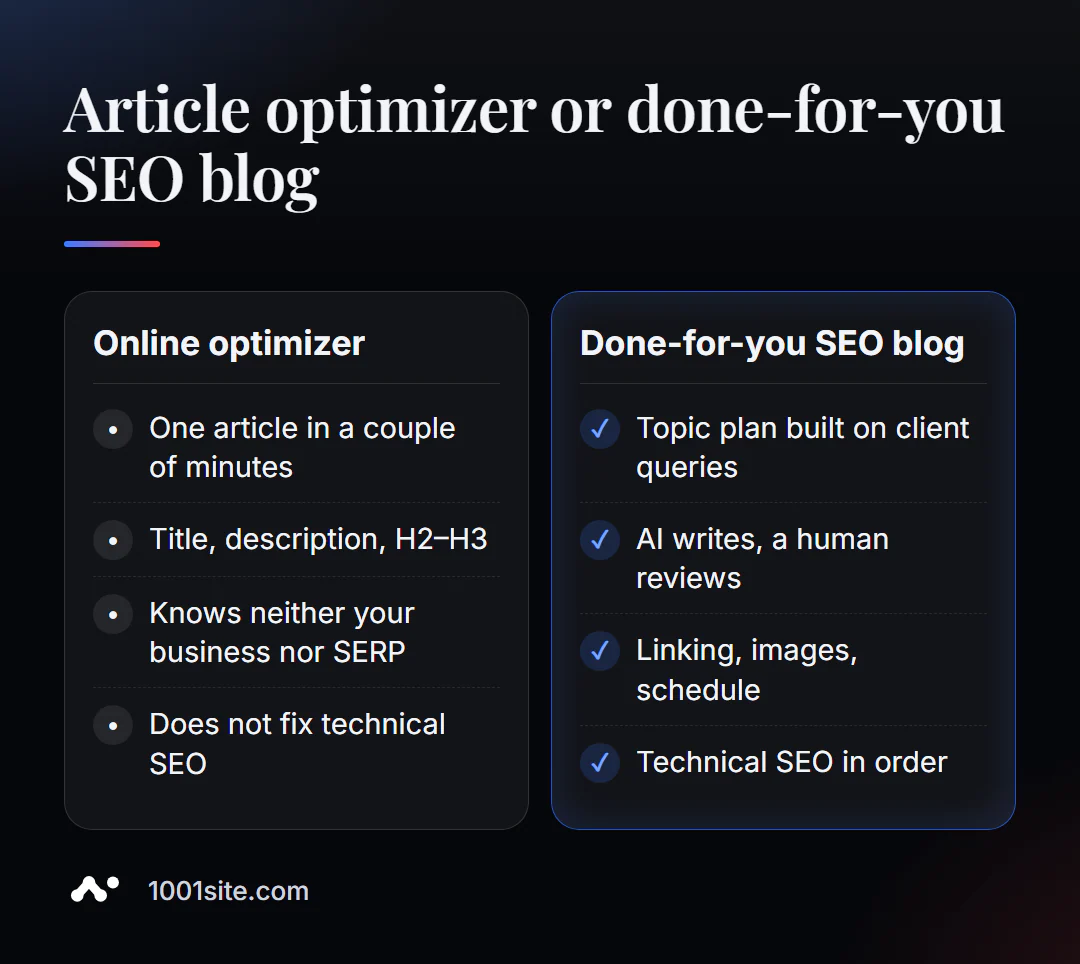
An optimizer can polish a single article. But a blog that brings in clients requires a topic plan, interlinking, consistency, and a connection to sales. A specialist is needed if:
- There are a lot of articles, but traffic and requests are not growing;
- It is unclear which queries to write for and which pages compete with each other;
- We need a flow of articles with images, cross-linking, and scheduled publication;
- The site is technically deteriorating, and text optimization is not effective.
What can I do for your website?
My name is Valeriy Danyuk, and I'm a developer and SEO specialist with 12 years of experience and over 200 clients. I build content systems where AI writes and optimizes, while strategy and verification are handled by humans.
SEO, content and promotion
- An AI-powered SEO blog that brings in organic clients: AI writes, illustrates, and publishes articles using my methodology.
- Autoblog with AI agents – an editorial team without humans.
- Turnkey website SEO audit: technology, structure, and content—with a prioritized work plan.
- How a hotel got featured in ChatGPT, Gemini, and Perplexity in 5 weeks — optimized for AI assistant responses.
Websites and online stores
- A WordPress website with an AI assistant for €299 in 3 days, including a blog and SEO settings.
- A plastic surgery clinic website with AI and application collection via Telegram; a similar website can be built on 1001site —sitemap, markup, and server-side rendering are included.
CRM, accounting and automation
- The CRM automatically calculates prices and prints invoices —automation for auto dismantlers.
All projects are in my portfolio. Send me a link to an article or blog on Telegram —I'll tell you what's stopping them from driving traffic.
Result
- An SEO optimizer refines the finished article to suit the query: text, H2-H3 structure, title, description, and snippet preview.
- Specify a keyword - this way you control which query the page will be ranked for.
- After AI check the facts, keyword frequency, subheadings and give back your vote.
- Text optimization only works on a technically sound website—it's easier to build one right away on 1001site.
Take an article that's not driving traffic and optimize it for free. If you need a blog that works systematically, write to me on Telegram.
Sources
- PromoPilot's "Article SEO Optimization" tool page — input data, title and description lengths, languages.
- PromoPilot SEO Tools Wiki – description of the result and related tools.
- Yoast SEO and Rank Math are the official WordPress plugin pages.
- Surfer is the official page of the service.