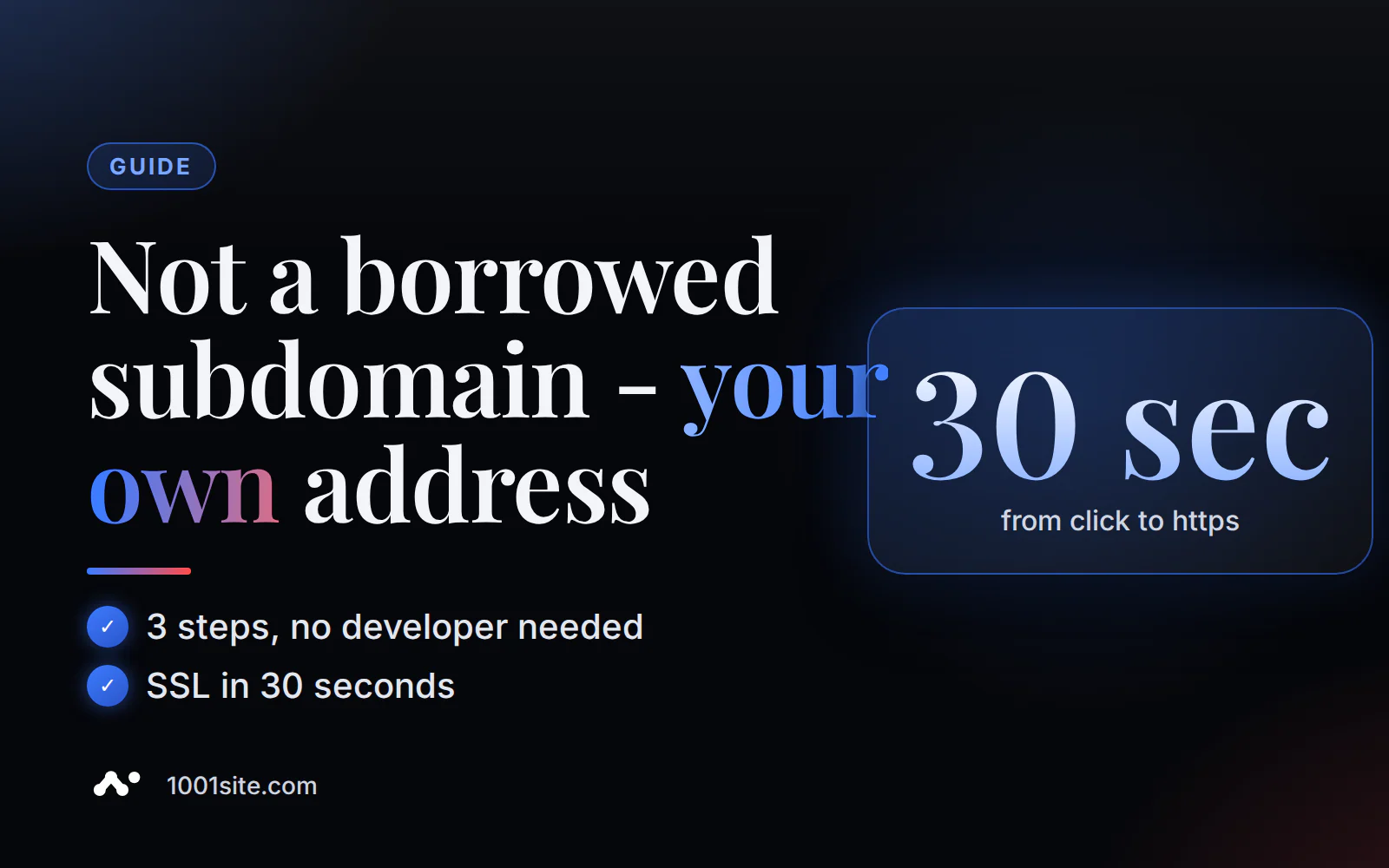
The 1001site website already opens at a URL like asd.vibevox.pro/имя. To open it on your domain, like myshop.com, and with https, you need to add two DNS records at the registrar and click a single button in the settings – no need for your own server, no need to purchase separate hosting, and no need to edit the code.
Why does a website need its own domain if it already opens via a service link?
In short: the service's temporary address works, but it looks like a draft, doesn't fully verify in Google Search Console and Merchant Center, and links in already submitted posts and QR codes are linked to someone else's domain.
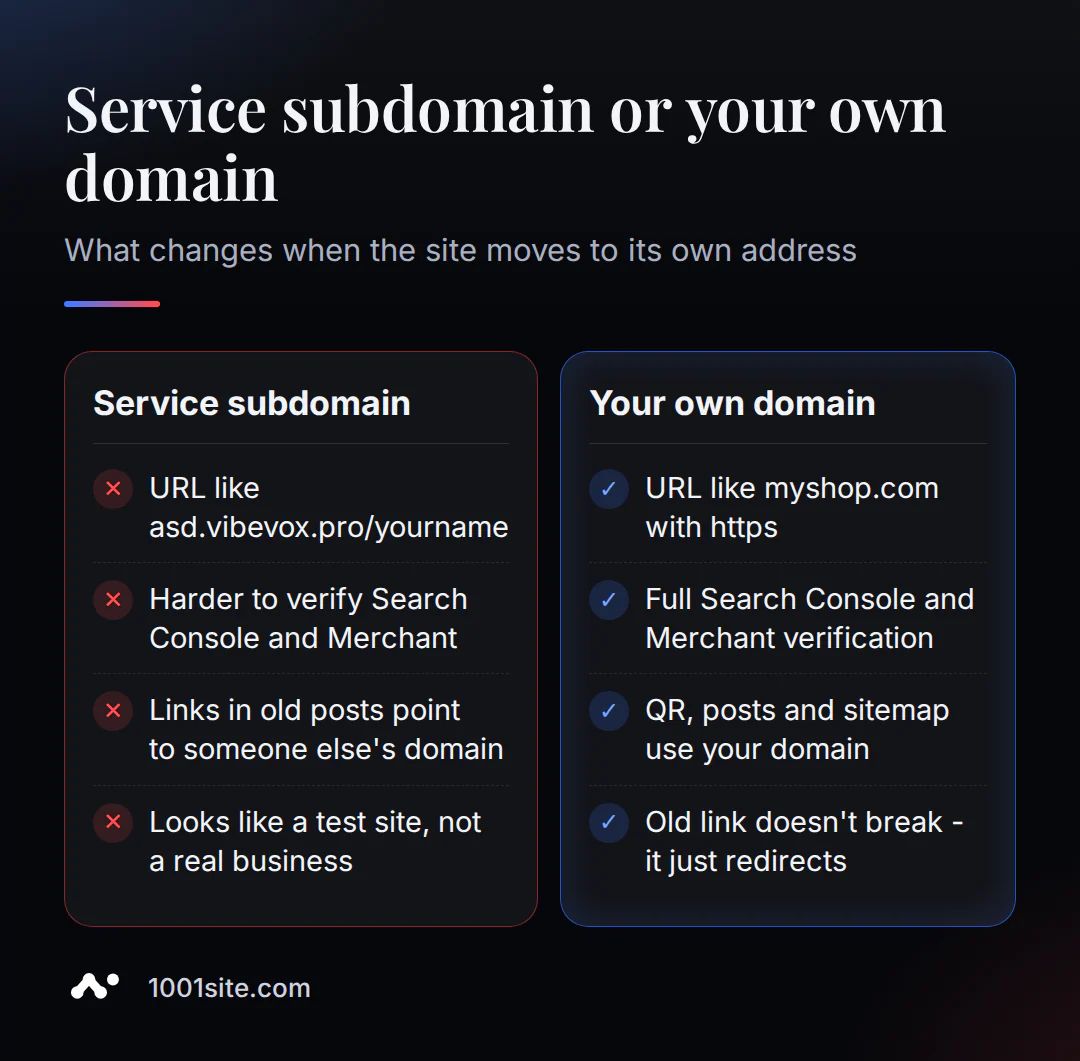
A customer who sees asd.vibevox.pro/magazin-tkanej in the address bar subconsciously interprets this as a test version of the store. For Google Search Console and Google Merchant Center feed, a custom domain is required for full site ownership verification—this directly impacts whether the site will be included in shopping ads and how quickly it will be recognized in search results. The difference between the two options is shown in the table and image below.
| What are we comparing? | Service subdomain | Your own domain |
|---|---|---|
| Address type | asd.vibevox.pro/имя | myshop.com with https |
| Search Console and Merchant Center verification | limited | full |
| Links in posts, on business cards, in QR codes | tied to someone else's domain | lead to your domain |
| The client's impression | looks like a test version | looks like a working site |
What should I prepare before connecting a domain?
In short: you need the domain itself (purchased from any registrar) and access to the DNS panel for this domain - without these, there is nothing to connect.
If you don't have a domain yet, purchase it from any registrar. This is a separate purchase and isn't included in the website's plan. Next, you'll need to go to the "DNS" or "DNS Zone" section in your registrar's account—this is where you add the records that point the domain to the website's server.
How to connect a domain: 2 fields at the registrar and 1 button on the website
Briefly: change two values at your domain registrar, enter the domain in your website settings, and click "Issue SSL Certificate." See the diagram for a step-by-step breakdown.
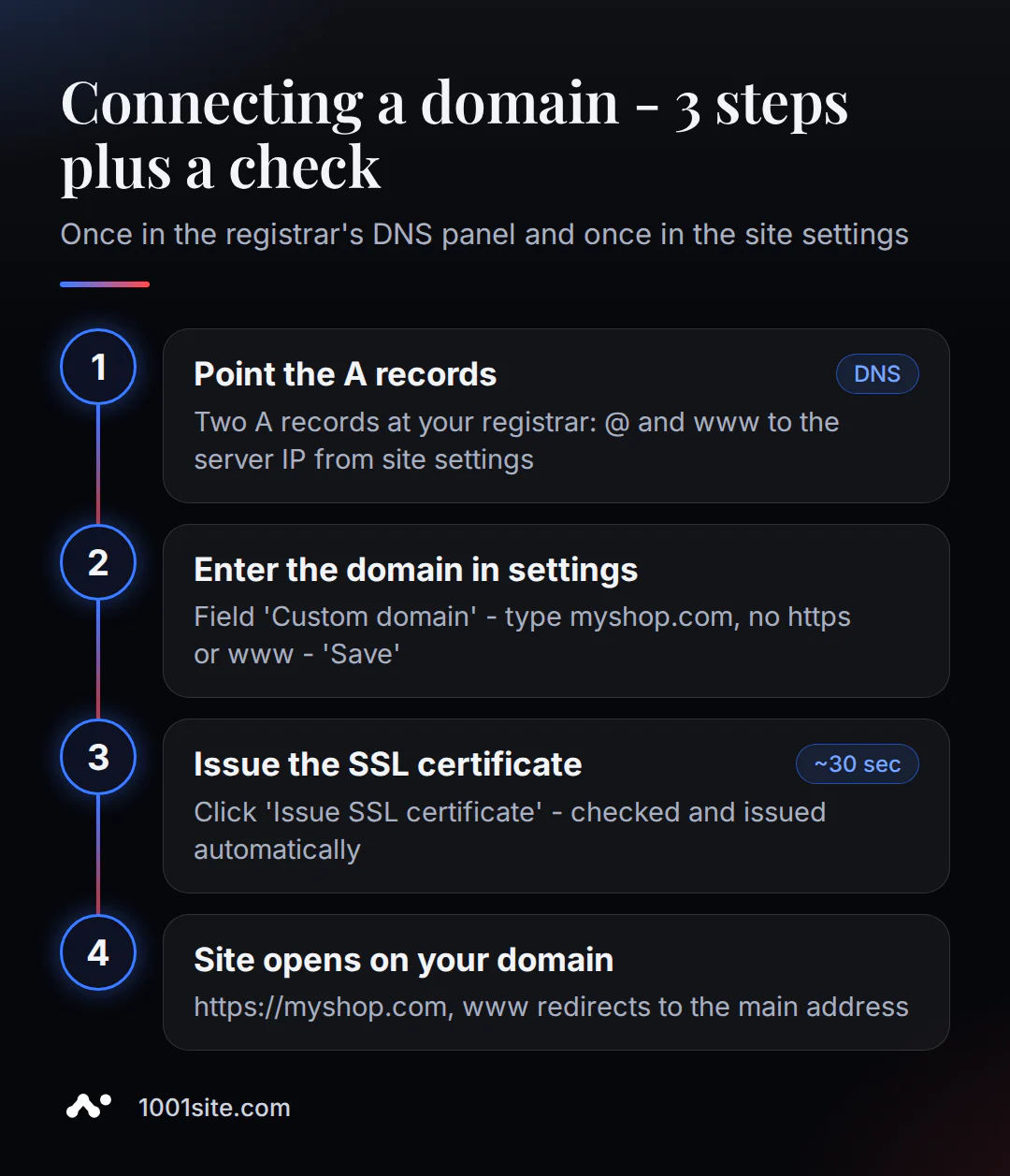
- At your domain registrar, open the "DNS" or "DNS Zone" section and point the
@record (domain root) to the site's server IP - it's visible right in the site settings, next to the "Copy" button. - Direct the
wwwrecord there to the same IP. If the domain previously had different addresses for@orwww, replace them, otherwise the server won't know which one to listen to. - In the website settings, open “Your domain”, enter the address without
https://and withoutwww(justmyshop.com) and click “Save”.
It's not ready right away: changes don't propagate around the world instantly, usually taking several minutes to several hours. This is normal and doesn't mean anything's broken; you just need to wait. Once the address is pointing to the server, click "Issue SSL Certificate." It takes up to 30 seconds for the "Done! Certificate issued" message to appear. The site opens at https://myshop.com, and www.myshop.com automatically links to the main address. These two waits are of different order, and they are often confused precisely because they occur consecutively: propagation around the world takes hours, while the certificate issuance itself takes seconds.
Figuring this out yourself is half the battle. 1001site AI builds a website in your style from a catalog or from a link to your old website/ Instagram in 2-7 minutes after payment, and domain mapping is just one of the settings, with no additional charge for the feature itself. See how it works.
What will happen to the old link and account after moving to a domain?
In short: the old address asd.vibevox.pro/имя continues to work and redirects to the new domain, and the owner's account remains there.
This means that links you've already sent to clients—in channel posts, on business cards, or in QR codes—don't become broken. A visitor who clicks the old link will simply be redirected to the new domain. The website management dashboard ( asd.vibevox.pro) remains in place—only the public portion, visible to visitors, moves to its own domain.
Is it possible to connect a subdomain instead of the root domain?
In short: yes - for example shop.mycompany.com, if you already have a main company website on the root domain and you want to move the store or landing page to a separate address.
The process is the same: create an A record for shop on the server's IP and enter shop.mycompany.com in the domain field instead of the root address. This is a common scenario for companies that already have a corporate website on another platform and need a new online store or classifieds site on a separate subdomain.
Certificate Not Being Issued – What to Check (and What Does Cloudflare Have to Do With It)
In short: the most common reason is that the domain hasn't yet been updated with the registrar; a separate, less obvious reason is that Cloudflare's proxy is enabled, which blocks verification.
If the "Issue SSL Certificate" button doesn't work the first time, just wait and click again. This is most often because the domain hasn't yet been fully deployed. If that doesn't work, check both values (for @ and www) against what's shown in the site settings. Sometimes, the old address from the previous hosting is still there.
A separate, less obvious case is when a domain is connected via Cloudflare. In this case, you need to temporarily disable the "orange cloud" (proxy) for the @ and www records while the certificate is being issued. Independent sources (Cloudflare Developers, Vercel developer community) confirm the same mechanism: an enabled proxy prevents the server from being verified directly. You need to temporarily switch the record to "DNS-only" mode, obtain a certificate, and then re-enable the proxy.
What DNS changes break email and integrations?
In short: the most common mistake is to delete all existing DNS records instead of selectively editing just two A-records, which breaks mail on this domain.
If a domain already has work email or other services configured, it almost certainly has DNS records that aren't relevant to the site at all—mail records, service verification records, and records for third-party integrations. When connecting a website, you only need to touch the A records for @ and www; the rest shouldn't be deleted or changed. A little carelessness here is a common reason why an owner suddenly stops receiving email from this domain, even though the site is working.
If your domain already supports email and you want to check the entire zone, not just two specific records, there's a dedicated tool for that. Checking DNS records online will show all the domain's records at once—it's convenient to see what's already there before making any changes, ensuring you don't overwrite anything.
Why do I need my own domain for SEO and Google Merchant Center?
In short: your own domain is required for full verification in Google Search Console and for Google Merchant Center feed - without it, some promotion functions do not work at full capacity.
Automatic SEO—sitemaps, structured data, and social media previews—works even with a temporary address. However, full site ownership verification in Search Console and setting up a feed for shopping ads in Google Merchant Center are only possible on a domain that you own. Learn more about automatic SEO and AI-assisted indexing in the 1001site knowledge base.
How much does it cost to get your own domain with 1001site
In short: domain connection and SSL issuance are included in the "All Inclusive" plan, with no additional charge for the feature itself. Pay only for the domain itself at the registrar, if you don't already have one.
The "All Inclusive" plan is €45 per month (the first month is €25 with the monthly promo code; cancel at any time). A domain and SSL are included in this plan, along with an online store, landing page or classifieds board, an AI-based dashboard assistant, and other features—there's no extra charge for domain setup. For those who prefer a domain setup, the "Turnkey" plan (€1,650 one-time fee) includes a professional service provider, along with all other site setup, and 12 months of hosting is included. For a comparison of costs when migrating from other website builders, see the article "Tilda vs. AI-Powered Website" and the analysis "How Much Does a Turnkey Website Cost?"
An important caveat: in 2026, free SSL is standard practice for most modern website builders, and 1001site is no exception. The value lies elsewhere: domain connection is included in the plan completely, without a separate paid add-on (as is the case with some platforms), and can be completed in three clear steps without contacting support.
Sources
- Your Domain and SSL - 1001site Knowledge Base
- Cloudflare Developers: Common SSL Errors
- Tiger Computing: The Myth of the 48-Hour DNS Propagation
- HubSpot Knowledge Base: Updating DNS Records for SSL
- Chasing Honey Consulting: DNS and Domains for Business Owners
Setting up a domain once is easier than it seems—and then the site just runs on its address. If you don't have a website yet or it's still running on an old builder, 1001site AI will build one to suit your style and connect the domain along with other settings.