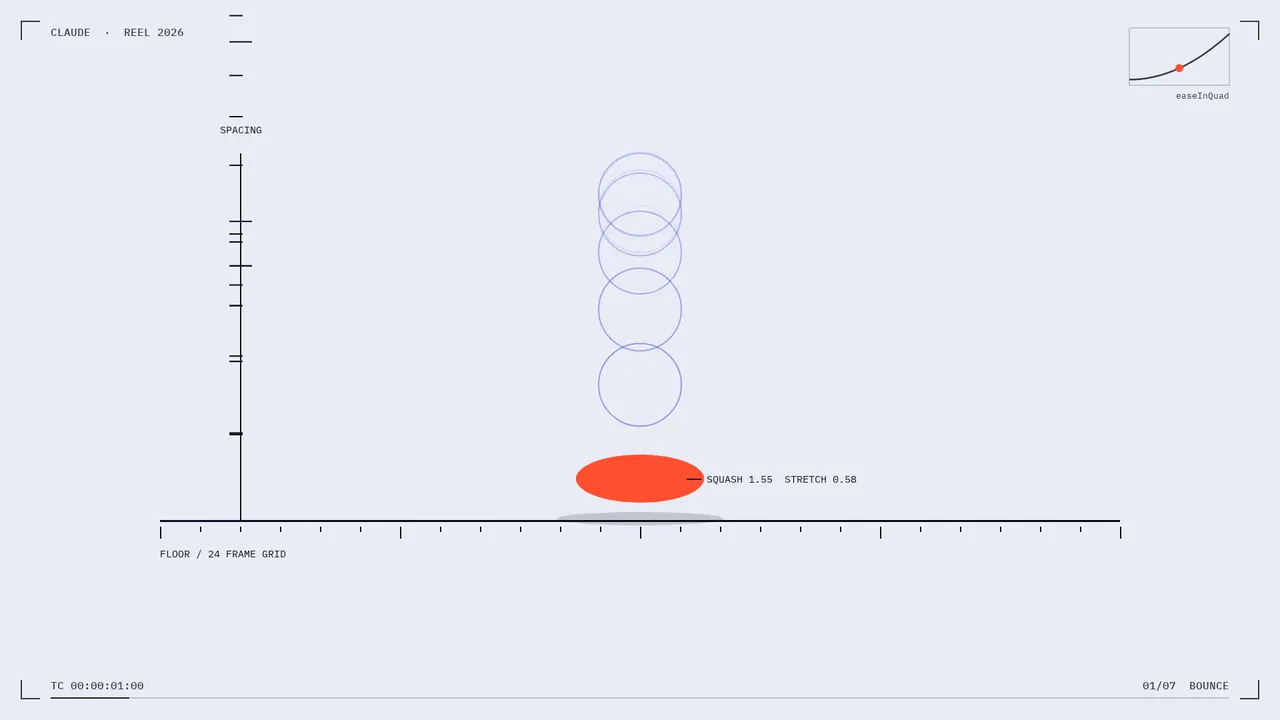
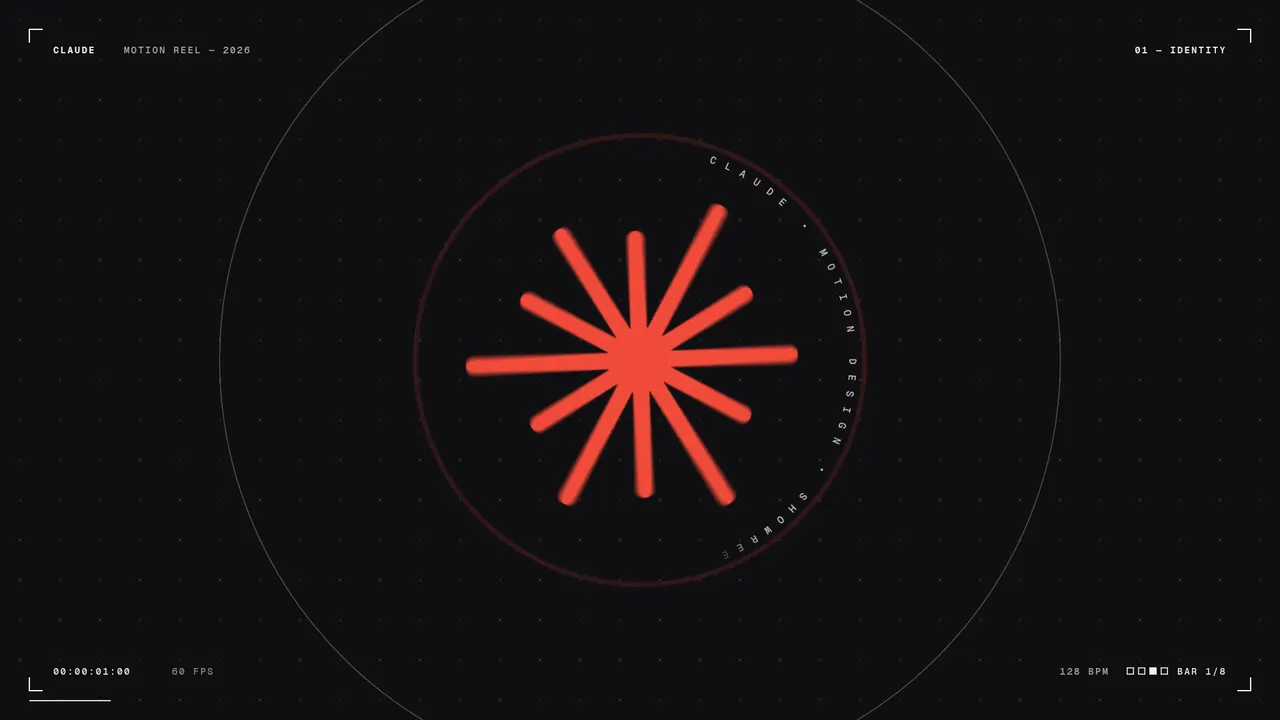
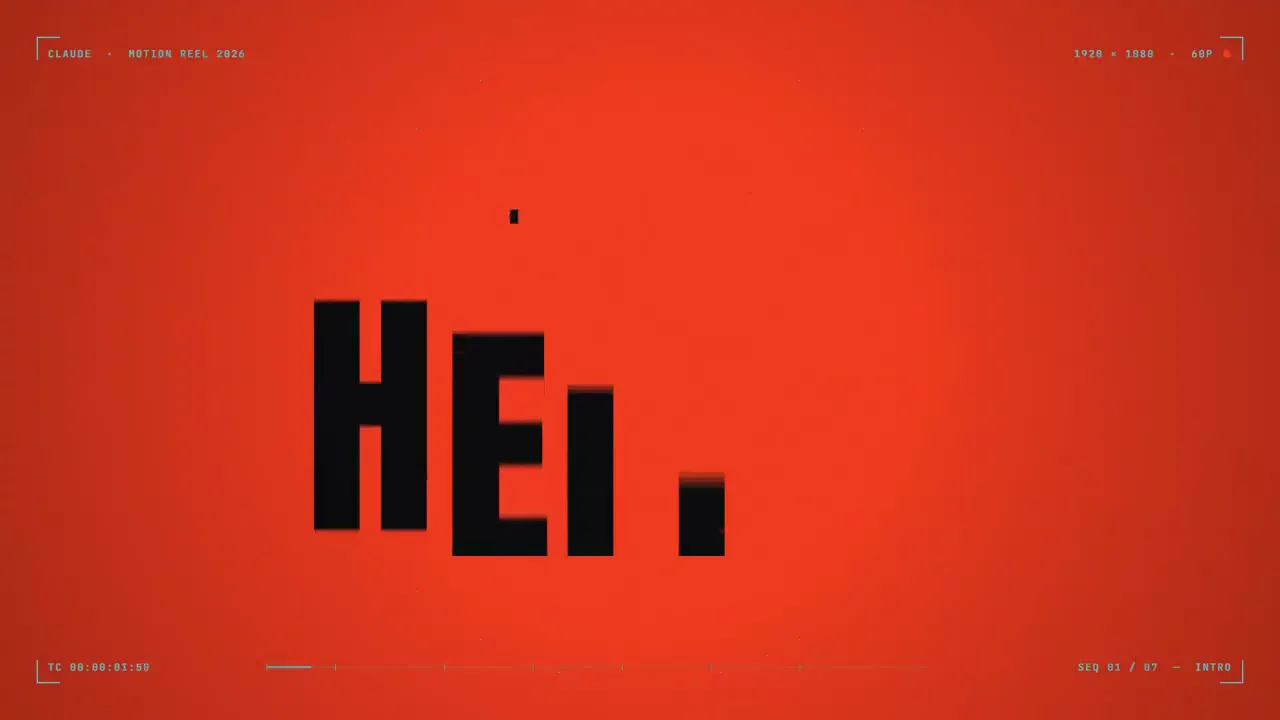
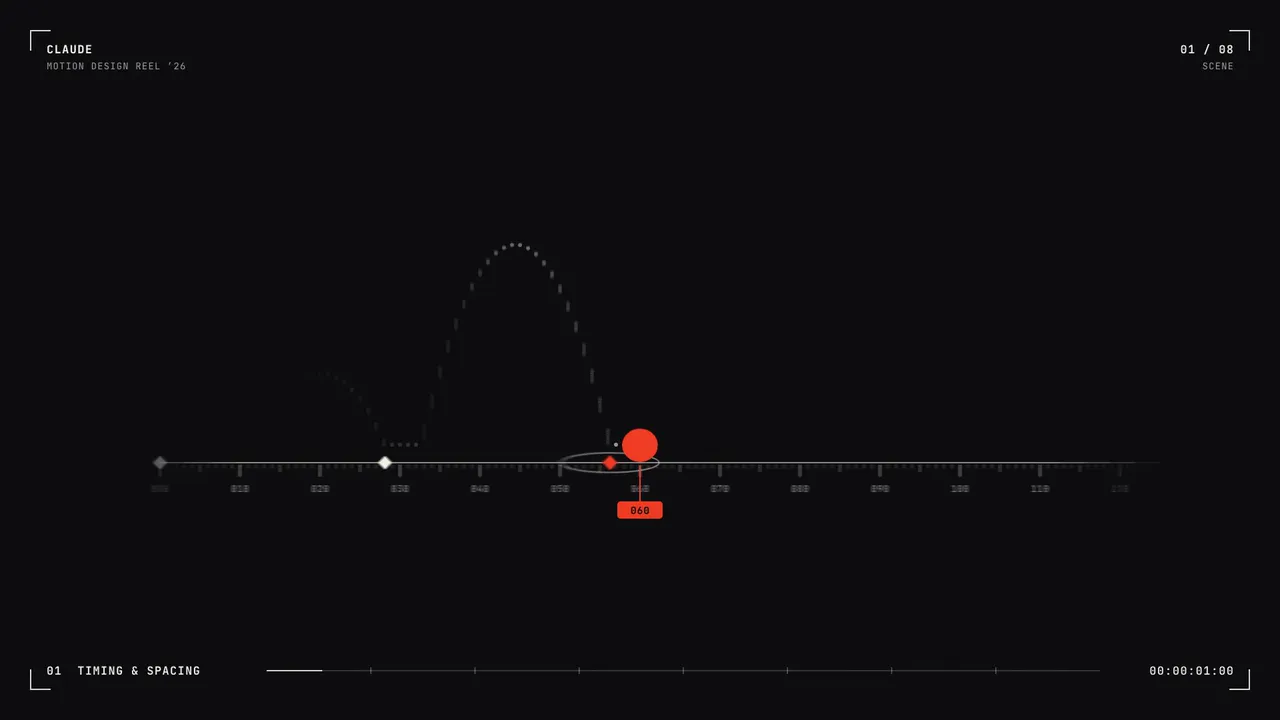
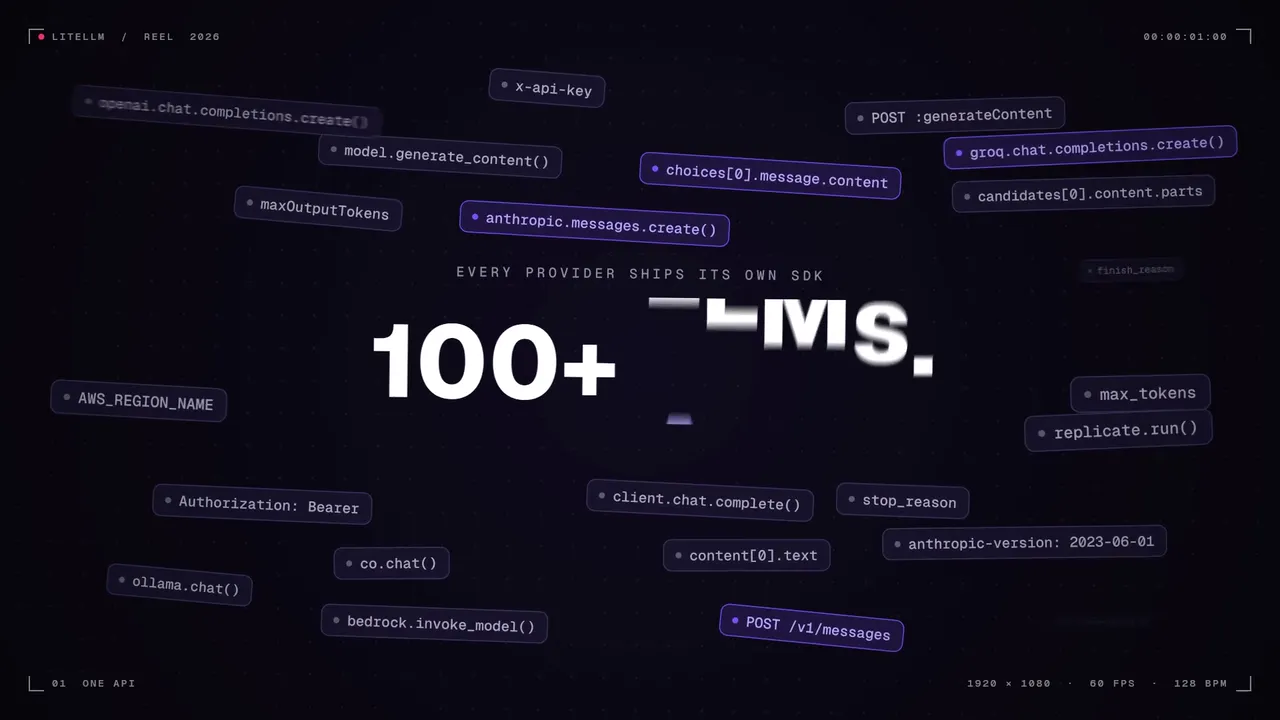
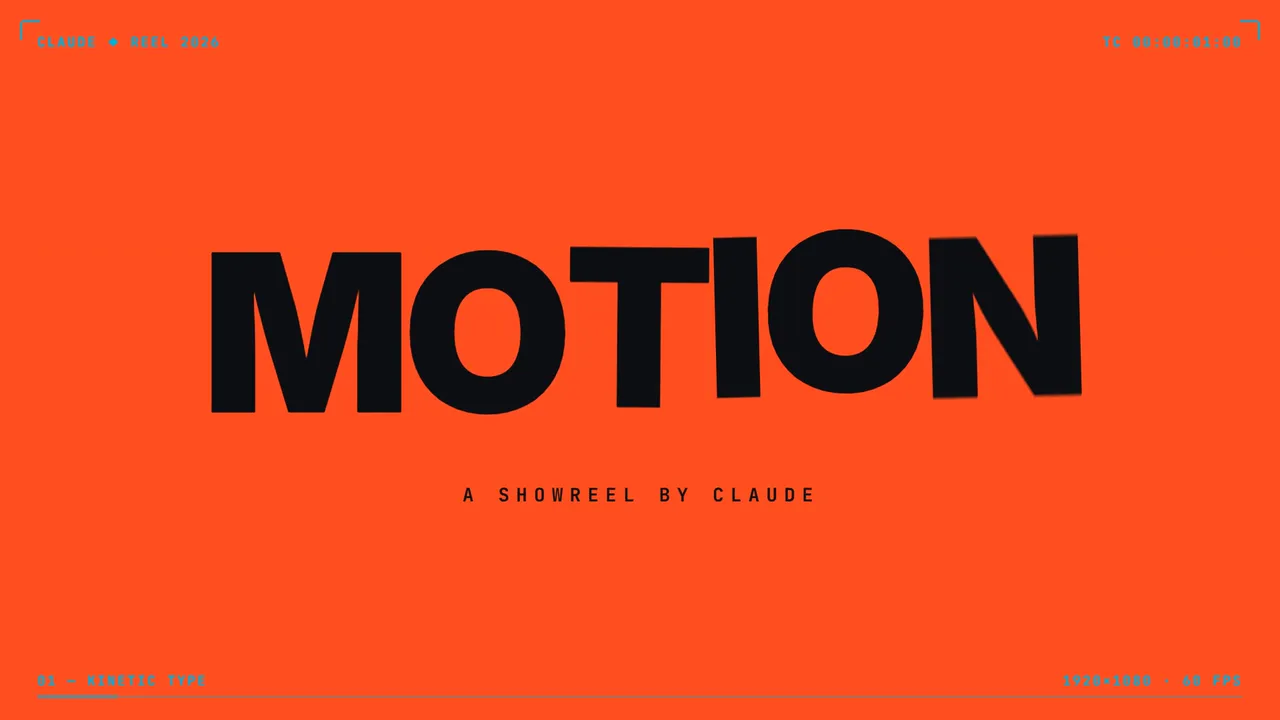
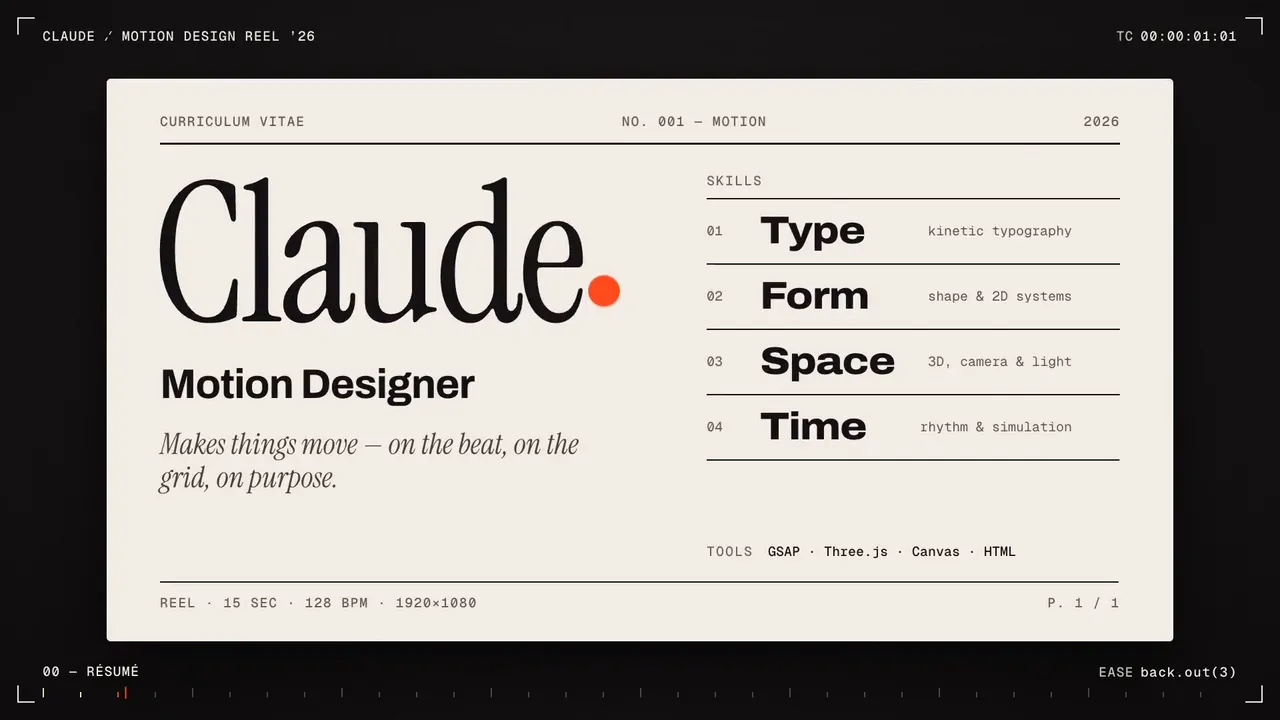
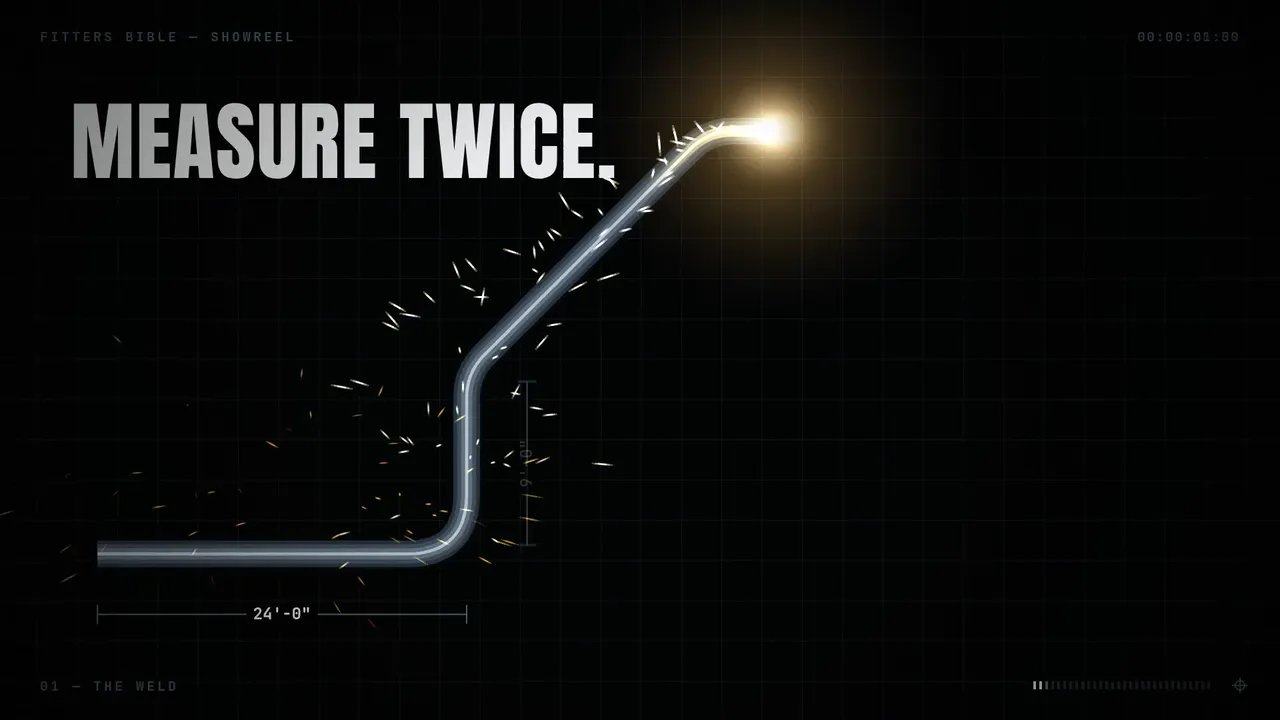
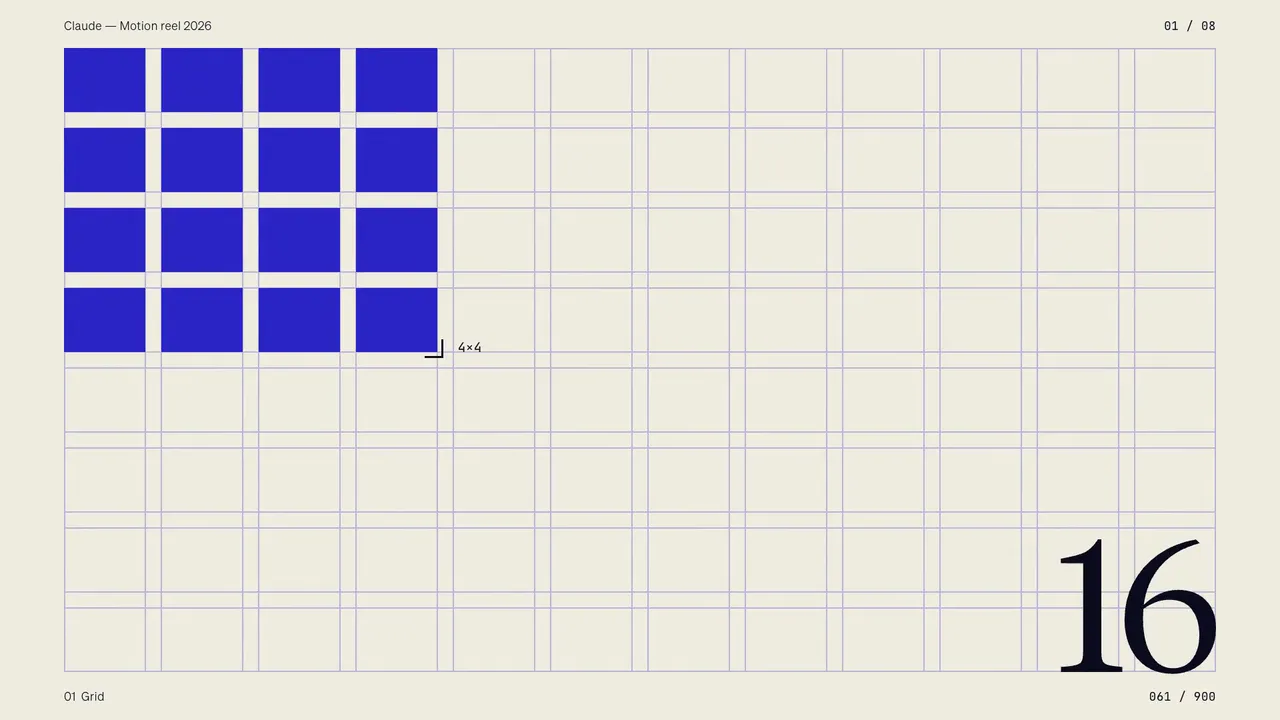
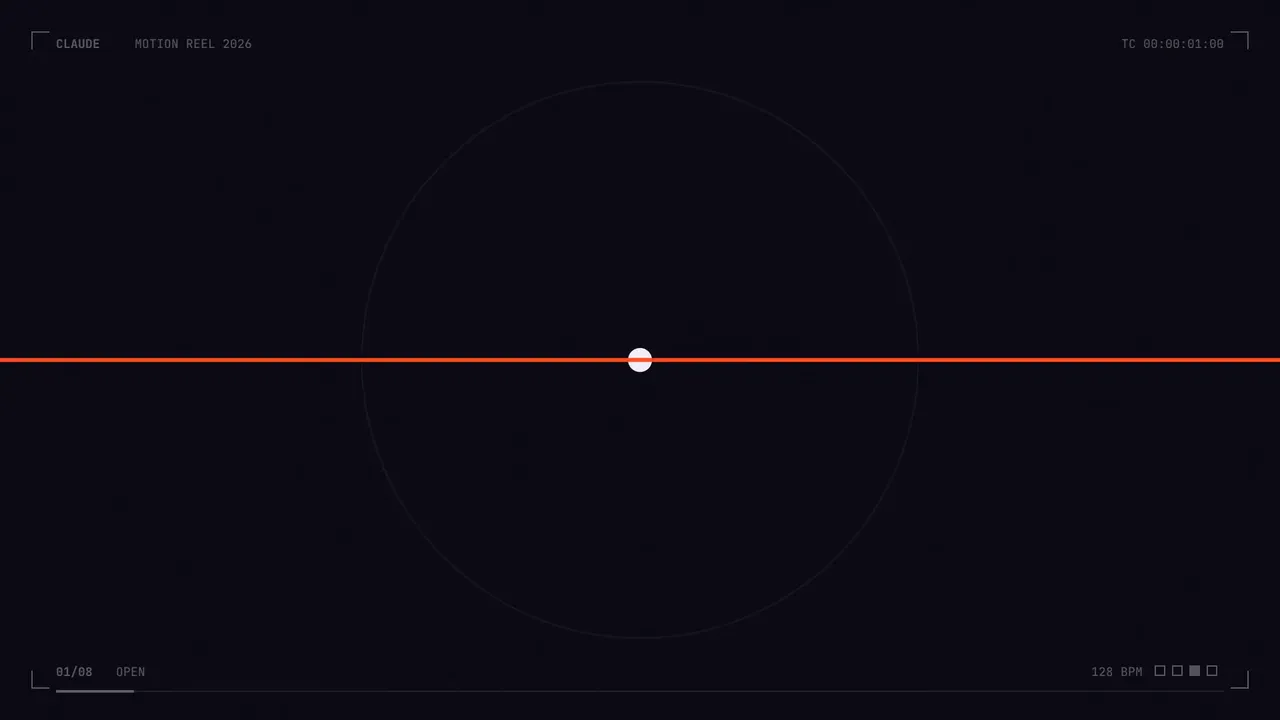
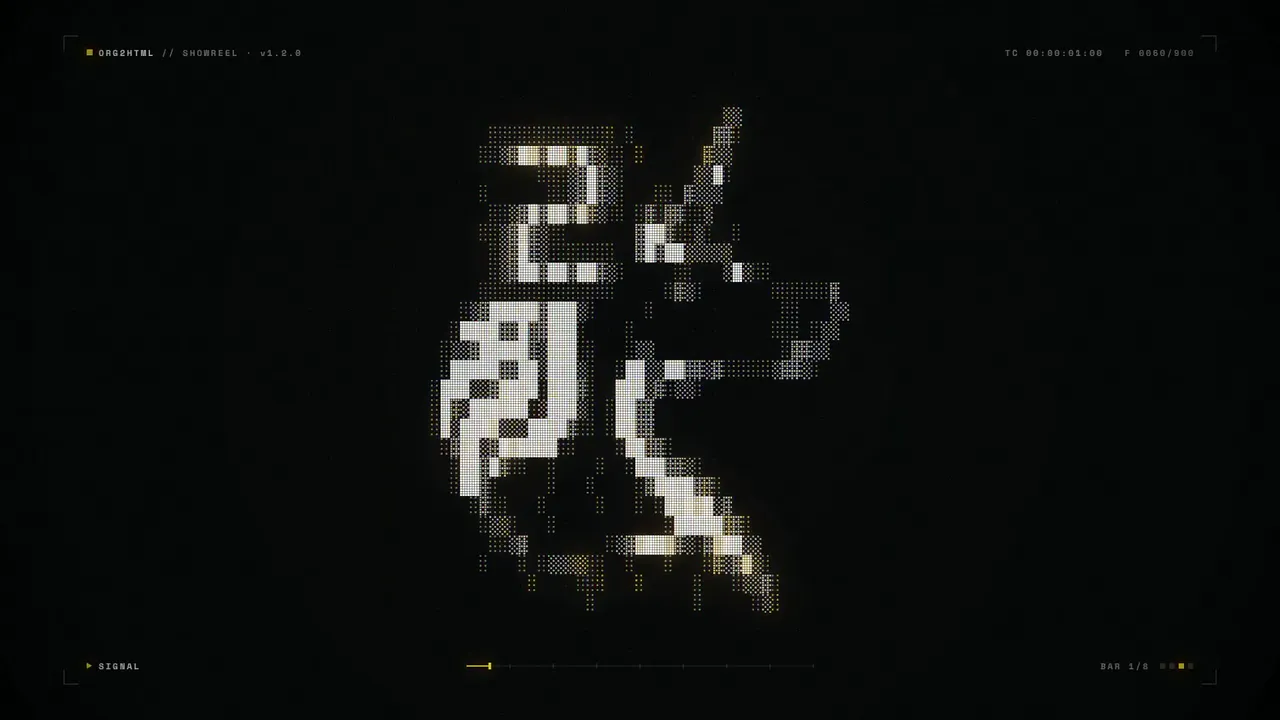
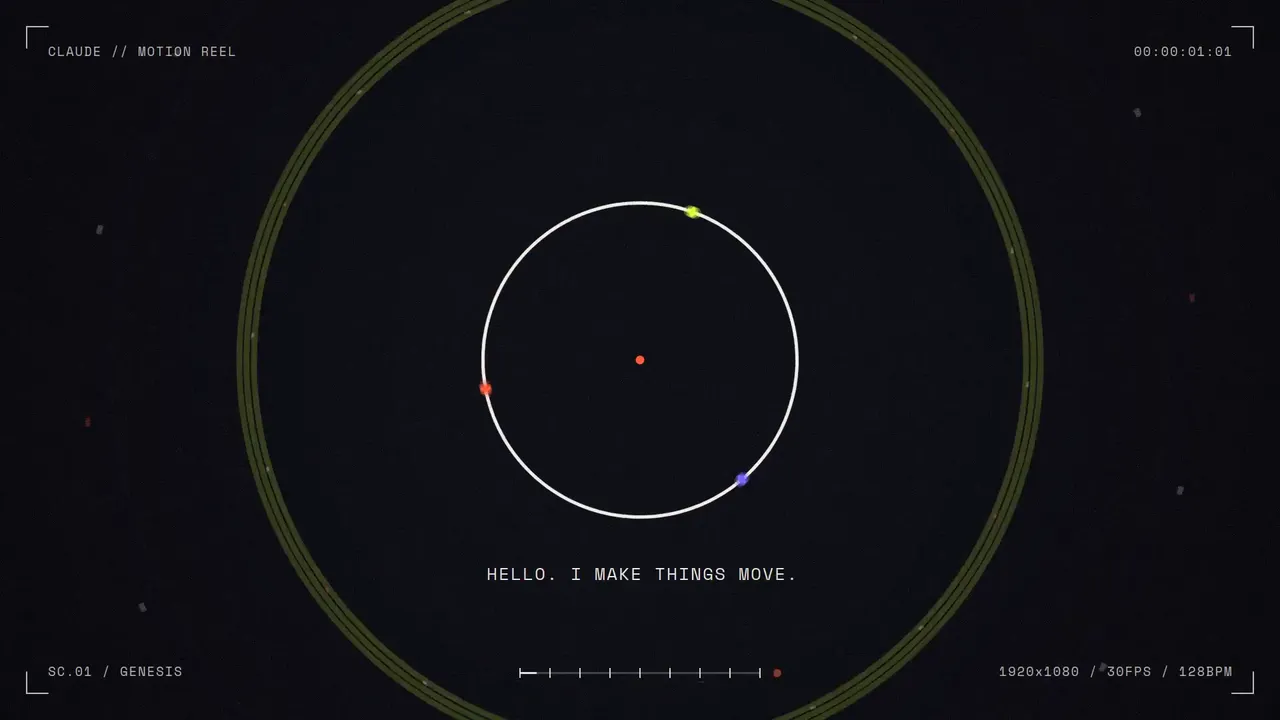
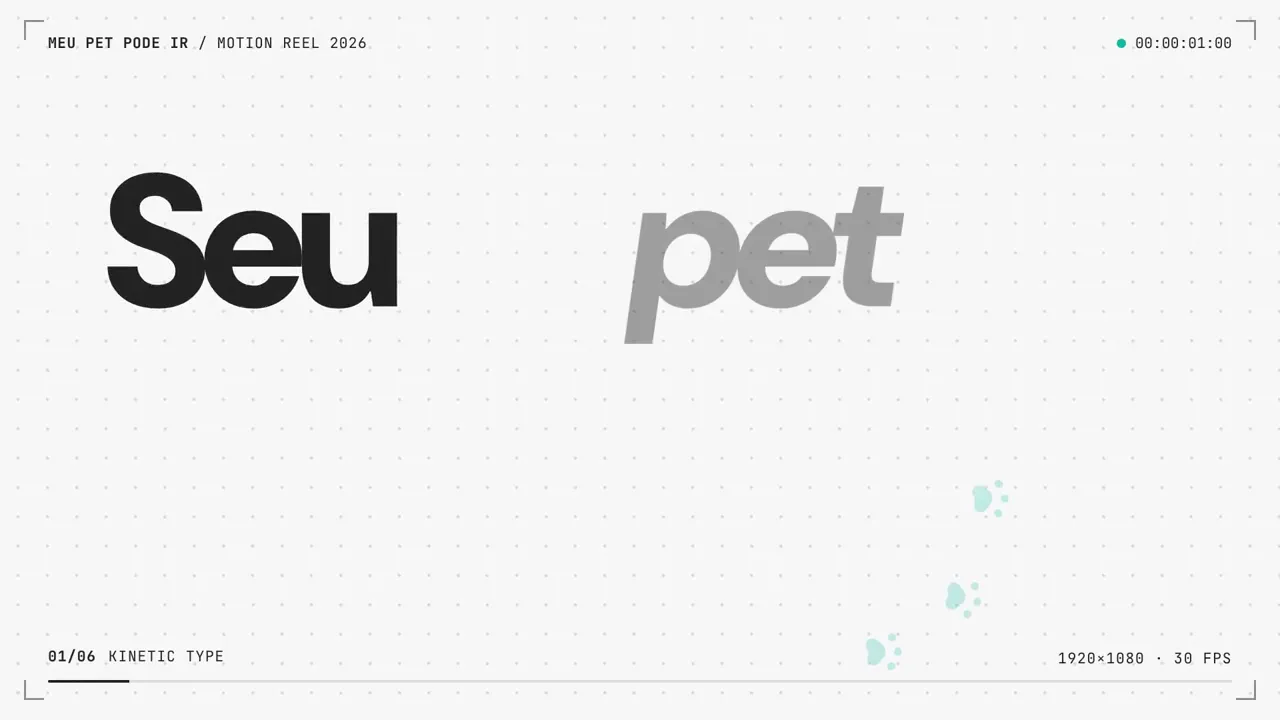
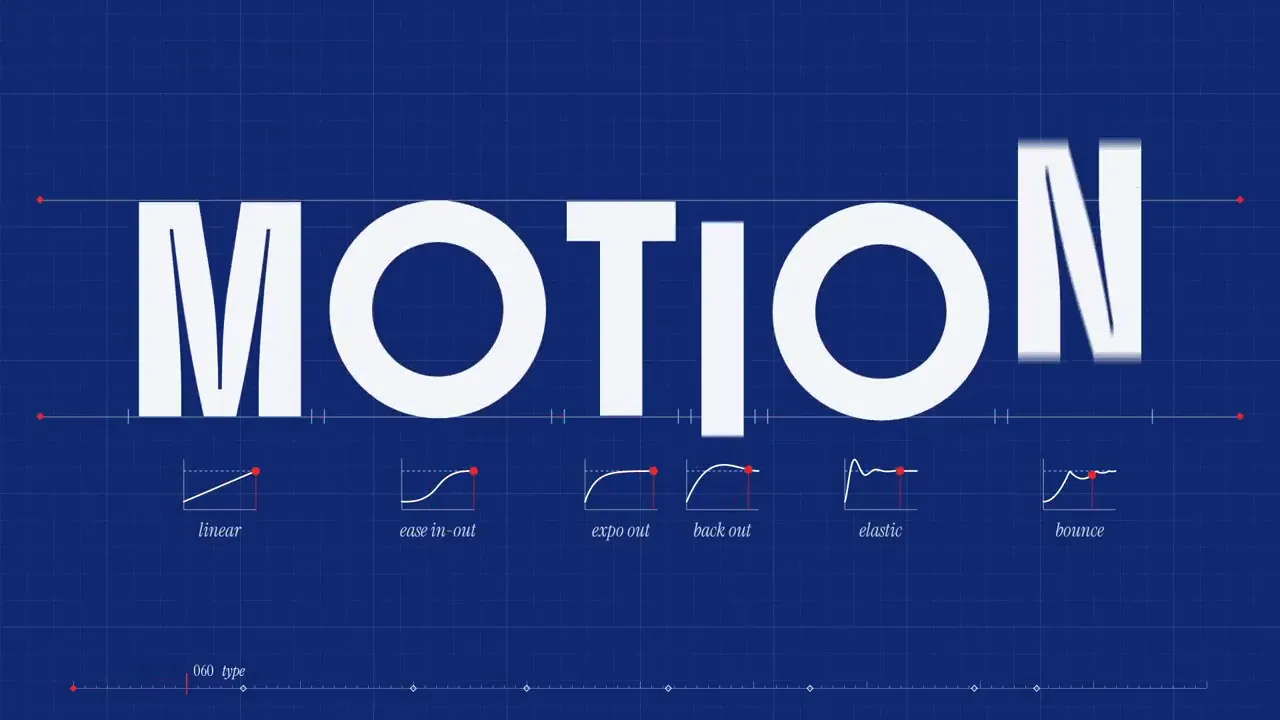
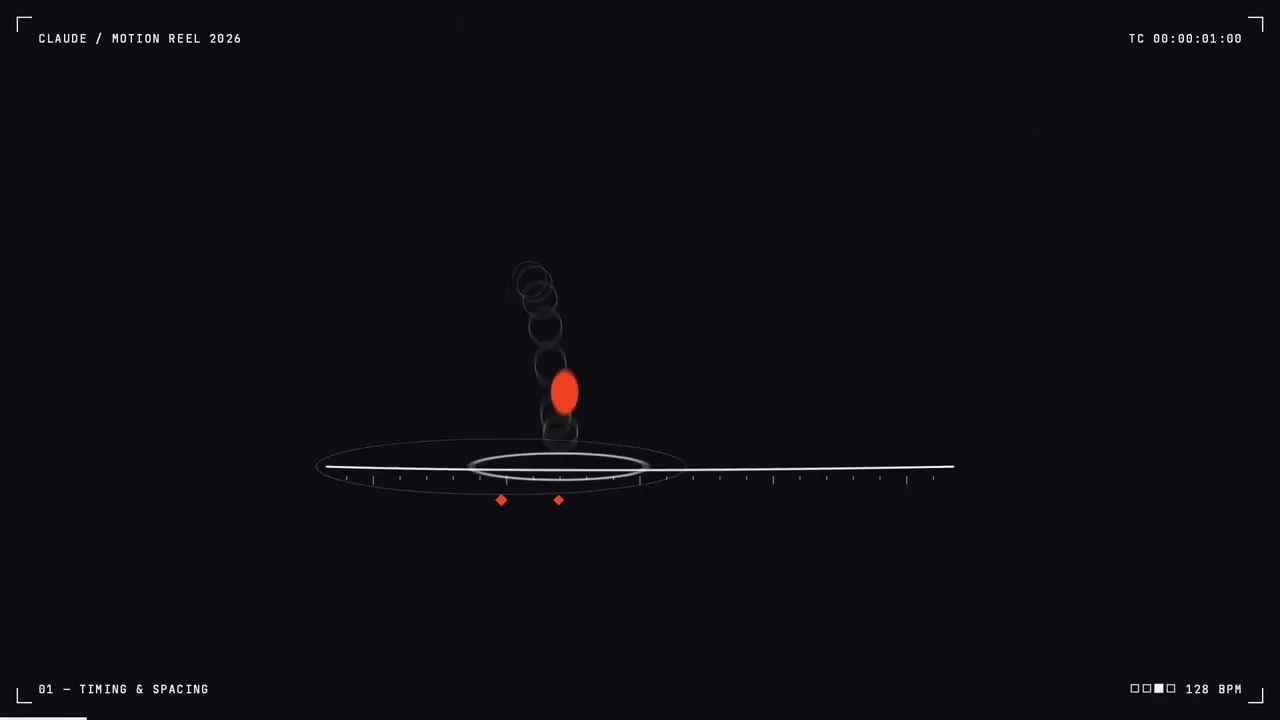
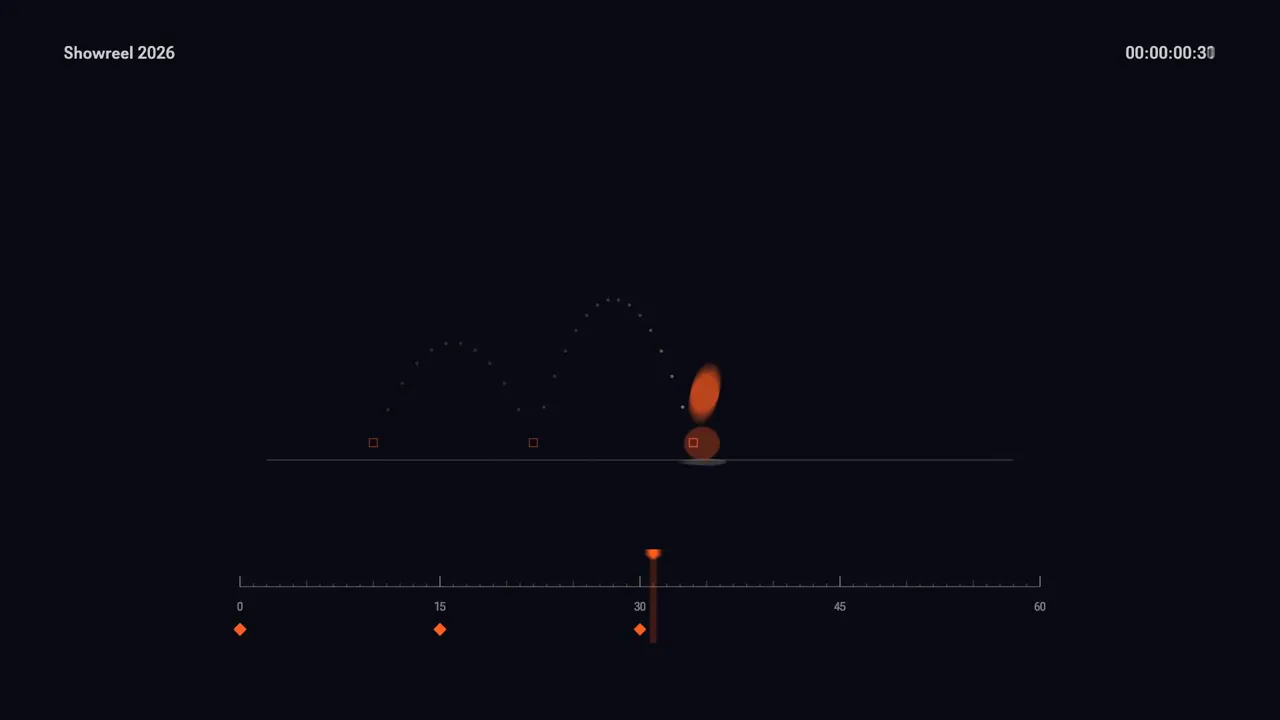
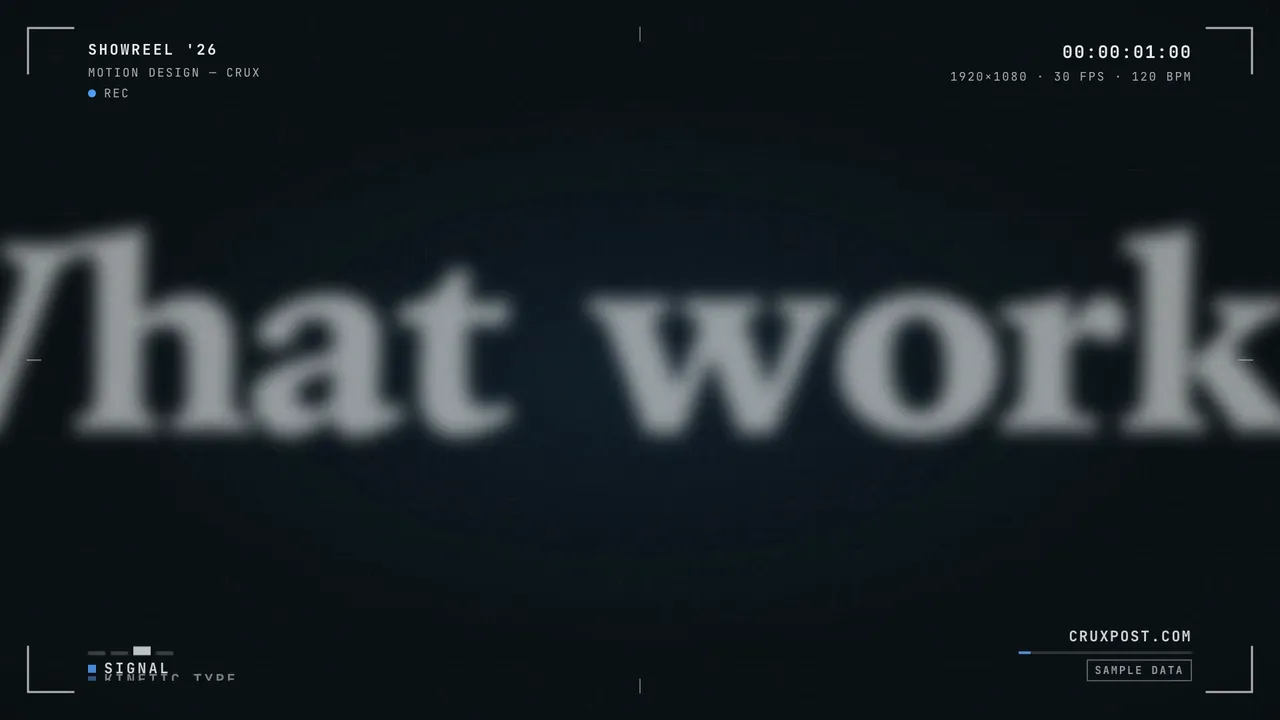
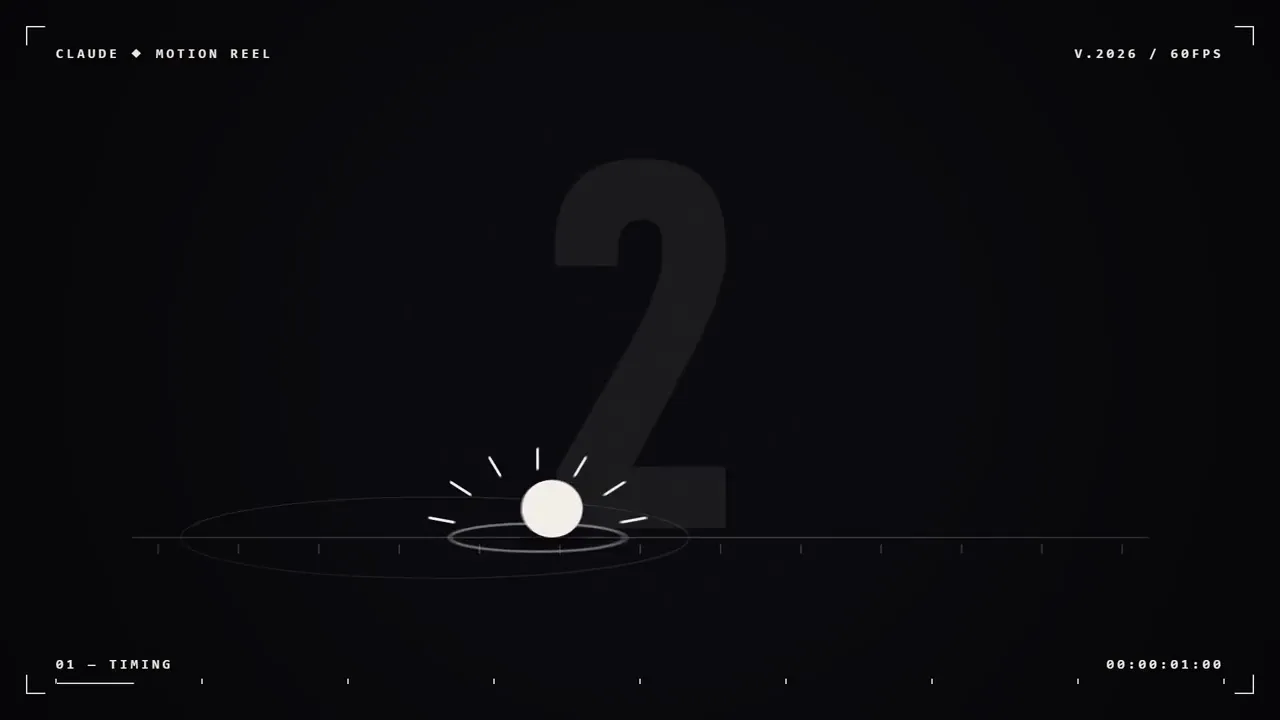
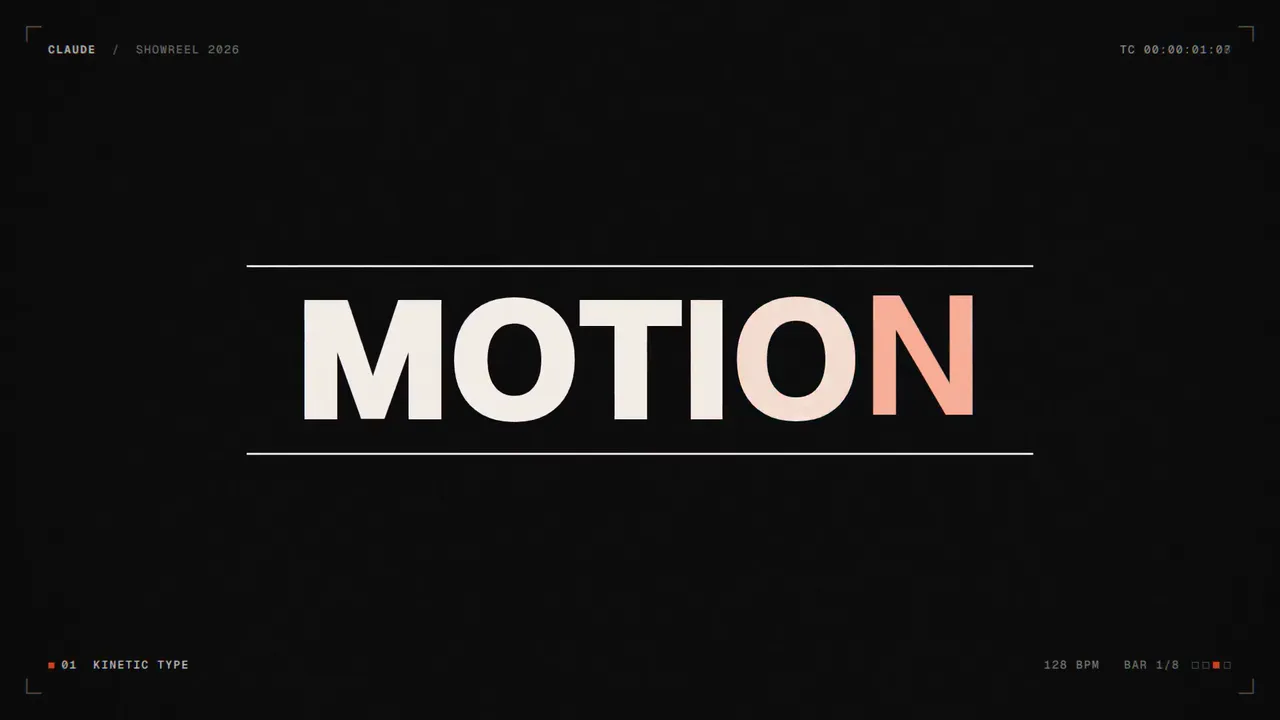
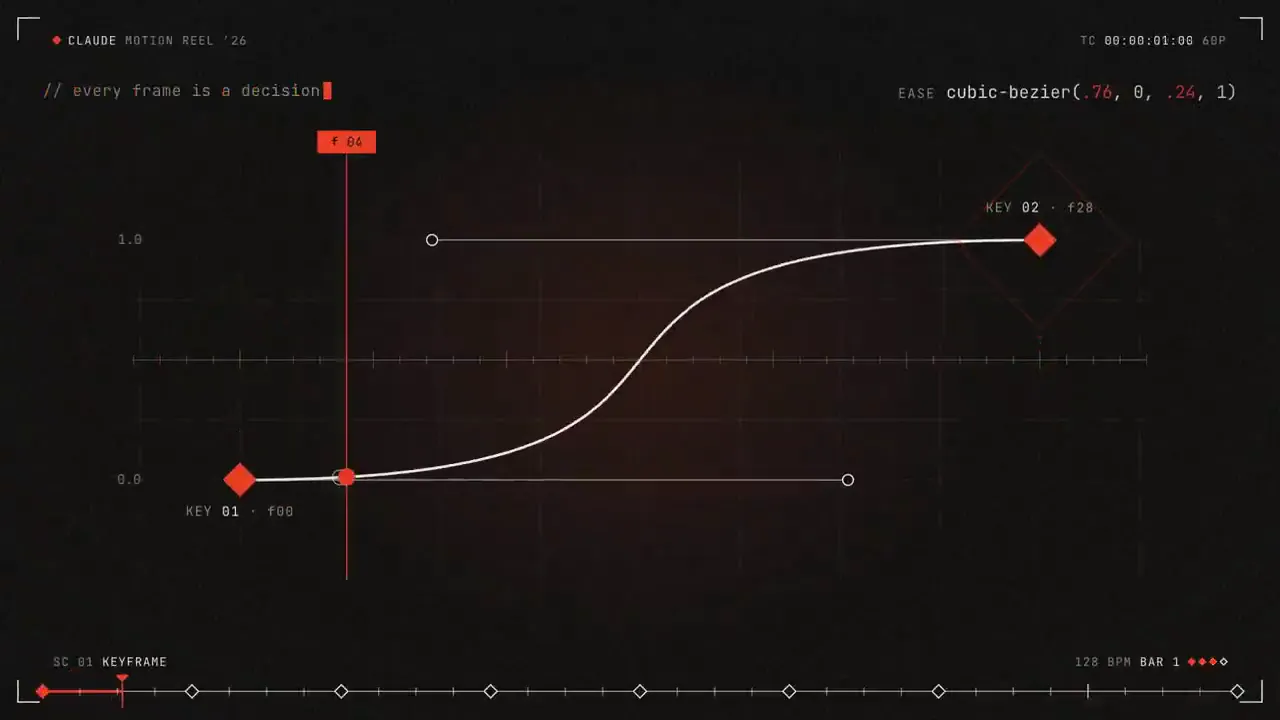
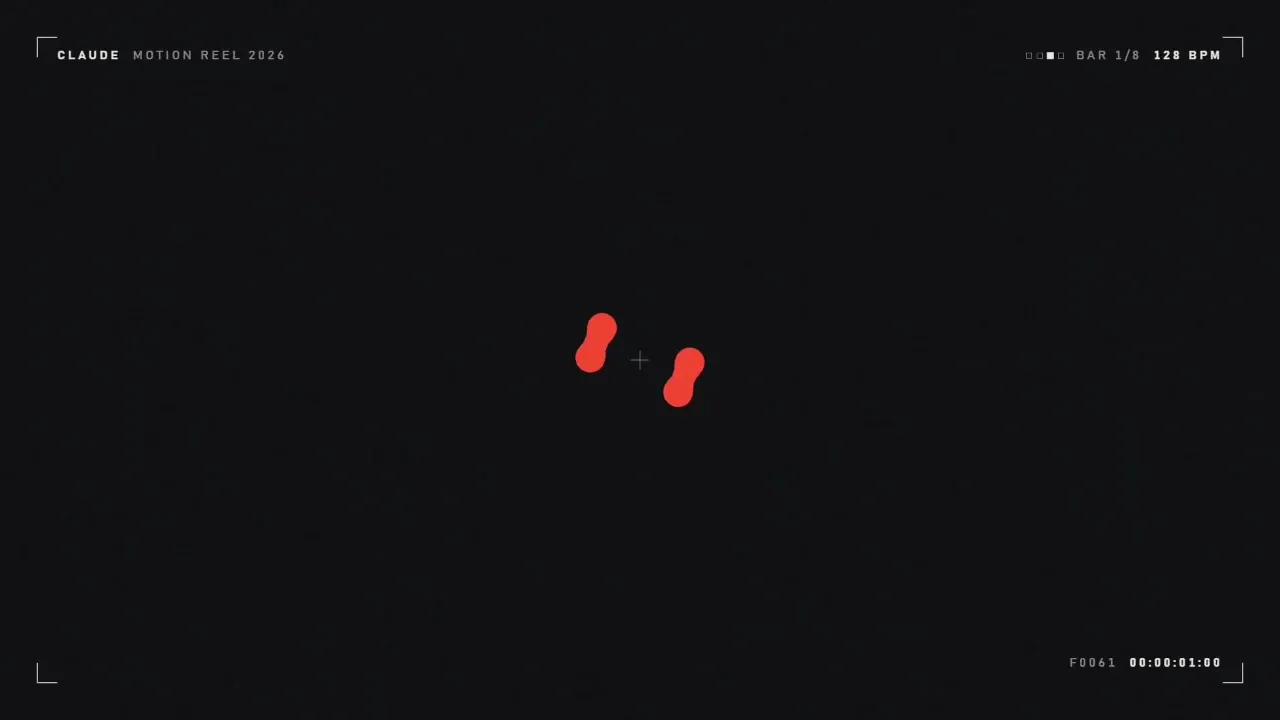
作品展示提示
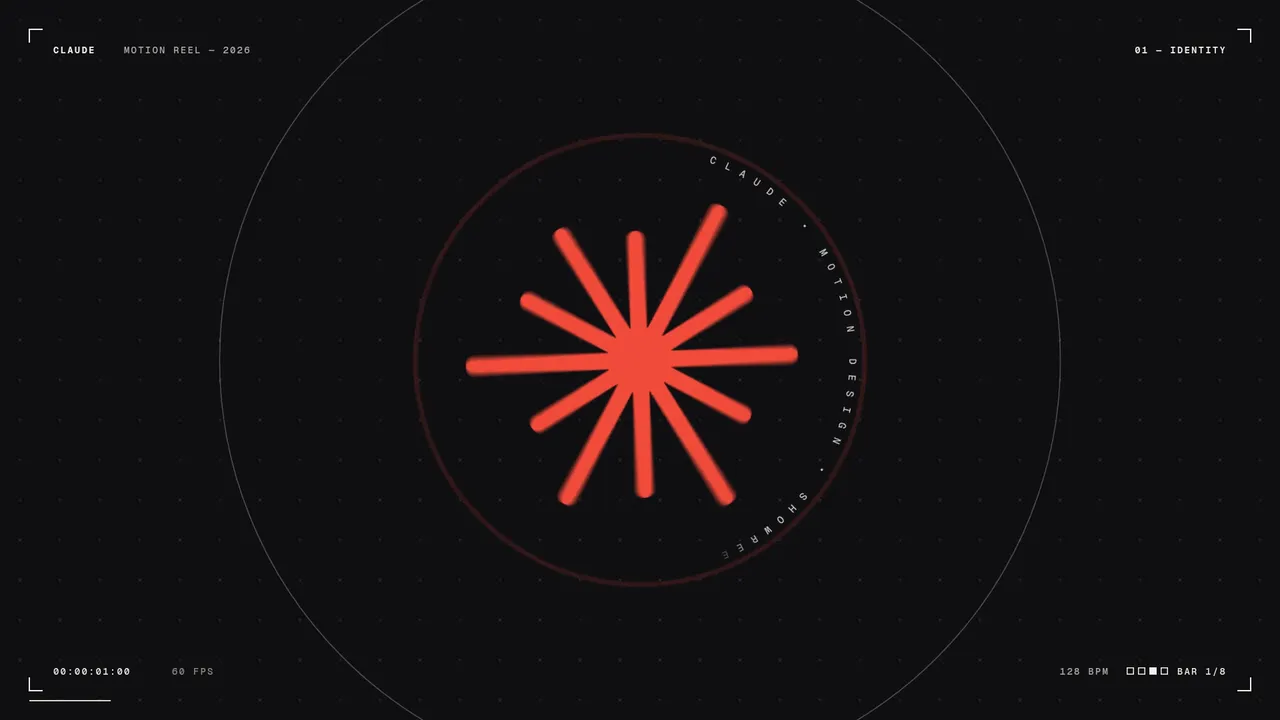
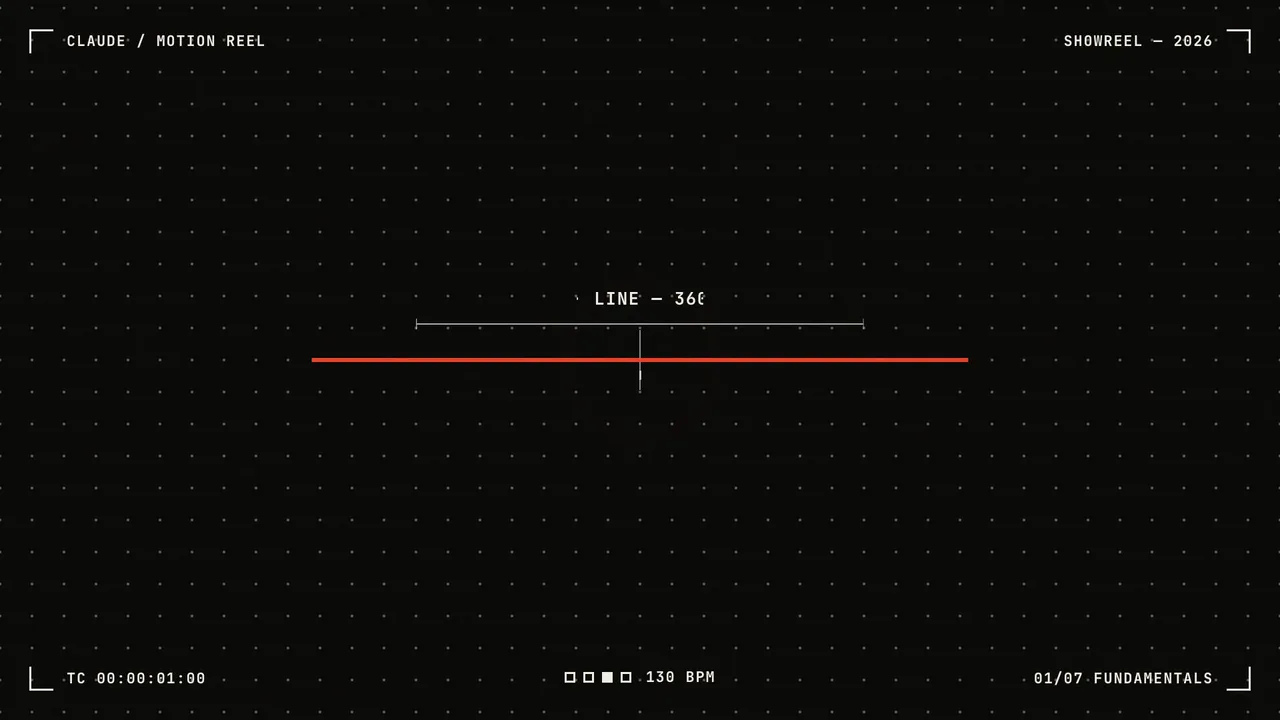
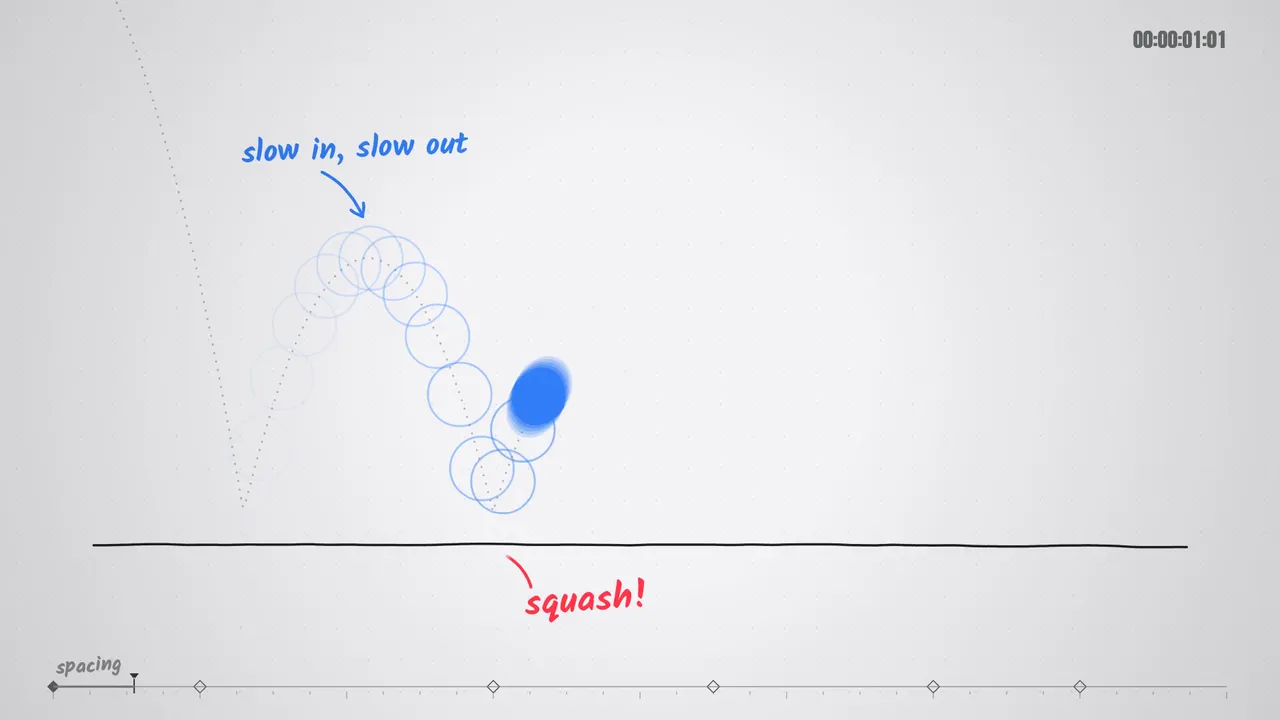
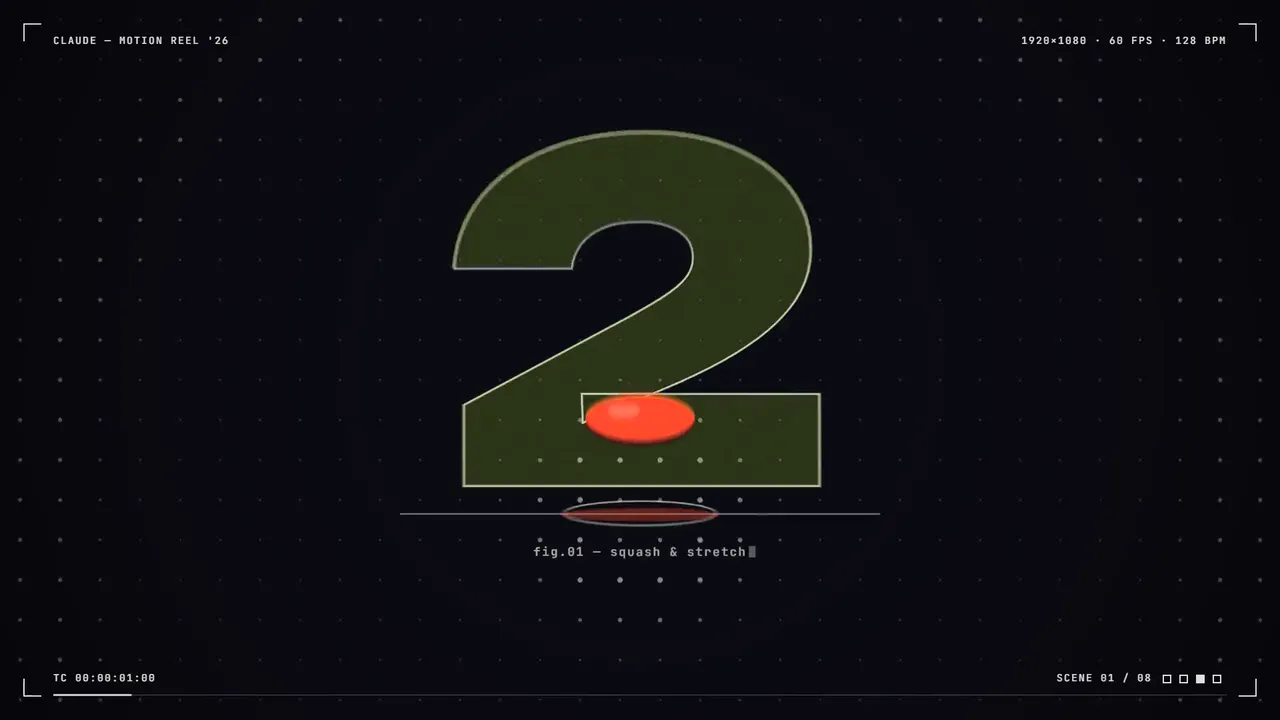
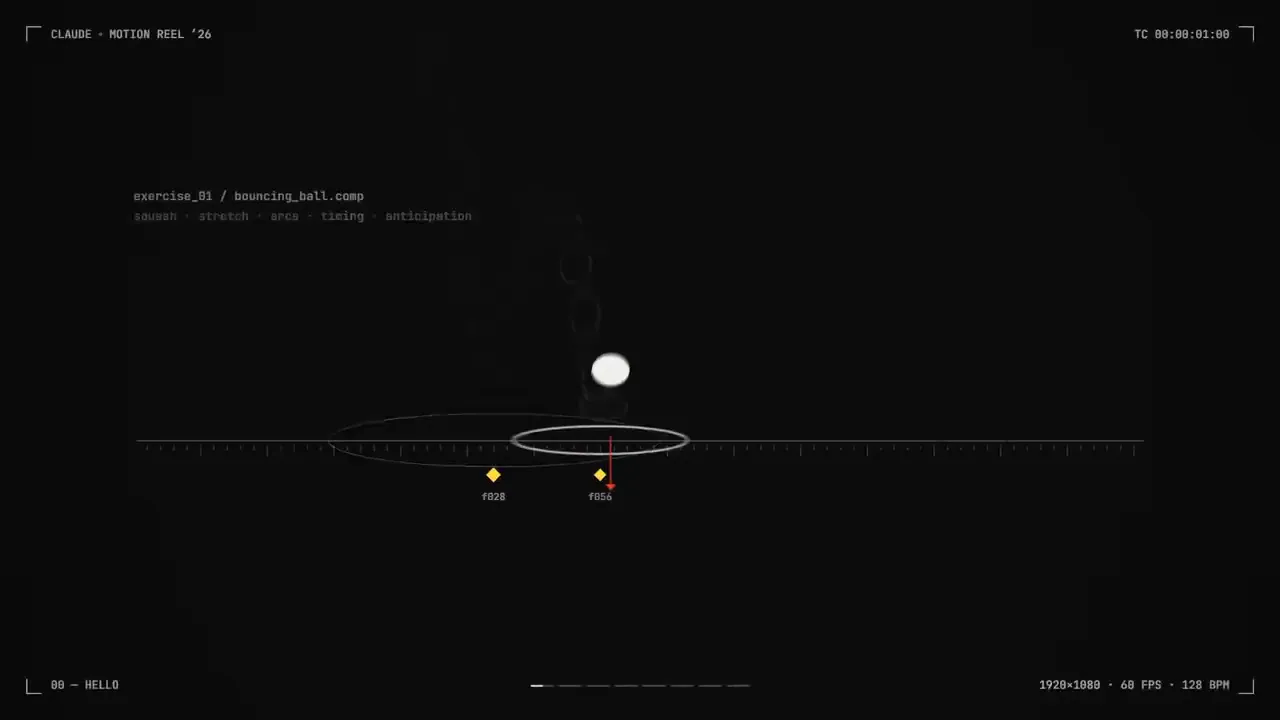
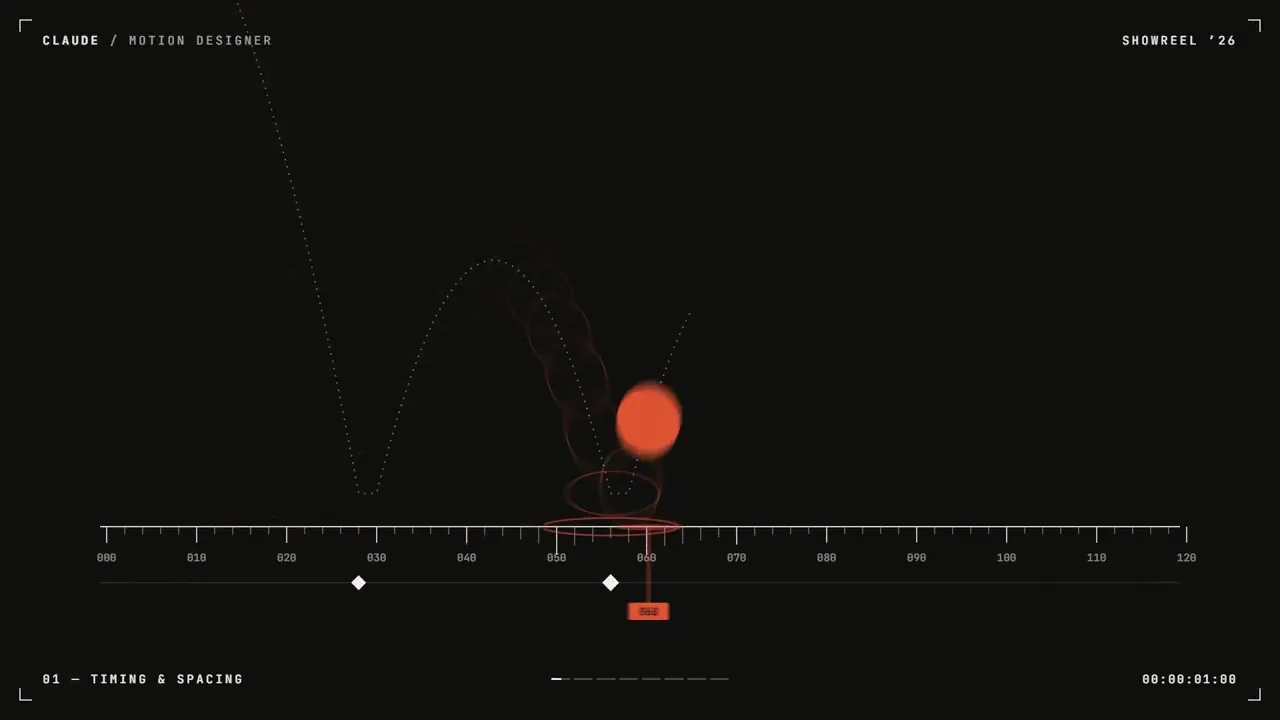
Prompt Motion上最受欢迎的提示是:一行文字,要求Opus 5.5展示他们的动态设计技能。我们修改后的版本补充了缺失的说明——而且仍然不需要您提供任何信息。
改进提示
一段时15秒的动态设计作品集,足以证明您是一位世界级的动态设计师。概念: 你的选择(例如“墨水变成字体,字体变成建筑”)。在开始制作之前,请确定好您的概念并用一句话命名。每个镜头都由前一个镜头构成:形状、字体和颜色自然过渡到下一个场景,而非简单的剪切或淡入淡出。
一种字体( Geist、 Inter或Google Fonts中的粗体显示字体 ),一个最多三种颜色,外加黑白。调色板,一种统一的相机语言。
显示范围:动态效果、形状变形、2D 转 3D 效果、数据或用户界面效果以及结束标题。确保每个部分所占时间相等。
禁止使用:粒子爆发、发光、镜头光晕、相机抖动、RGB 分割、交叉淡入淡出、通用渐变、弹跳缓动、保持时间超过半秒、任何看起来像模板的东西。

120 BPM,每拍都会发生一些事情。
第一小节:钩子。然后每小节一种技巧,每个技巧都与前一个小节衔接自然。最后一个完整小节:最精彩的部分。最后半小节:结尾标题,最后一帧与第一帧衔接,形成循环。

1. 一个大小为1920x1080的HTML文件。所有样式均根据 window.seek(t) 内的时间计算得出:没有CSS动画,没有计时器,帧之间不传递状态。
2. 使用以时间函数形式编写的弹簧效应和指数缓动。快速移动时,模糊效果会跟随速度和方向变化。
3. 使用Web Audio API (OfflineAudioContext) 编写代码音轨:每个节拍一个底鼓,最后一个完整小节有一个渐强音,每次场景切换时一个打击乐。将其渲染为WAV。
4. 使用Playwright以 60fps 渲染,每帧 3 个子帧,并使用ffmpeg tmix混合以实现运动模糊,然后混合音频。
5. 在进行完整渲染之前,先渲染每个节拍的一帧,然后查看效果。修复任何杂乱、错位、重叠或难以辨认的内容。

告诉我概念,并展示逐帧分镜脚本,然后不要问我其他问题,直接把它做出来。把最终的MP4给我。
A 15-second motion design showreel that proves you are a world-class motion designer. Concept: your pick (e.g. "ink becomes type becomes architecture"). Commit to it and name it in one line before you start. Every shot is made out of the previous one: shapes, type and color transform into the next scene instead of cutting or fading.
One typeface (Geist, Inter or a bold display face from Google Fonts), a palette of at most three colors plus black and white, one consistent camera language.
Show range: kinetic type, shape morphing, a 2D-to-3D moment, a data or UI moment, and an end title. Give each one an equal share of the time.
Banned: particle bursts, glows, lens flares, camera shake, RGB split, crossfades, generic gradients, bouncy easing, holds longer than half a second, anything that looks like a template.

120 BPM, something happens on every beat.
First bar: hook. Then one technique per bar, each flowing out of the last. Last full bar: the strongest moment. Final half bar: end title, and the final frame matches the first so it loops.

1. One HTML file at 1920x1080. Every style is computed from time inside window.seek(t): no CSS animations, no timers, no state carried between frames.
2. Use spring and exponential easing written as functions of time. Blur follows speed and direction on fast moves.
3. Write a soundtrack in code with the Web Audio API (OfflineAudioContext): a kick on every beat, a riser into the last full bar, a hit on each scene change. Render it to WAV.
4. Render with Playwright at 60fps, 3 subframes per frame blended with ffmpeg tmix for motion blur, then mux the audio.
5. Before the full render, render one frame per beat and look at them. Fix anything cluttered, off the beat, overlapping or hard to read.

Tell me the concept and show a beat-by-beat storyboard, then build it without asking me anything else. Give me the final MP4.
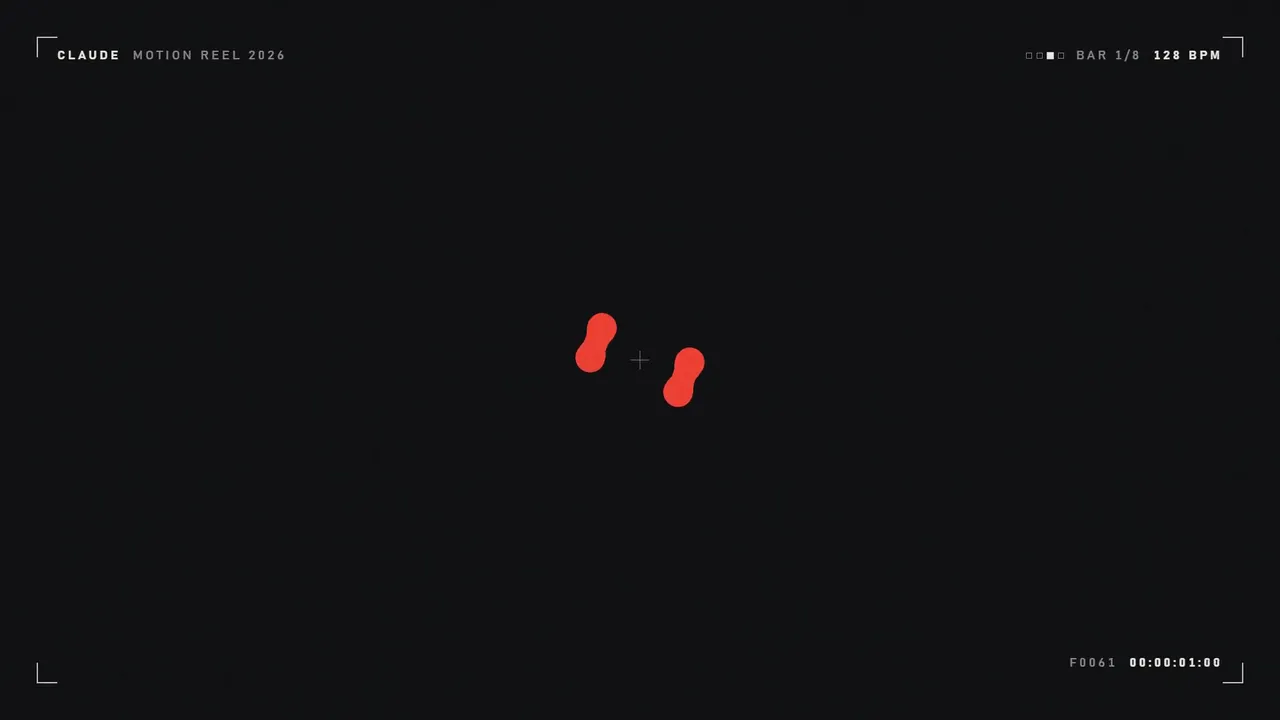
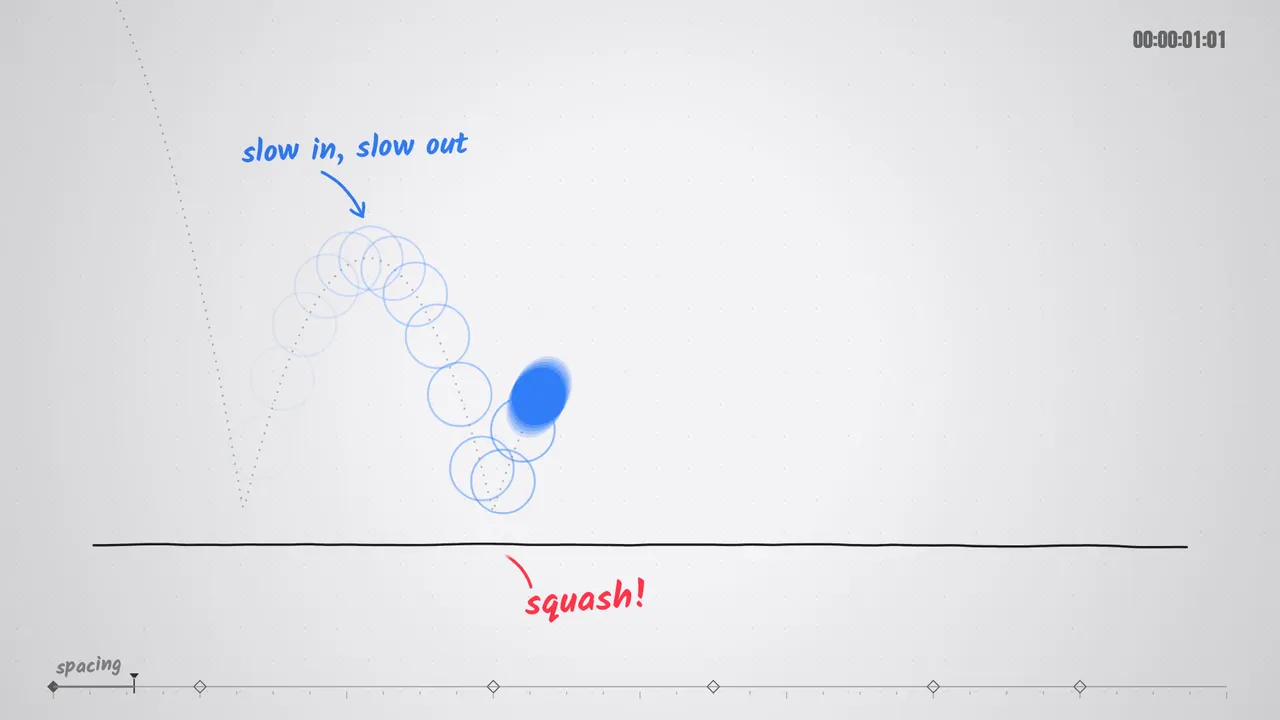
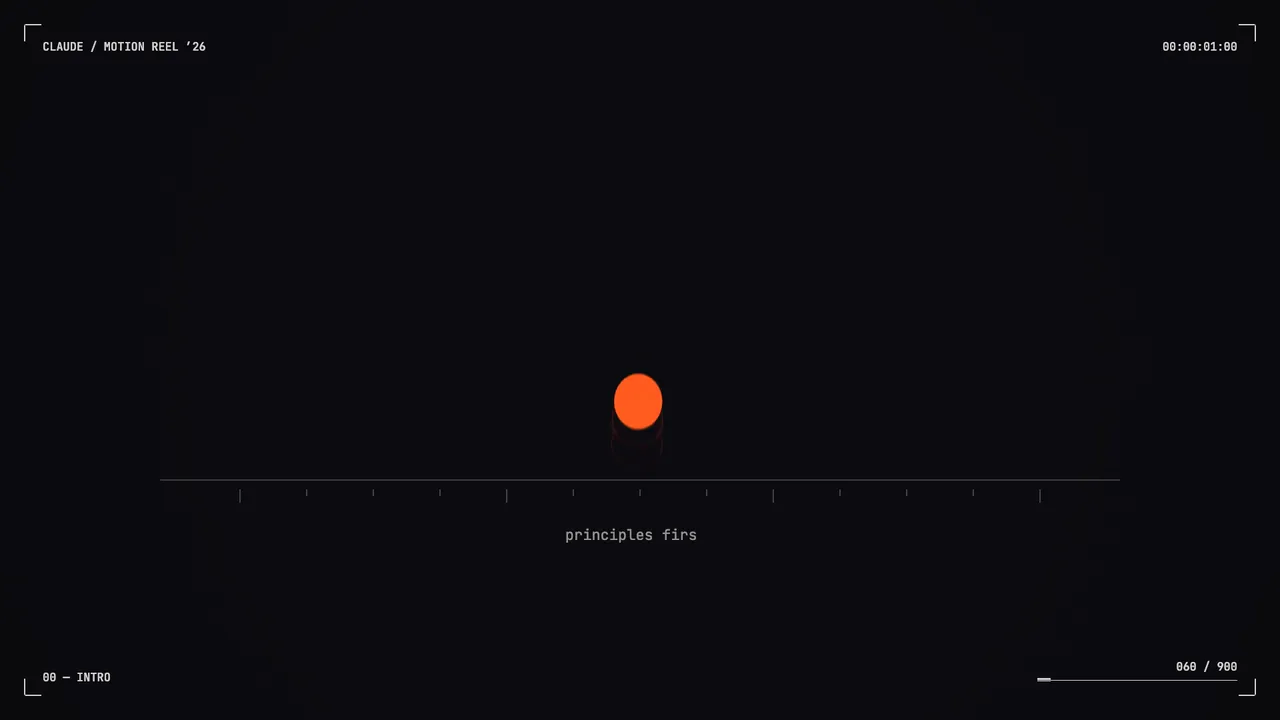
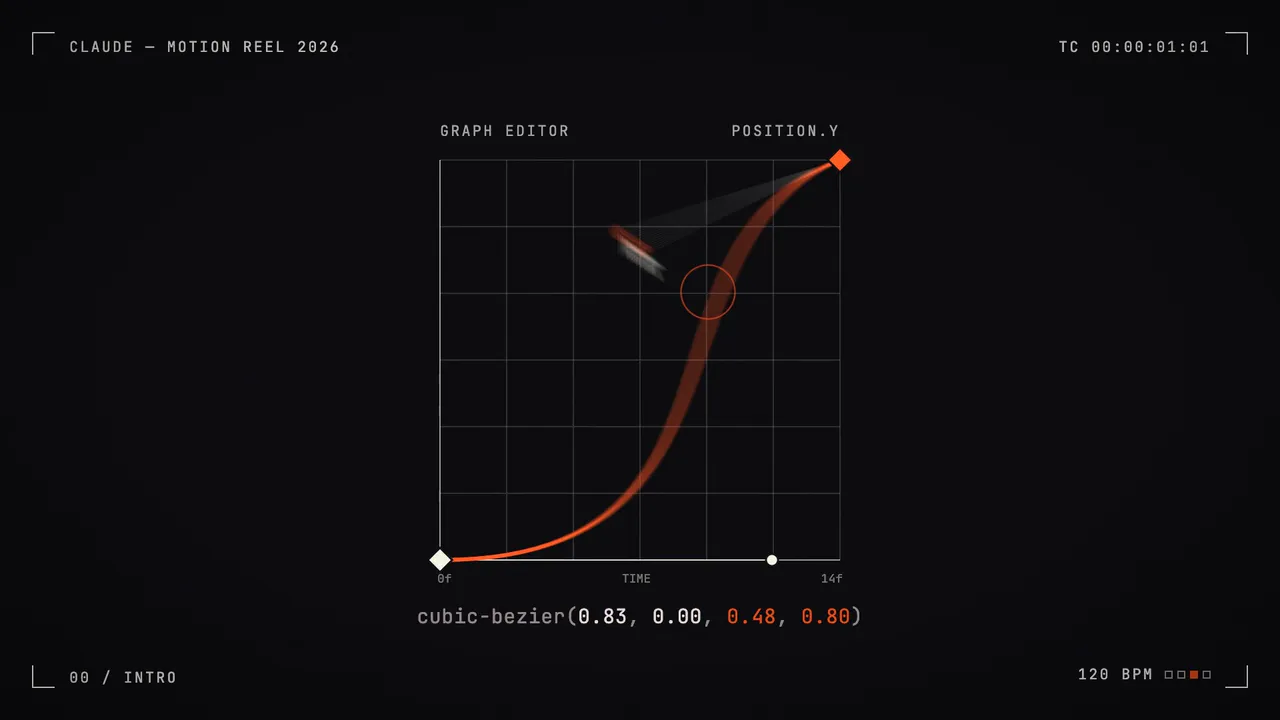
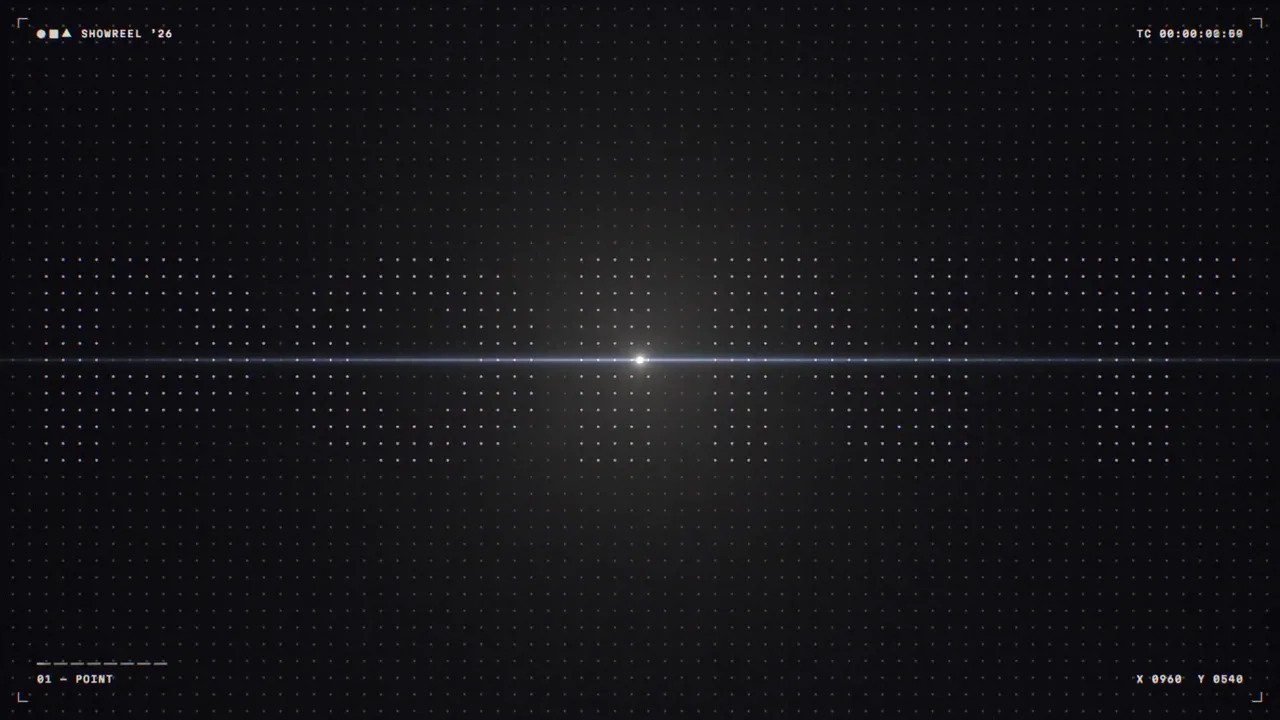
最佳效果: Claude Opus 5.5,全力以赴。模板来自Prompt Motion ;视频:未经任何剪辑直接发布。
制作一个这样的视频
使用我们的 Google Chrome扩展程序,您可以自己制作这样的视频——价格比 API 便宜 7 倍。. 通过MCP与Claude配合使用:您描述任务,扩展程序负责从提示到最终文件的生成过程。它可以生成视频、组装视频、配音和翻译视频。
 Automation — MCP for Google FlowAI视频自动驾驶: Veo 3和Google Vids Avatars(来自Claude
 TikTok Symphony Creative Studio通过Claude Code实现 AI 视频、会说话的虚拟形象和TikTok配音。
 SeedFlow — Seedance 2.5Dreamina中的批量视频生成: Seedance提示指定扩展名