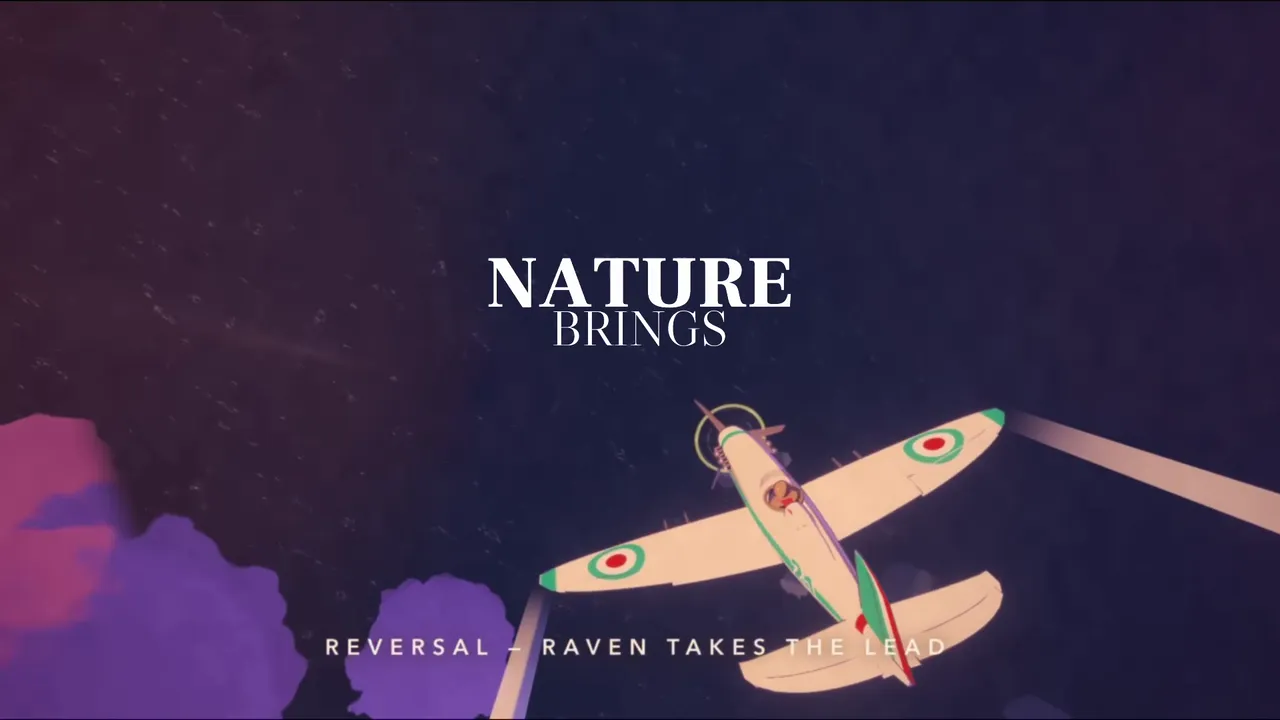
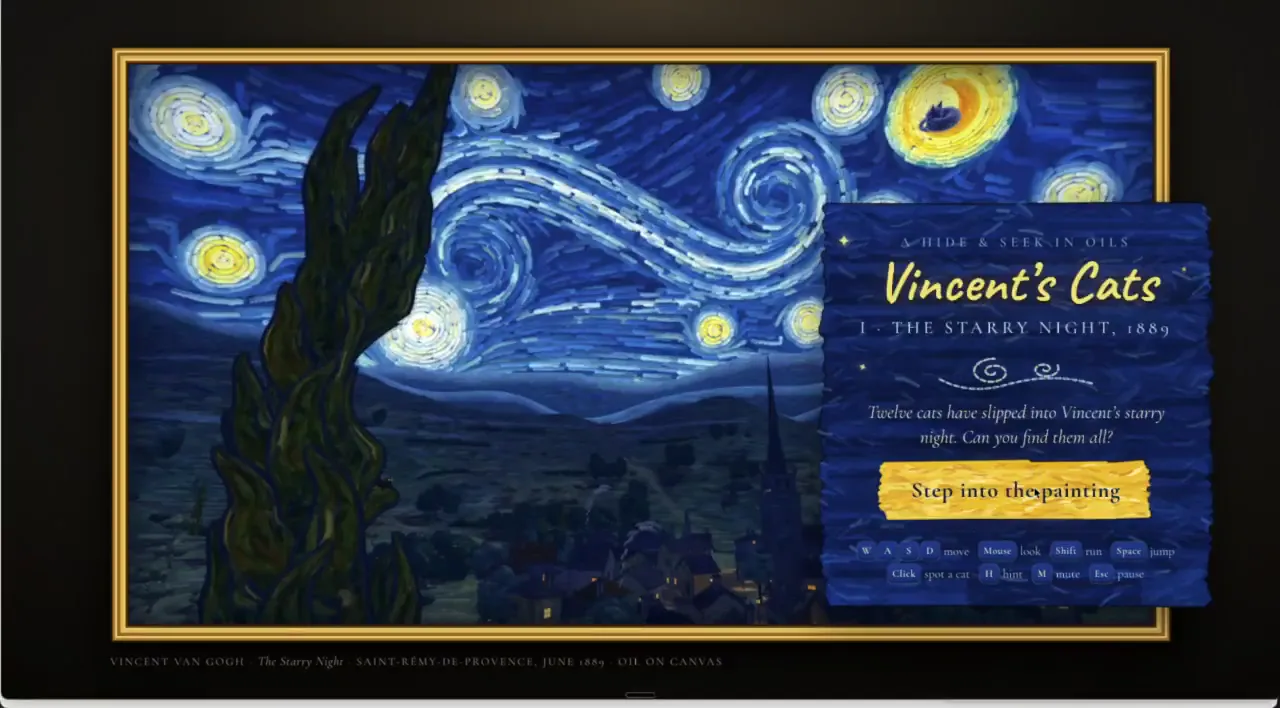
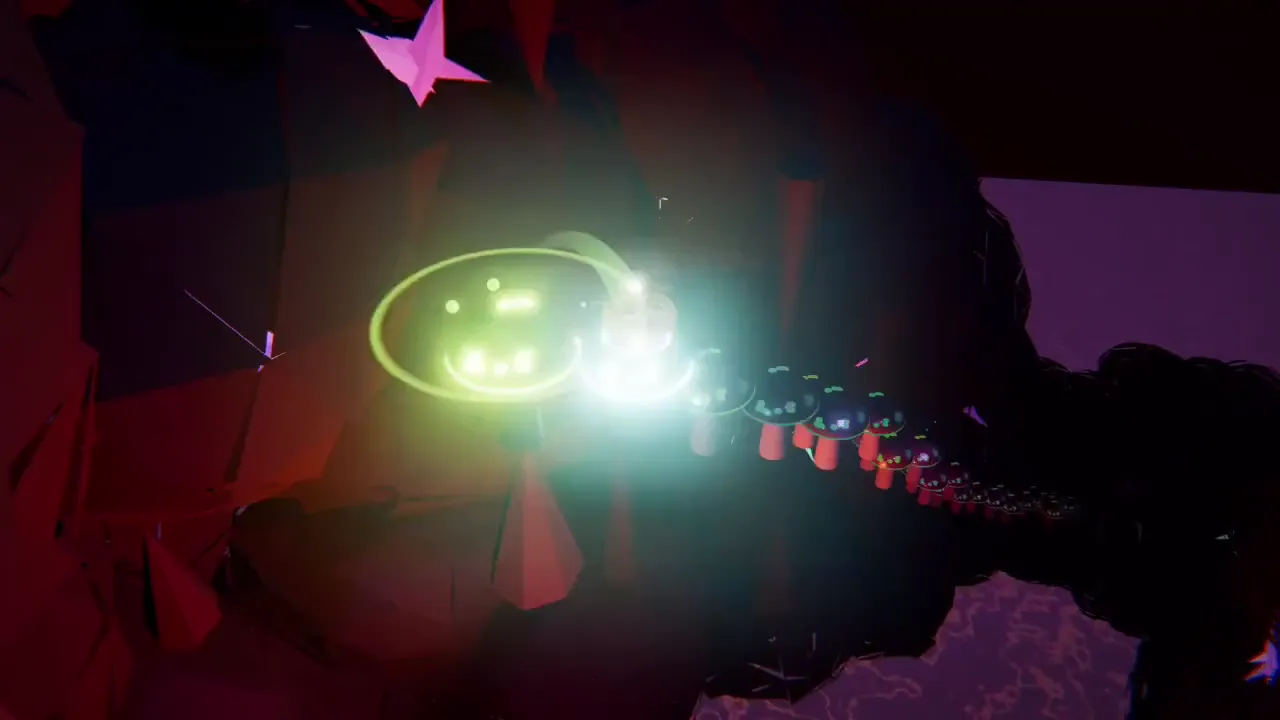
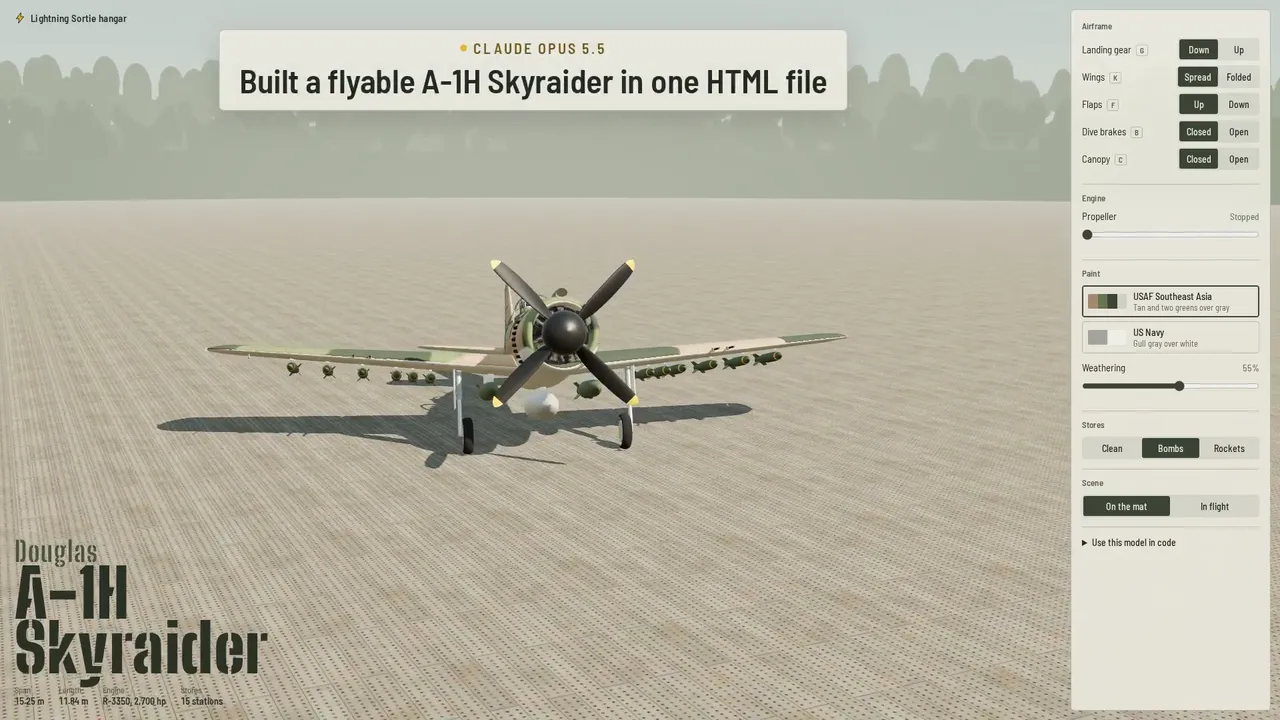
3D模板
这是一个使用three.js实时 3D 视频提示模板,旨在改进视频提示功能。已针对Prompt Motion图库进行配置——您可以插入自己的故事。
改进提示
使用three.js将Prompt Motion画廊被重新构想为一个由曲面墙上的视频卡片组成的 3D 空间,构建为一个独立的HTML页面。
样式: Prompt Motion工作室的柔和日光和留白:黑白、 Geist,以及一抹橙色点缀。
标志性投篮是从上方俯瞰,卡片走廊最终汇聚成“PROMPT MOTION”字样。。一切都围绕它展开。
摄影机:胶片摄影机,而非轨道控制。每个镜头都使用一种特定的运动方式(滑轨、摇臂、轨道、推拉、焦点切换),缓缓推进和拉远,且摄影机的运动轨迹始终保持固定。
光照和材质:主光、辅光和轮廓光,搭配柔和的阴影;环境贴图用于反射;雾效用于营造深度感;基于物理的材质,具有不同的粗糙度; ACES色调映射。所有效果都应与默认材质保持一致。
运动:物体相互反应(被击中的物体移动,附近的物体亮起),由弹簧或简单的物理原理驱动,绝非线性补间动画。
禁止使用:默认材质和光照、浮动文本标签、所有物体发光、以缓慢旋转的物体作为整体概念、任何看起来像技术演示的东西。

镜头,每张约三秒:
1. 在柔光下,用微距镜头拍摄一张卡片的边缘,然后将焦点移至其播放的视频(一张来自网站的真实海报)。2. 镜头后移:这是数百张卡片中的一张,它们都挂在略微弯曲的墙上,都在播放;一束橙色的光线沿着墙壁移动,每张卡片在移动过程中都会略微倾斜。3. 镜头向上移动并越过墙壁:在墙壁后面,更多的墙壁构成了走廊。4. 一张卡片脱离铰链,带着重量向镜头摆动并最终落下;卡片背面印有提示信息,并以3D字体逐行升起。5. 标志性镜头:镜头大幅后移并向上移动,橙色的光线勾勒出字母“O”的轮廓。6. 镜头最终聚焦在文字商标和 prompt-motion.com 上。

1. 一个HTML文件,来自 CDN 的three.js,无需构建步骤。所有内容均以代码形式建模;不使用下载的模型,也不使用纹理,除了网站自有的卡片视频海报。
2. 使用 MeshPhysicalMaterial 材质、RoomEnvironment 中的 PMREM 环境、柔和阴影、 ACES色调映射和抗锯齿。仅在需要时添加景深效果。
3. 在笔记本电脑上保持 60fps 的帧率。
4. 添加一个渲染模式,其中每一帧都根据时间计算(随机种子,无时钟),以便可以使用Playwright将其捕获为1920x1080的MP4文件。
5. 每张照片截取一帧,查看并修复任何扁平、锯齿状、剪切或难以辨认的画面。

设置阴影偏差,否则表面会出现条纹状瑕疵。保持近面和远面紧密贴合,否则远处的表面会闪烁。为每个随机数设置种子,否则渲染结果将与预览不符。

请用几句话描述一下你的标志性镜头和镜头列表,然后不要问我其他任何问题,直接把它做出来。给我HTML文件和一个用渲染模式录制的20秒MP4。
Build the Prompt Motion gallery, reimagined as a 3D space of video cards on curved walls, as one self-contained HTML page with three.js.
Style: soft daylight and white space in Prompt Motion's own: black and white, Geist, one orange accent.
The signature shot is the pull back where the corridors of cards resolve into the letters PROMPT MOTION seen from above. Build everything toward it.
Camera: a film camera, not orbit controls. Every shot uses one named move (dolly, crane, orbit, push-in, rack focus), eased in and out, and the camera never passes through geometry.
Light and materials: a key, fill and rim light with soft shadows, an environment map for reflections, fog for depth, physically based materials with varied roughness, ACES tone mapping. Nothing should look like a default material.
Motion: things react to each other (what's hit moves, what's near lights up), driven by springs or simple physics, never linear tweens.
Banned: default materials and lighting, floating text labels, glows on everything, a slowly spinning object as the whole idea, anything that looks like a tech demo.

Shots, about three seconds each:
1. Macro on the edge of one card in soft light, then rack focus onto its playing video (a real poster from the site). 2. Dolly back: it's one of hundreds of cards on a gently curved wall, all playing; a wave of orange light runs along the wall and each card tilts slightly as it passes. 3. Crane up and over the wall: behind it, more walls form corridors. 4. One card unhinges, swings toward the camera with weight and settles; its prompt is printed on its back and lifts off as 3D type, line by line. 5. The signature shot: pull far back and up while the orange light traces the O. 6. Settle on the wordmark and prompt-motion.com.

1. One HTML file, three.js from a CDN, no build step. Model everything in code; no downloaded models, and no textures except the site's own video posters for the cards.
2. Use MeshPhysicalMaterial, a PMREM environment from RoomEnvironment, soft shadows, ACES tone mapping and antialiasing. Add depth of field only on shots that need it.
3. Hold 60fps on a laptop.
4. Add a ?render mode where every frame is computed from time (seeded randomness, no clock), so it can be captured with Playwright into an MP4 at 1920x1080.
5. Capture one frame per shot, look at it, and fix anything flat, aliased, clipping or hard to read.

Set shadow bias, or surfaces get striped acne. Keep near and far planes tight, or distant surfaces flicker. Seed every random number, or the render won't match the preview.

Describe the signature shot and the shot list in a few lines, then build it without asking me anything else. Give me the HTML file and a 20-second MP4 captured with the ?render mode.
最佳效果: Claude Opus 5.5,全力以赴。模板来自Prompt Motion ;视频:未经任何剪辑直接发布。
制作一个这样的视频
使用我们的 Google Chrome扩展程序,您可以自己制作这样的视频——价格比 API 便宜 7 倍。. 通过MCP与Claude配合使用:您描述任务,扩展程序负责从提示到最终文件的生成过程。它可以生成视频、组装视频、配音和翻译视频。
 Automation — MCP for Google FlowAI视频自动驾驶: Veo 3和Google Vids Avatars(来自Claude
 TikTok Symphony Creative Studio通过Claude Code实现 AI 视频、会说话的虚拟形象和TikTok配音。
 SeedFlow — Seedance 2.5Dreamina中的批量视频生成: Seedance提示指定扩展名