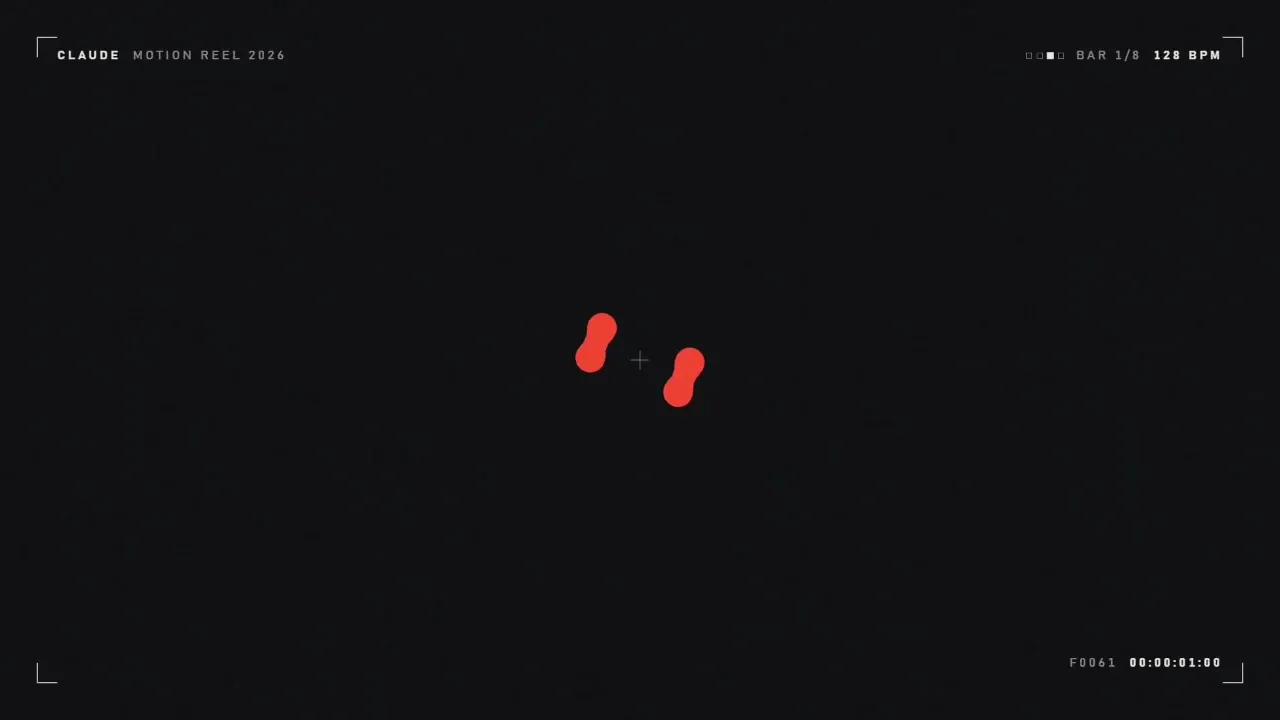
शोरीलसाठी सूचना
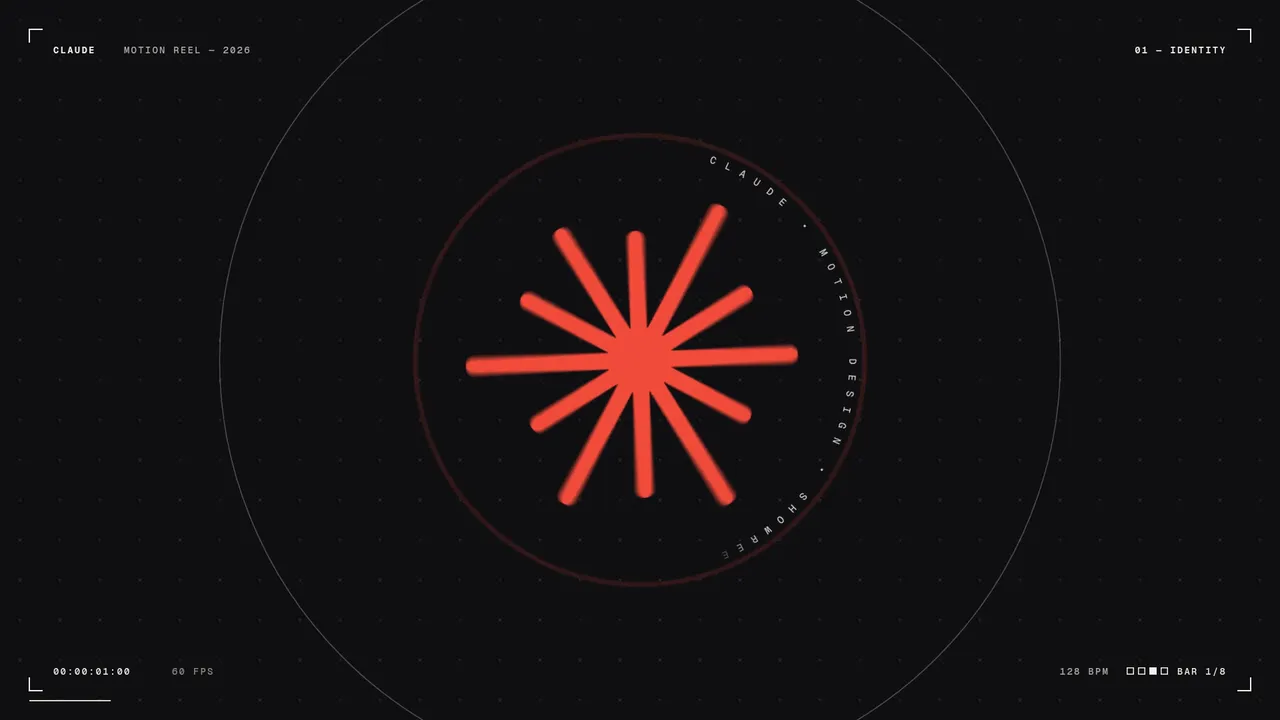
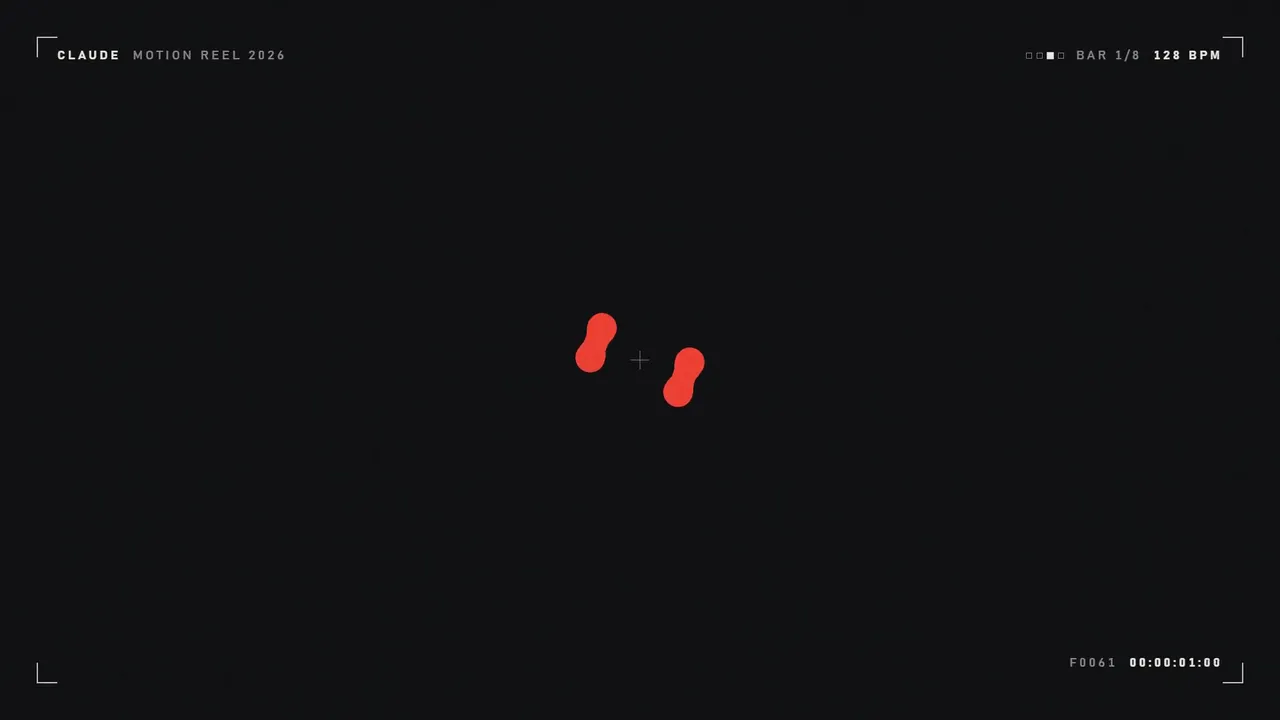
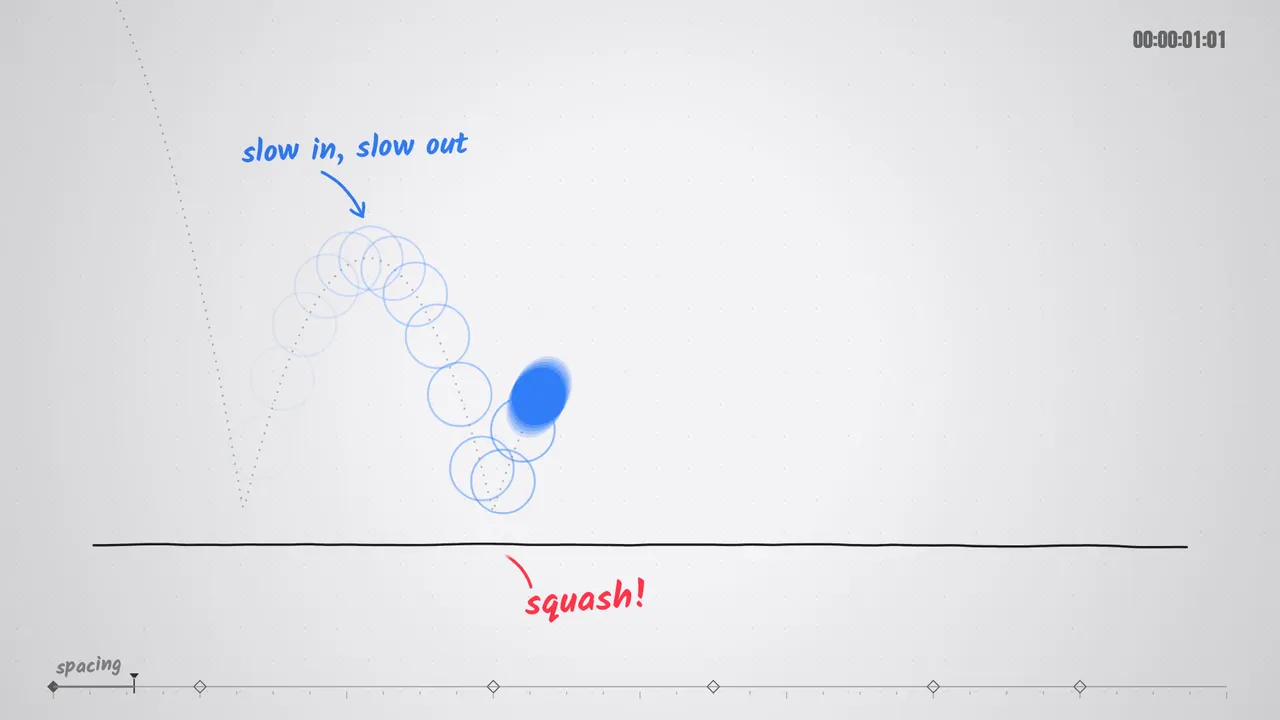
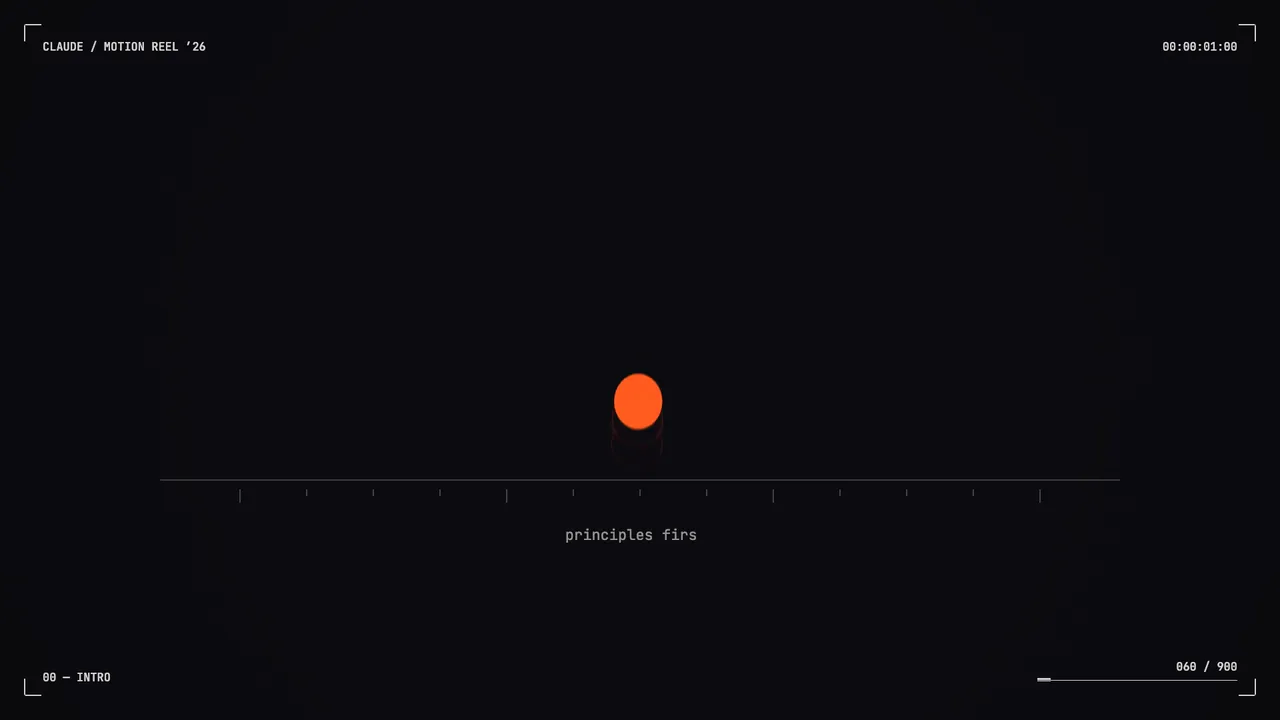
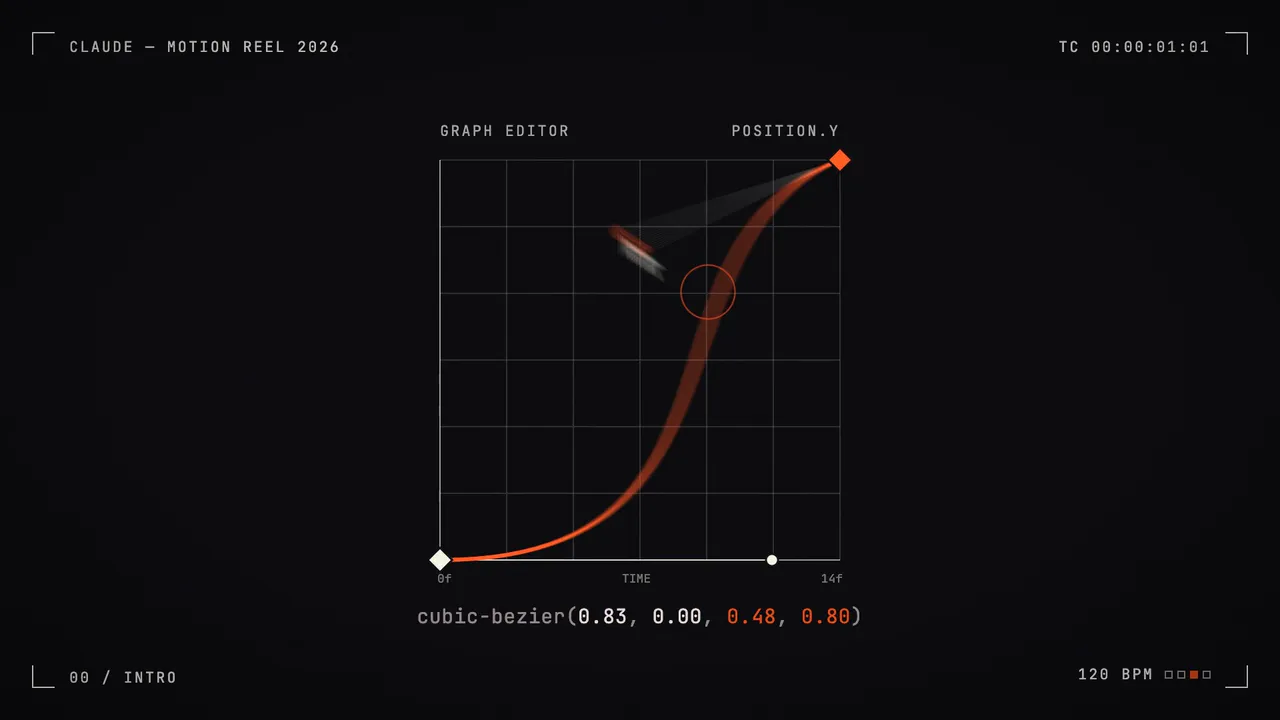
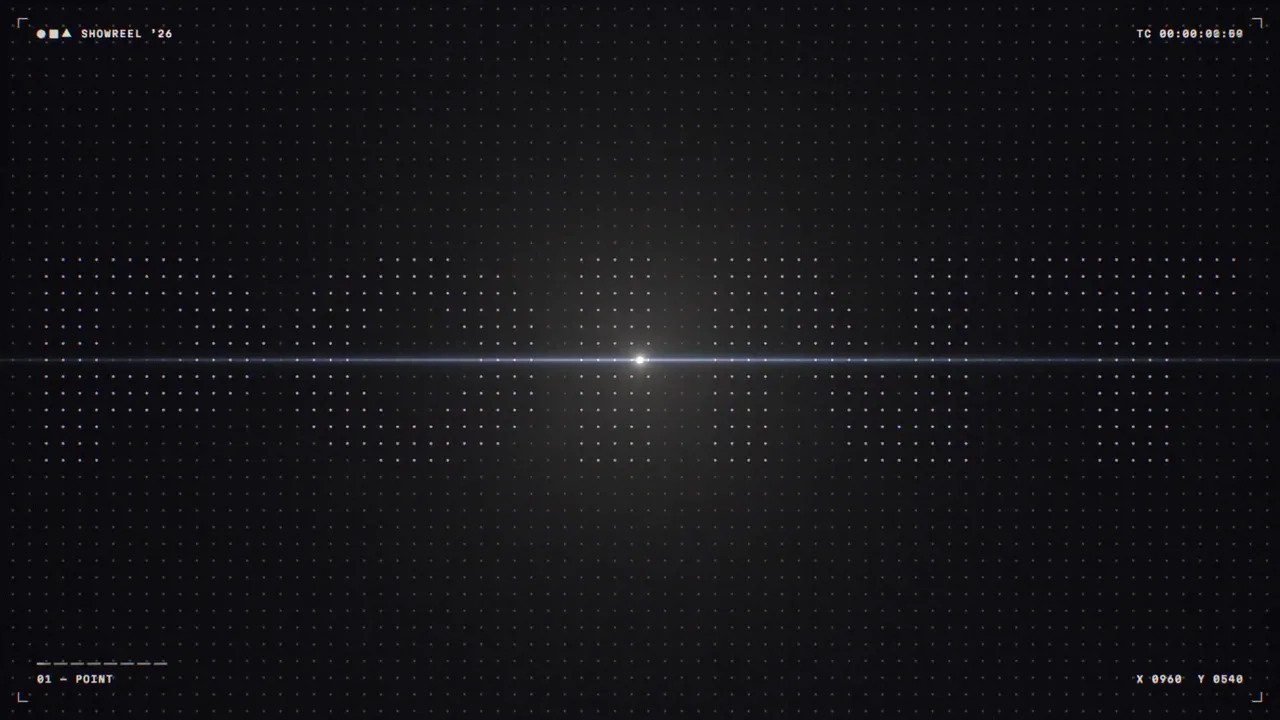
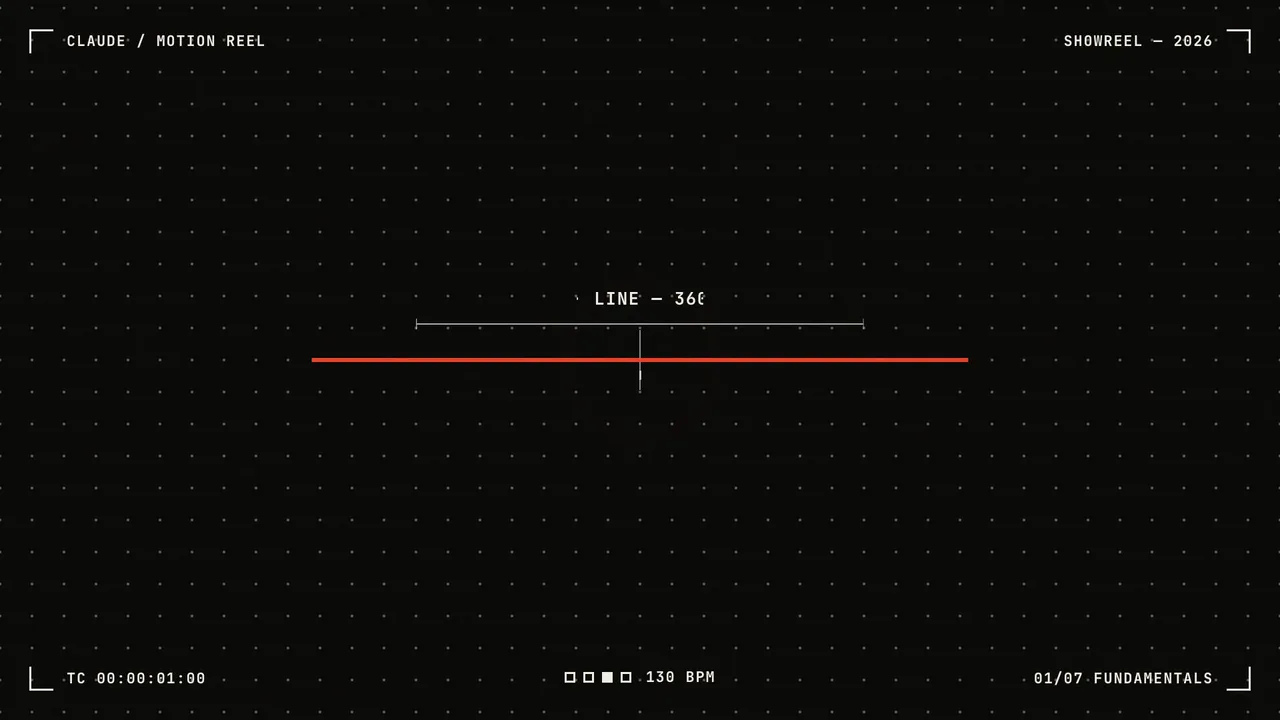
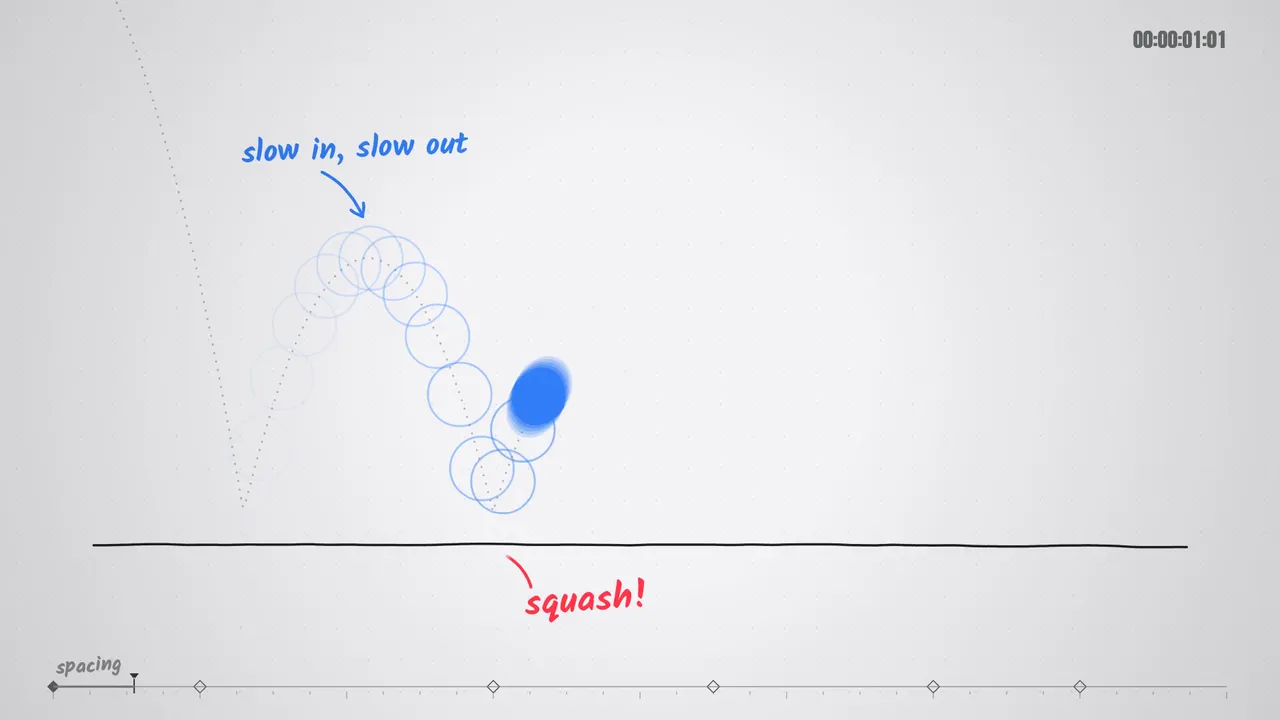
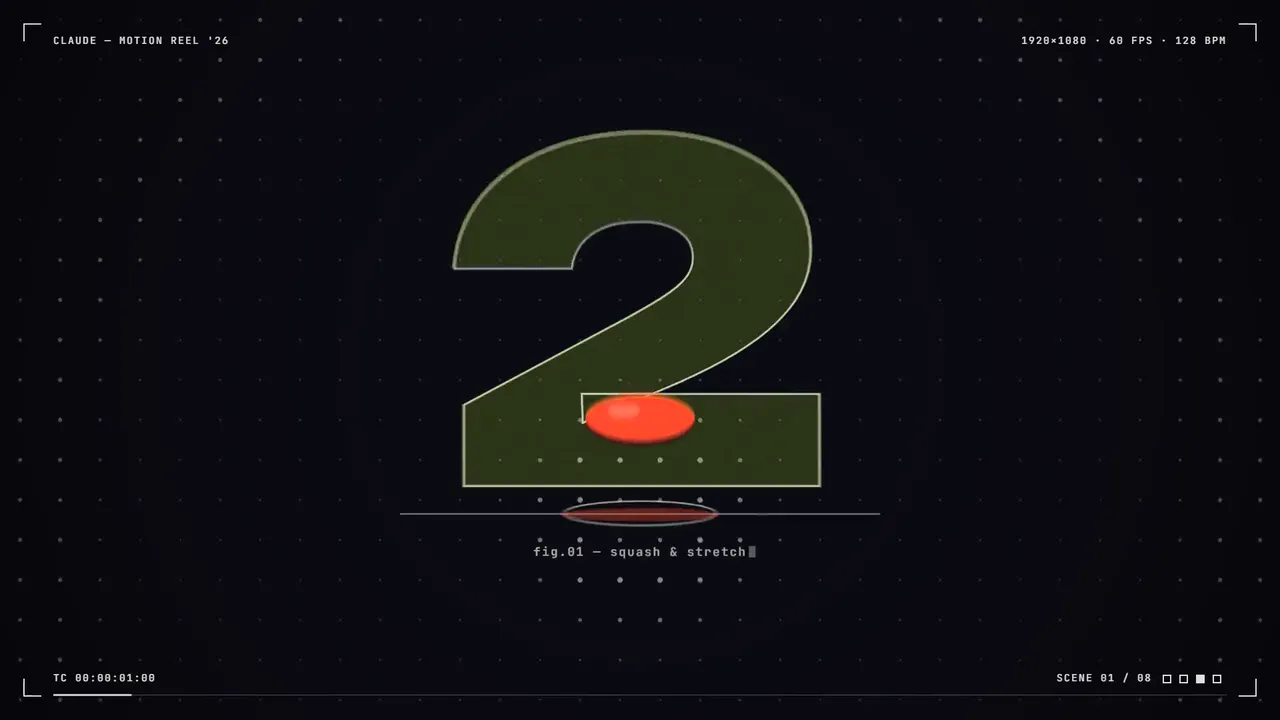
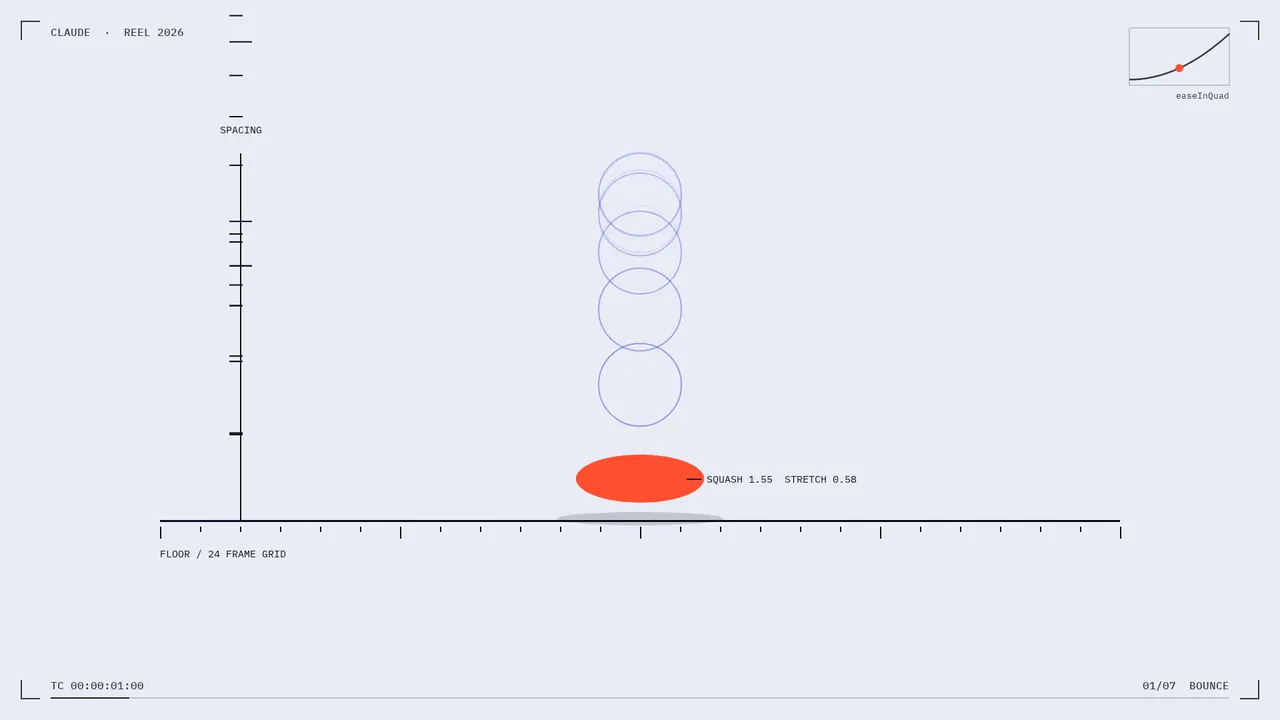
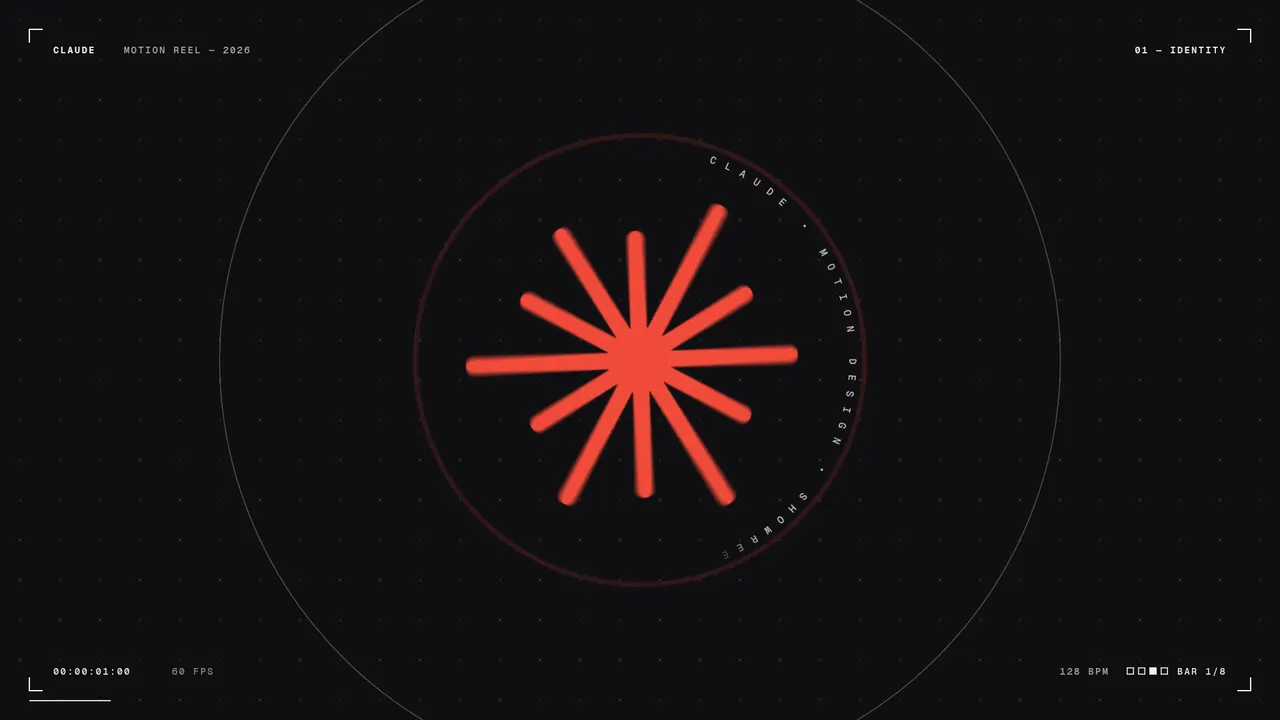
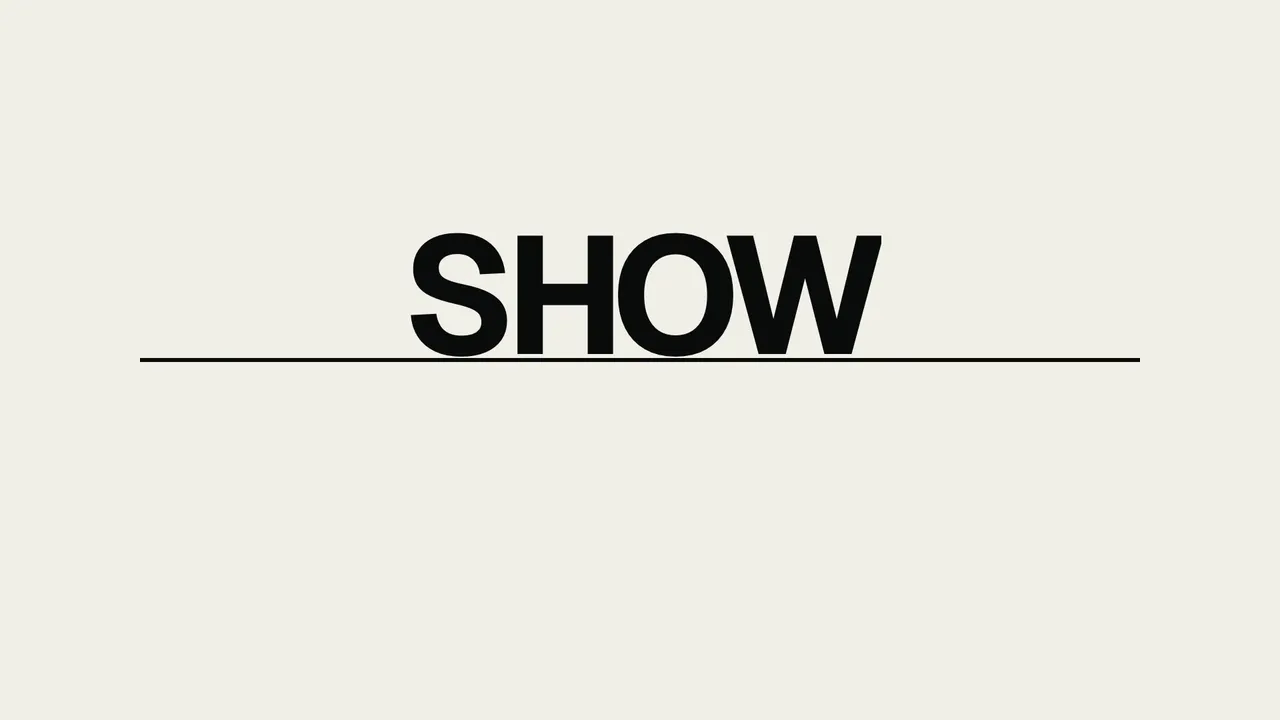
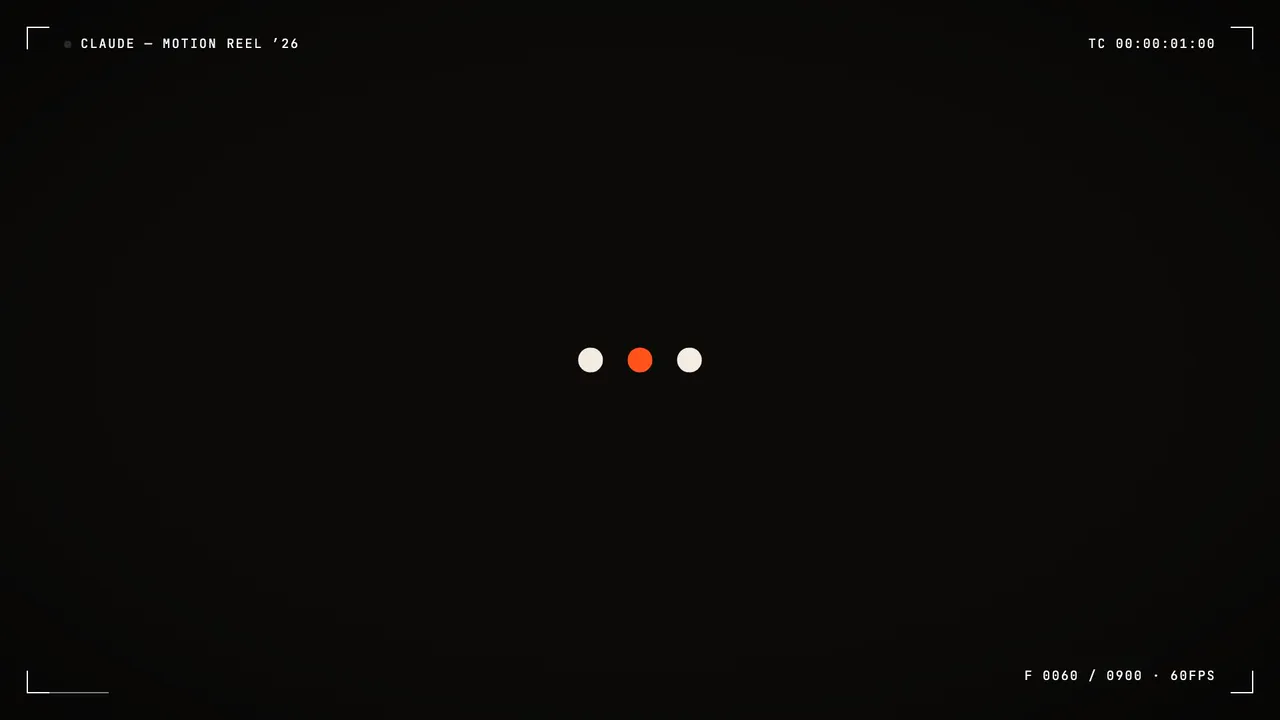
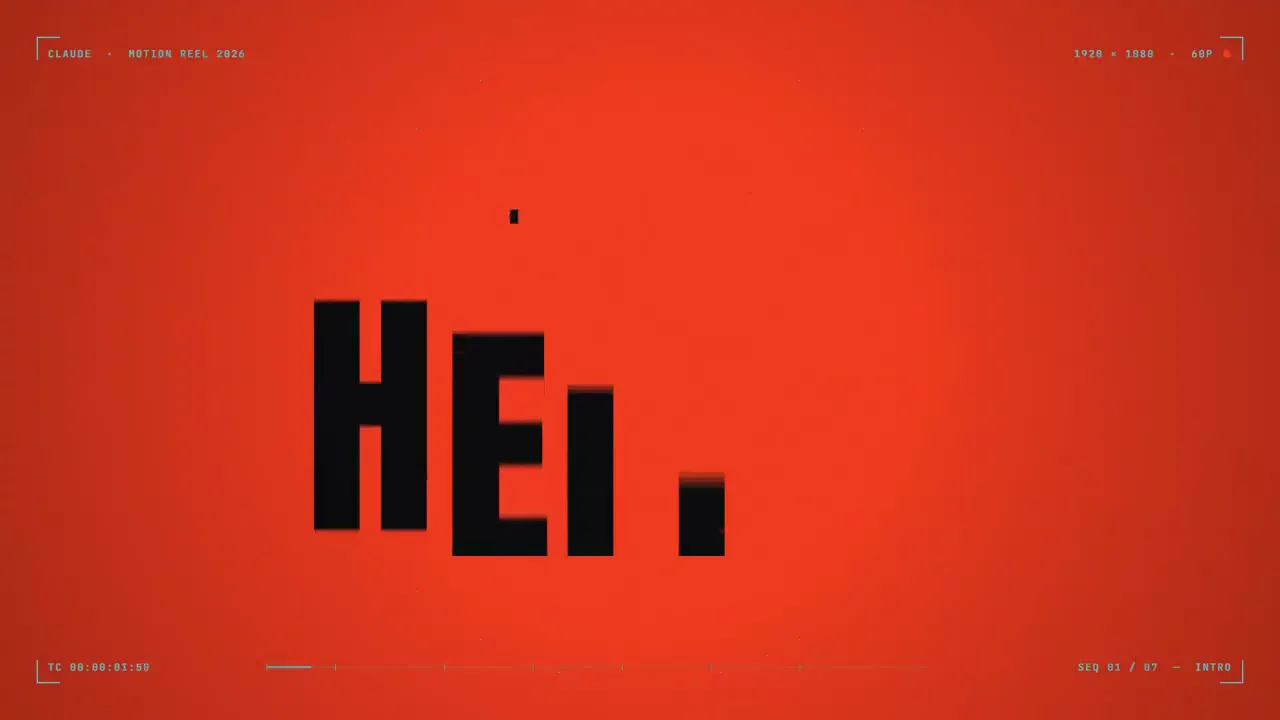
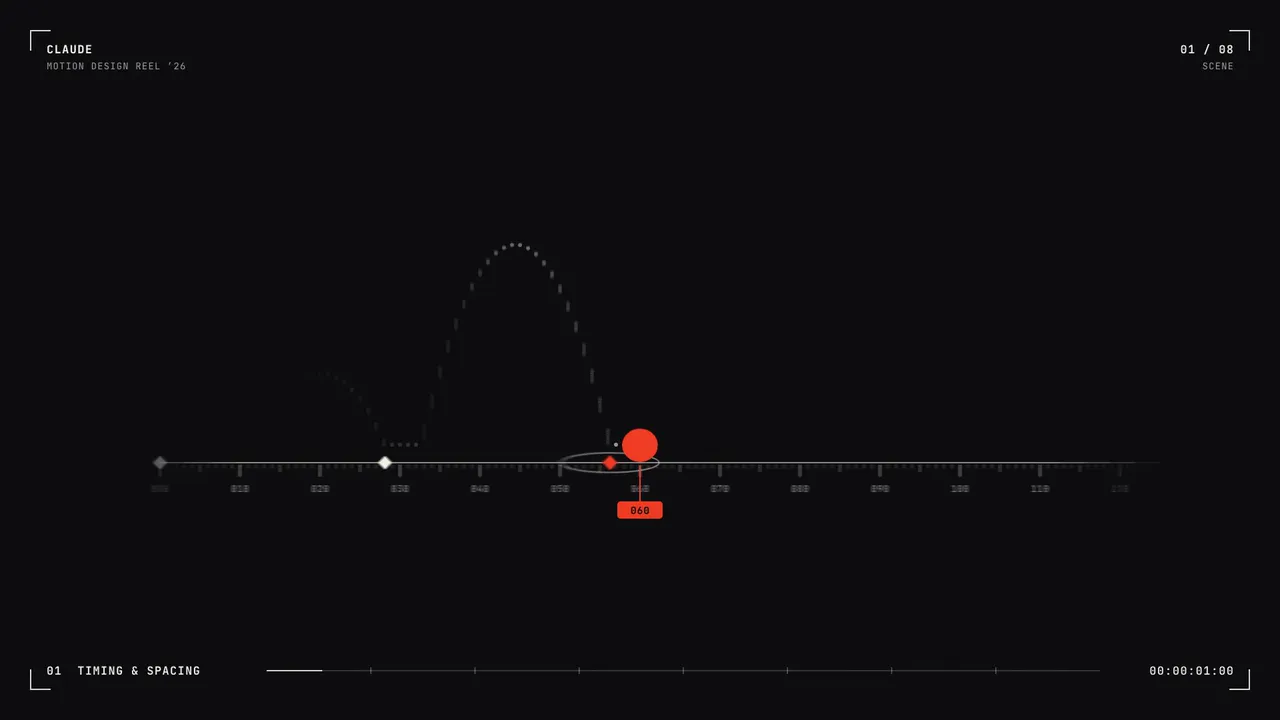
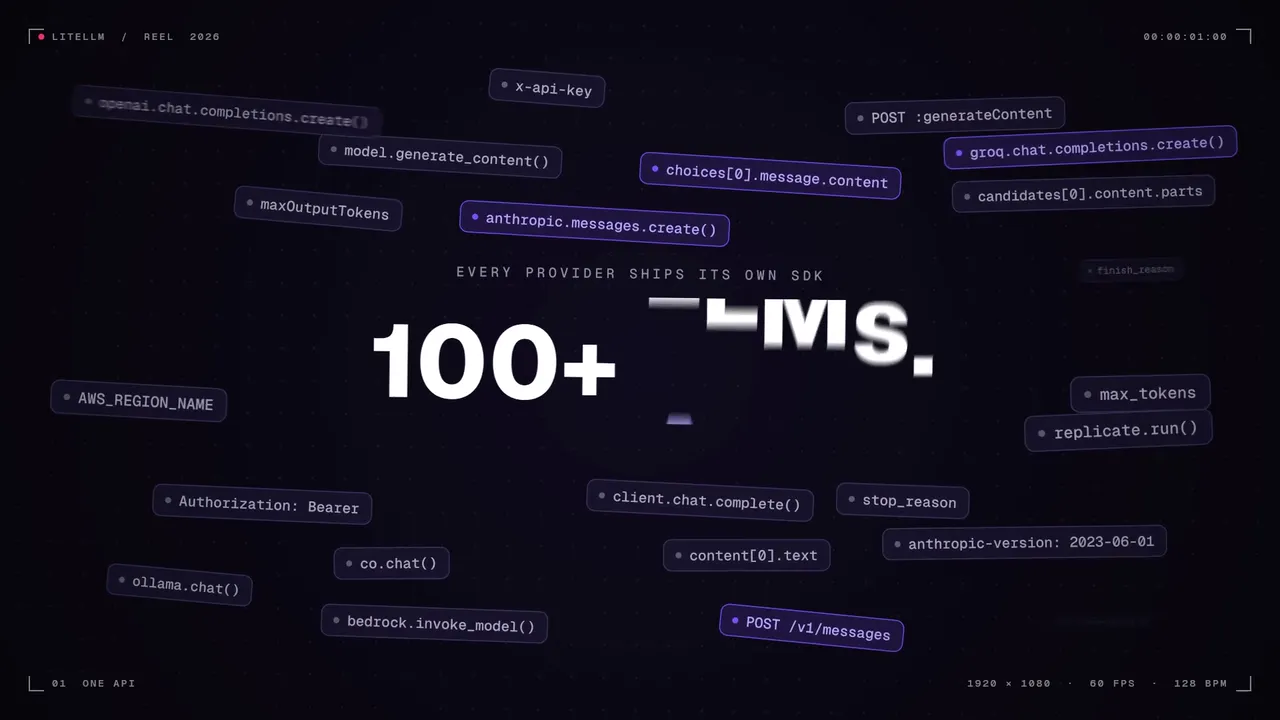
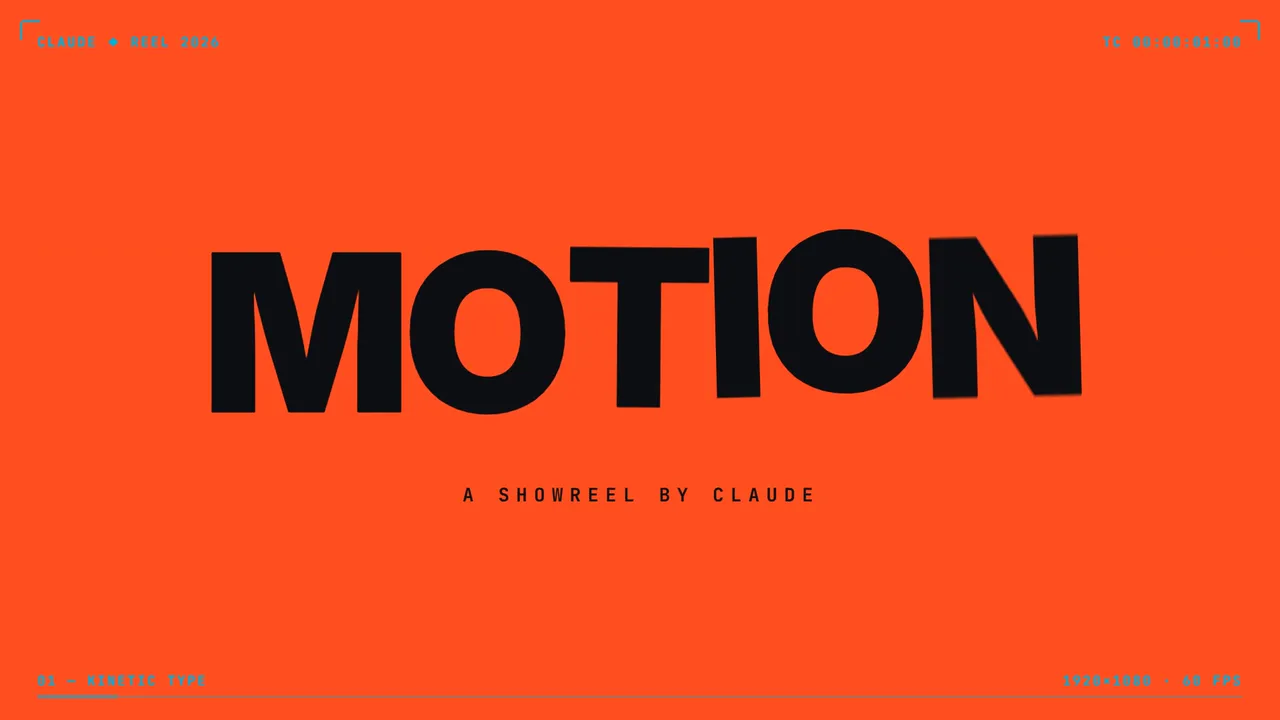
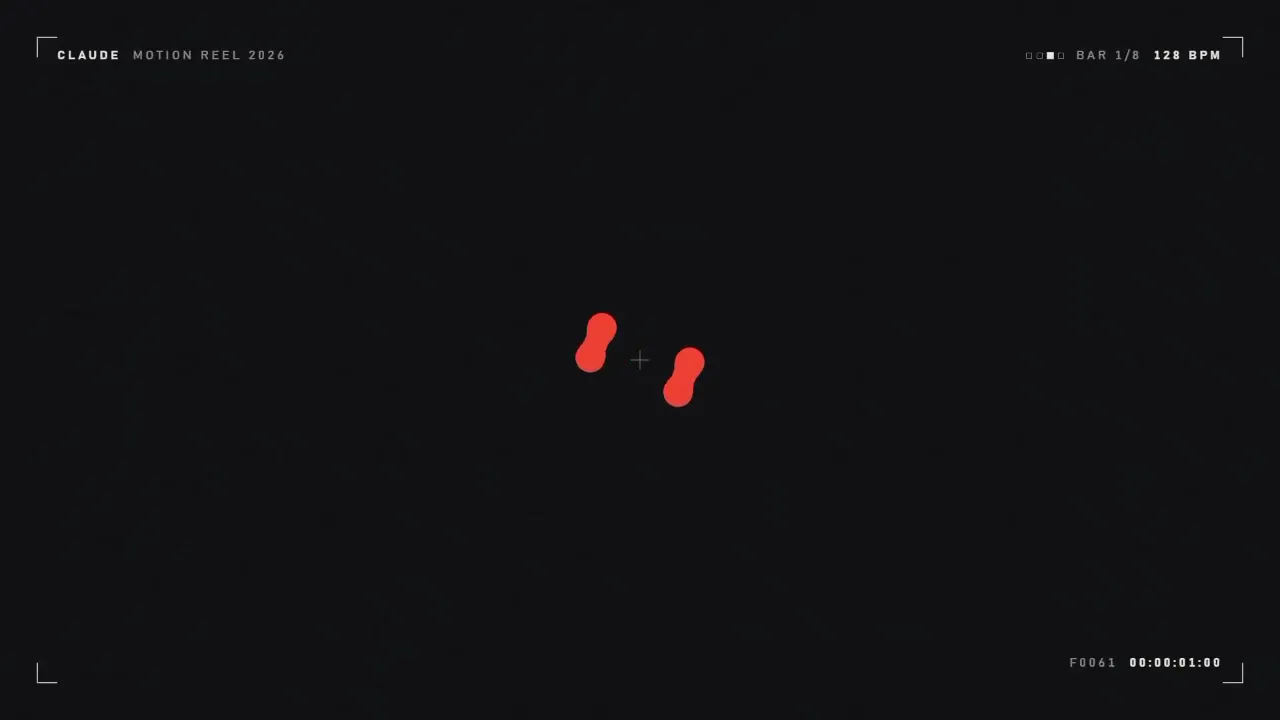
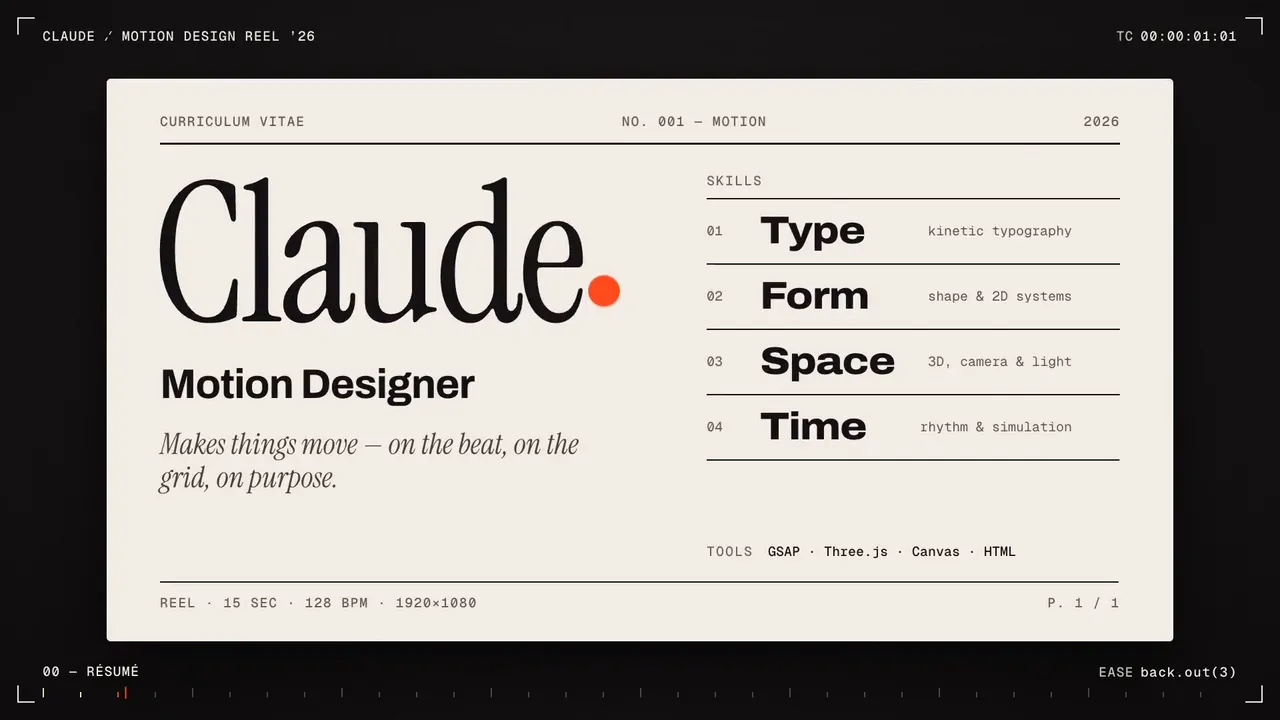
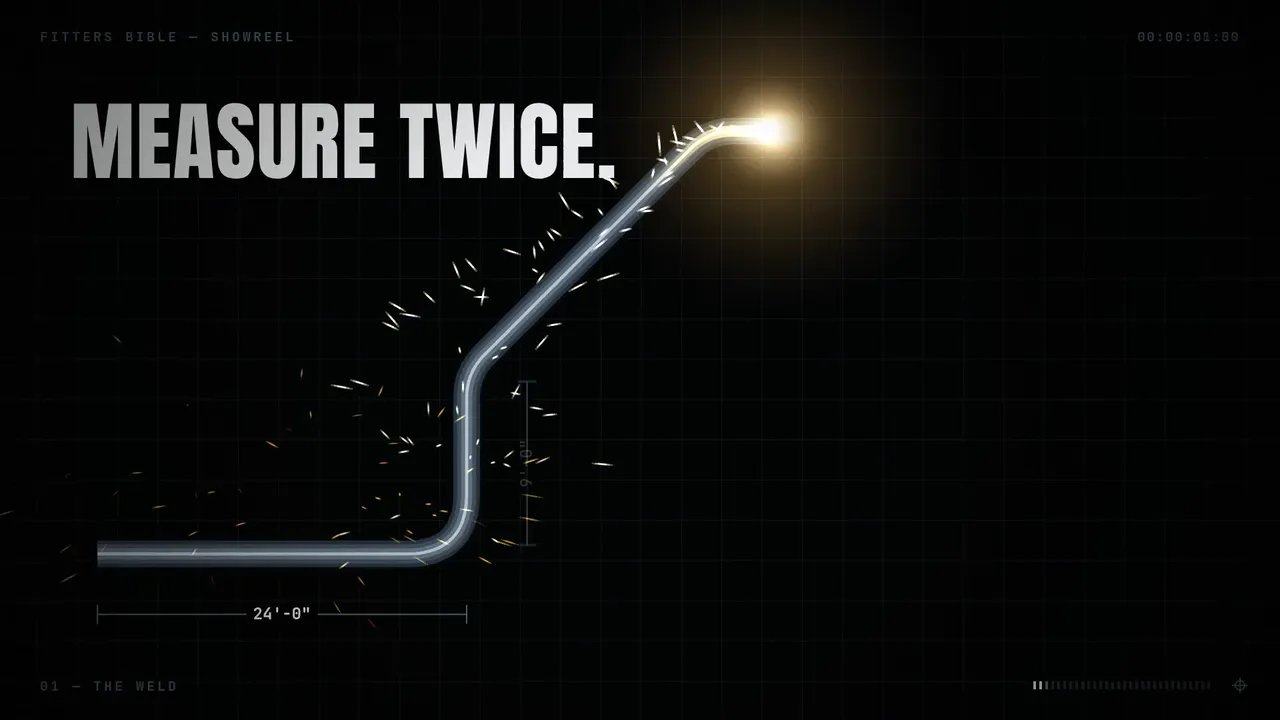
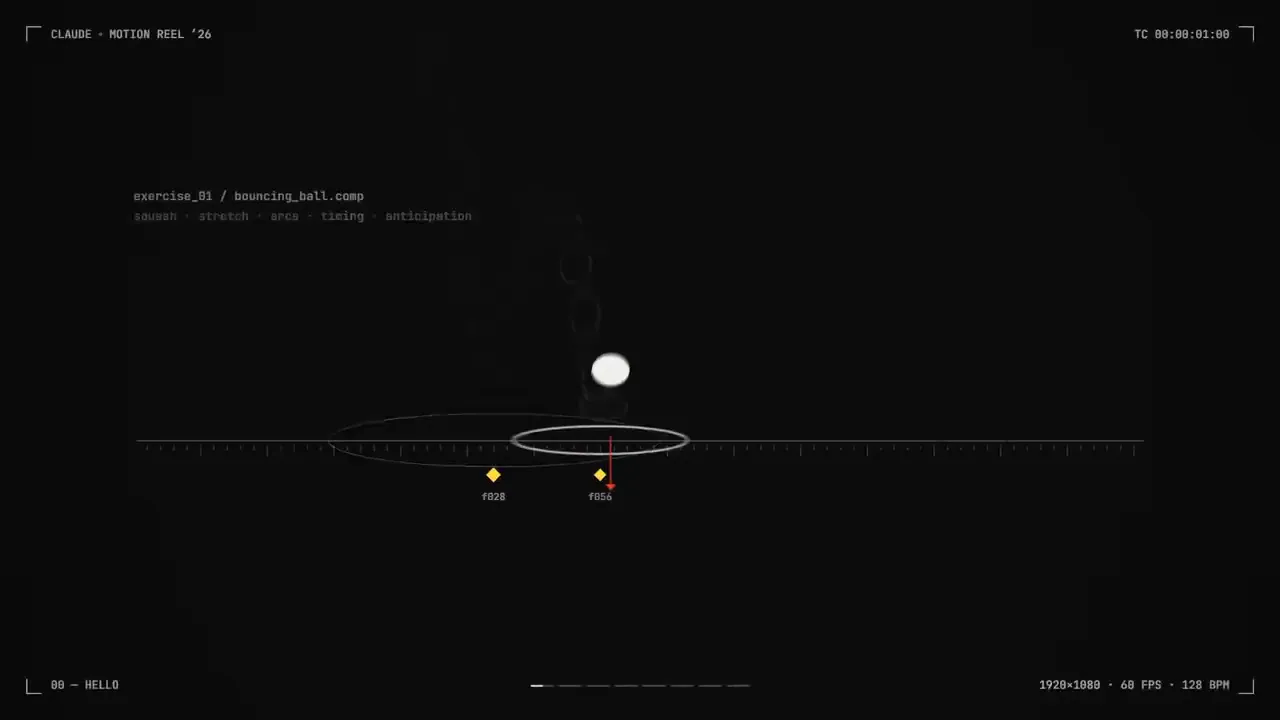
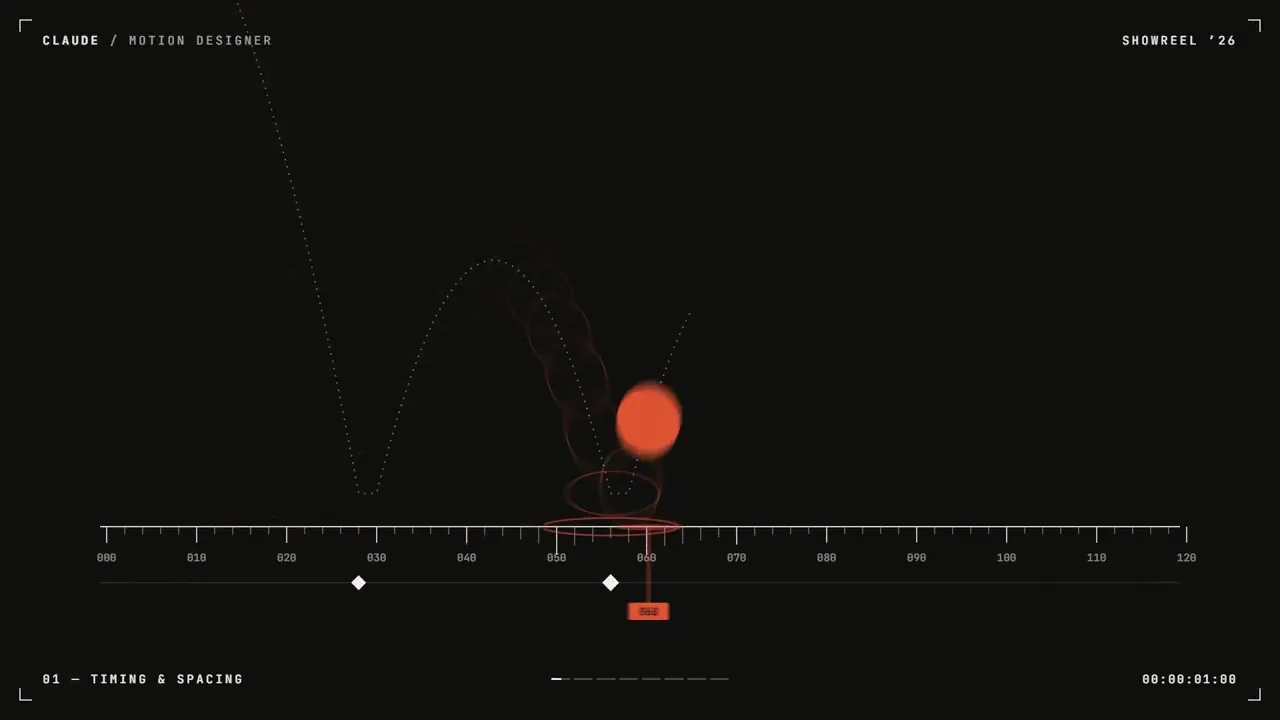
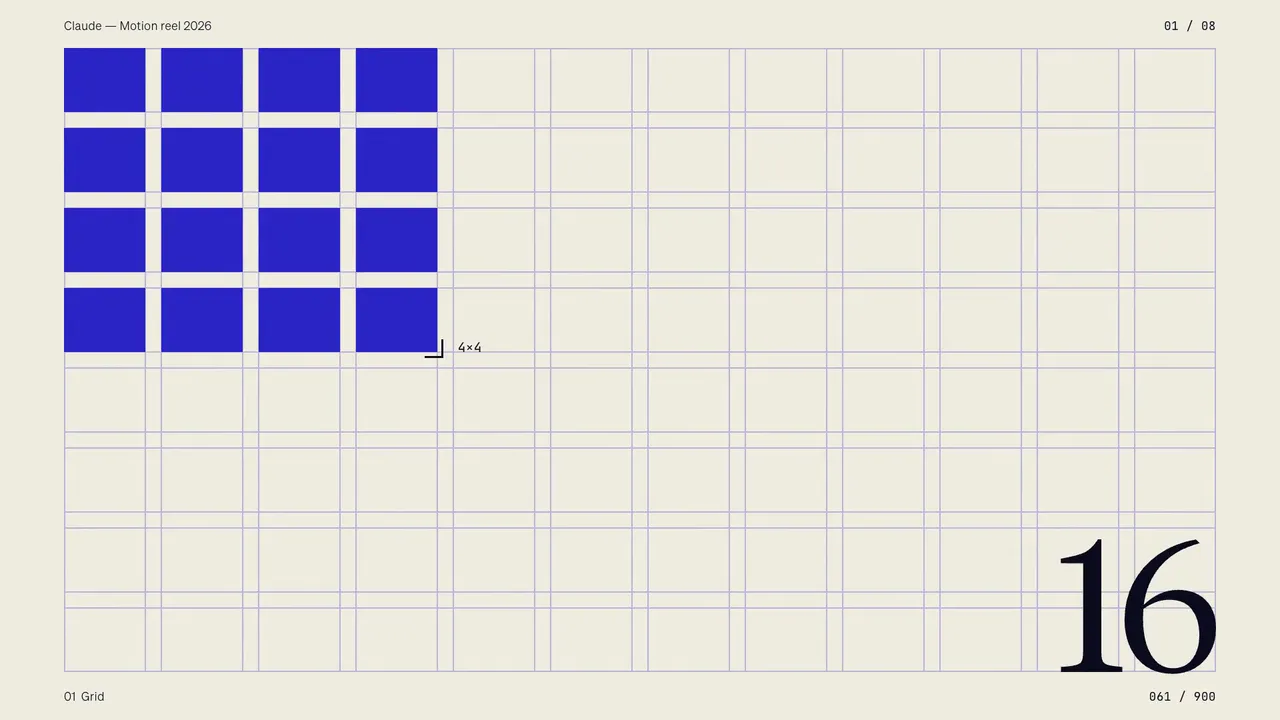
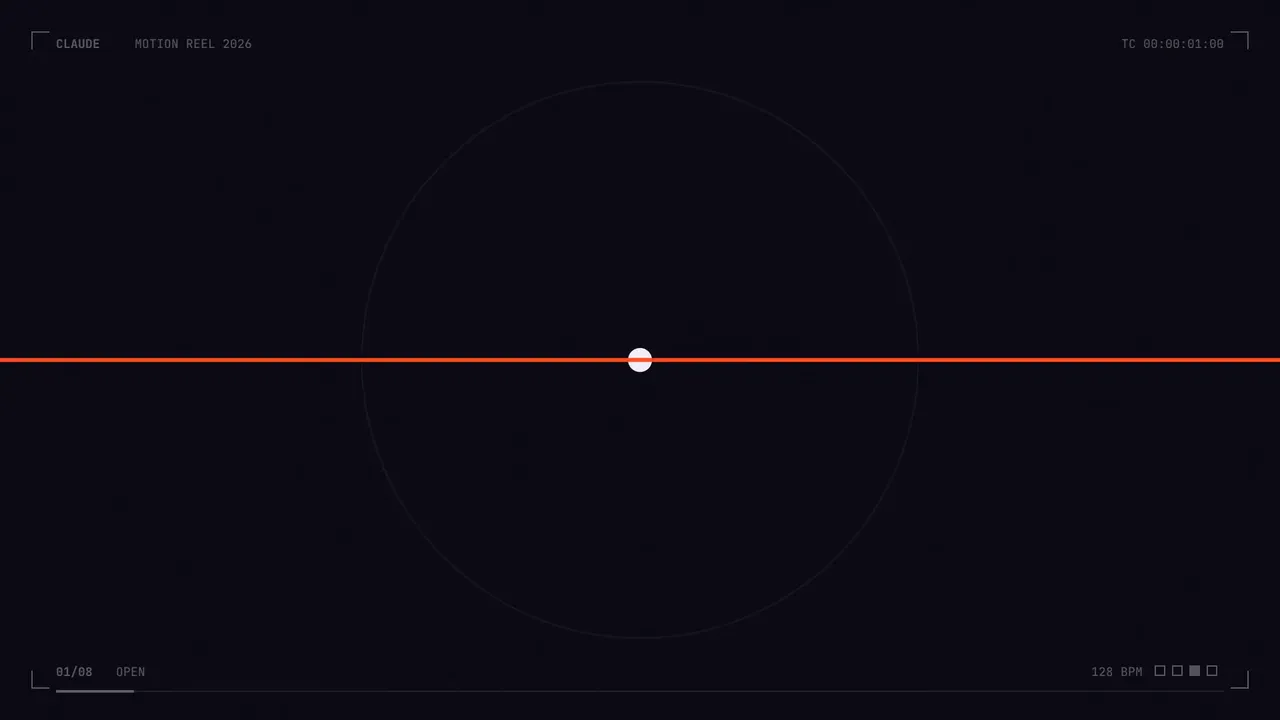
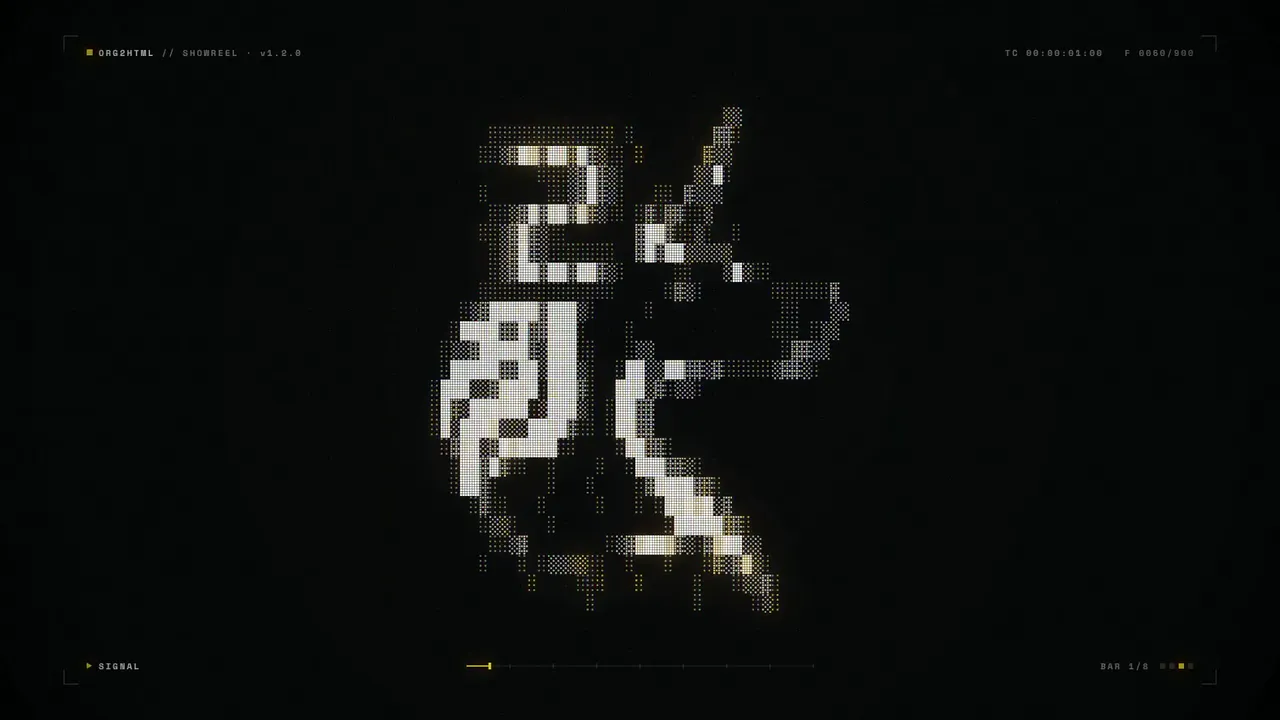
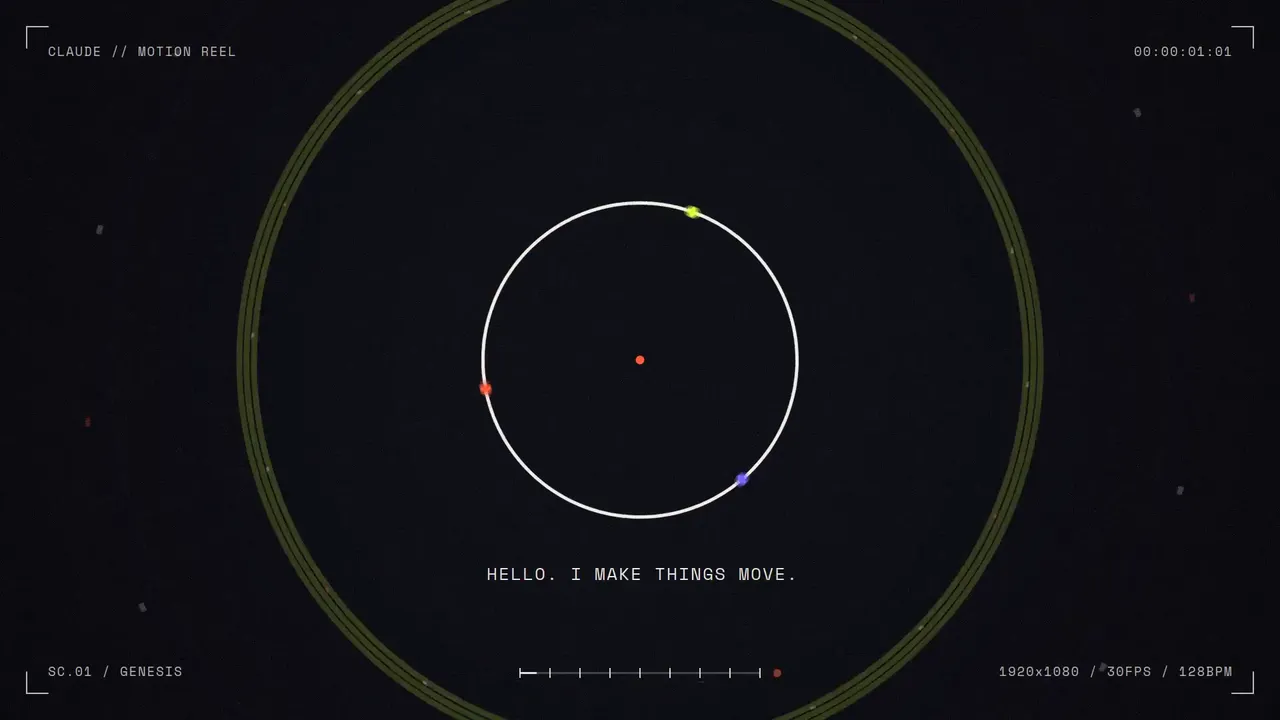
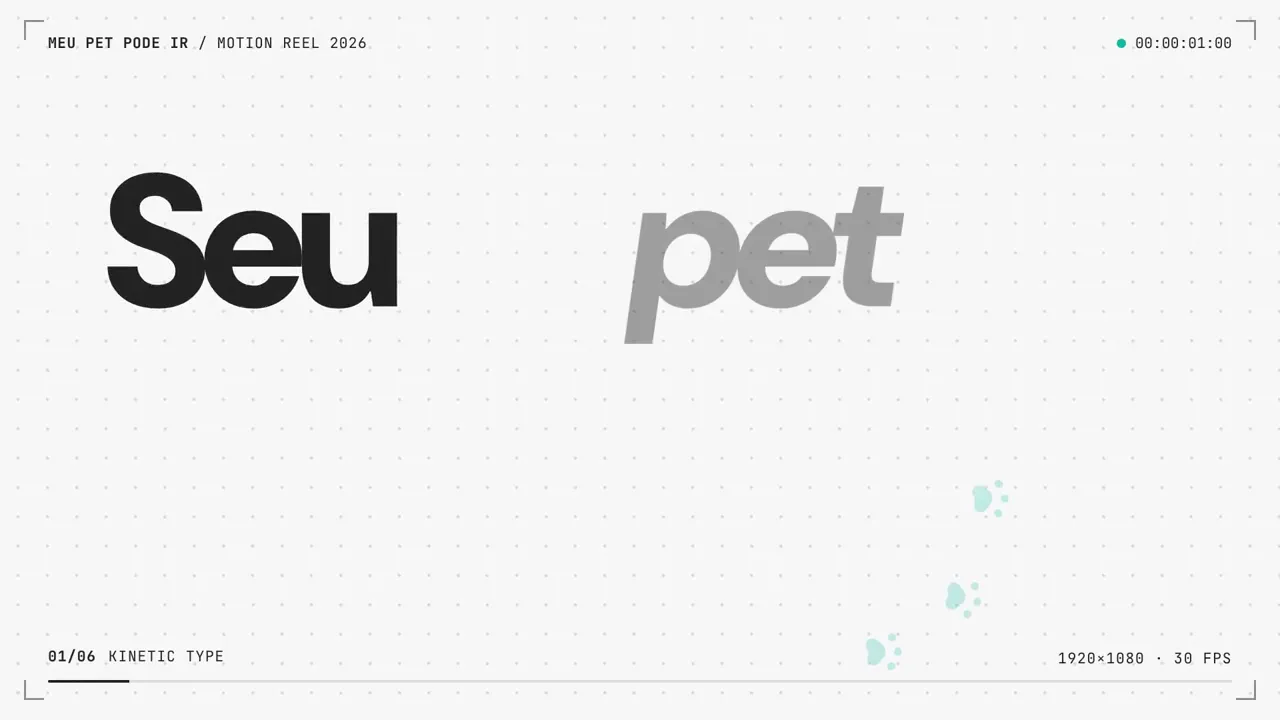
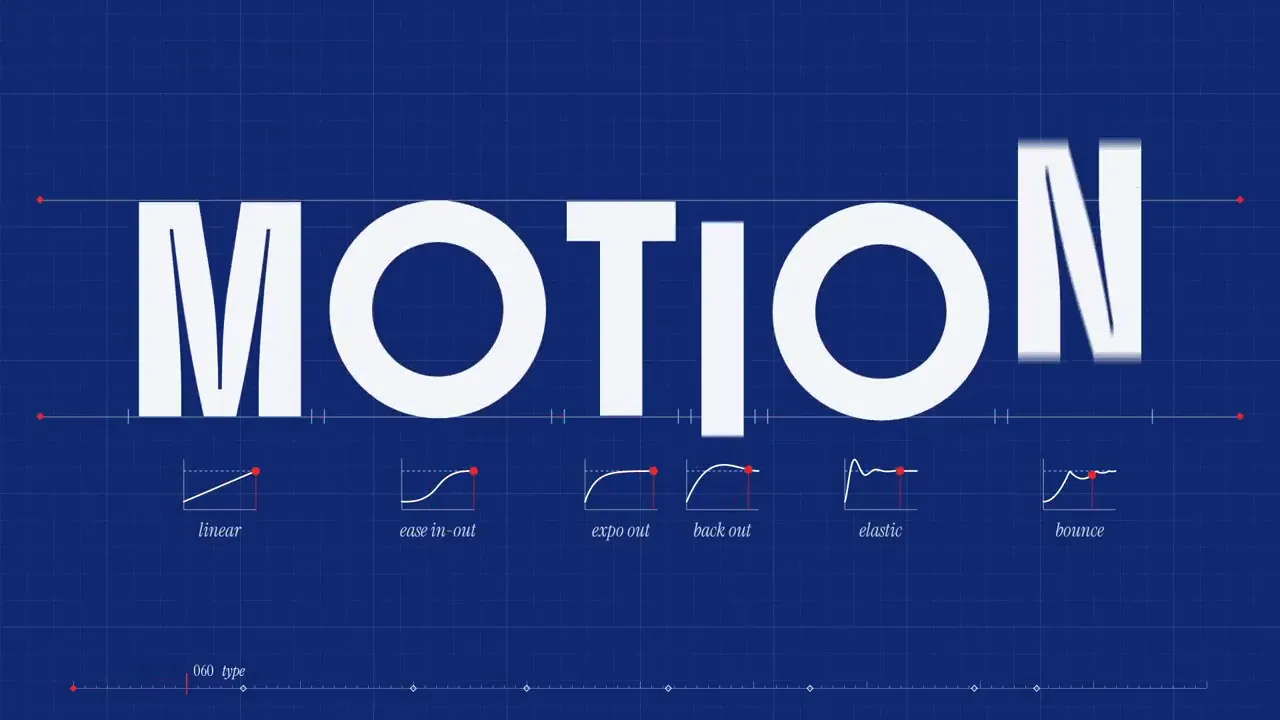
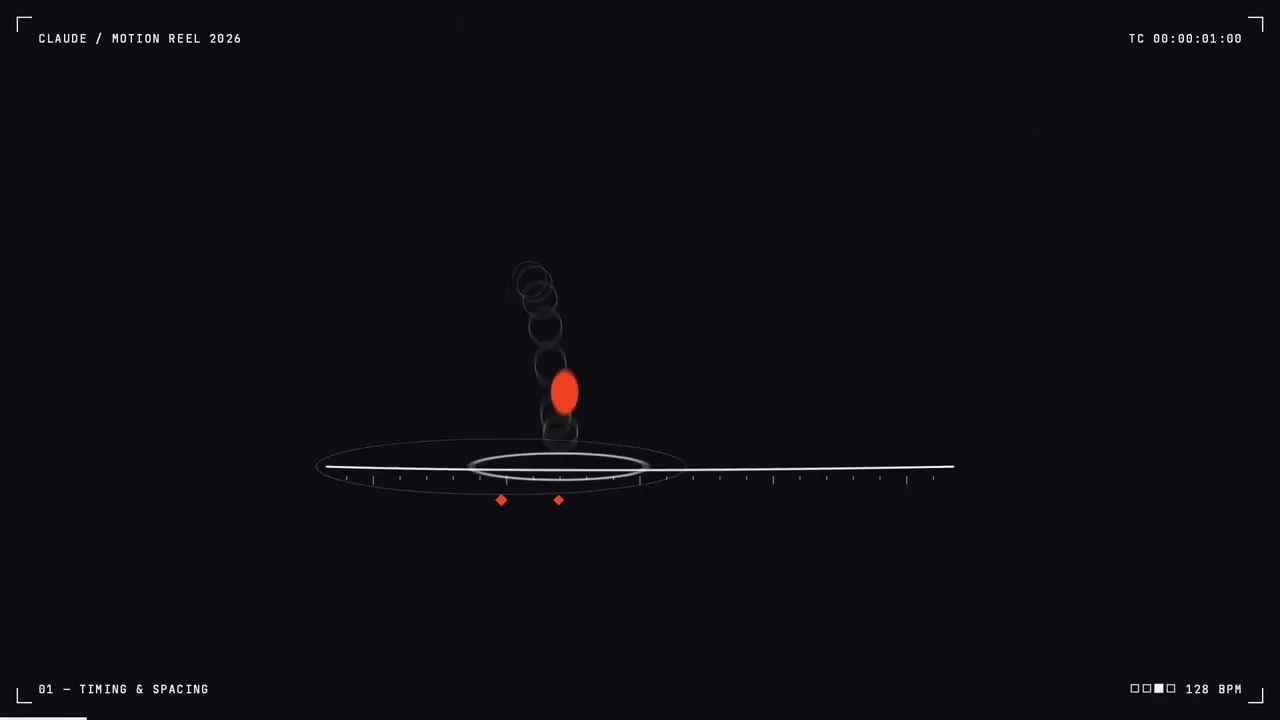
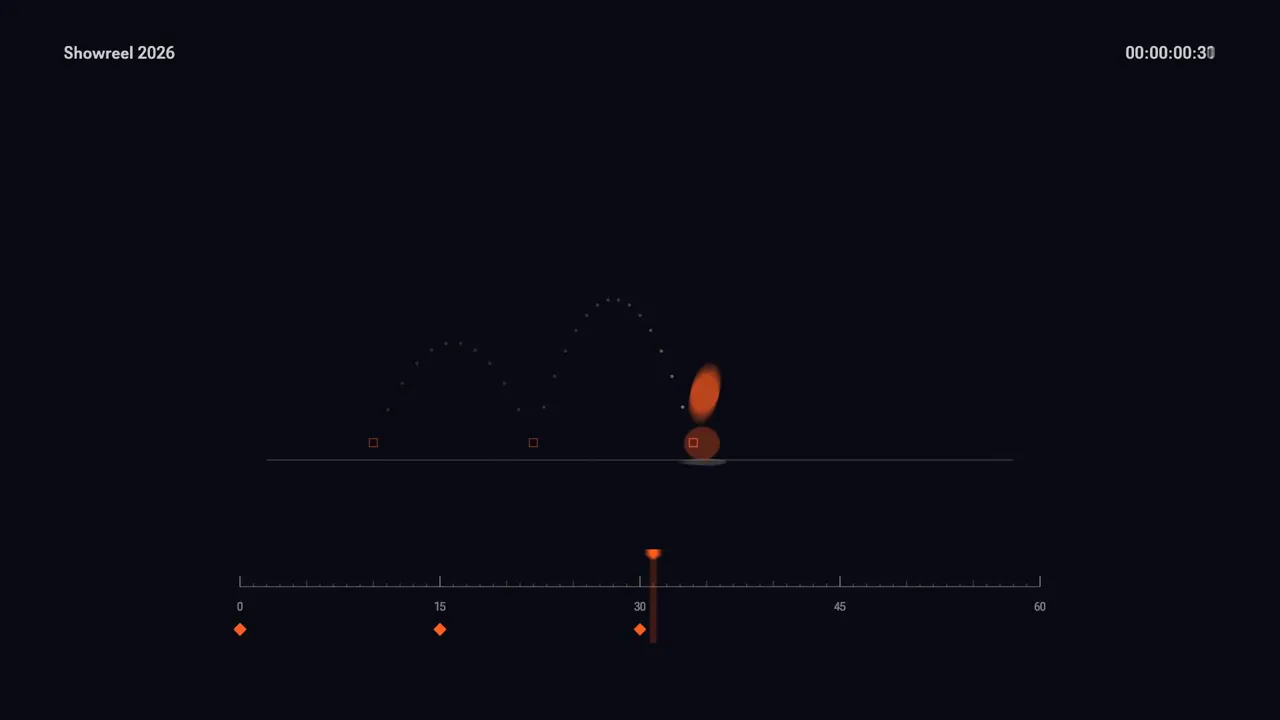
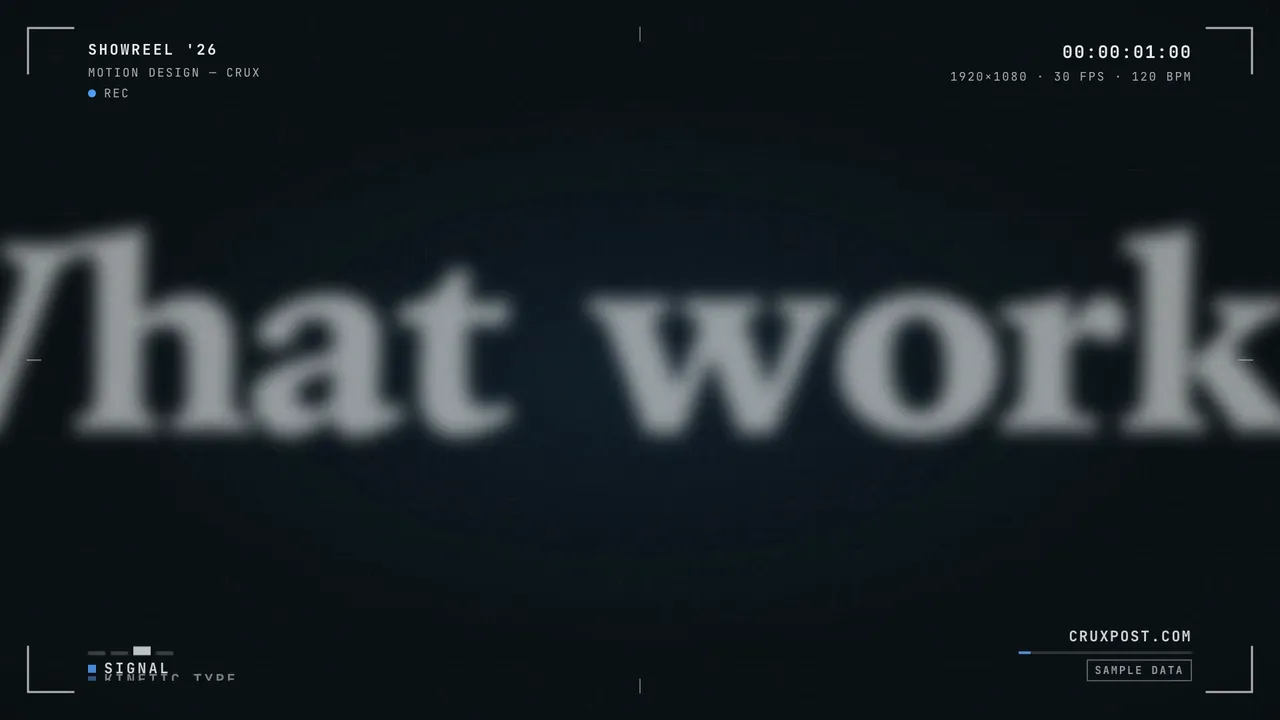
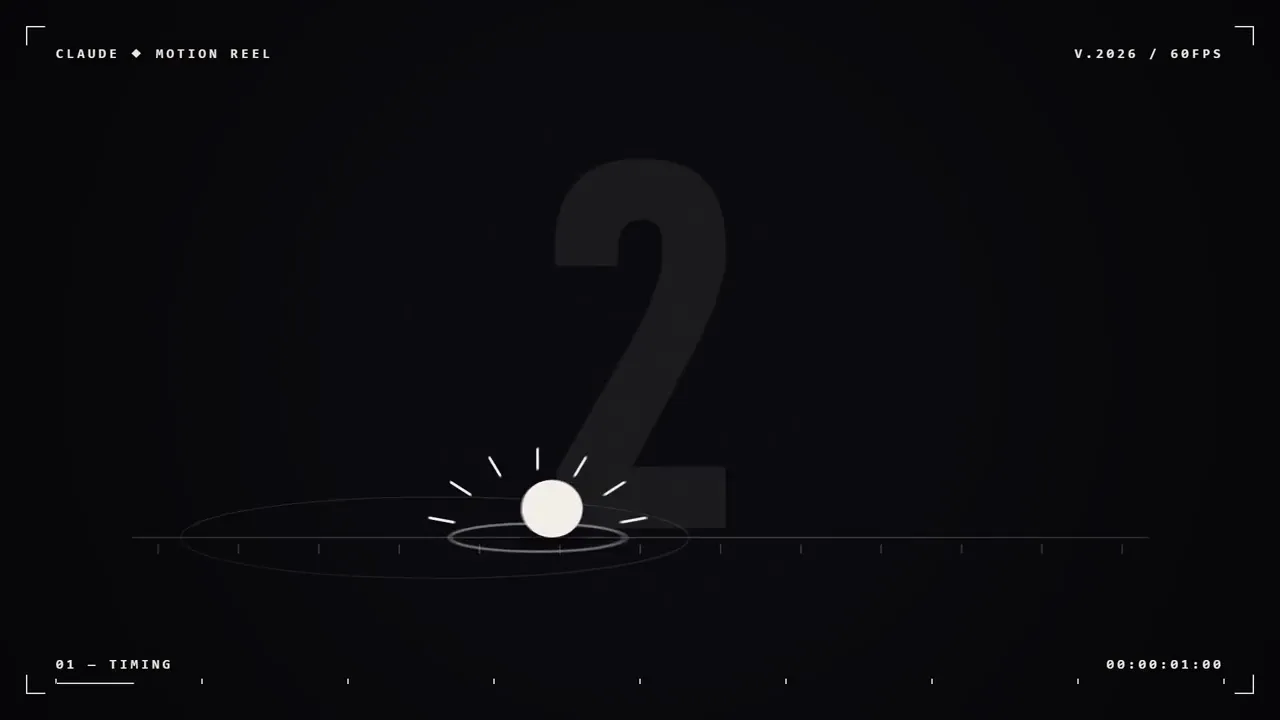
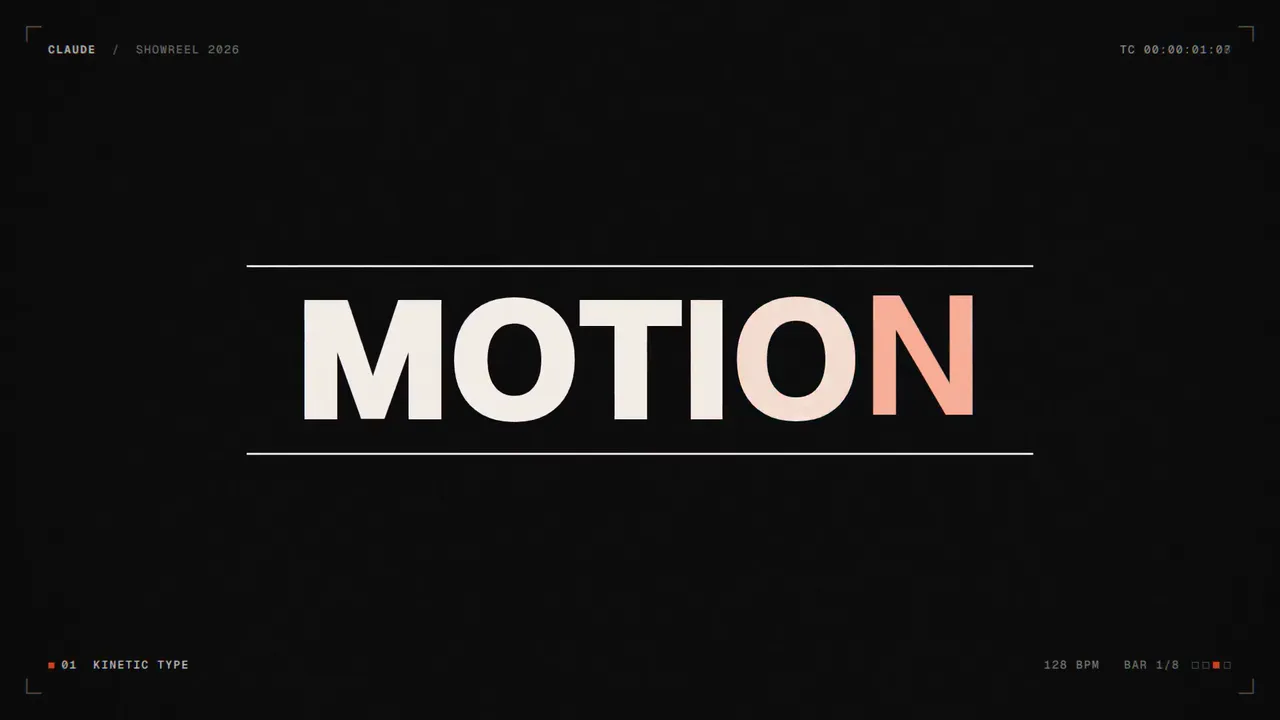
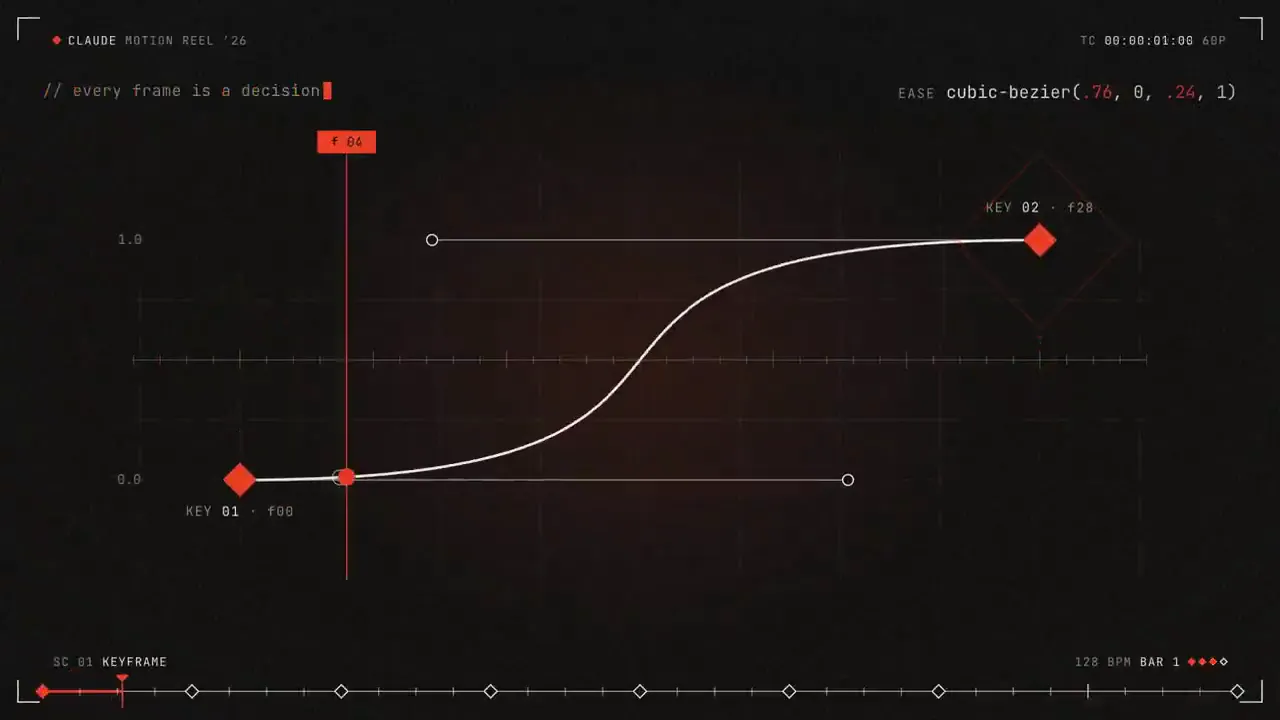
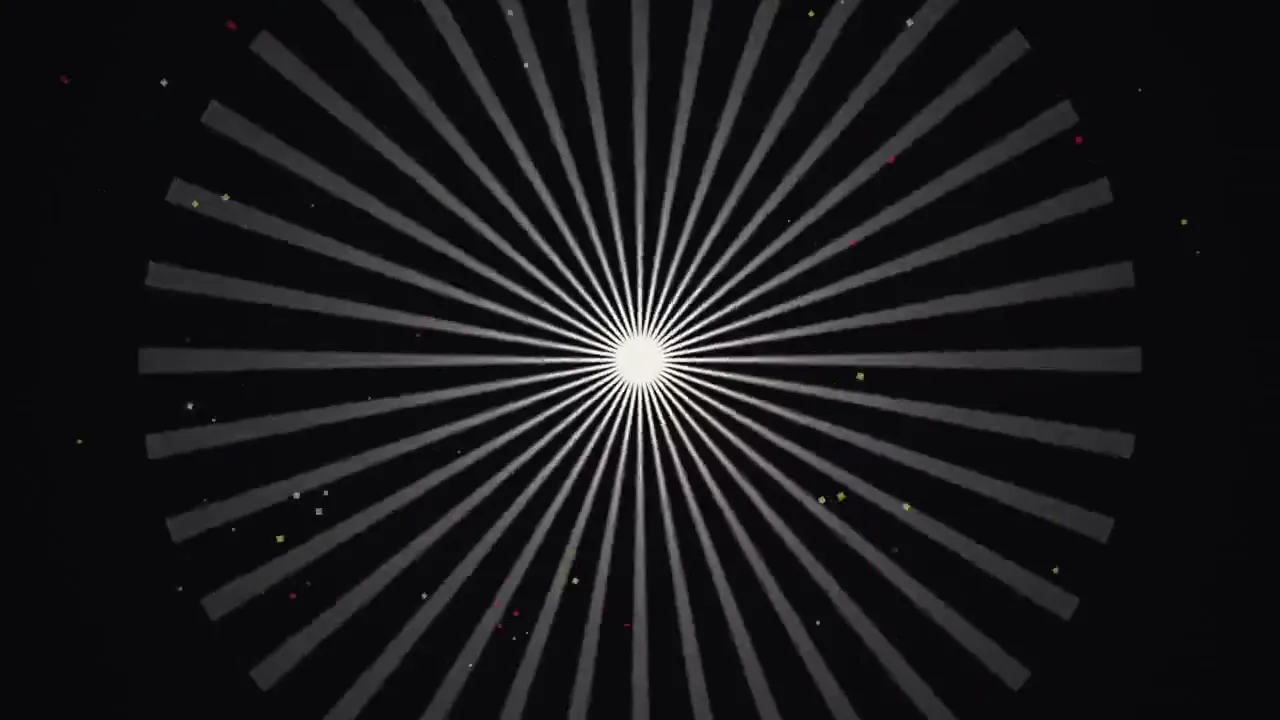
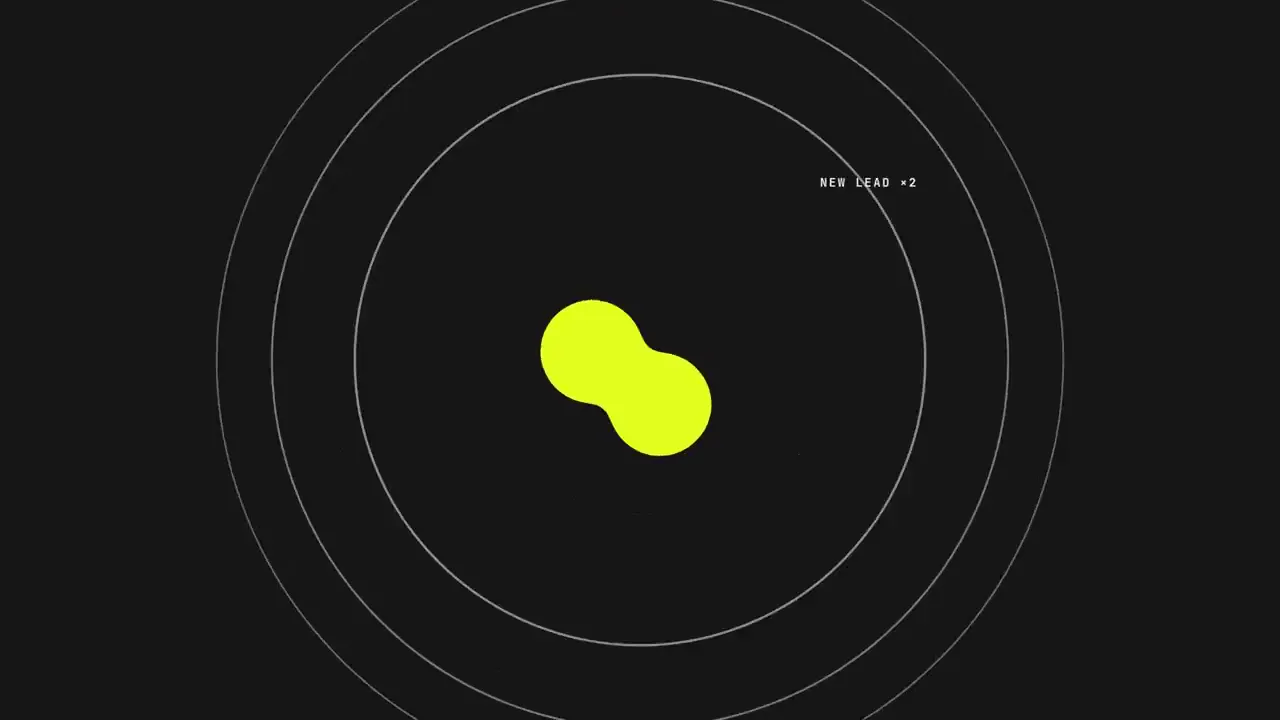
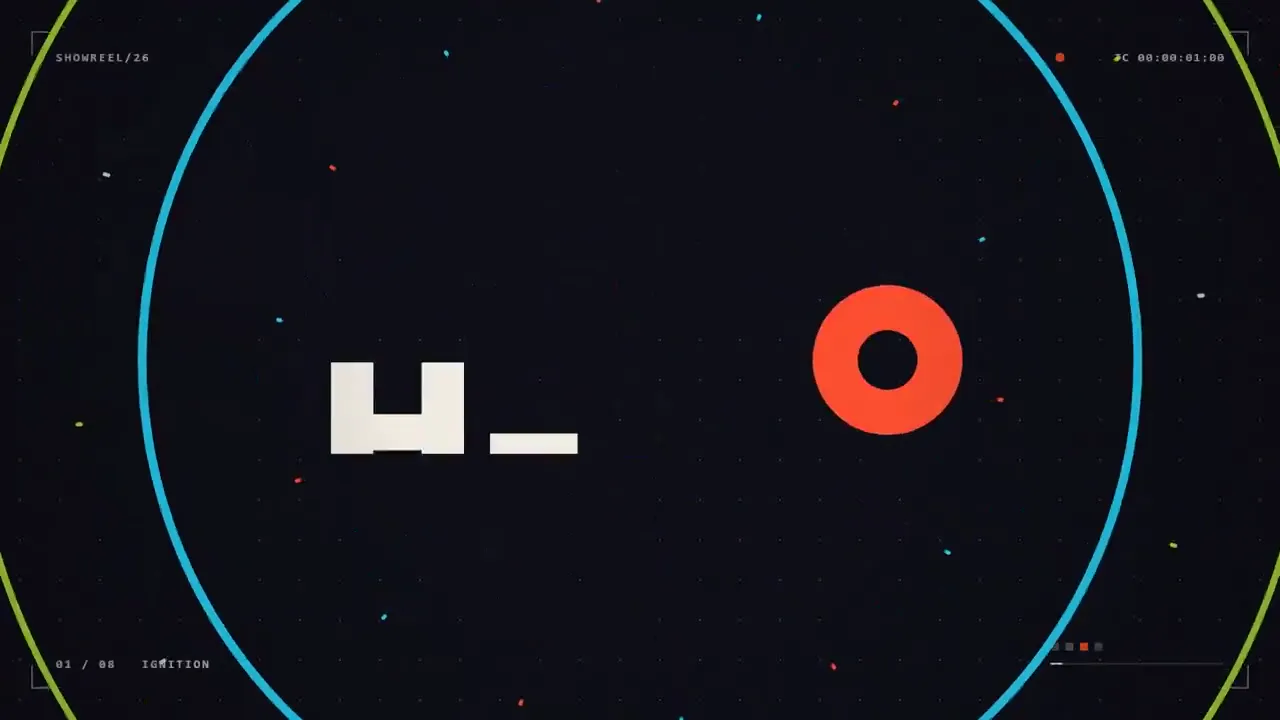
Prompt Motion सर्वात लोकप्रिय प्रॉम्प्ट: Opus 5.5 ने त्यांचे मोशन डिझाइन कौशल्य दाखवावे यासाठी एक ओळीची विनंती. आमच्या सुधारित आवृत्तीमध्ये गहाळ असलेली सूचना जोडली आहे—आणि तरीही तुमच्याकडून काहीही अपेक्षित नाही.
सुधारित सूचना
तुम्ही एक जागतिक दर्जाचे मोशन डिझाइनर आहात हे सिद्ध करणारी 15 सेकंदांची मोशन डिझाइन शोरील. संकल्पना: तुमची निवड (उदा. "शाई बनते टाईप आणि टाईप बनते आर्किटेक्चर"). काम सुरू करण्यापूर्वी ती निश्चित करा आणि एका ओळीत तिचे नाव द्या. प्रत्येक शॉट आधीच्या शॉटमधूनच तयार केला जातो: कट होण्याऐवजी किंवा फिकट होण्याऐवजी, आकार, प्रकार आणि रंग पुढच्या दृश्यात रूपांतरित होतात.
एक टाइपफेस (Geist, Inter किंवा Google Fonts मधील एखादा ठळक डिस्प्ले फॉन्ट.), जास्तीत जास्त तीन रंग आणि काळा व पांढरा ची पॅलेट, एक सुसंगत कॅमेरा भाषा.
दर्शवा श्रेणी: कायनेटिक प्रकार, आकार बदलणे, 2D-ते-3D क्षण, डेटा किंवा UI क्षण आणि अंतिम शीर्षक. प्रत्येकाला वेळेचा समान वाटा द्या.
प्रतिबंधित: पार्टिकल बर्स्ट, ग्लो, लेन्स फ्लेअर्स, कॅमेरा शेक, आरजीबी स्प्लिट, क्रॉसफेड्स, जेनेरिक ग्रेडियंट्स, बाउन्सी इजिंग, अर्ध्या सेकंदापेक्षा जास्त वेळ होल्ड करणे, टेम्पलेटसारखे दिसणारे काहीही.

120, BPM ठोक्यावर काहीतरी घडते.
पहिली ओळ: हुक. त्यानंतर प्रत्येक ओळीत एक तंत्र, प्रत्येक आधीच्या तंत्रातूनच पुढे येत जाते. शेवटची पूर्ण ओळ: सर्वात प्रभावी क्षण. शेवटची अर्धी ओळ: अंतिम शीर्षक, आणि शेवटची फ्रेम पहिल्या फ्रेमशी जुळते, त्यामुळे ती पुन्हा पुन्हा वाजते.

१. १९२०x१०८० आकाराची एक HTML फाईल. प्रत्येक स्टाईलची गणना window.seek(t) मधील वेळेनुसार केली जाते: कोणतेही CSS ॲनिमेशन नाही, टायमर नाहीत, फ्रेम्समध्ये कोणतीही स्थिती पुढे नेली जात नाही.
२. स्प्रिंग आणि एक्सपोनेंशियल इजिंगचा वेळेचे फलन म्हणून वापर करा. वेगवान हालचालींमध्ये ब्लर वेग आणि दिशेनुसार बदलतो.
३. Web Audio API (OfflineAudioContext) वापरून कोडमध्ये साउंडट्रॅक लिहा: प्रत्येक बीटवर एक किक, शेवटच्या पूर्ण बारमध्ये एक रायझर, प्रत्येक सीन बदलल्यावर एक हिट. ते WAV मध्ये रेंडर करा.
4. Playwright वापरून 60fps वर रेंडर करा, प्रति फ्रेम 3 सबफ्रेम्स वापरा आणि मोशन ब्लरसाठी ffmpeg tmix ने ब्लेंड करा, नंतर ऑडिओ मक्स करा.
५. पूर्ण रेंडर करण्यापूर्वी, प्रत्येक बीटसाठी एक फ्रेम रेंडर करा आणि त्या पाहा. गोंधळलेले, बीटच्या बाहेरचे, एकमेकांवर आलेले किंवा वाचायला अवघड असलेले काहीही दुरुस्त करा.

मला संकल्पना सांगा आणि टप्प्याटप्प्याने स्टोरीबोर्ड दाखवा, त्यानंतर मला आणखी काहीही न विचारता ते तयार करा. मला अंतिम MP4 द्या.
A 15-second motion design showreel that proves you are a world-class motion designer. Concept: your pick (e.g. "ink becomes type becomes architecture"). Commit to it and name it in one line before you start. Every shot is made out of the previous one: shapes, type and color transform into the next scene instead of cutting or fading.
One typeface (Geist, Inter or a bold display face from Google Fonts), a palette of at most three colors plus black and white, one consistent camera language.
Show range: kinetic type, shape morphing, a 2D-to-3D moment, a data or UI moment, and an end title. Give each one an equal share of the time.
Banned: particle bursts, glows, lens flares, camera shake, RGB split, crossfades, generic gradients, bouncy easing, holds longer than half a second, anything that looks like a template.

120 BPM, something happens on every beat.
First bar: hook. Then one technique per bar, each flowing out of the last. Last full bar: the strongest moment. Final half bar: end title, and the final frame matches the first so it loops.

1. One HTML file at 1920x1080. Every style is computed from time inside window.seek(t): no CSS animations, no timers, no state carried between frames.
2. Use spring and exponential easing written as functions of time. Blur follows speed and direction on fast moves.
3. Write a soundtrack in code with the Web Audio API (OfflineAudioContext): a kick on every beat, a riser into the last full bar, a hit on each scene change. Render it to WAV.
4. Render with Playwright at 60fps, 3 subframes per frame blended with ffmpeg tmix for motion blur, then mux the audio.
5. Before the full render, render one frame per beat and look at them. Fix anything cluttered, off the beat, overlapping or hard to read.

Tell me the concept and show a beat-by-beat storyboard, then build it without asking me anything else. Give me the final MP4.
सर्वोत्तम परिणाम: Claude Opus 5.5, सर्वोच्च प्रयत्न पातळीसह. टेम्प्लेट: Prompt Motion; व्हिडिओ: कोणत्याही संपादनाशिवाय लाँच केला.
असा व्हिडिओ बनवा
आमच्या गूगल Chrome एक्सटेंशनचा वापर करून, API पेक्षा ७ पट कमी खर्चात, असे व्हिडिओ स्वतः बनवा.. MCP द्वारे Claude काम करते: तुम्ही कामाचे वर्णन करता आणि हे एक्सटेंशन प्रॉम्प्टपासून ते अंतिम फाईल तयार होईपर्यंतची निर्मिती प्रक्रिया हाताळते. हे व्हिडिओ तयार करते, त्यांना एकत्र जोडते, त्यांना आवाज देते आणि त्यांचे भाषांतर करते.
 Automation — MCP for Google Flowएआय व्हिडिओ ऑटोपायलट: Veo 3 आणि Google Vids अवतार्स, Claude यांच्या सौजन्याने
 TikTok Symphony Creative StudioClaude Code माध्यमातून एआय व्हिडिओ, बोलणारे अवतार आणि TikTok डबिंग.
 SeedFlow — Seedance 2.5Dreamina बॅच व्हिडिओ निर्मिती: Seedance प्रॉम्प्ट एक एक्सटेंशन निर्दिष्ट करतो