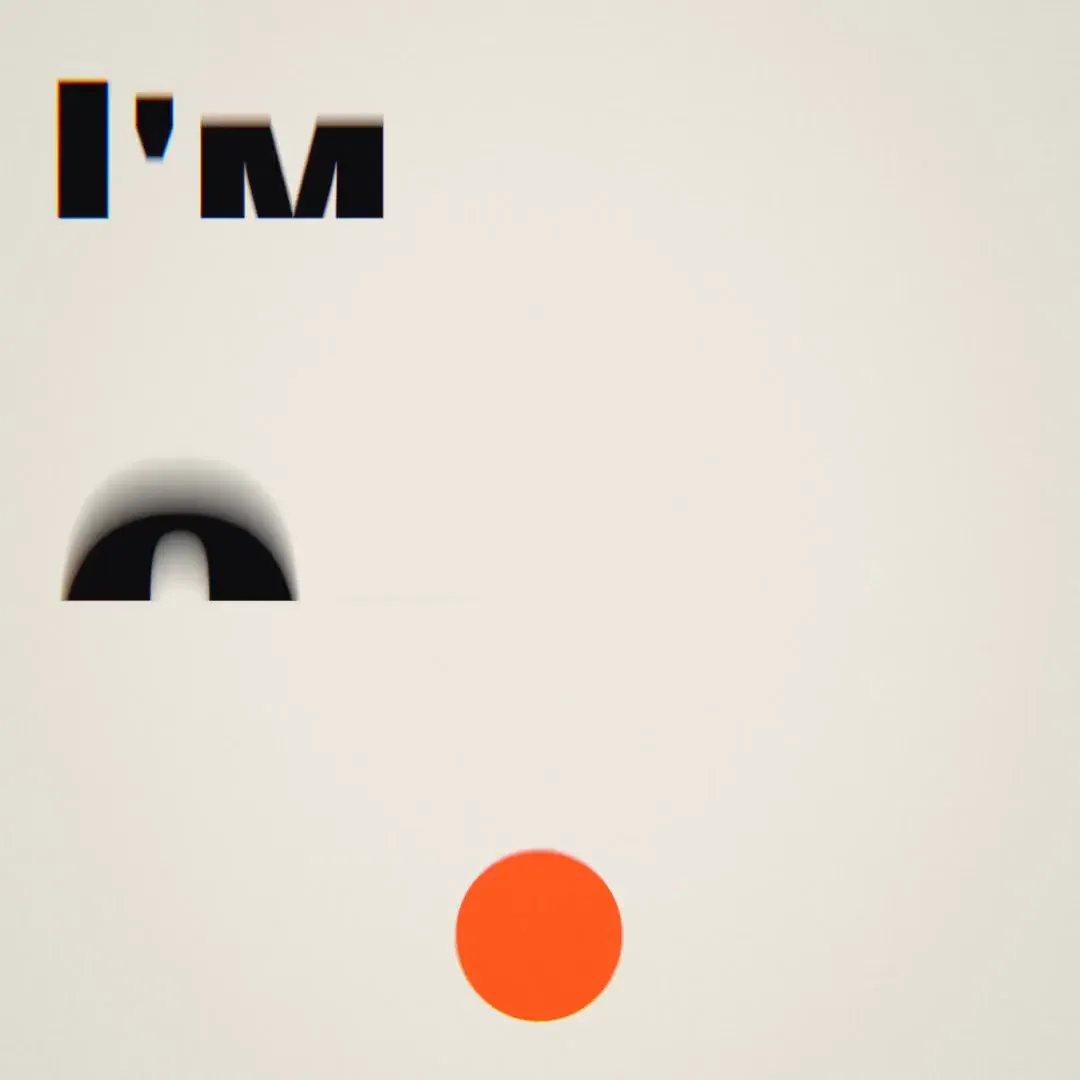
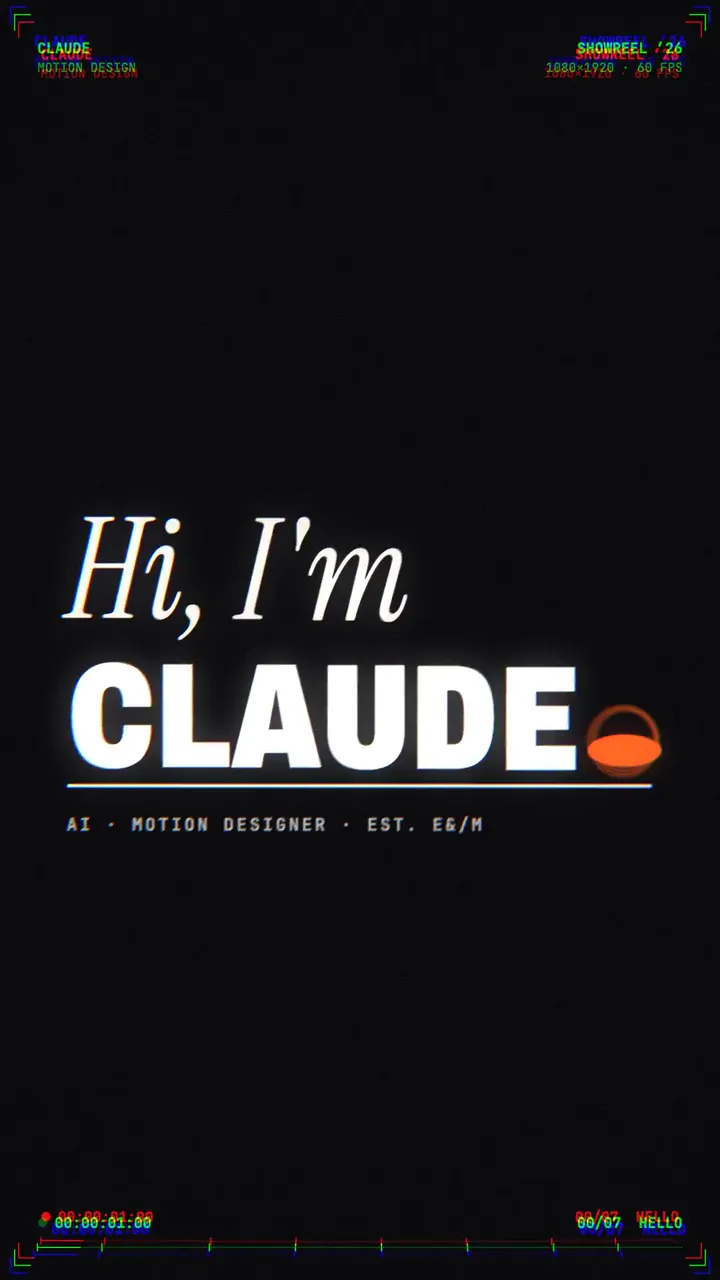
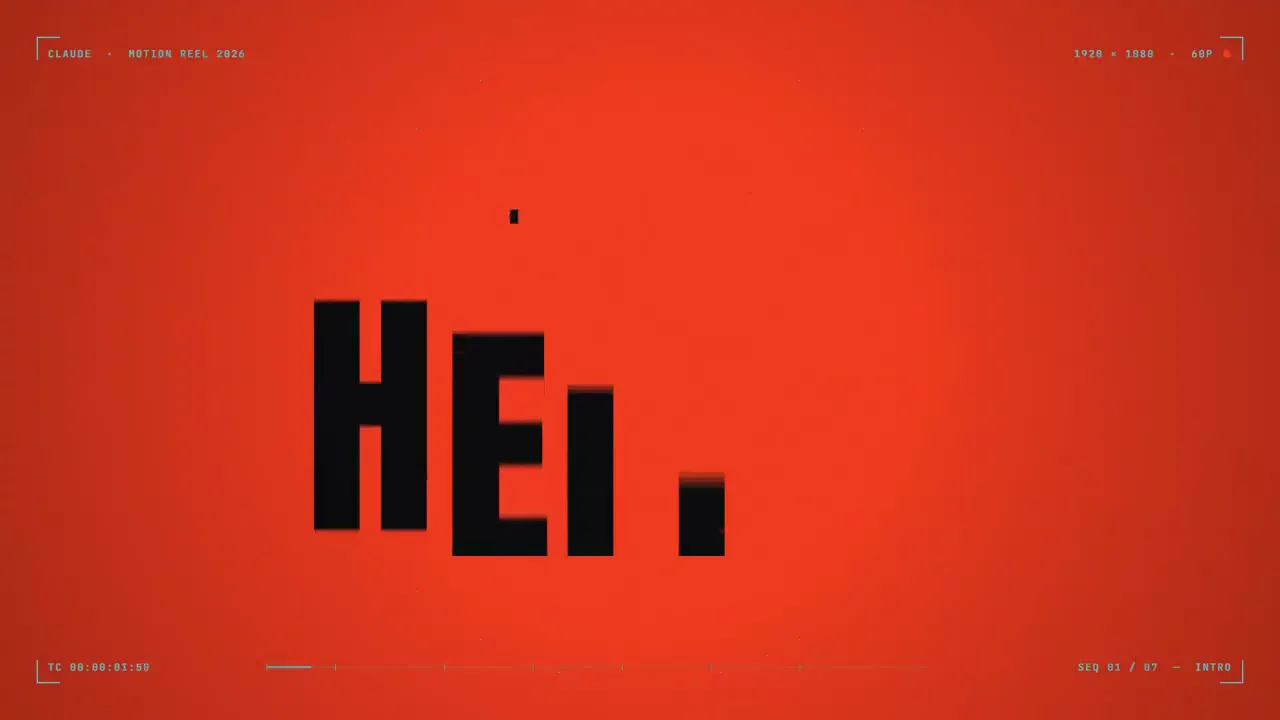
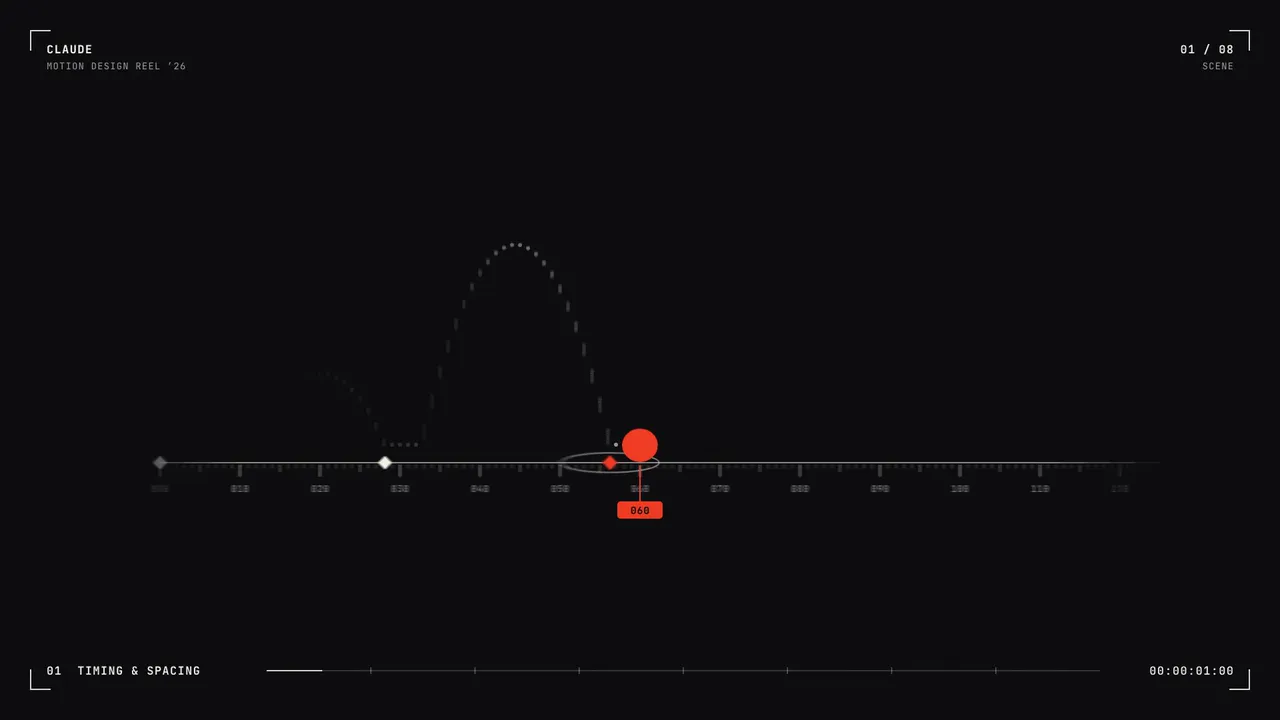
ການກະຕຸ້ນເຕືອນສຳລັບຮູບເງົາສະແດງ
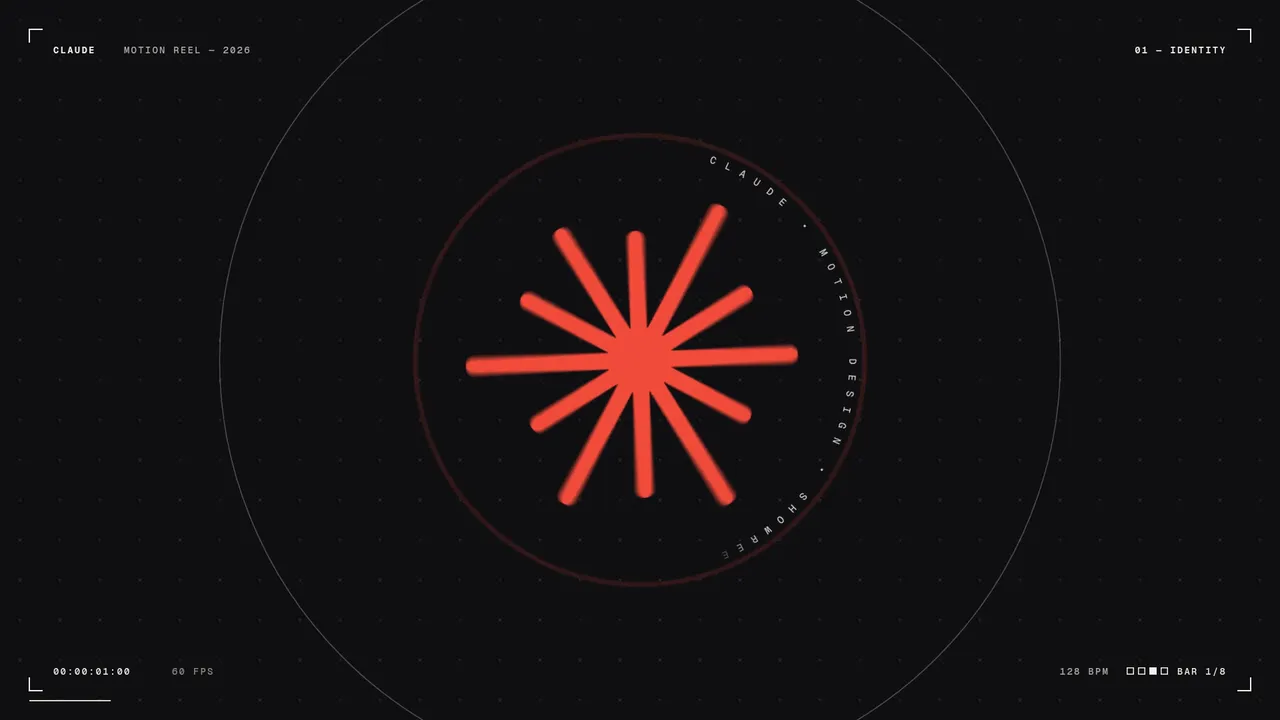
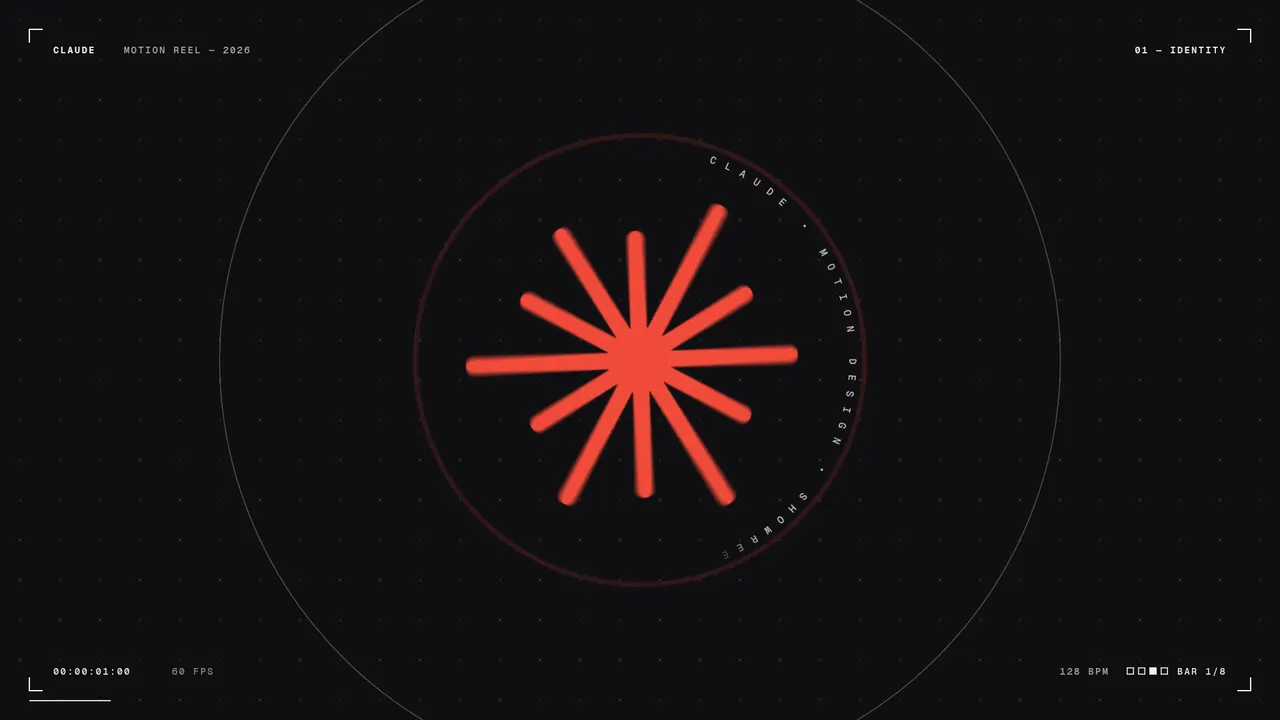
ການກະຕຸ້ນເຕືອນທີ່ໄດ້ຮັບຄວາມນິຍົມທີ່ສຸດໃນ Prompt Motion: ການຮ້ອງຂໍໜຶ່ງແຖວສຳລັບ Opus 5.5 ເພື່ອສະແດງທັກສະການອອກແບບການເຄື່ອນໄຫວຂອງເຂົາເຈົ້າ. ລຸ້ນທີ່ໄດ້ຮັບການປັບປຸງໃໝ່ຂອງພວກເຮົາໄດ້ເພີ່ມທິດທາງທີ່ຂາດຫາຍໄປ - ແລະຍັງບໍ່ຕ້ອງການຫຍັງຈາກທ່ານ.
ການແຈ້ງເຕືອນທີ່ປັບປຸງແລ້ວ
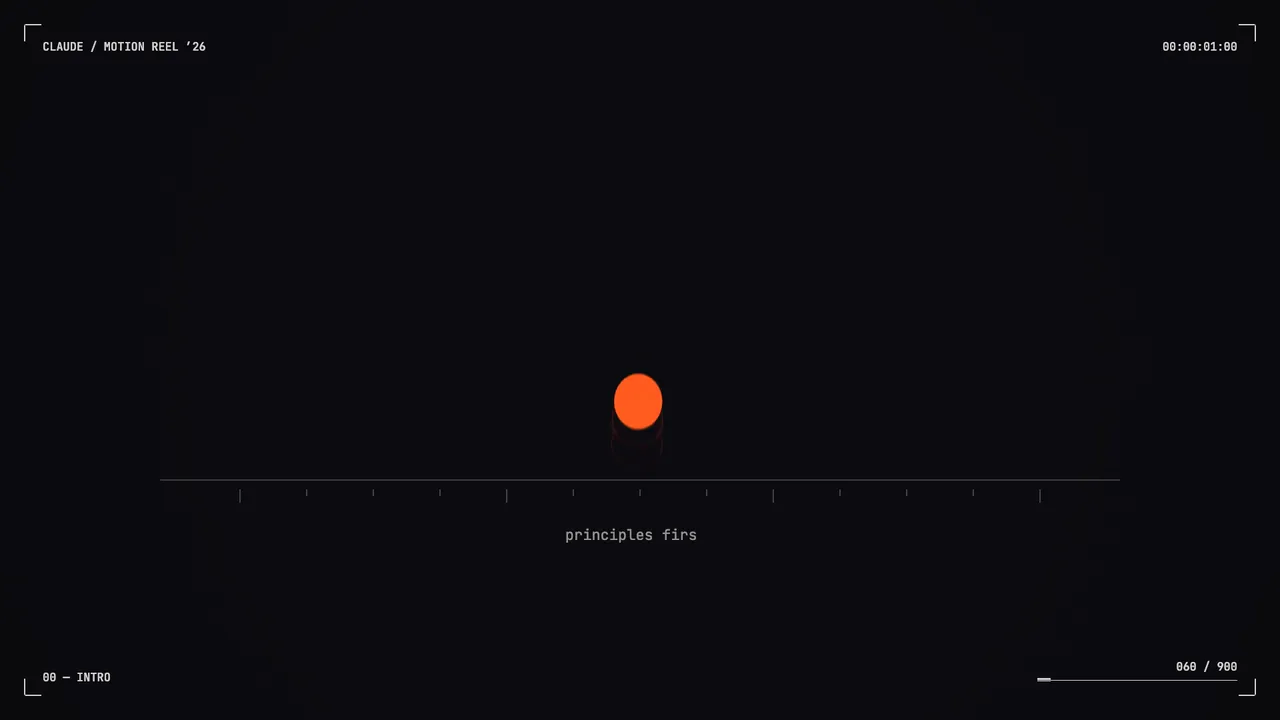
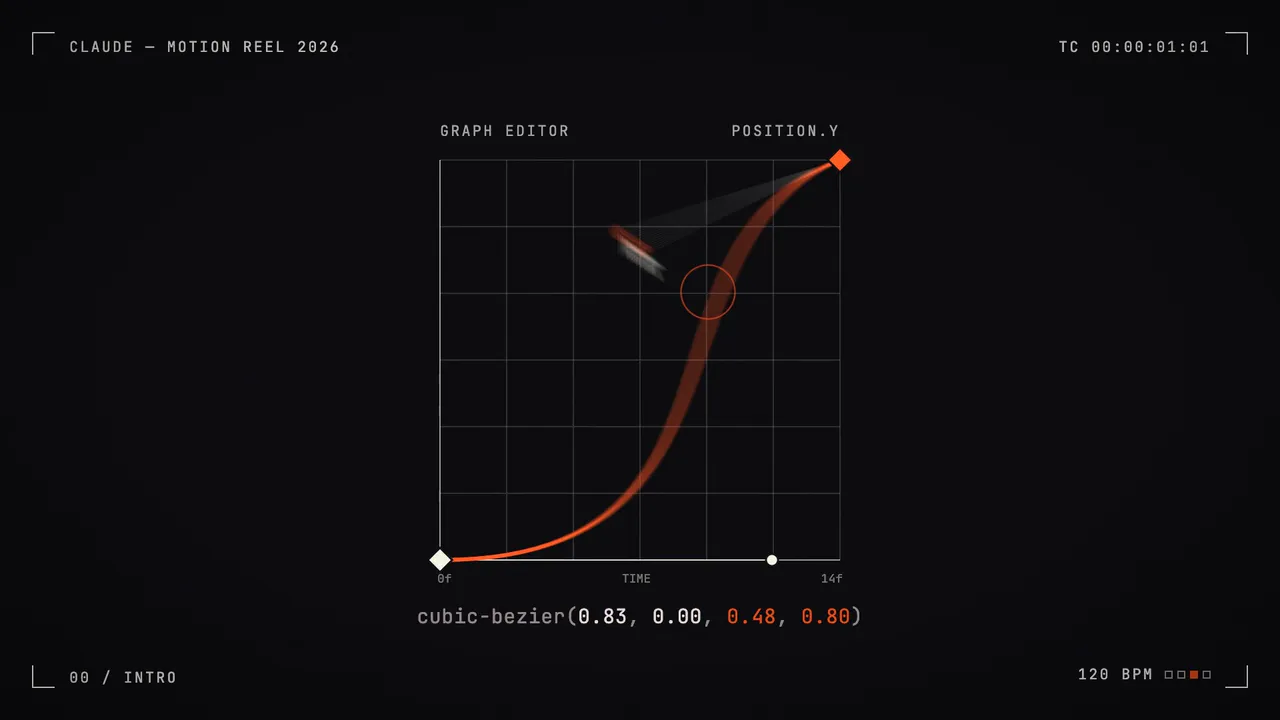
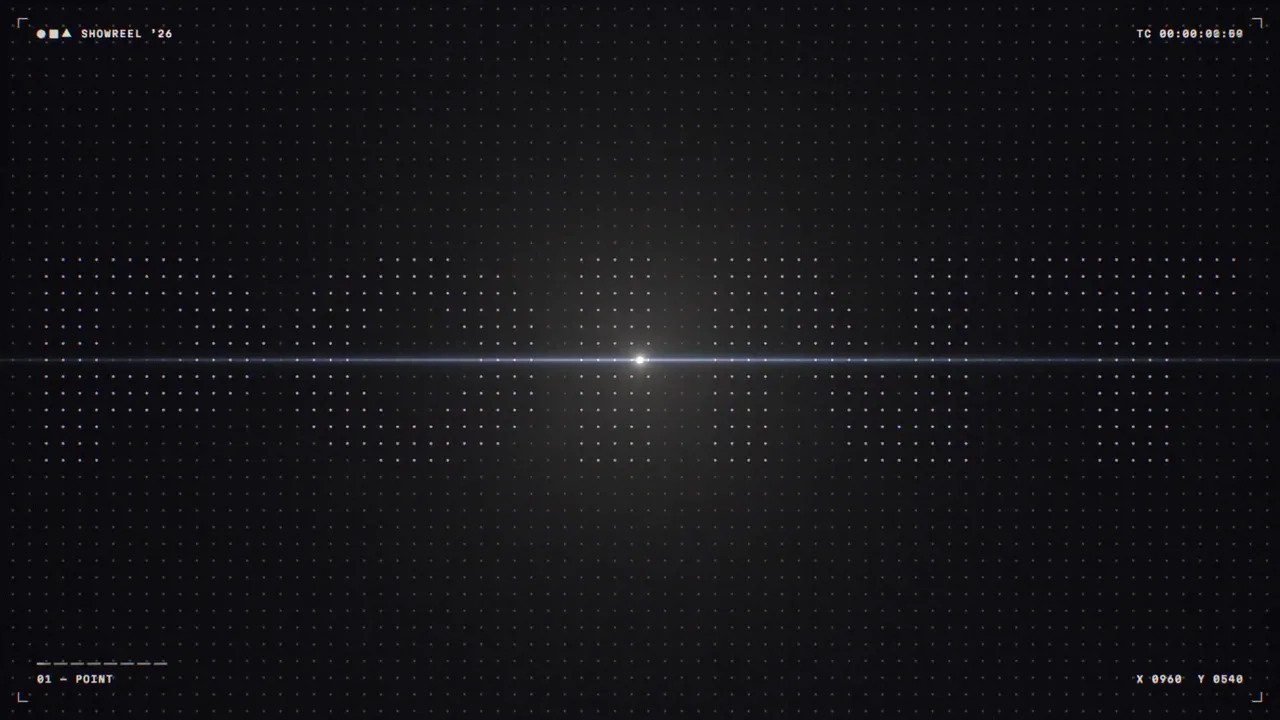
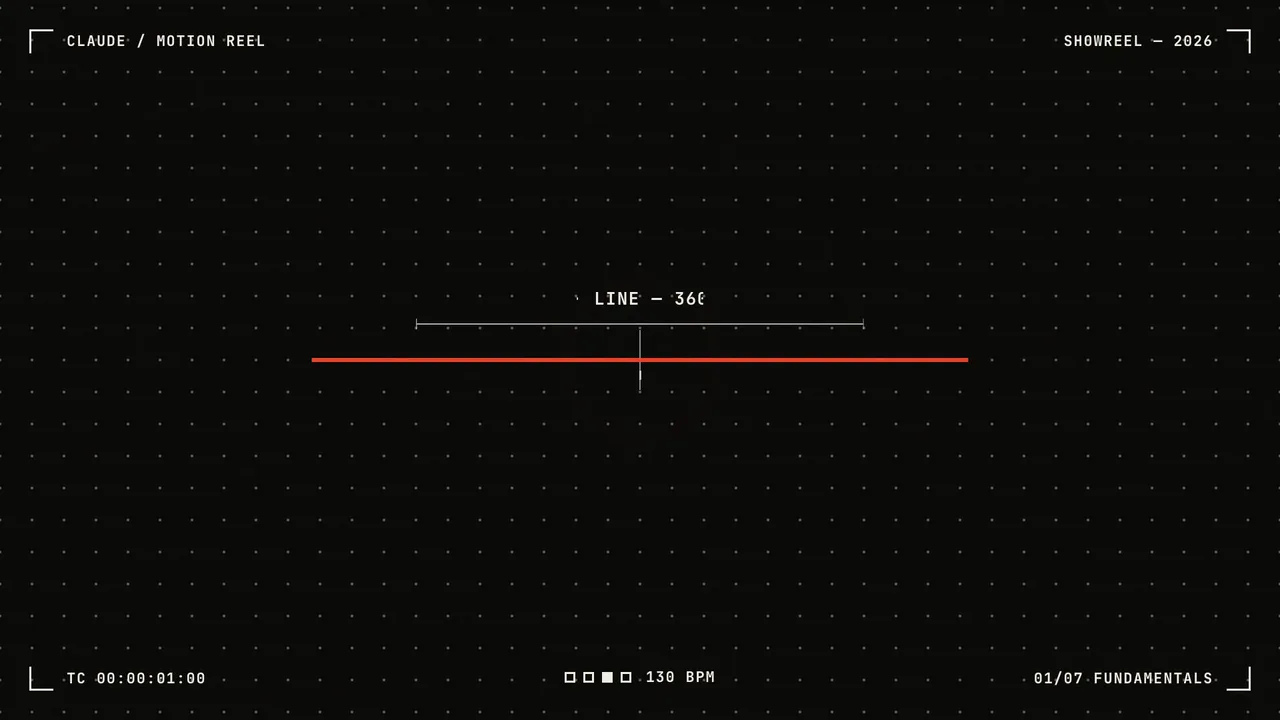
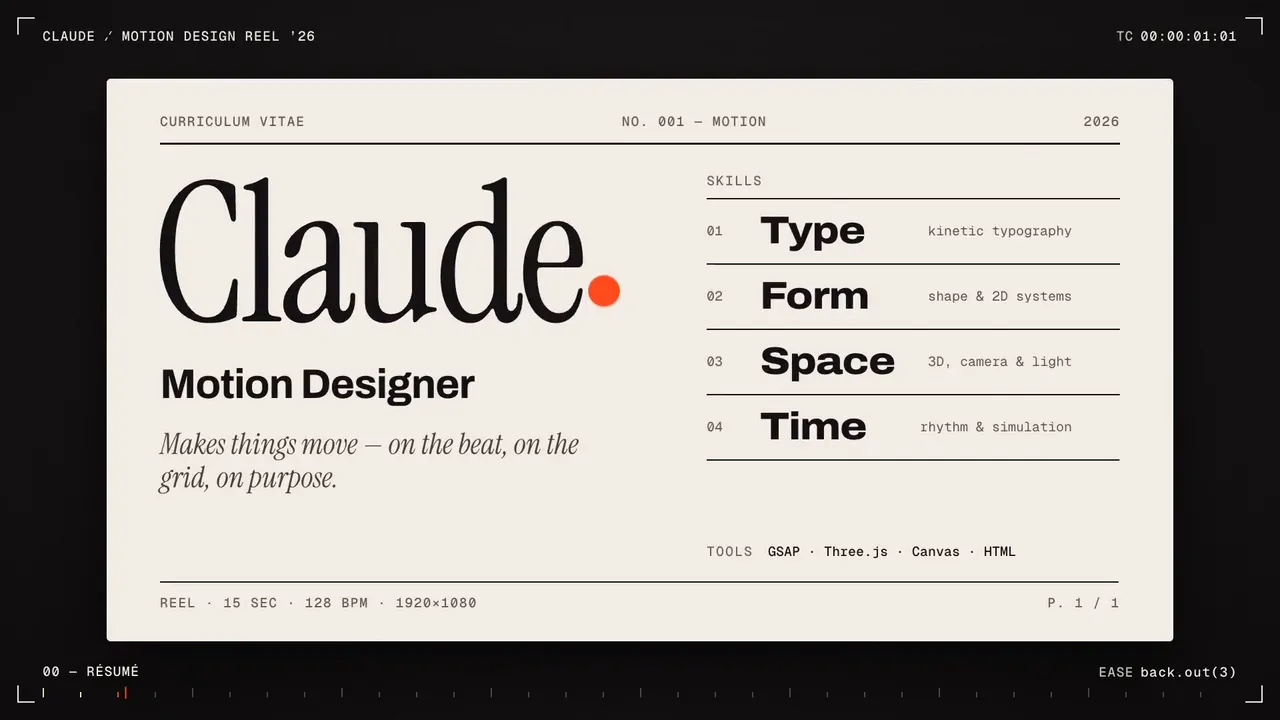
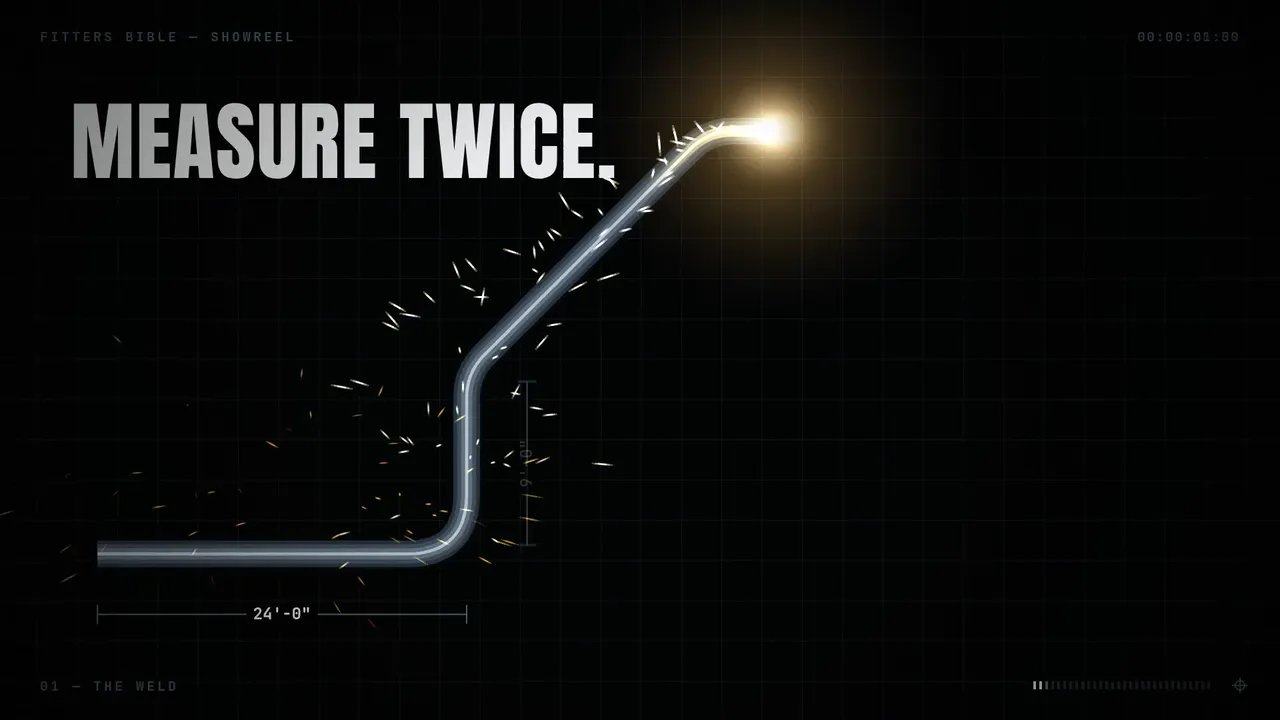
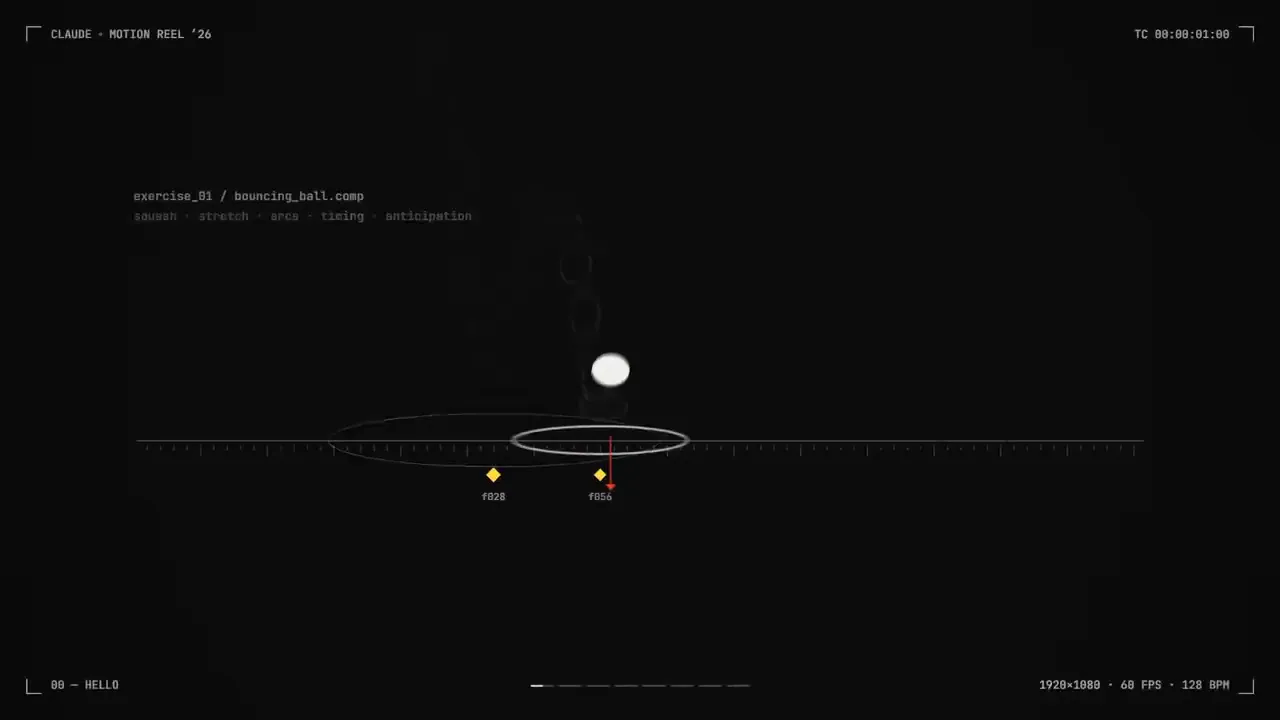
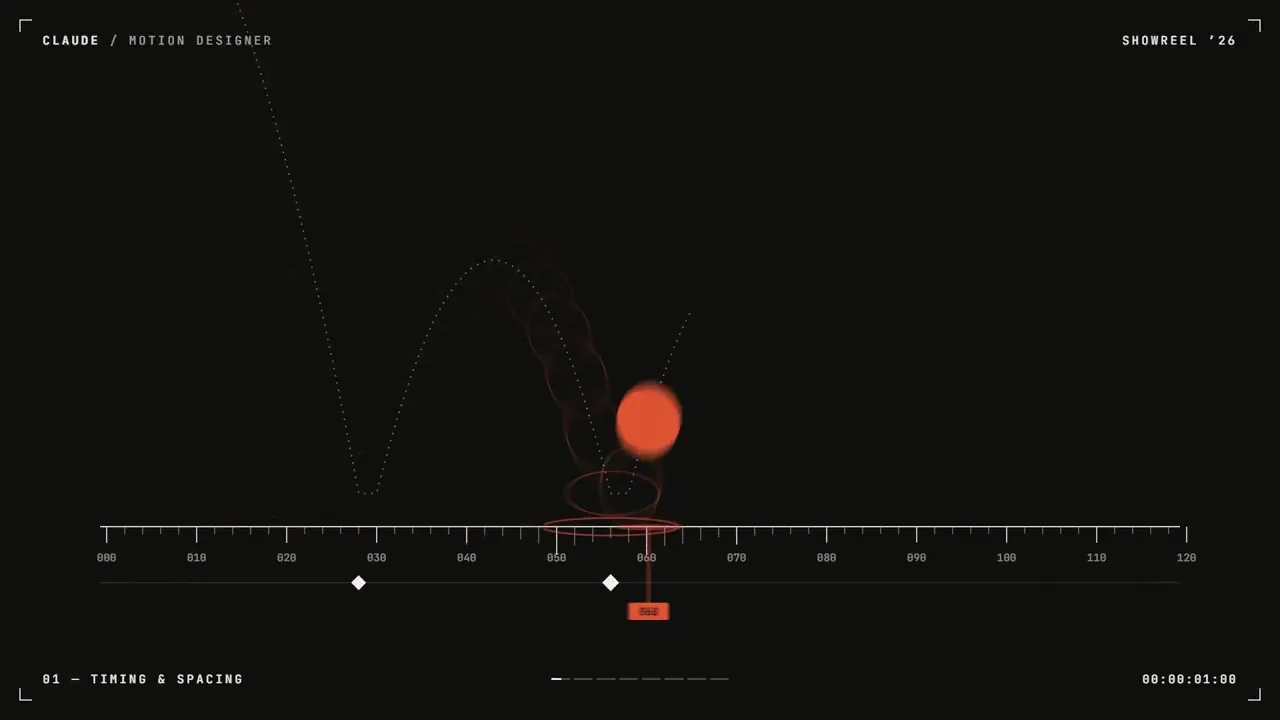
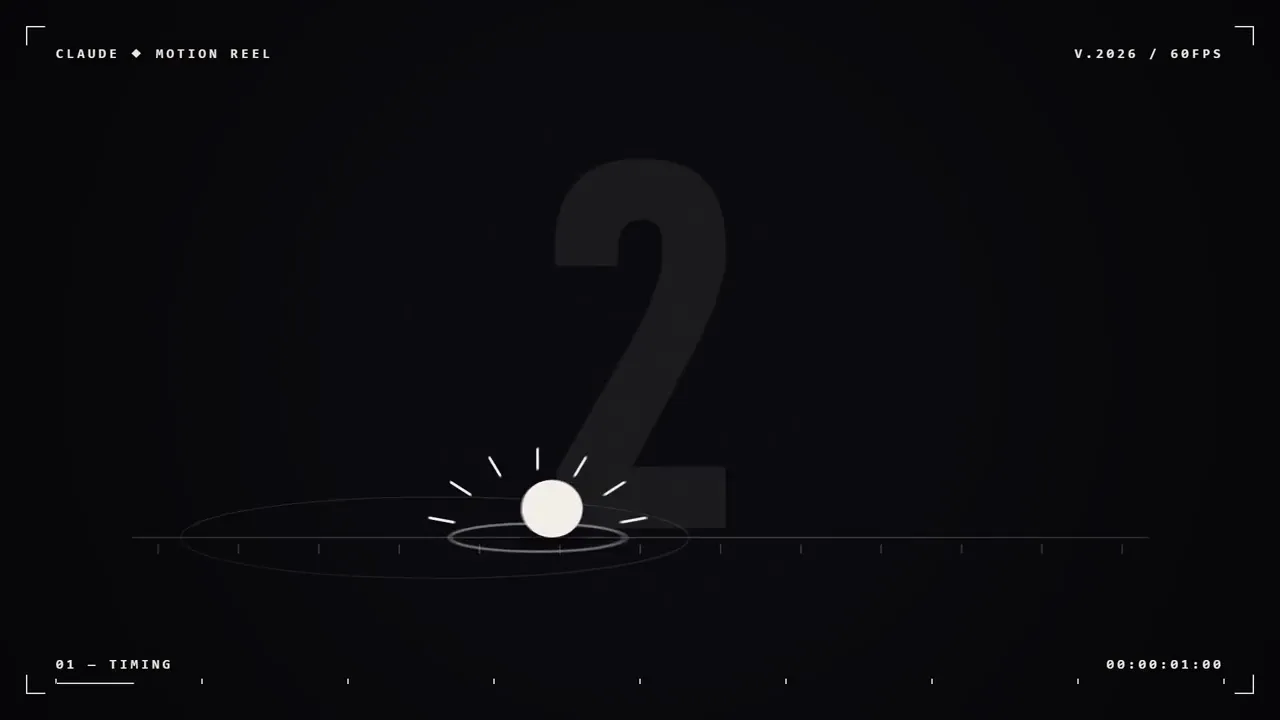
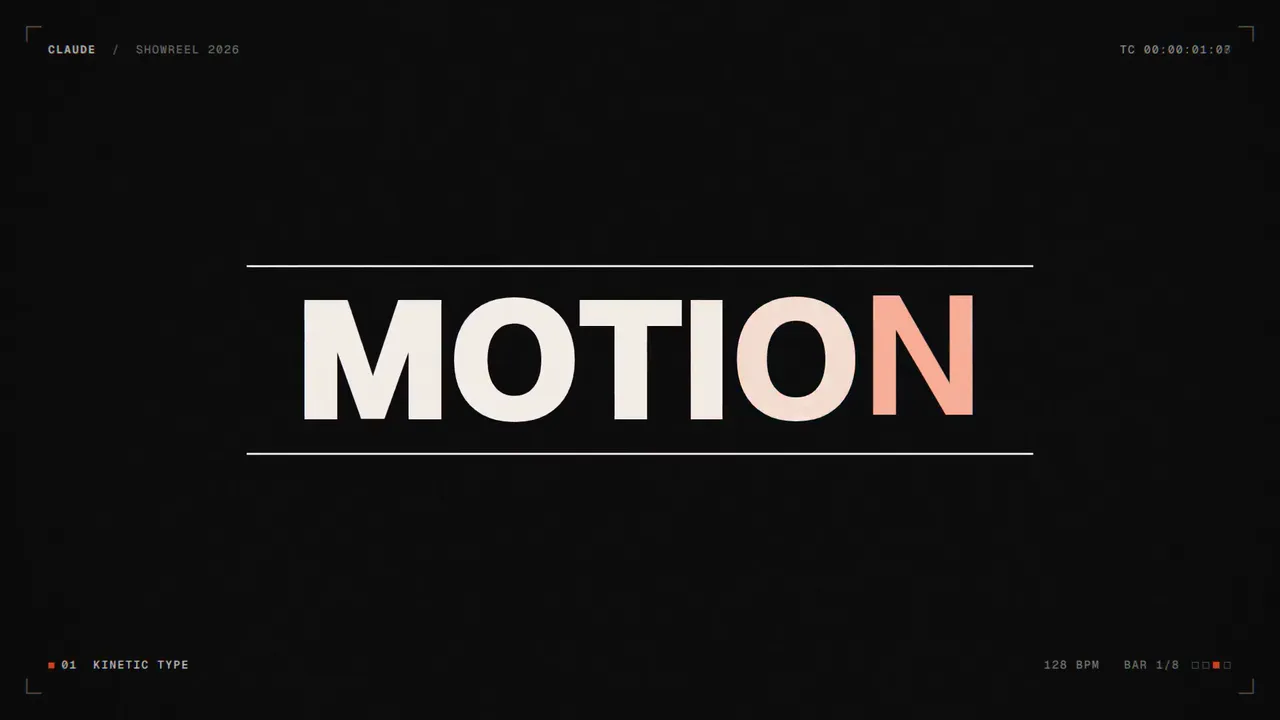
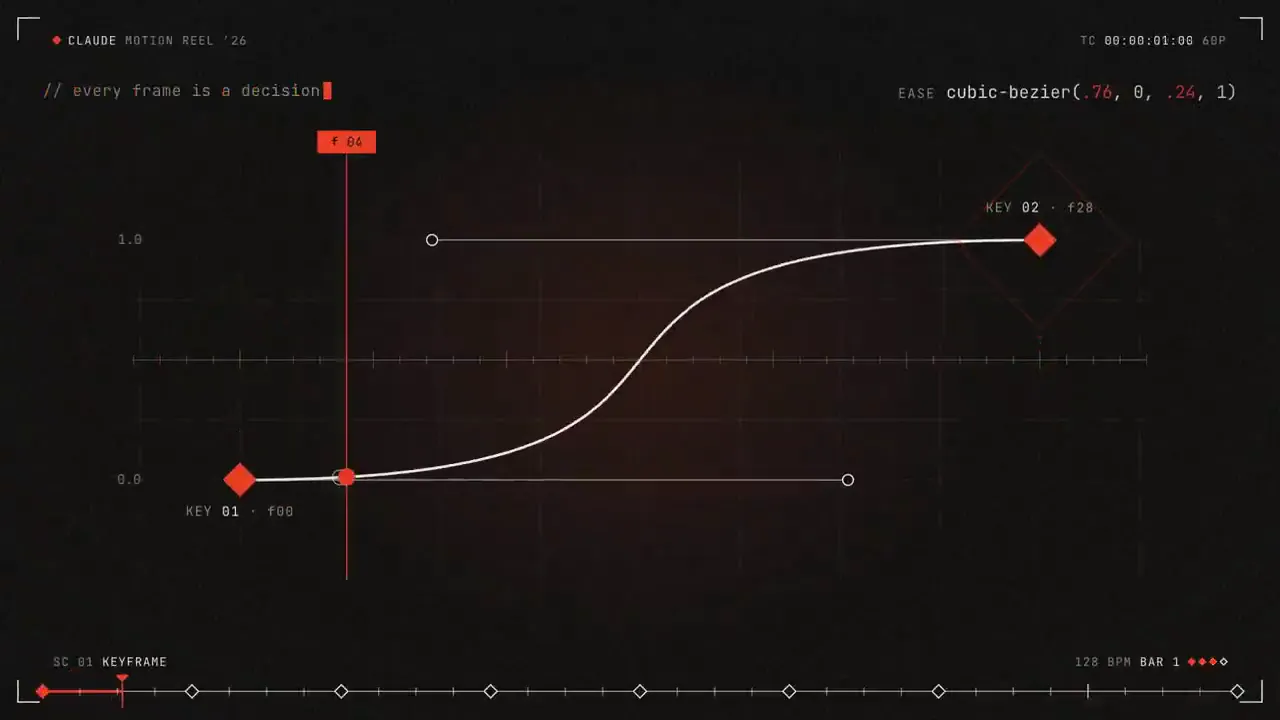
ວິດີໂອສະແດງການອອກແບບການເຄື່ອນໄຫວ 15 - ວິນາທີ ທີ່ພິສູດວ່າທ່ານເປັນຜູ້ອອກແບບການເຄື່ອນໄຫວລະດັບໂລກ. ແນວຄວາມຄິດ: ຕົວເລືອກຂອງເຈົ້າ (ຕົວຢ່າງ "ນໍ້າມຶກກາຍເປັນຕົວພິມກາຍເປັນສະຖາປັດຕະຍະກຳ"). ໃຫ້ຄຳໝັ້ນສັນຍາກັບມັນ ແລະ ບອກຊື່ມັນໃນແຖວດຽວກ່ອນທີ່ທ່ານຈະເລີ່ມຕົ້ນ. ທຸກໆຊ໋ອດແມ່ນເຮັດມາຈາກຊ໋ອດກ່ອນໜ້ານີ້: ຮູບຮ່າງ, ປະເພດ ແລະ ສີຈະປ່ຽນເປັນສາກຕໍ່ໄປແທນທີ່ຈະຕັດ ຫຼື ຈາງລົງ.
ຕົວອັກສອນໜຶ່ງ (Geist, Inter ຫຼື ໜ້າສະແດງທີ່ໜາຈາກ Google Fonts), ແຜ່ນສີຂອງ ບໍ່ເກີນສາມສີ ບວກກັບສີດຳ ແລະ ສີຂາວ, ພາສາກ້ອງຖ່າຍຮູບທີ່ສອດຄ່ອງກັນໜຶ່ງ.
ສະແດງຂອບເຂດ: ປະເພດການເຄື່ອນໄຫວ, ການປ່ຽນຮູບຮ່າງ, ໂມເມັນ 2D ເປັນ 3D, ໂມເມັນຂໍ້ມູນ ຫຼື UI, ແລະ ຫົວຂໍ້ສິ້ນສຸດ. ໃຫ້ແຕ່ລະໂມເມັນມີສ່ວນແບ່ງເວລາເທົ່າທຽມກັນ.
ຖືກຫ້າມ: ການແຕກຂອງອະນຸພາກ, ການສ່ອງແສງ, ແສງໄຟເລນ, ການສັ່ນຂອງກ້ອງຖ່າຍຮູບ, ການແຍກ RGB, ການຈາງລົງ, ການໄລ່ສີທົ່ວໄປ, ການຜ່ອນຄາຍແບບ bouncy, ຄ້າງໄວ້ດົນກວ່າເຄິ່ງວິນາທີ, ສິ່ງໃດກໍ່ຕາມທີ່ເບິ່ງຄືກັບແມ່ແບບ.

120 BPM, ມີບາງສິ່ງບາງຢ່າງເກີດຂຶ້ນໃນທຸກໆຈັງຫວະ.
ແຖບທຳອິດ: ຮຸກ. ຈາກນັ້ນໜຶ່ງເທັກນິກຕໍ່ແຖບ, ແຕ່ລະແຖບໄຫຼອອກມາຈາກແຖບສຸດທ້າຍ. ແຖບສຸດທ້າຍເຕັມ: ຊ່ວງເວລາທີ່ແຮງທີ່ສຸດ. ແຖບເຄິ່ງສຸດທ້າຍ: ຈົບຫົວຂໍ້, ແລະເຟຣມສຸດທ້າຍກົງກັບເຟຣມທຳອິດເພື່ອໃຫ້ມັນວົນຊ້ຳ.

1. ໄຟລ໌ HTML ໜຶ່ງໄຟລ໌ທີ່ 1920x1080. ທຸກໆແບບແມ່ນຄິດໄລ່ຈາກເວລາພາຍໃນ window.seek(t): ບໍ່ມີພາບເຄື່ອນໄຫວ CSS, ບໍ່ມີໂມງຈັບເວລາ, ບໍ່ມີສະຖານະທີ່ເກັບໄວ້ລະຫວ່າງເຟຣມ.
2. ໃຊ້ spring ແລະ exponential easing ທີ່ຂຽນເປັນຟັງຊັນຂອງເວລາ. Blur ຕິດຕາມຄວາມໄວ ແລະ ທິດທາງໃນການເຄື່ອນທີ່ໄວ.
3. ຂຽນເພງປະກອບໃນລະຫັດດ້ວຍ Web Audio API (OfflineAudioContext): ການເຕະທຸກໆຈັງຫວະ, ການລຸກຂຶ້ນສູ່ແຖບເຕັມສຸດທ້າຍ, ການຕີໃນແຕ່ລະການປ່ຽນແປງຂອງສາກ. ສະແດງມັນເປັນ WAV.
4. ເຣນເດີດ້ວຍ Playwright ທີ່ 60fps, 3 ຊັບເຟຣມຕໍ່ເຟຣມປະສົມກັບ ffmpeg tmix ສຳລັບ motion blur, ຈາກນັ້ນ mux ສຽງ.
5. ກ່ອນການສະແດງຜົນເຕັມຮູບແບບ, ໃຫ້ສະແດງຜົນໜຶ່ງເຟຣມຕໍ່ຈັງຫວະ ແລະ ເບິ່ງພວກມັນ. ແກ້ໄຂສິ່ງທີ່ບໍ່ເປັນລະບຽບ, ບໍ່ເປັນລະບຽບ, ຊ້ອນກັນ ຫຼື ອ່ານຍາກ.

ບອກຂ້ອຍກ່ຽວກັບແນວຄວາມຄິດ ແລະ ສະແດງ storyboard ແບບ beat-by-beat, ຈາກນັ້ນສ້າງມັນໂດຍບໍ່ຕ້ອງຖາມຂ້ອຍຫຍັງອີກ. ເອົາ MP4 ສຸດທ້າຍໃຫ້ຂ້ອຍ.
A 15-second motion design showreel that proves you are a world-class motion designer. Concept: your pick (e.g. "ink becomes type becomes architecture"). Commit to it and name it in one line before you start. Every shot is made out of the previous one: shapes, type and color transform into the next scene instead of cutting or fading.
One typeface (Geist, Inter or a bold display face from Google Fonts), a palette of at most three colors plus black and white, one consistent camera language.
Show range: kinetic type, shape morphing, a 2D-to-3D moment, a data or UI moment, and an end title. Give each one an equal share of the time.
Banned: particle bursts, glows, lens flares, camera shake, RGB split, crossfades, generic gradients, bouncy easing, holds longer than half a second, anything that looks like a template.

120 BPM, something happens on every beat.
First bar: hook. Then one technique per bar, each flowing out of the last. Last full bar: the strongest moment. Final half bar: end title, and the final frame matches the first so it loops.

1. One HTML file at 1920x1080. Every style is computed from time inside window.seek(t): no CSS animations, no timers, no state carried between frames.
2. Use spring and exponential easing written as functions of time. Blur follows speed and direction on fast moves.
3. Write a soundtrack in code with the Web Audio API (OfflineAudioContext): a kick on every beat, a riser into the last full bar, a hit on each scene change. Render it to WAV.
4. Render with Playwright at 60fps, 3 subframes per frame blended with ffmpeg tmix for motion blur, then mux the audio.
5. Before the full render, render one frame per beat and look at them. Fix anything cluttered, off the beat, overlapping or hard to read.

Tell me the concept and show a beat-by-beat storyboard, then build it without asking me anything else. Give me the final MP4.
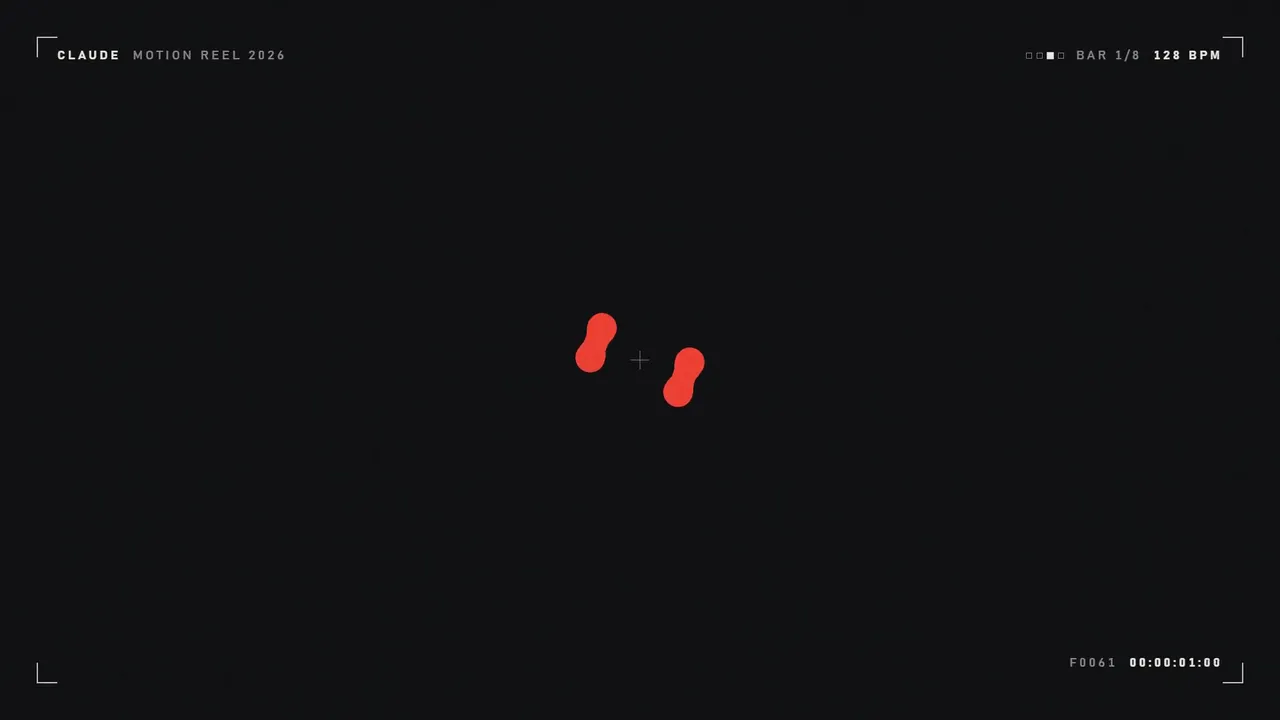
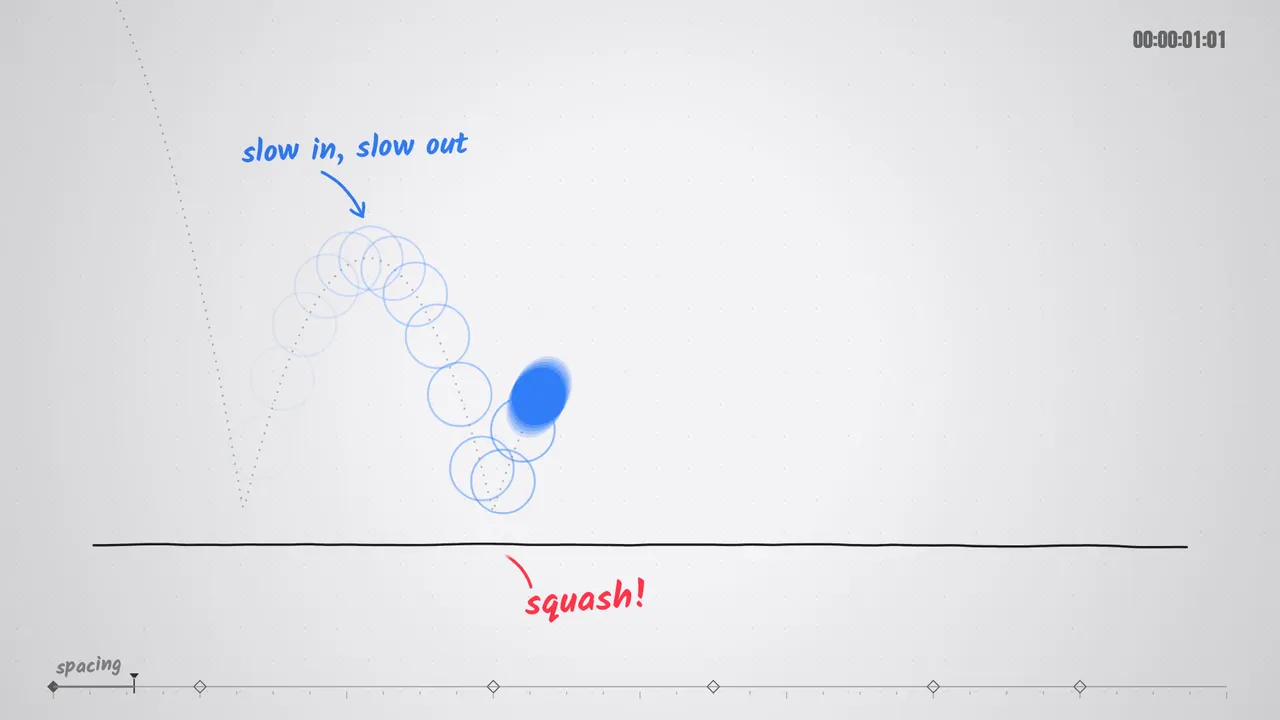
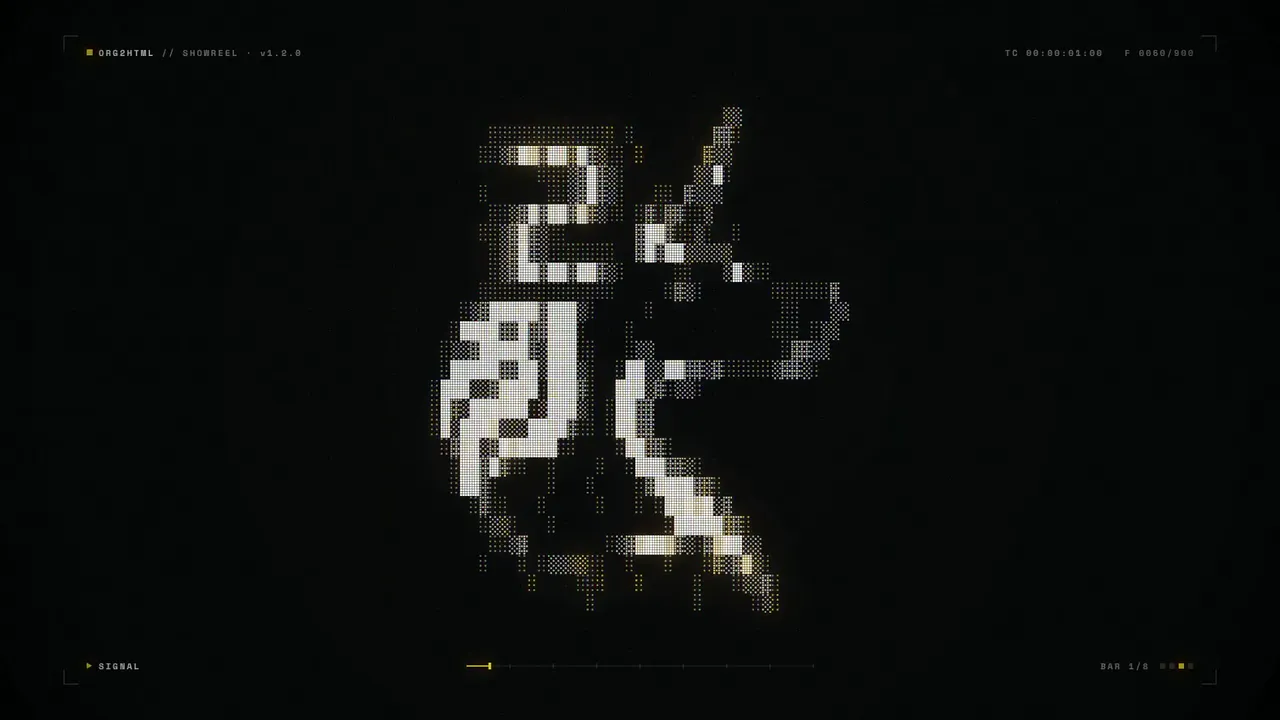
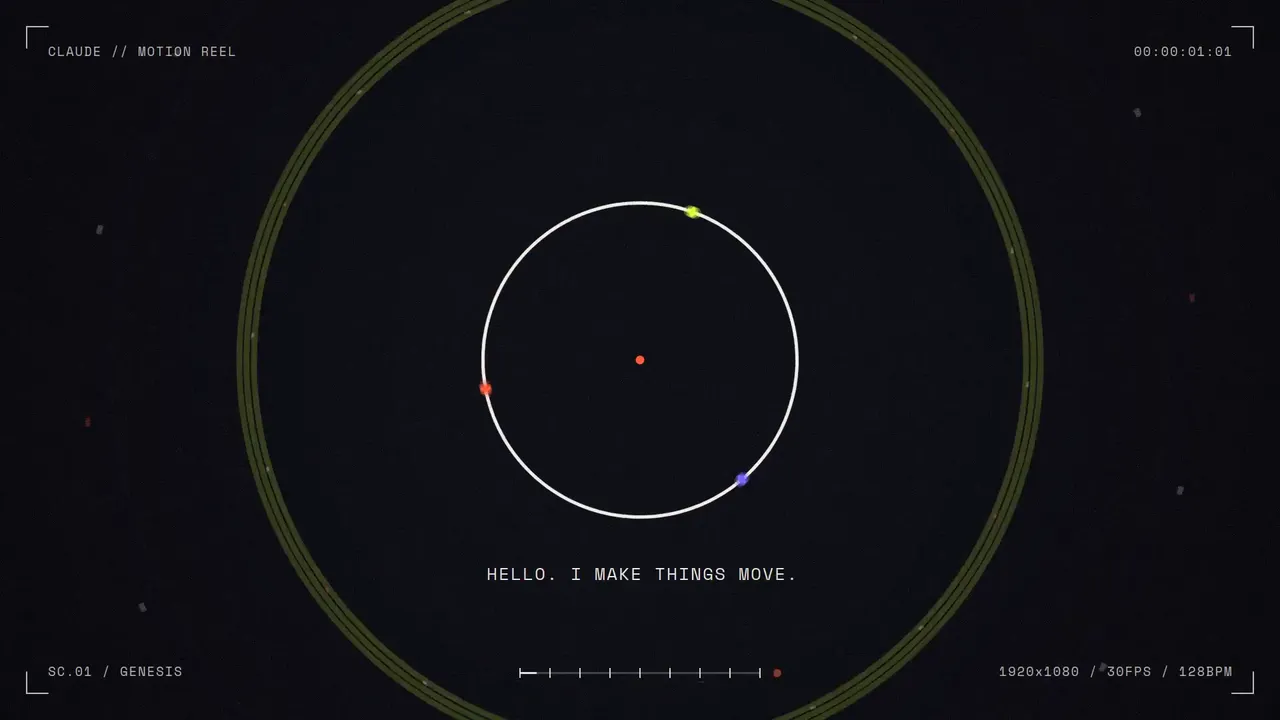
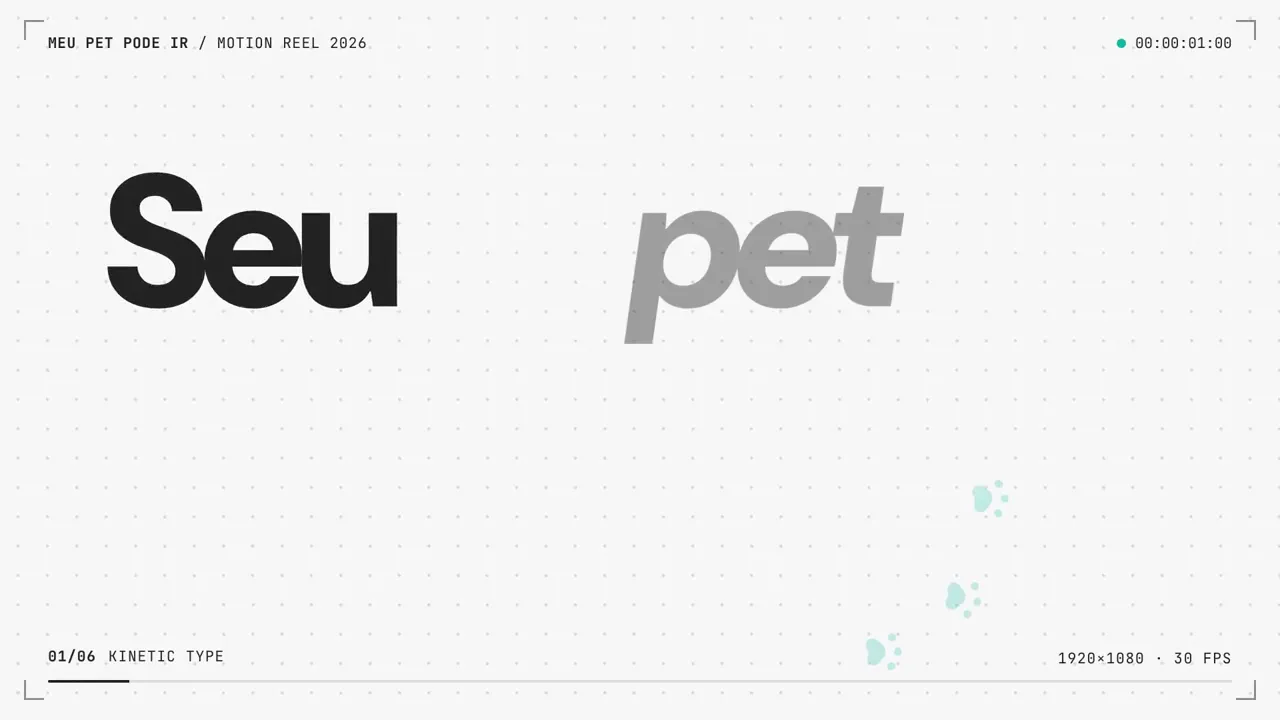
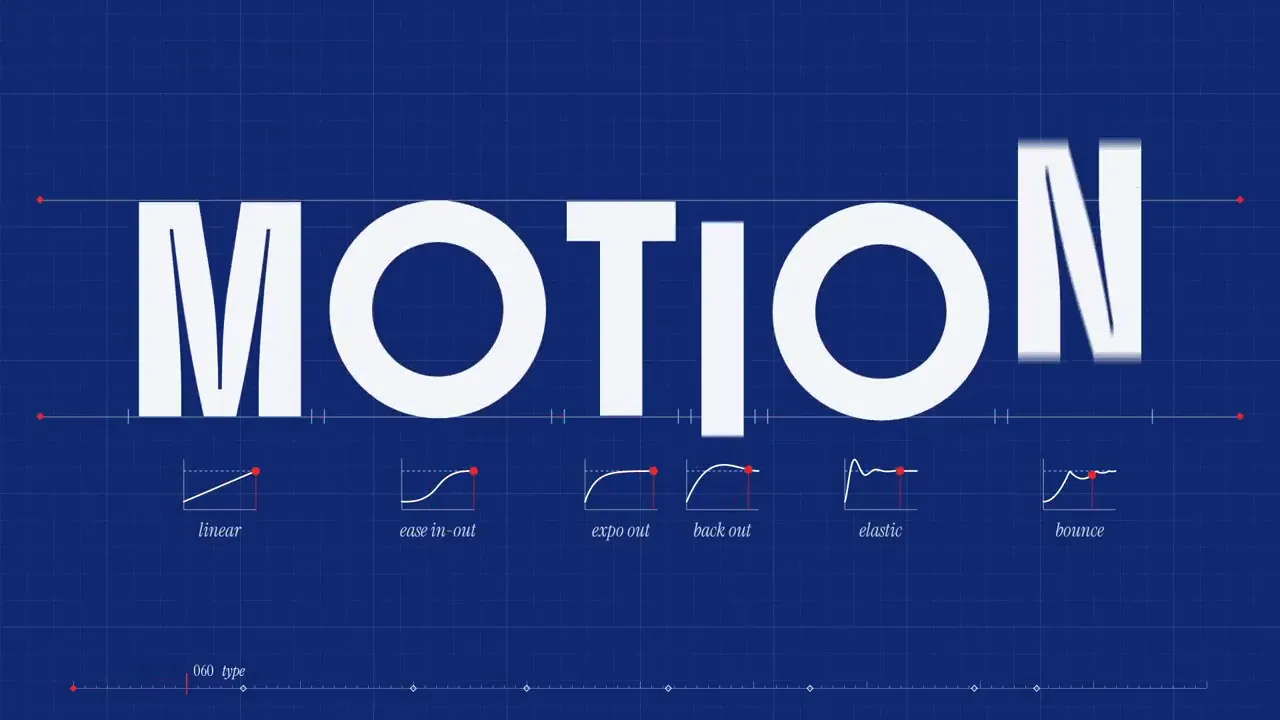
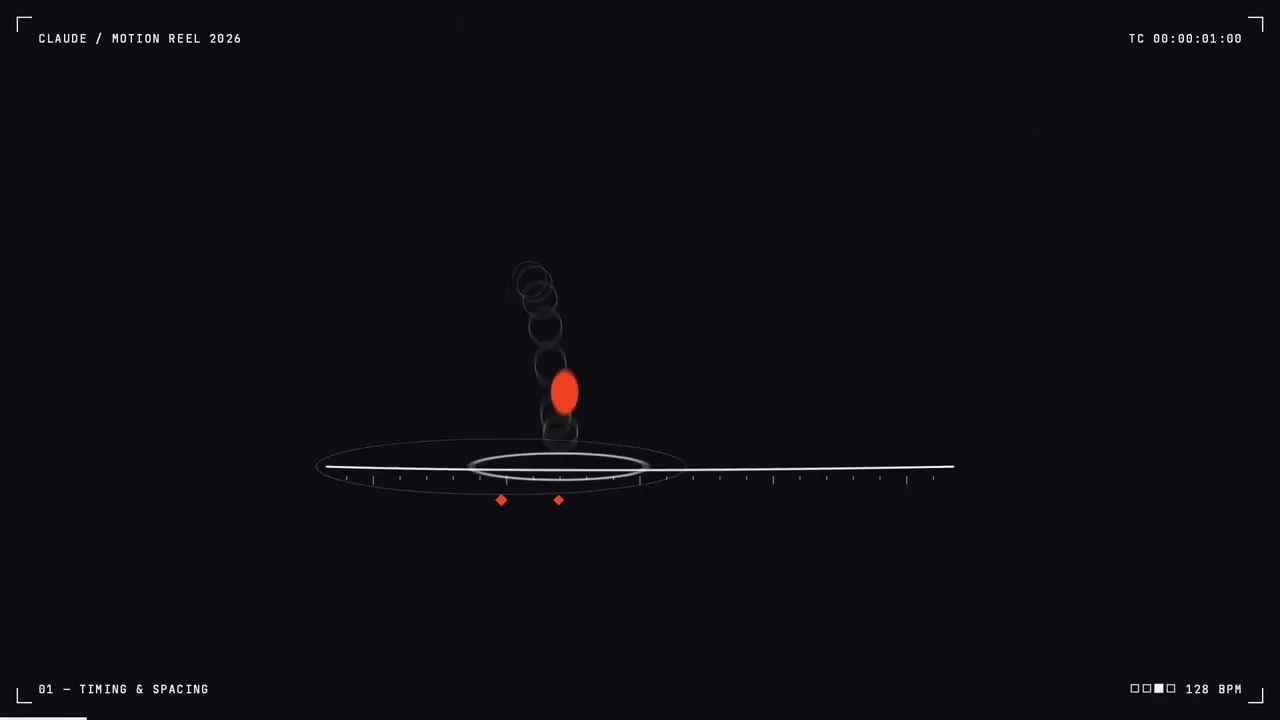
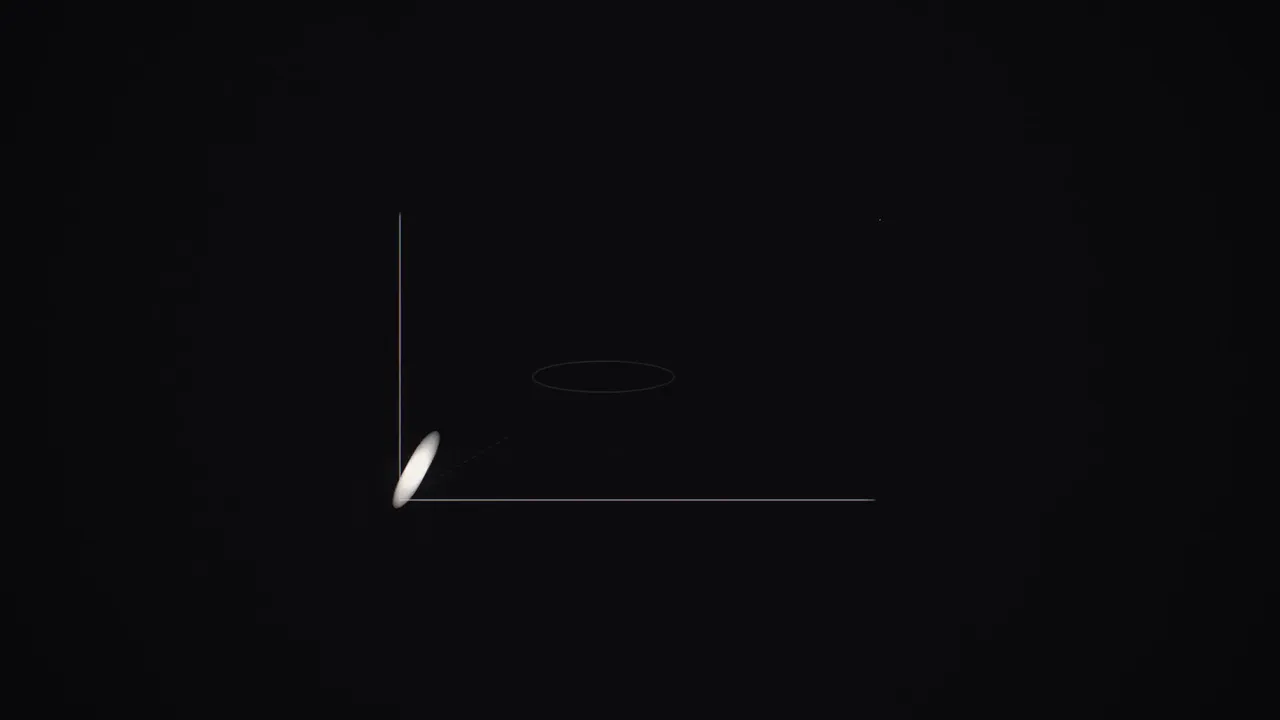
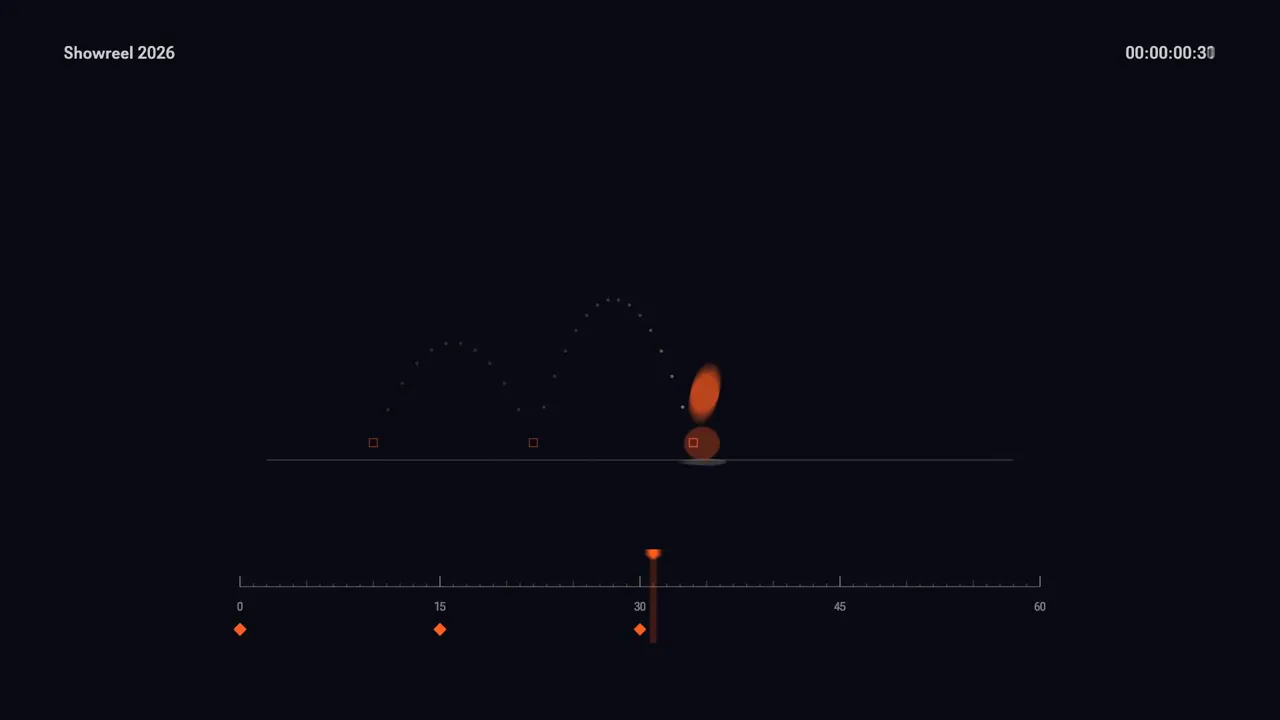
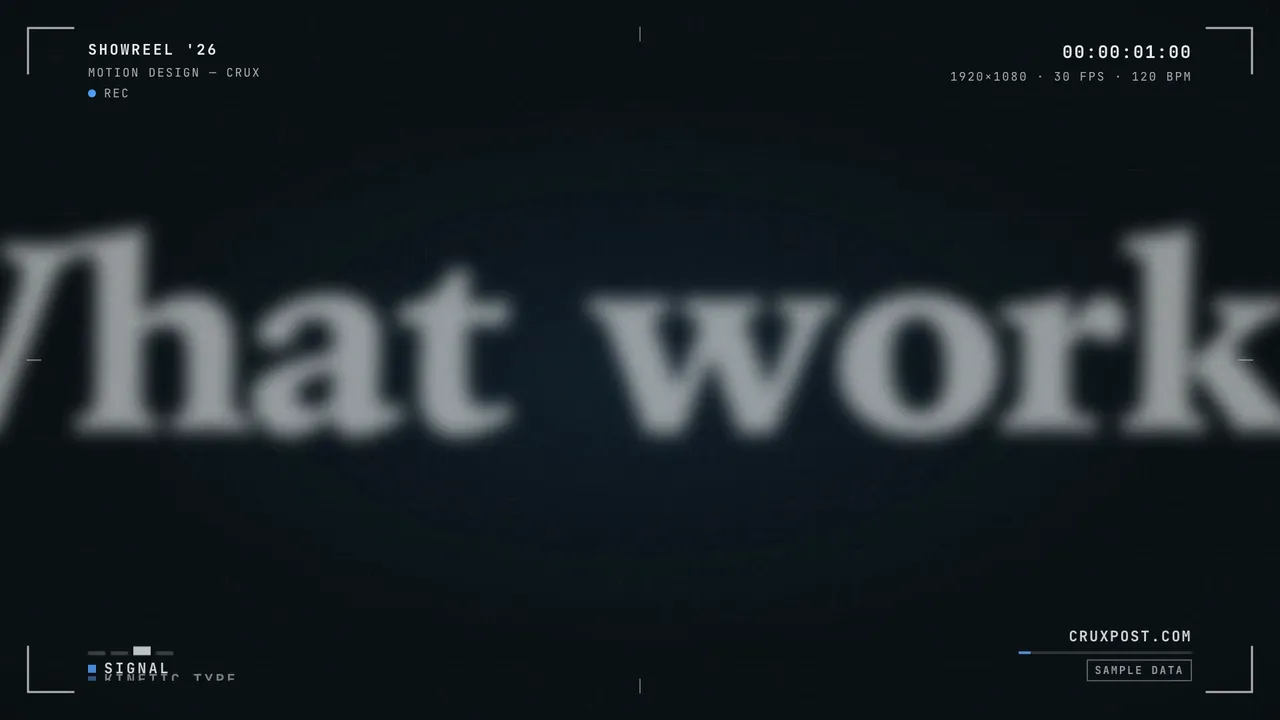
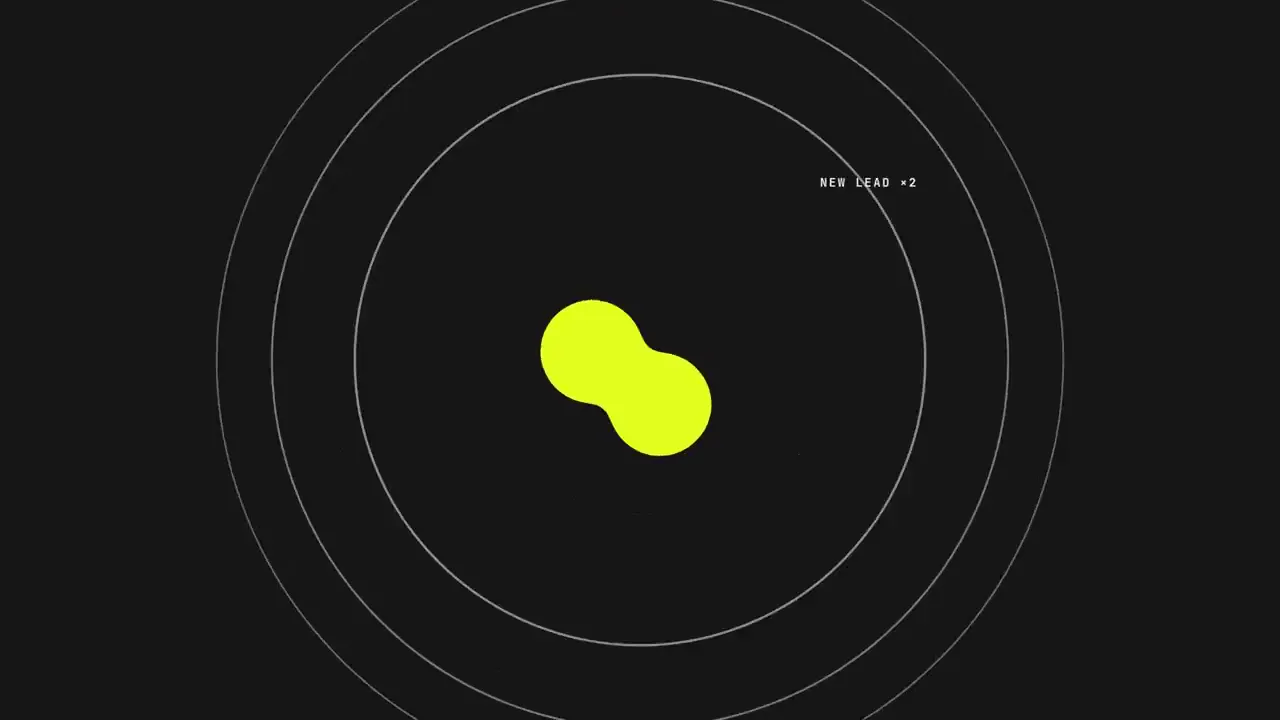
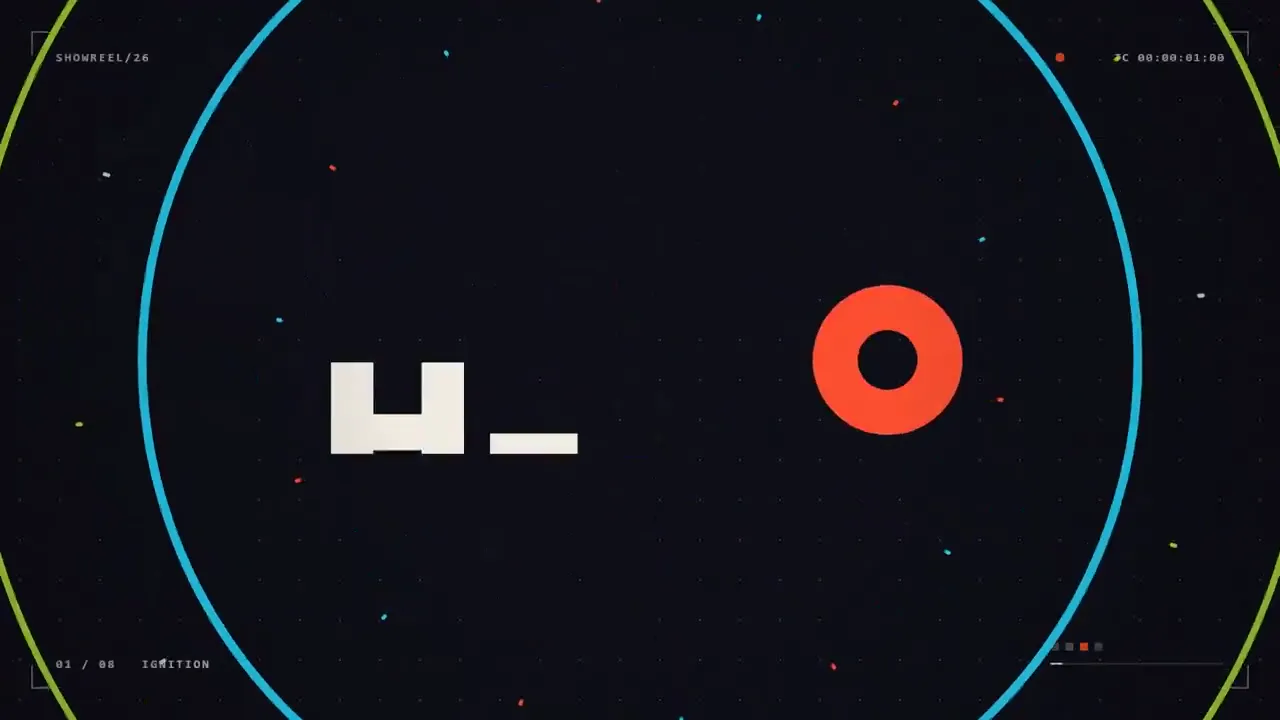
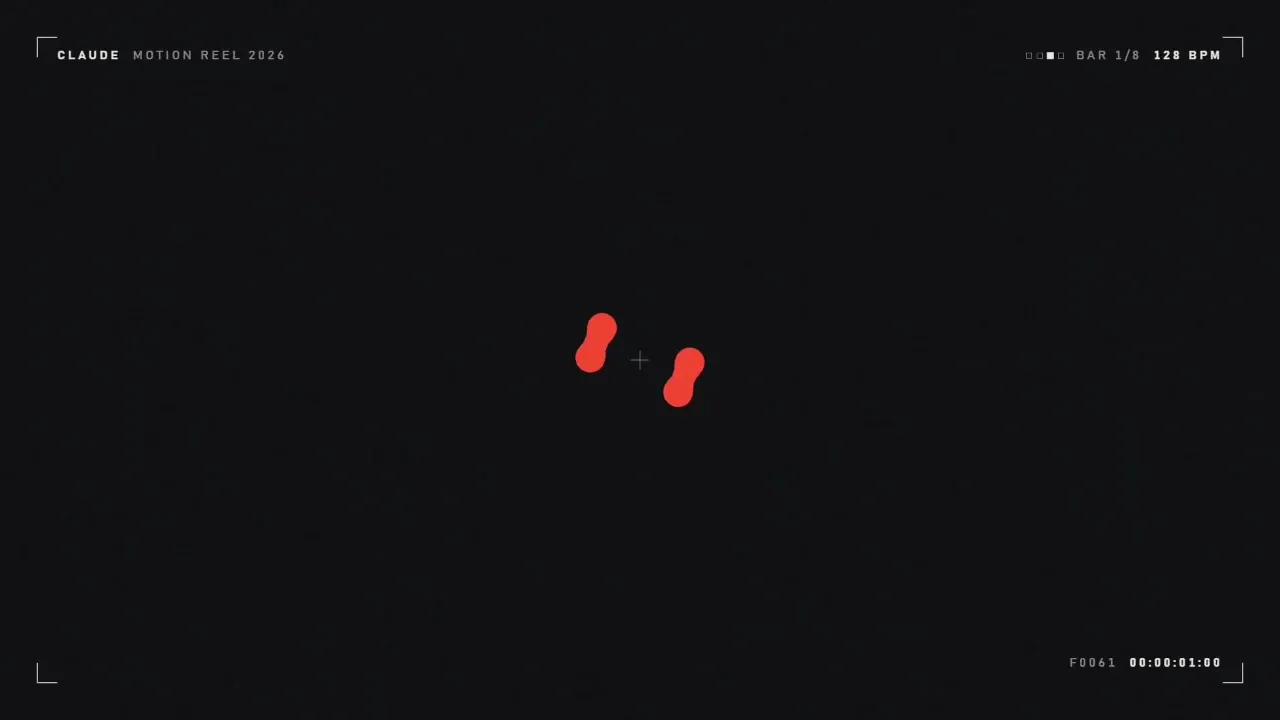
ຜົນໄດ້ຮັບທີ່ດີທີ່ສຸດ: Claude Opus 5.5 ດ້ວຍລະດັບຄວາມພະຍາຍາມສູງສຸດ. ແມ່ແບບໂດຍ Prompt Motion; ວິດີໂອ: ເປີດຕົວໂດຍບໍ່ມີການແກ້ໄຂ.
ສ້າງວິດີໂອແບບນີ້
ສ້າງວິດີໂອແບບນີ້ດ້ວຍຕົວທ່ານເອງ—ລາຄາຖືກກວ່າ API ເຖິງ 7 ເທົ່າ—ດ້ວຍສ່ວນຂະຫຍາຍ Google Chrome ຂອງພວກເຮົາ.. ເຮັດວຽກກັບ Claude ຜ່ານ MCP: ທ່ານອະທິບາຍໜ້າວຽກ, ແລະສ່ວນຂະຫຍາຍຈະຈັດການຂະບວນການສ້າງຈາກການກະຕຸ້ນໄປຫາໄຟລ໌ທີ່ສຳເລັດແລ້ວ. ມັນສ້າງວິດີໂອ, ລວບລວມວິດີໂອ, ໃຫ້ສຽງວິດີໂອ, ແລະແປວິດີໂອ.
 Automation — MCP for Google Flowລະບົບ AI Video Autopilot: Veo 3 ແລະ Google Vids Avatars ຜ່ານ Claude
 TikTok Symphony Creative Studioວິດີໂອ AI, ຮູບແທນຕົວທີ່ສາມາດເວົ້າໄດ້ ແລະ ການພາກສຽງ TikTok ຜ່ານ Claude Code
 SeedFlow — Seedance 2.5ການສ້າງວິດີໂອແບບ Batch ໃນ Dreamina: ການກະຕຸ້ນເຕືອນ Seedance ລະບຸສ່ວນຂະຫຍາຍ