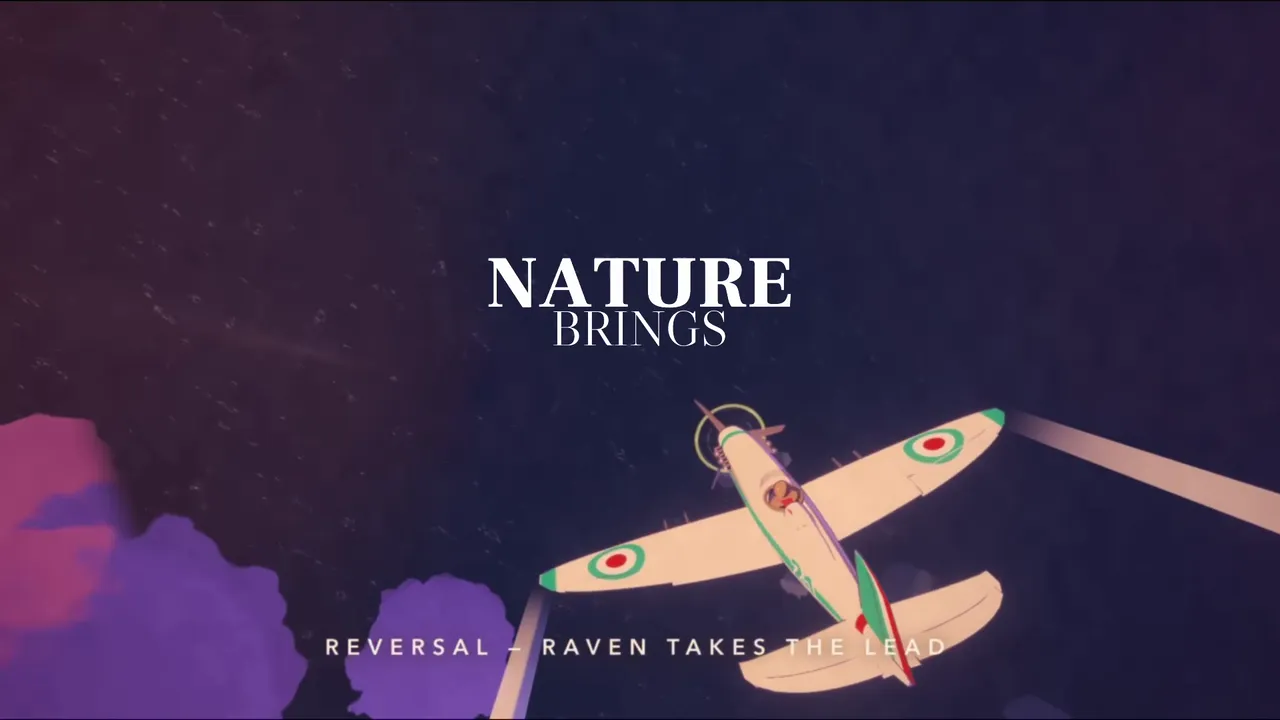
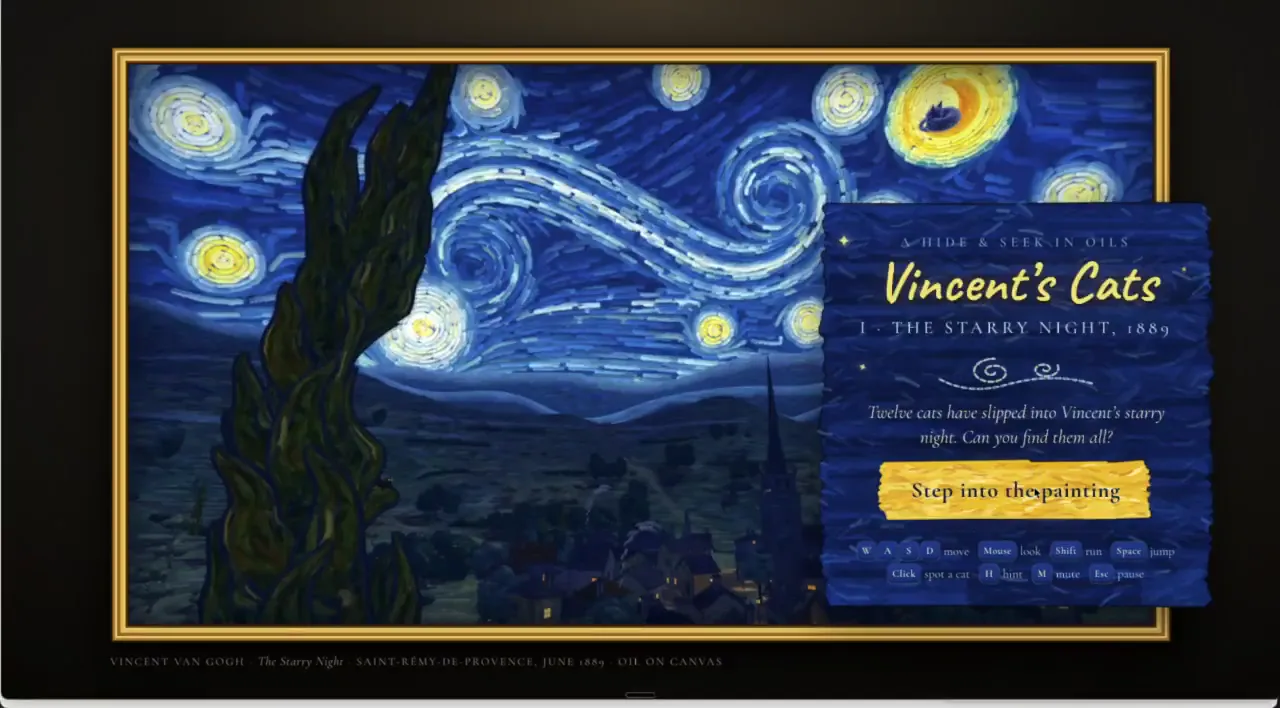
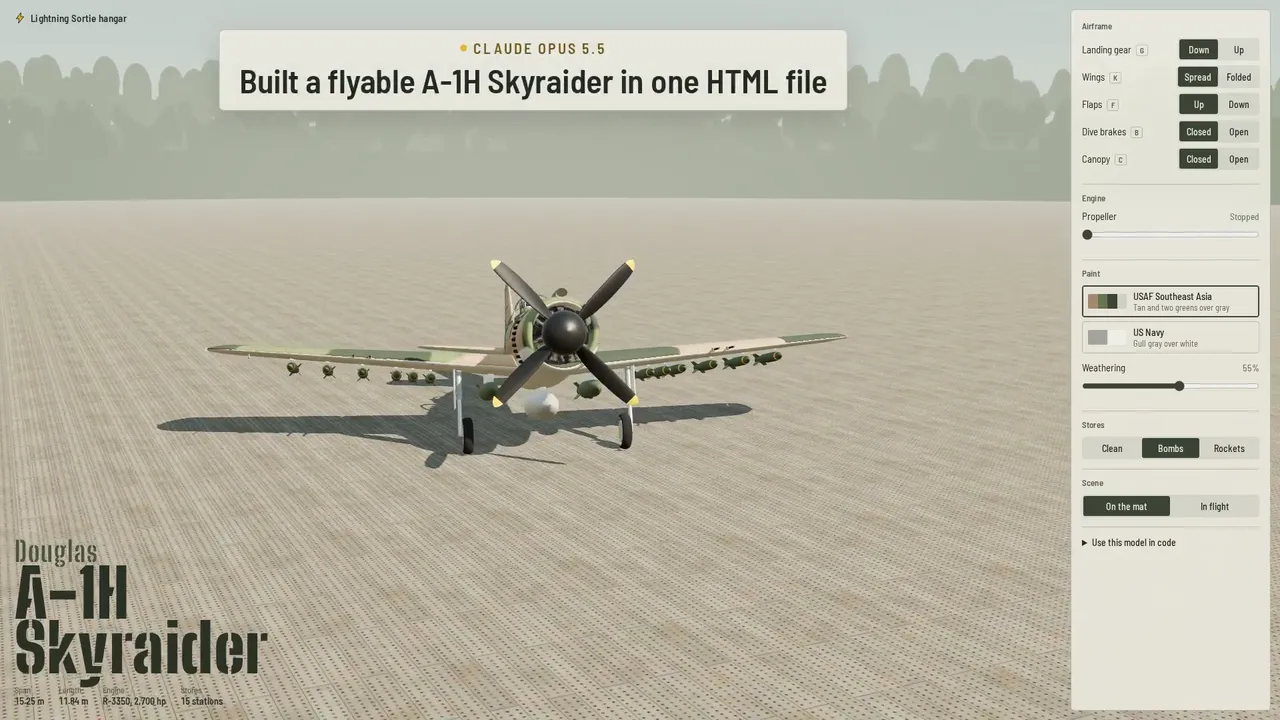
3D nga template
Usa ka template para sa gipauswag nga mga prompt para sa real-time 3D nga mga video gamit ang three.js. Gi-configure para sa Prompt Motion gallery—isulod ang imong kaugalingong istorya.
Gipauswag nga Prompt
Paghimo og ang Prompt Motion gallery, nga gihanduraw pag-usab isip usa ka 3D nga wanang sa mga video card sa mga kurbadong dingding, isip usa ka kaugalingong HTML nga panid gamit ang three.js.
Estilo: humok nga kahayag sa adlaw ug puti nga wanang sa kaugalingong Prompt Motion: itom ug puti, Geist, usa ka orange nga accent.
Ang pirma nga litrato kay ang pagbira pabalik diin ang mga koridor sa mga baraha moresulta sa mga letra nga PROMPT MOTION nga makita gikan sa ibabaw. I-tukod ang tanan padulong niini.
Kamera: usa ka film camera, dili mga kontrol sa orbit. Ang matag kuha mogamit ug usa ka ginganlan nga lihok (dolly, crane, orbit, push-in, rack focus), hinay-hinay nga pagsulod ug paggawas, ug ang kamera dili gyud moagi sa geometry.
Kahayag ug mga materyales: usa ka yawe, pun-a ug rim nga kahayag nga adunay humok nga mga anino, usa ka mapa sa palibot alang sa mga repleksyon, gabon alang sa giladmon, mga materyales nga gibase sa pisikal nga paagi nga adunay lainlaing mga kabangis, ACES tone mapping. Walay angay nga tan-awon nga sama sa usa ka default nga materyal.
Paglihok: ang mga butang mo-react sa usag usa (ang naigo molihok, ang hapit mosiga), gimaneho sa mga spring o simpleng pisika, dili gyud linear nga mga tweens.
Gidili: default nga mga materyales ug suga, naglutaw nga mga label sa teksto, nagdan-ag sa tanan, usa ka hinay nga nagtuyok nga butang isip tibuok nga ideya, bisan unsa nga morag usa ka tech demo.

Mga pusil, mga tulo ka segundo matag usa:
1. Magbutang og macro sa ngilit sa usa ka kard sa hinay nga kahayag, dayon i-rack ang focus sa video nga nagtugtog niini (usa ka tinuod nga poster gikan sa site). 2. Dolly back: kini usa sa gatusan ka mga kard sa hinay nga kurbadong bungbong, tanan nagtugtog; usa ka balud sa orange nga kahayag ang nagdagan sa bungbong ug ang matag kard gamay nga mokiling samtang kini moagi. 3. Mosaka pataas ug moagi sa bungbong: sa luyo niini, daghang mga bungbong ang nagporma og mga koridor. 4. Usa ka kard ang matangtang, mopadulong sa kamera nga may gibug-aton ug mohusay; ang prompt niini giimprinta sa likod niini ug motaas isip 3D nga tipo, linya por linya. 5. Ang signature shot: ibira pataas ug balik samtang ang orange nga kahayag nagsubay sa O. 6. Ibutang ang wordmark ug prompt-motion.com.

1. Usa ka HTML file, three.js gikan sa CDN, walay build step. I-modelo ang tanan gamit ang code; walay na-download nga mga modelo, ug walay texture gawas sa kaugalingong video posters sa site para sa mga card.
2. Gamita ang MeshPhysicalMaterial, usa ka PMREM environment gikan sa RoomEnvironment, soft shadows, ACES tone mapping ug antialiasing. Idugang lang ang depth of field sa mga shot nga nanginahanglan niini.
3. Kupti ang 60fps sa usa ka laptop.
4. Idugang ang?render mode diin ang matag frame gikompyut gikan sa oras (seeded randomness, walay orasan), aron kini makuha gamit ang Playwright ngadto sa usa ka MP4 sa 1920x1080.
5. Pagkuha og usa ka frame kada shot, tan-awa kini, ug ayoha ang bisan unsang patag, adunay alias, ginunting o lisod basahon.

Ibutang ang shadow bias, o ang mga nawong mahimong striped acne. Hupti nga hugot ang duol ug layo nga mga patag, o ang layo nga mga nawong mokidlap-kidlap. Ibutang ang matag random nga numero, o ang render dili motakdo sa preview.

Ihulagway ang signature shot ug ang shot list sa pipila ka linya, dayon himoa kini nga dili na kinahanglan mangutana pa. Ihatag kanako ang HTML file ug ang 20-segundos MP4 nga nakuha gamit ang?render mode.
Build the Prompt Motion gallery, reimagined as a 3D space of video cards on curved walls, as one self-contained HTML page with three.js.
Style: soft daylight and white space in Prompt Motion's own: black and white, Geist, one orange accent.
The signature shot is the pull back where the corridors of cards resolve into the letters PROMPT MOTION seen from above. Build everything toward it.
Camera: a film camera, not orbit controls. Every shot uses one named move (dolly, crane, orbit, push-in, rack focus), eased in and out, and the camera never passes through geometry.
Light and materials: a key, fill and rim light with soft shadows, an environment map for reflections, fog for depth, physically based materials with varied roughness, ACES tone mapping. Nothing should look like a default material.
Motion: things react to each other (what's hit moves, what's near lights up), driven by springs or simple physics, never linear tweens.
Banned: default materials and lighting, floating text labels, glows on everything, a slowly spinning object as the whole idea, anything that looks like a tech demo.

Shots, about three seconds each:
1. Macro on the edge of one card in soft light, then rack focus onto its playing video (a real poster from the site). 2. Dolly back: it's one of hundreds of cards on a gently curved wall, all playing; a wave of orange light runs along the wall and each card tilts slightly as it passes. 3. Crane up and over the wall: behind it, more walls form corridors. 4. One card unhinges, swings toward the camera with weight and settles; its prompt is printed on its back and lifts off as 3D type, line by line. 5. The signature shot: pull far back and up while the orange light traces the O. 6. Settle on the wordmark and prompt-motion.com.

1. One HTML file, three.js from a CDN, no build step. Model everything in code; no downloaded models, and no textures except the site's own video posters for the cards.
2. Use MeshPhysicalMaterial, a PMREM environment from RoomEnvironment, soft shadows, ACES tone mapping and antialiasing. Add depth of field only on shots that need it.
3. Hold 60fps on a laptop.
4. Add a ?render mode where every frame is computed from time (seeded randomness, no clock), so it can be captured with Playwright into an MP4 at 1920x1080.
5. Capture one frame per shot, look at it, and fix anything flat, aliased, clipping or hard to read.

Set shadow bias, or surfaces get striped acne. Keep near and far planes tight, or distant surfaces flicker. Seed every random number, or the render won't match the preview.

Describe the signature shot and the shot list in a few lines, then build it without asking me anything else. Give me the HTML file and a 20-second MP4 captured with the ?render mode.
Labing maayong resulta: Claude Opus 5.5 nga adunay labing taas nga lebel sa paningkamot. Template ni Prompt Motion; video: paglansad nga walay mga pag-edit.
Paghimo og video nga ingon ani
Paghimo og mga video nga sama niini sa imong kaugalingon—7 ka pilo nga mas barato kaysa sa API—gamit ang among Google Chrome extension.. Motrabaho uban ni Claude pinaagi sa MCP: ikaw ang mohulagway sa buluhaton, ug ang extension modumala sa proseso sa pagmugna gikan sa prompt hangtod sa nahuman nga file. Kini mo-generate og mga video, mo-assemble niini, mo-voice niini, ug mo-translate niini.
 Automation — MCP for Google FlowAI Video Autopilot: Veo 3 ug Google Vids Avatars pinaagi ni Claude
 TikTok Symphony Creative StudioMga video sa AI, mga avatar nga nagsulti ug TikTok dubbing pinaagi sa Claude Code
 SeedFlow — Seedance 2.5Paghimo og batch video sa Dreamina: Seedance prompt nagtino og extension